Your store numbers, finally in one place
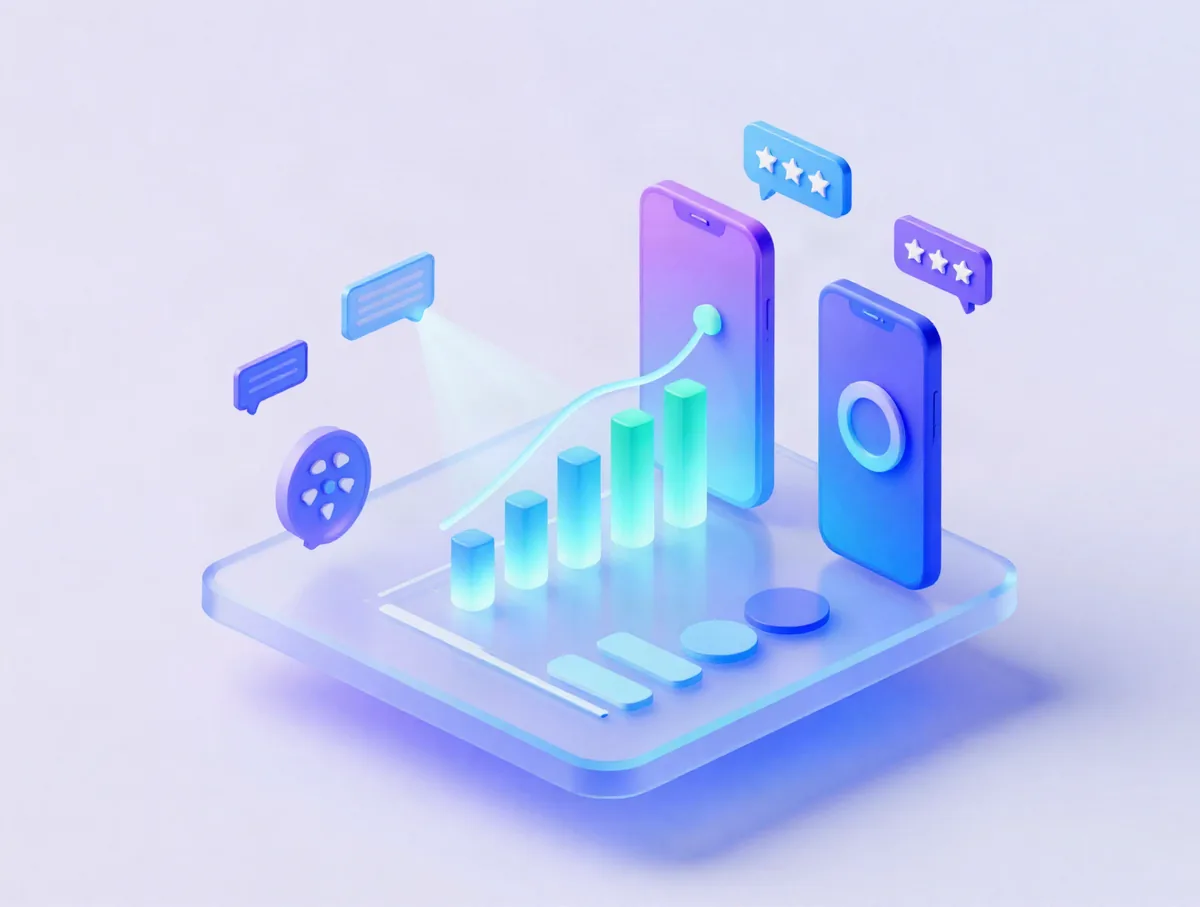
Connect App Store Connect and Google Play Console once. See downloads, revenue, proceeds, subscriptions, ratings and reviews for every app, reply to reviews, and track the keywords that bring installs.
The free plan connects up to 5 apps and never expires. No card needed.
The problem
Your numbers live in two consoles that do not talk
- App Store Connect and Play Console report in different units, time zones and delays.
- Reviews arrive in two places and the angry ones go unanswered for days.
- Keyword ranks and competitor numbers need yet another tool.
- Getting a weekly summary to your team means copy and paste.
How AppMetis solves it
One calm dashboard for both stores
- Downloads, revenue, proceeds and subscriptions per app, store and country, with period compare.
- Every review in one inbox, with replies, templates and alerts for 1 and 2 star reviews.
- Daily keyword ranks with movers and best opportunities.
- Competitors' measured installs and charts next to your own numbers.
Connect in minutes
How connecting your stores works
- 01
App Store Connect
Create an API key with the Sales and Reports or Finance role, then paste the Issuer ID, Key ID and the .p8 key file. To reply to reviews from AppMetis, use a role that can respond to reviews, such as Customer Support. - 02
Google Play Console
Invite a service account with report access and add your reports bucket ID, the one that starts with pubsite_prod. - 03
Checked and encrypted
We test the credentials, then store them encrypted with AES-256-GCM. They are never shown again. - 04
Synced every day
Daily syncs bring in new reports. A status page shows the last sync, any error and how to fix it.
Features
Everything an app owner checks every morning
Unified dashboard
Downloads, re-downloads, revenue, proceeds and subscriptions across both stores, per app and country, with period compare.
Reviews inbox
All reviews in one place. Filter by rating, country, language and replied status, and reply with templates.
Keyword tracking
Add keywords per app and country and see daily ranks, history, movers and best opportunities.
Learn moreASO toolkit
Keyword research, competitor keyword gaps and a metadata score for titles, subtitles and descriptions.
Learn moreCompetitor tracking
Measured installs, charts, versions and ratings for competitors, included from the Optimize plan.
AI ASO assistant
Suggestions for titles and descriptions, included from the Optimize plan.
Alerts
Email and in-app alerts for rating drops, review spikes, rank changes and sync problems, as a digest or in real time.
Reports and exports
Scheduled email reports and downloads to CSV or Excel, ready for your team or investors.
Team seats and roles
Invite teammates as admins, members or viewers. Your workspace holds both product lines if you need them.
Competitor context
See competitors with measured installs, not guesses
Market Intelligence data flows into Analytics & ASO, so the apps you compete with show real Google Play install counts next to your own. Here is one, read live from the warehouse.
- Exact Google Play installs with full history
- Daily App Store chart positions
- Version releases and rating changes
Exact lifetime install count from Google Play, global, collected at this app's cadence. A shaded window means no data was collected, it is never filled in.
Your data stays yours
- Store credentials are encrypted at rest and can be removed at any time.
- Connected data is private to your workspace and visible only to the people you invite.
- It is never used to adjust estimates for your own company. Aggregated, anonymized use for estimates happens only if your workspace opts in.
Analytics & ASO questions
What do I need to connect App Store Connect?
An App Store Connect API key with the Sales and Reports or Finance role. You enter the Issuer ID and Key ID and upload the .p8 private key file.
What do I need to connect Google Play Console?
A Google Cloud service account JSON key that has been added as a user in your Play Console account, plus your Cloud Storage bucket ID, which starts with pubsite_prod. You can copy the bucket address from the report download pages in Play Console.
How are my store credentials protected?
Credentials are encrypted at rest with AES-256-GCM and are never shown again after you save them. You can disconnect a store at any time.
Who can see my connected store data?
Only members of your workspace. Connected data is never used to adjust estimates for your own company, and any anonymized, aggregated use to improve estimates happens only if your workspace opts in.
Can I reply to reviews from AppMetis?
Yes, on paid plans. The reviews inbox brings reviews from your connected apps into one place with filters and reply templates, while the Free plan shows reviews read only.
How does keyword tracking work?
You add keywords for each app and country, and AppMetis checks their ranks every day and keeps the history, so you can spot movers and opportunities. Keyword ranks are collected in 10 countries, and the number of keywords you can track depends on your plan.
How much history does Analytics & ASO keep?
The Free plan keeps 90 days of history and paid plans keep unlimited history. How far back the first import reaches depends on what each store makes available.
Are store connections in beta?
Yes. As of November 2026 the App Store Connect and Google Play Console connections are in beta. Data syncs daily, and a status page shows the last sync, any errors and how to fix them.
Keep exploring
Connect your stores in five minutes
Free plan, no card needed. Your data stays private to your workspace.