
- Installs
- —
- Apple does not publish download counts
- Rating
- —
- Ratings
- —
- Version
- 1.4.5
- Updated 20 Jan 2026
- Released
- 5 Sep 2024
- Tracked since 10 May 2026
- Size
- 52 MB
- Needs 15.6
Also on Google Play: All File Reader (1K ratings)
Screenshots



About All File Reader
The description on the store listing
Unlock the Ultimate Document Experience with Our All-in-One PDF Reader, PDF Converter, and All File Reader App!
Key Features:
1. All Document Reader & Viewer:
PDF Reader: Enjoy smooth, fast PDF rendering. Pinch or double-tap to zoom in/out, and easily navigate pages with our intuitive slider or by entering a page number.
Annotations: Highlight, underline, strike through text, add comments, and sticky notes directly on your PDFs.
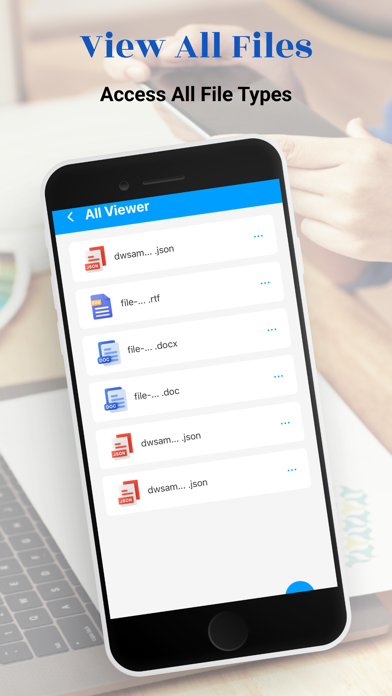
Office File Viewer: View and manage Word, Excel, PowerPoint, and other office formats like TXT, and RTF.
PPT Viewer: Open and view PowerPoint presentations (PPT, PPTX) with fast, stable performance.
Excel Viewer: View and manage Excel sheets (XLS, XLSX) …
Read the full description
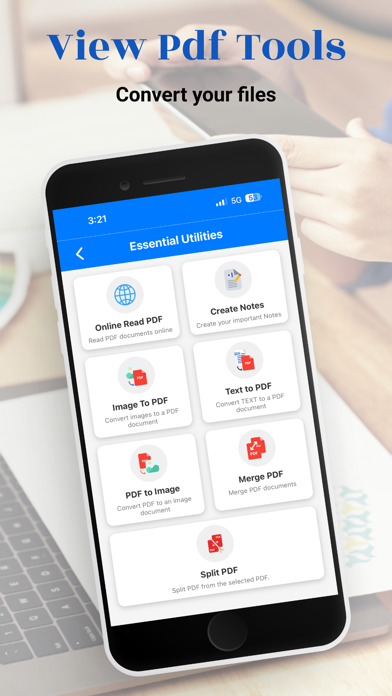
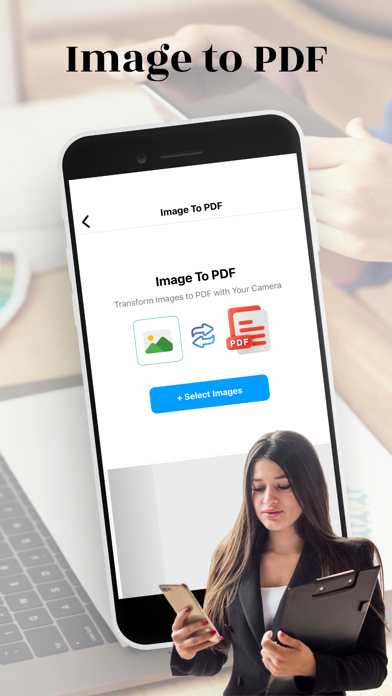
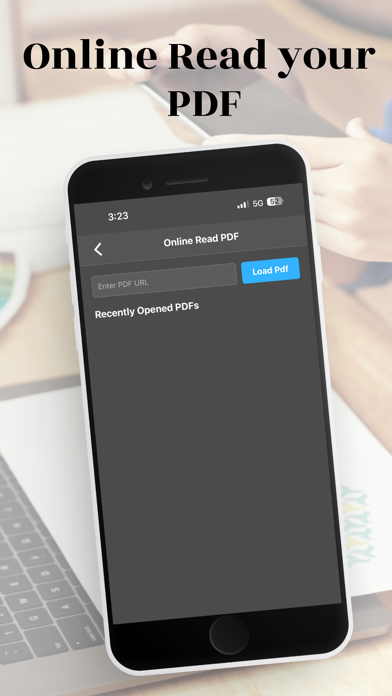
Unlock the Ultimate Document Experience with Our All-in-One PDF Reader, PDF Converter, and All File Reader App! Key Features: 1. All Document Reader & Viewer: PDF Reader: Enjoy smooth, fast PDF rendering. Pinch or double-tap to zoom in/out, and easily navigate pages with our intuitive slider or by entering a page number. Annotations: Highlight, underline, strike through text, add comments, and sticky notes directly on your PDFs. Office File Viewer: View and manage Word, Excel, PowerPoint, and other office formats like TXT, and RTF. PPT Viewer: Open and view PowerPoint presentations (PPT, PPTX) with fast, stable performance. Excel Viewer: View and manage Excel sheets (XLS, XLSX) effortlessly. Text Viewer: Open and edit text files in various formats, including JSON Viewer for easy navigation of JSON files. 2. PDF Converter: Convert to PDF: Image to PDF Converter: Instantly convert images (JPEG, PNG) into PDF files. Text Files to PDF: Convert text files (TXT, DOCX) to PDF with a tap. Convert from PDF: PDF to Image Converter: Extract and save PDF pages as high-quality images. PDF to Text: Extract text from PDFs for easy editing. Merge PDFs: Combine multiple PDF files into one seamless document. Split PDF: Effortlessly split a single PDF into multiple files. Extract Pages: Save specific pages from any PDF. 3. Notes Creation & Management: Create Notes: Quickly create, edit, and organize notes directly within the app. Sync Notes: Sync your notes across devices for easy access. 4. File Management: Organize Files: Create folders, rename, delete, and manage all your documents within the app. Recent Files: Quickly access your recently viewed or edited files. Offline Access: Work with your files without an internet connection. 5. Security & Privacy: Data Privacy: No user data collection; all processing is done securely on your device. Encryption: End-to-end encryption ensures complete privacy for your documents. 6. Additional Features: Online PDF Reader: Open and read PDF files directly from cloud services without downloading them. Night Mode: Switch to night mode for comfortable reading in low-light conditions. Upcoming Features: Support for more formats like RAR, ZIP, MOBI, HTML, along with enhanced document editing capabilities. Password Protection: Secure your PDFs by adding or removing passwords. Watermarking: Add custom watermarks to your PDFs. Compress PDF: Reduce file size for easier sharing. PDF to Word: Convert PDF documents into editable Word files (DOCX). PDF to Excel: Convert PDF tables into Excel spreadsheets. Web Pages to PDF: Convert web pages (HTML) into PDFs for offline viewing. Office Files to PDF: Easily convert Word, Excel, and PowerPoint files to PDF format. Subscription: Get unlimited access to all features, including prank sounds, fake calls, and stickers with our Premium Membership: $1.99 per week or $29.99 per year. Subscription Details: Prices are for U.S. customers and may vary by country. Payment is charged to your Apple Store Account at purchase. Auto-renews unless turned off 24 hours before the current period ends. Manage or cancel subscriptions in your Apple Store Account Settings. Why Choose Our App? Comprehensive Document Viewer: Supports PDF, DOC, DOCX, XLS, XLSX, PPT, TXT, PNG, JPG, RTF, and more. All-in-One File Viewer: View PDFs, Office files, images, and more with one app. Offline Access: No internet required, read documents anytime, anywhere. Simple File Management: Easily search, organize, and manage your files with a clear and intuitive interface. Bookmarking: Bookmark your favorite documents for quick access. Download Now and Transform Your Document Management! Whether you need a PDF reader, file converter, or a comprehensive document viewer, our app is your ultimate solution. Download now and experience the convenience of managing all your files in one place!
Installs
Apple does not publish download counts. Estimates are in testing.
We publish iOS estimates only after they pass a back-test against real numbers. Chart history below is measured.
Estimated store revenue Estimated Beta
App Store, worldwide, monthly rate from the last 12 chart days to 19 Nov 2026
Below the top 100 grossing apps in the markets we calibrate. In the United States that usually means under about $6.4M a month. App Store purchases and subscriptions only, before Apple's 15 to 30% fee. Ads and web payments are not included.
Ratings
No rating breakdown published for this app.
Recent reviews
Latest public reviews from the store
No reviews in our sample for this app yet.
Top chart positions
Latest App Store chart ranks by country, last 10 days
Not in any tracked top chart in the last 10 days.
All File Reader history
Release, install milestones, listing and store changes
- First released on the store 5 Sep 2024
Update frequency
How often All File Reader ships a new version, month by month
1 updates in the last 12 months. More often than most similar apps: they shipped a median of 0 updates in the same year.
Recent versions
Current version 1.4.5
- Version 1.4.520 Jan 2026
Improve Ui and fixes crashes.
Listing keywords
Words and phrases All File Reader repeats most in its store listing
Top phrases: pdf reader (4), files to pdf (3), pdf converter (3), pdf files (3), text files (3).
Highlighted words also appear in the title. Counts cover the title, short description and description.
Compliance
What the listing and the app package show
- Store status
- Live
- Upkeep
- Updated 20 Jan 2026
- Age rating
- 4+
Apps like All File Reader
 Super VPN: Fast Private ProxyGeek Incorporated★ 4.4
 Hubtel RetailerHubtel Limited★ 4.32
 Monthly Calendar 2022 - CalistOmoboto LLC★ 4.38
 Firstly: To-Do List & PlannerfocusCove LLC★ 4.7
 CBUS 311City of Columbus, Ohio★ 1.8
 Themes for Powerpoint - DesiGNGraphic Node★ 4.22
 iSiloDC & Co.★ 3.82
 Flashlight Pro [Multipurpose LED light]KAVAPOINT★ 3.88
 WiPryOscium LLC★ 2.68
All File Reader: questions and answers
Who makes All File Reader?
All File Reader is published by TapWyze Global LLC.
When was All File Reader last updated?
The latest version (1.4.5) was released on 20 Jan 2026.
Is All File Reader free?
Yes. All File Reader is free to download.
Is All File Reader still available?
Yes. All File Reader is live on App Store as of 10 May 2026.
Track All File Reader and its competitors
Watch any app for new versions, rating drops, chart moves and removals. Free plan, no card.