
- Installs
- —
- Apple does not publish download counts
- Rating
- 4.38
- Ratings
- 16
- 16 reviews
- Version
- 2.42
- Updated 29 Jan 2021
- Released
- 19 Aug 2019
- Tracked since 10 May 2026
- Size
- 11 MB
- Needs 12.0
Screenshots
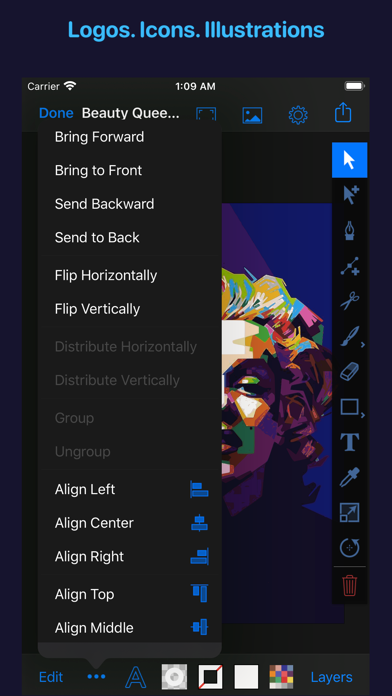
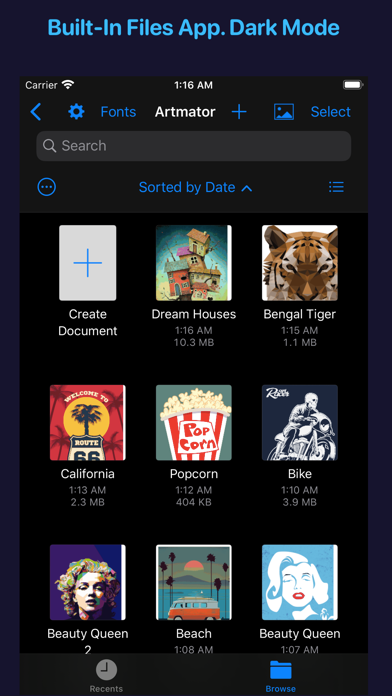
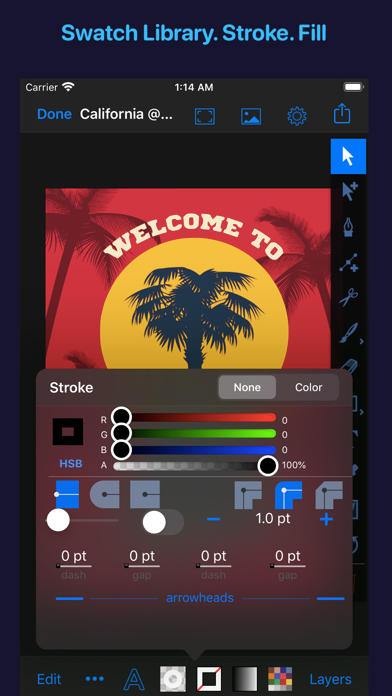
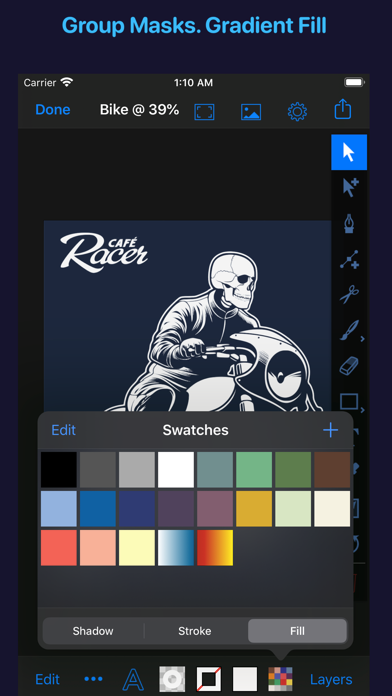


About Artmator
The description on the store listing
Artmator is the most powerful and connected vector drawing and illustration app available on the iPad and on the iPhone with built-in iOS/ iPadOS Files app support.
• Design logos, posters, floor plans, technical drawings, fun fashions, web graphics, illustrations, and many more.
• Built-In iOS/ iPadOS files app integration. Open or create, edit, auto-save vector files from any cloud service provider like dropbox, iCloud, box, etc.
• Multiple Window Support for iPadOS
• System Dark Mode.
• Draw with fabulous shapes, flowing curves, and beautifully rendered text.
• Select, scale, sketch and rotate thousands of objects with zero lag.
• Create arbitrary bezier paths with the Pen tool.
• …
Read the full description
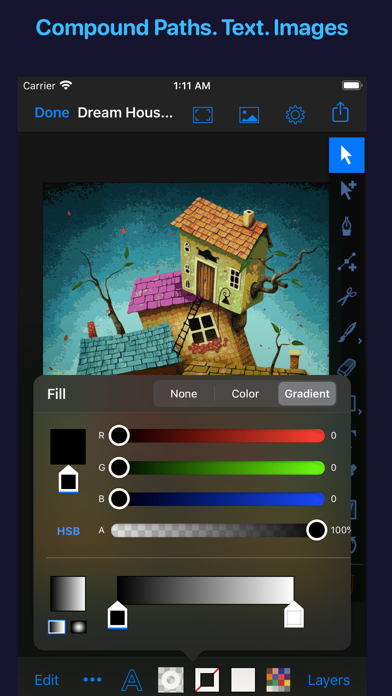
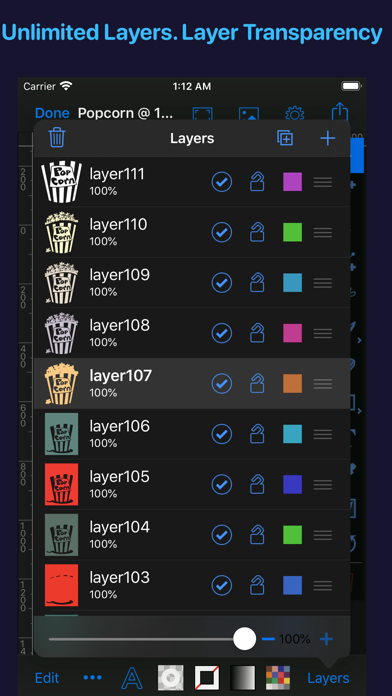
Artmator is the most powerful and connected vector drawing and illustration app available on the iPad and on the iPhone with built-in iOS/ iPadOS Files app support. • Design logos, posters, floor plans, technical drawings, fun fashions, web graphics, illustrations, and many more. • Built-In iOS/ iPadOS files app integration. Open or create, edit, auto-save vector files from any cloud service provider like dropbox, iCloud, box, etc. • Multiple Window Support for iPadOS • System Dark Mode. • Draw with fabulous shapes, flowing curves, and beautifully rendered text. • Select, scale, sketch and rotate thousands of objects with zero lag. • Create arbitrary bezier paths with the Pen tool. • Create compound paths, masks and groups. • Create text objects. • More than 60 keyboard shortcuts for drawing in the editor. • UI elements respond to the cursor on iPadOS 13.4 when connecting a mouse or trackpad. • Place photos from your albums. • Boolean operators on paths (Unite, Intersect, Exclude, Subtract Front, etc.). • Powerful scale and rotate tools. Gradient fills with interactive editing on canvas. • Arbitrary stroke dash patterns. • Swatch library. • Unlimited layers per drawing. • Rename, duplicate, rearrange, delete, hide and lock layers. • Adjust layer transparency or opacity. Snap to grid, points, and path edges. • Isolate the active layer for easy editing. •. Create new drawings in SVG (.svg) or in Artmator (.inkpad) format. • Email drawings as SVG, PDF, PNG and JPEG. • Duplicate in place. • Anchor tool and scissors tool (path splitting). • Outline editing mode. • Increase maximum zoom to 6400%. • Maximum font size 200 pt available. • Accurate and responsive freehand tool. • Reverse gradients (swipe left or right on the gradient bar in the fill panel). • Evenly distribute gradient stops (double tap on the gradient bar in the fill panel). • Custom drawing sizes, rulers and units are available. • Convert text to editable paths. • Use text objects also to create masks. • Shape libraries (rounded rectangles, stars, polygons, oval, lines, etc.). • Apply strokes to text. • Dimension lines. • Canvas scale, Rulers, and Units (mm, cm, inches). • Brush and Pencil tools for fluid dawning and sketching. • Color Balance panel, Hue and Saturation panel. • Start a drawing with a photo from the built-in cameras. • Distribute objects horizontally and vertically. • Spiral ToolObject blending modes (Multiply, Overlay, Screen, etc.). •. Touch ID/ Face ID Support. • Tweet drawings, Post drawings to Facebook • Desaturate colors, Invert colors • Comprehensive help documentation. If you have any questions/ issues/suggestions then please contact me via email ([email protected]) or on twitter (@Artmatorapp)
Installs
Apple does not publish download counts. Estimates are in testing.
We publish iOS estimates only after they pass a back-test against real numbers. Chart history below is measured.
Estimated store revenue Estimated Beta
App Store, worldwide, monthly rate from the last 12 chart days to 19 Nov 2026
Below the top 100 grossing apps in the markets we calibrate. In the United States that usually means under about $6.4M a month. App Store purchases and subscriptions only, before Apple's 15 to 30% fee. Ads and web payments are not included.
Ratings
16 ratings, 16 reviews
No rating breakdown published for this app.
Recent reviews
Latest public reviews from the store
No reviews in our sample for this app yet.
Top chart positions
Latest App Store chart ranks by country, last 10 days
Not in any tracked top chart in the last 10 days.
Artmator history
Release, install milestones, listing and store changes
- First released on the store 19 Aug 2019
Recent versions
Current version 2.42
- Version 2.4229 Jan 2021
• Updated for iOS 14 and for iPadOS 14 using Xcode 12. • Bug fixes and enhancements. • Help docs updated.
Listing keywords
Words and phrases Artmator repeats most in its store listing
Top phrases: built in ios (2), ios ipados files (2), rulers and units (2), fill panel (2), gradient bar (2).
Highlighted words also appear in the title. Counts cover the title, short description and description.
Compliance
What the listing and the app package show
- Store status
- Live
- Upkeep
- No update since 29 Jan 2021
- Age rating
- 4+
Apps like Artmator
 AITSO - Talking AI ChatbotDrum Starz★ 3.18
 李雷和韩梅梅2023:恋爱养成RPG晖 郑★ 4.5
 SoSkillsSoSkills★ 4.58
 Horror Movie ClassicsMacMillan Interactive Communications, LLC★ 4.84
 GranPlayerLuxza★ 2.68
 CineWisenet★ 4.38
 CGR CinémasThe Boxoffice Company France★ 4.82
 Sound Effects!TMSOFT★ 3.4
 Skill Addicts – Play & LearnSKillAddicts s.r.o★ 4.2
Artmator: questions and answers
Who makes Artmator?
Artmator is published by Amit Chaudhary.
When was Artmator last updated?
The latest version (2.42) was released on 29 Jan 2021.
Is Artmator free?
No. Artmator is a paid app priced at $2.99.
Is Artmator still available?
Yes. Artmator is live on App Store as of 1 Jul 2026.
Track Artmator and its competitors
Watch any app for new versions, rating drops, chart moves and removals. Free plan, no card.