
- Installs
- —
- Apple does not publish download counts
- Rating
- —
- Ratings
- —
- Version
- 2.7.0
- Updated 30 Apr 2026
- Released
- 1 Dec 2017
- Tracked since 10 May 2026
- Size
- 4 MB
- Needs 26.0
Also on App Store: Black Out., Black-out
Screenshots
About Black Out
The description on the store listing
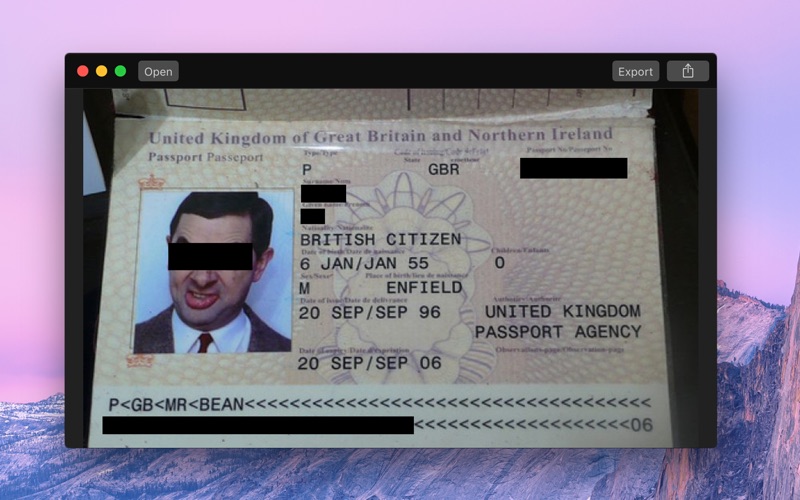
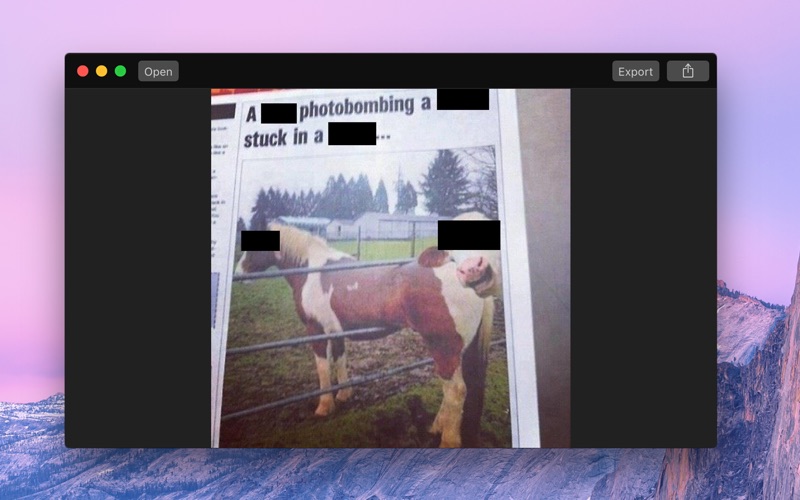
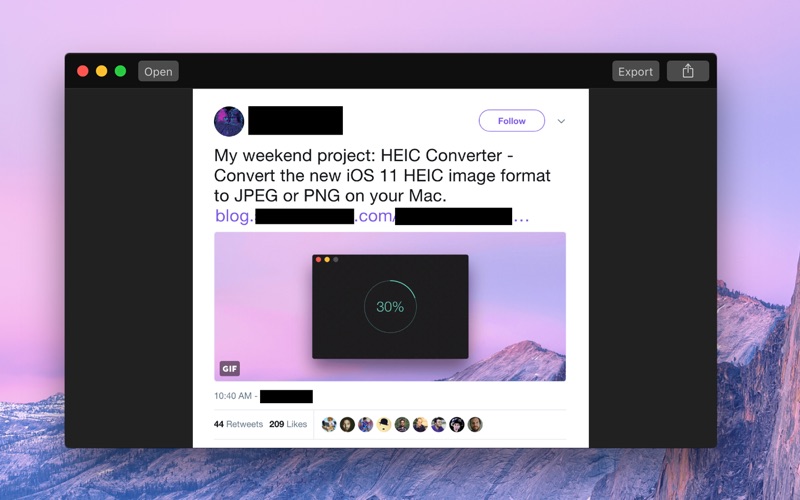
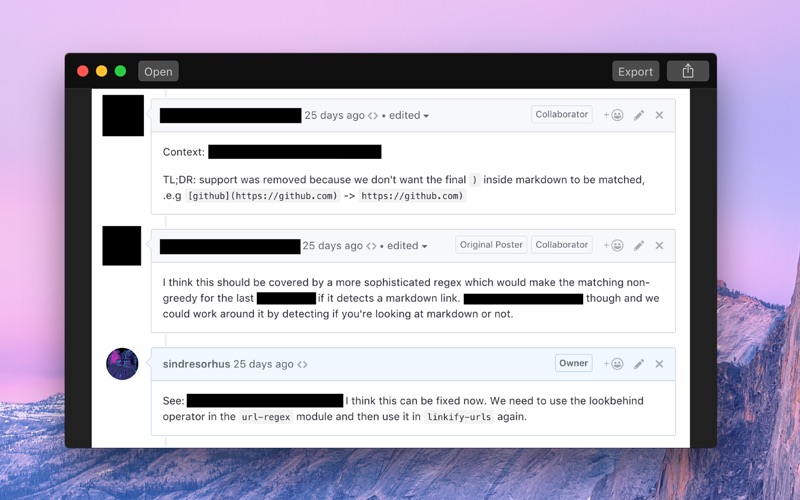
Black Out lets you quickly hide sensitive parts of an image.
This can be useful when you want to post a screenshot or photo on the web that contains some information you don't want to be revealed.
It also removes all metadata, like when and where a photo was captured.
Black Out is intentionally simple. It doesn't have the ability to resize or rotate the black boxes. It's meant as a tool to quickly redact some sensitive information, not to perfect an image. If need something more advanced, you can use Preview or any other graphics editor.
NOTE: Black Out does not and will not support multi-page PDFs. You can open such PDFs, but only the first page will be used.
■ Getting Started …
Read the full description
Black Out lets you quickly hide sensitive parts of an image. This can be useful when you want to post a screenshot or photo on the web that contains some information you don't want to be revealed. It also removes all metadata, like when and where a photo was captured. Black Out is intentionally simple. It doesn't have the ability to resize or rotate the black boxes. It's meant as a tool to quickly redact some sensitive information, not to perfect an image. If need something more advanced, you can use Preview or any other graphics editor. NOTE: Black Out does not and will not support multi-page PDFs. You can open such PDFs, but only the first page will be used. ■ Getting Started Either: - Drag and drop an image onto the window - Drag and drop an image on the Dock icon - Click the Open button and choose an image - Right-click an image in Finder and choose Black Out in the "Open With" menu - Paste in an image from another app or Finder (Click "Paste" in the "Edit" menu or press Command+V) Then click and drag to create black boxes over the parts of the image you want to hide. You can move a box around by dragging it. When you’re happy with the result, click the Export button to save your new redacted image. You can also copy the redacted image (Click "Copy" in the "Edit" menu or press Command+C) for use in another app, or paste it into a directory in Finder. You can export to PNG, JPEG, or HEIC. Tip: Black Out comes with a Quick Action. To use it, right-click an image in Finder, select “Quick Action › Customize…”, enable the Black Out extension, and then go back to the “Quick Action” menu item. ■ Frequently Asked Questions ‣ Does it support PDF? You can open a PDF document, but it will only load the first page and you have to export it as an image. It's almost impossible to reliably export redacted PDFs. ‣ Can you support blurring and pixelation? Blurring and pixelation are intentionally not supported as they can sometimes be reversed (Search for "blurring sensitive" on Google). The only reliable way to redact something is to put a black box over it. ‣ I can already do this in the Preview app! You can do this in any graphics app. The point of this app is to make the task super easy to do. Most graphics apps, like Preview, Pixelmator, and Photoshop, preserve metadata, which means you could accidentally leak information like the capture location. Black Out strips out all metadata. Black Out also comes with a Quick Action extension, which lets you redact an image directly from Finder, Mail, Notes, and other apps supporting that. ■ Support Click the “Send Feedback” button in the “Help” menu in the app.
Installs
Apple does not publish download counts. Estimates are in testing.
We publish iOS estimates only after they pass a back-test against real numbers. Chart history below is measured.
Estimated store revenue Estimated Beta
App Store, worldwide, monthly rate from the last 13 chart days to 20 Nov 2026
Below the top 100 grossing apps in the markets we calibrate. In the United States that usually means under about $6.4M a month. App Store purchases and subscriptions only, before Apple's 15 to 30% fee. Ads and web payments are not included.
Ratings
No rating breakdown published for this app.
Recent reviews
Latest public reviews from the store
No reviews in our sample for this app yet.
Top chart positions
Latest App Store chart ranks by country, last 10 days
Not in any tracked top chart in the last 10 days.
Black Out history
Release, install milestones, listing and store changes
- First released on the store 1 Dec 2017
Update frequency
How often Black Out ships a new version, month by month
1 updates in the last 12 months. More often than most similar apps: they shipped a median of 0 updates in the same year.
Recent versions
Current version 2.7.0
- Version 2.7.030 Apr 2026
- The app now requires macOS 26. You can get the last macOS 15 compatible version from the app's website.
Listing keywords
Words and phrases Black Out repeats most in its store listing
Top phrases: quick action (4), blurring and pixelation (2), click an image (2), comes with quick (2), drag and drop (2).
Highlighted words also appear in the title. Counts cover the title, short description and description.
Compliance
What the listing and the app package show
- Store status
- Live
- Upkeep
- Updated 30 Apr 2026
- Age rating
- 4+
Apps like Black Out
 AI Cut - Photo Generate & EditBeijing Changhai Internet Technology Co., Ltd.★ 4.1
 Birthday Invitations Makerwilliam leandro aristizabal giraldo★ 4.7
 AI VistaSCIENJOY META TECHNOLOGY LLC★ 2.9
 Logotipo - AI Logo GeneratorMobile Ocean★ 4.02
 Anime AI Maker: DreamtuneLYKOV STUDIO LTD★ 4.34
 DIY Wallpaper Maker DIYScreenEvgenii Fomin★ 4.68
 Vintage Camera - Film FiltersPlane Cubes★ 4.42
 Color Widgets - WallpapersFlying Pigeons LLC★ 4.34
 Artimind - AI Video GeneratorAPERO TECHNOLOGIES GROUP PTE.LTD★ 1.41
Black Out: questions and answers
Who makes Black Out?
Black Out is published by Sindre Sorhus.
When was Black Out last updated?
The latest version (2.7.0) was released on 30 Apr 2026.
Is Black Out free?
No. Black Out is a paid app priced at $4.00.
Is Black Out still available?
Yes. Black Out is live on App Store as of 10 May 2026.
Track Black Out and its competitors
Watch any app for new versions, rating drops, chart moves and removals. Free plan, no card.