
- Installs
- —
- Apple does not publish download counts
- Rating
- —
- Ratings
- —
- Version
- 2026.1
- Updated 21 Jan 2026
- Released
- 20 Apr 2019
- Tracked since 10 May 2026
- Size
- 7 MB
- Needs 13.0
Screenshots



About Database - DataOrganizer
The description on the store listing
DataOrganizer is a personal database for macOS. While professional database software may be expensive and complex, DataOrganizer aims not only to be affordable and easy to use, but perhaps even fun.
DataOrganizer is free to download and can be tried out for 14 days with no restrictions. After that, DataOrganizer requires a subscription. Both annual and monthly plans are available.
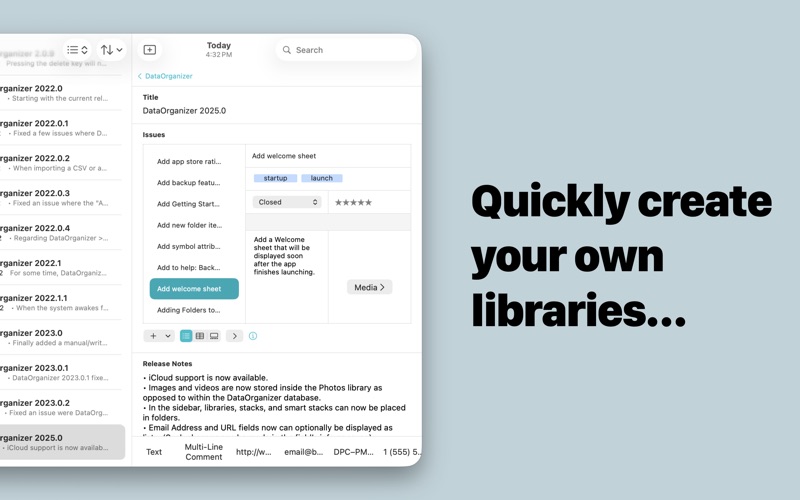
There are a bunch of things you can do with DataOrganizer. You can…
1. Import existing data from Bento 4 databases, CSV and TSV files.
DataOrganizer imports Bento 4 databases. Because the last version of Bento is a 32-bit app, it will not run on modern versions of macOS. With that in mind, DataOrganizer …
Read the full description
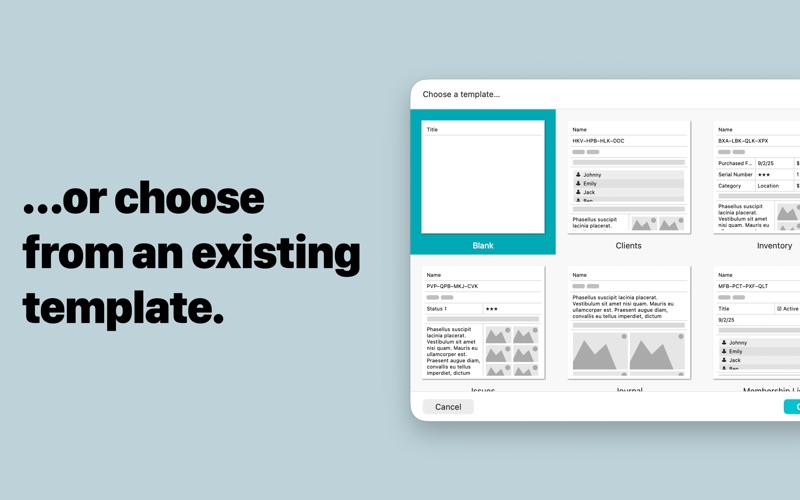
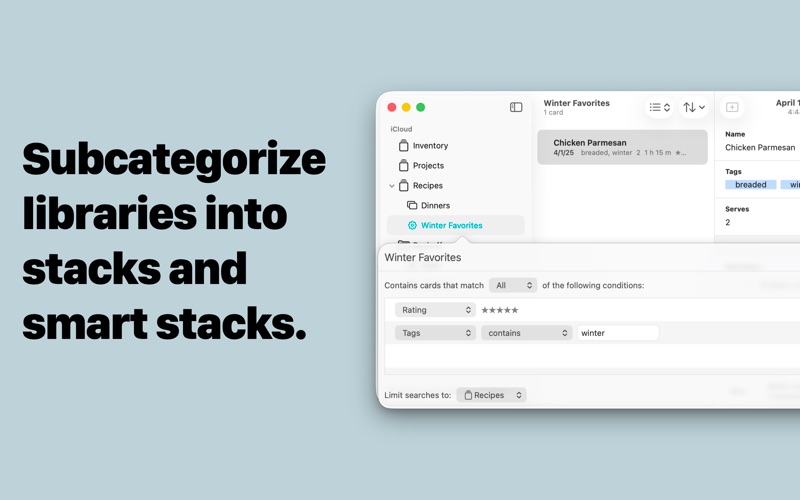
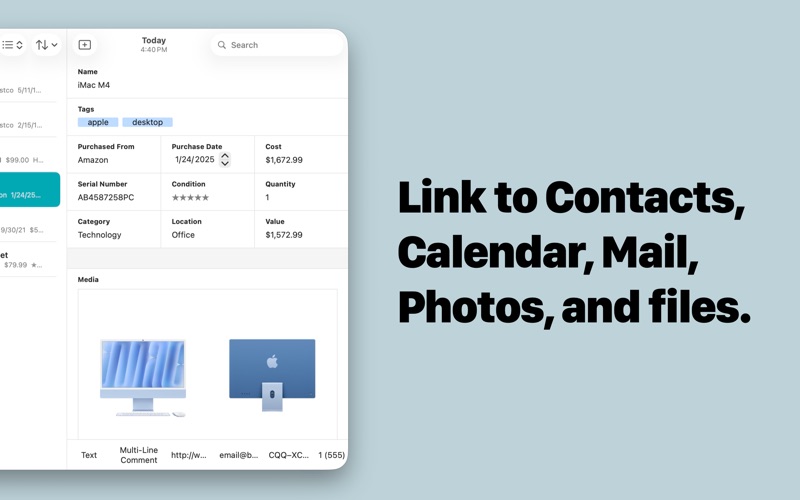
DataOrganizer is a personal database for macOS. While professional database software may be expensive and complex, DataOrganizer aims not only to be affordable and easy to use, but perhaps even fun. DataOrganizer is free to download and can be tried out for 14 days with no restrictions. After that, DataOrganizer requires a subscription. Both annual and monthly plans are available. There are a bunch of things you can do with DataOrganizer. You can… 1. Import existing data from Bento 4 databases, CSV and TSV files. DataOrganizer imports Bento 4 databases. Because the last version of Bento is a 32-bit app, it will not run on modern versions of macOS. With that in mind, DataOrganizer imports Bento's raw database file, ensuring that importing will continue to work even though system support for Bento has been removed. (Note: Encrypted and Calculation fields are not supported.) DataOrganizer also imports Comma Separated Values (CSV) and Tab Separated Values (TSV) files. 2. Jump right in with eight ready-made templates. DataOrganizer includes eight ready-made templates to get you started: Clients, Inventory, Issues, Journal, Membership List, Party Planner, Recipes, and Serial Numbers. Simply select a template and DataOrganizer will generate an appropriate library on the fly. 3. Quickly create your own libraries. Should DataOrganizer not include a template that fits your needs, DataOrganizer makes it easy to create your own library in minutes. 4. Further organize your libraries using stacks and smart stacks. If you want a “sub-group” of the cards in a library, you can create a stack or smart stack. A stack is similar to a playlist in Music, while a smart stack is criteria-based and is similar to a smart playlist. 5. Link to Contacts, Calendar, Mail, Photos, and files. DataOrganizer includes five field types that link to data that is already on your Mac. 7. Link to other libraries using relationships. Using a Relationship field, DataOrganizer allows for one library to link to another library. 8. Track your locations with Geolocation fields DataOrganizer includes a Geolocation field that can be used to track locations (latitude and longitude). Geolocation fields can optionally display the recorded location in an embedded map. (Please note that an active wireless connection is required to obtain the current location.) 9. Identify clients or other items with the Account Identifier field type. Using an Account Identifier field, DataOrganizer can automatically identify cards without any extra work. The account identifier is automatically generated upon the creation of a card. 10. Switch over to the Table and Gallery views In addition to the standard list view for libraries and stacks, DataOrganizer includes two additional view modes: Table and Gallery. Legal: ▪ Any unused portion of a free trial period will be forfeited should you purchase a subscription. ▪ You will not be automatically enrolled in a paid subscription period after the trial period expires. ▪ Both the trial and the paid subscriptions are for the macOS version of DataOrganizer. ▪ Payment will be charged to your Apple ID account at the confirmation of purchase. ▪ Your paid subscription will automatically renew unless auto-renew is turned off (subscription is canceled) at least 24-hours before the end of the current paid subscription period. ▪ Your account will be charged for renewal within 24-hours prior to the end of the current paid subscription period. The cost of the renewal is displayed on both the App Store page of this app and the subscription chooser within the app. ▪ Your subscriptions can be managed by going to your Music Account Settings after purchase. Auto-renewal can be turned off in this section. ▪ Although you will still have read-only access to your data should a trial or subscription period not be in effect, you will not be able to make any changes to your data. ▪ Terms of use can be found at: http://www.bayhoff.com/termsofuse.html
Installs
Apple does not publish download counts. Estimates are in testing.
We publish iOS estimates only after they pass a back-test against real numbers. Chart history below is measured.
Estimated store revenue Estimated Beta
App Store, worldwide, monthly rate from the last 15 chart days to 22 Nov 2026
Below the top 100 grossing apps in the markets we calibrate. In the United States that usually means under about $6.4M a month. App Store purchases and subscriptions only, before Apple's 15 to 30% fee. Ads and web payments are not included.
Ratings
No rating breakdown published for this app.
Recent reviews
Latest public reviews from the store
No reviews in our sample for this app yet.
Top chart positions
Latest App Store chart ranks by country, last 10 days
Not in any tracked top chart in the last 10 days.
Database - DataOrganizer history
Release, install milestones, listing and store changes
- First released on the store 20 Apr 2019
Update frequency
How often Database - DataOrganizer ships a new version, month by month
1 updates in the last 12 months. About as often as similar apps, which shipped a median of 1 updates in the same year.
Recent versions
Current version 2026.1
- Version 2026.121 Jan 2026
• When tabbing over to an empty date field in the table view of a library, stack, or smart stack, the date field would set the date field's date to the present date. However, the date would not be added to the database. This issue has now been corrected. • Fixed an issue where separator fields could be added to a form when the form was synced from iCloud. (The separator fields were otherwise harmless.) • When searching, dragging and dropping cards from the search list to a stack in the source list would terminate search. This has been fixed. • Fixed another search issue where the selected card would change to the first card in the library or stack soon after search finished searching. • Fixed several issue regarding geolocation fields when automatic entry is enabled. The fields were not always updating properly when expected. • Fixed additional issues regarding both geolocation fields and address fields.
Listing keywords
Words and phrases Database - DataOrganizer repeats most in its store listing
Top phrases: dataorganizer includes (4), paid subscription (4), subscription period (4), paid subscription period (3), account identifier (3).
Highlighted words also appear in the title. Counts cover the title, short description and description.
Compliance
What the listing and the app package show
- Store status
- Live
- Upkeep
- Updated 21 Jan 2026
- Age rating
- 4+
Apps like Database - DataOrganizer
 Robin - Mobile AppRobin Powered, Inc★ 3.32
 Bright AisleMedia Solutions Corp★ 2.52
 Rhingie: phone call 2nd numberDating onlain, ooo★ 3.96
 PayClockLathem Time Corporation★ 2.08
 云电话-网络电话虚拟隐私小号国辉 李★ 4.74
 QuicklynQuicklyn★ 4.86
 Diligent BoardsDiligent Corporation★ 3.32
 vMEyeSuperGuangzhou Kedi Intelligence Technology Co., Ltd.★ 3.14
 Voice Dictation for PagesQuanticapps★ 3.82
Database - DataOrganizer: questions and answers
Who makes Database - DataOrganizer?
Database - DataOrganizer is published by Bayhoff Software.
When was Database - DataOrganizer last updated?
The latest version (2026.1) was released on 21 Jan 2026.
Is Database - DataOrganizer free?
Yes. Database - DataOrganizer is free to download.
Is Database - DataOrganizer still available?
Yes. Database - DataOrganizer is live on App Store as of 10 May 2026.
Track Database - DataOrganizer and its competitors
Watch any app for new versions, rating drops, chart moves and removals. Free plan, no card.