- Installs
- —
- Apple does not publish download counts
- Rating
- 3.94
- Ratings
- 303
- 303 reviews
- Version
- 9.3
- Updated 28 Oct 2020
- Released
- 29 Jun 2010
- Tracked since 10 May 2026
- Size
- 18 MB
- Needs 11.0
Screenshots
About EduCalc Classic
The description on the store listing
A powerful, flexible graphing calculator
Does far more than most calculators out there.
Features:
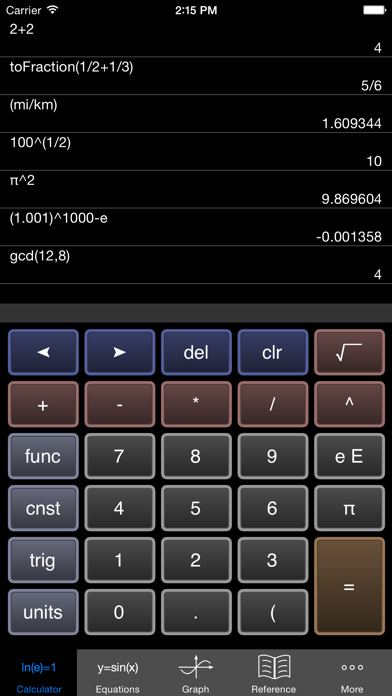
1) Scientific Calculator. Simple to grasp and easy to use, but powerful features are available when you need them. Available functions include the following:
• the usual arithmetic functions and exponentiation.
• square root, cube root, nth root, natural log, log base 10, log of arbitrary base, absolute value, factorial, permutations (nPr), combinations (nCr), modulus, random integer, bell curve, cumulative normal distribution, decimal to fraction.
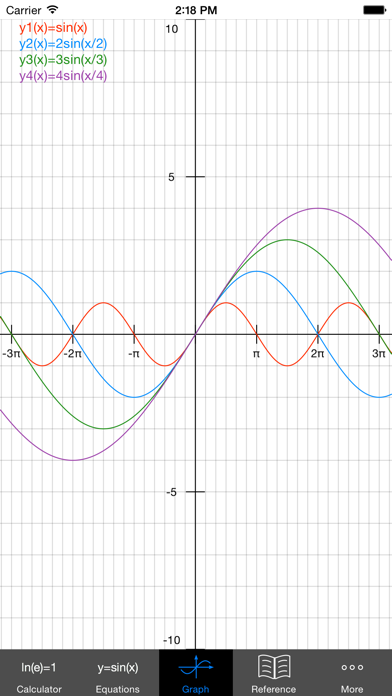
2) Graphing. Capabilities:
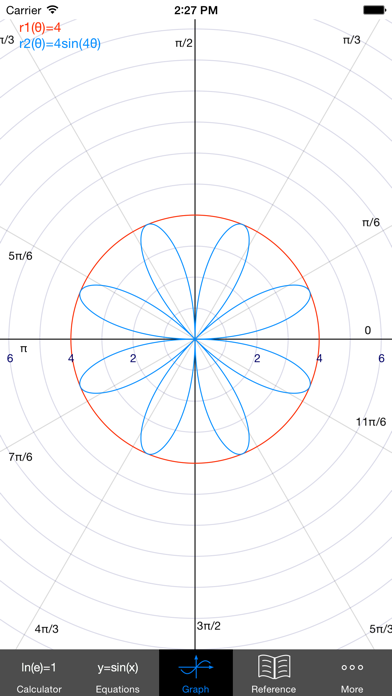
• Graph up to four equations at once.
• Graphs are labeled.
• You can drag the graph or pinch to zoom in or …
Read the full description
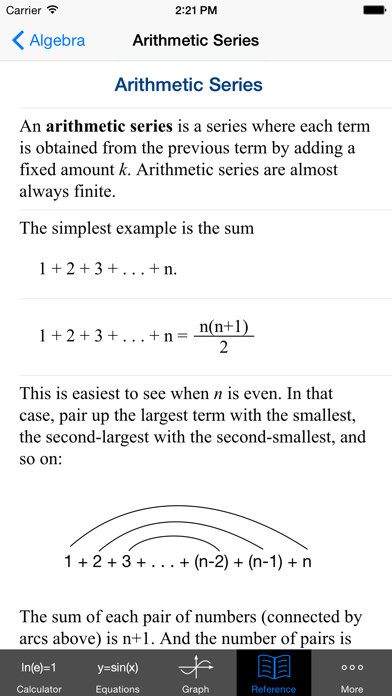
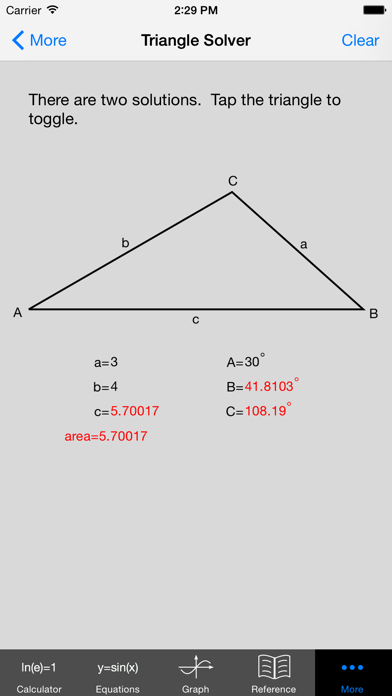
A powerful, flexible graphing calculator Does far more than most calculators out there. Features: 1) Scientific Calculator. Simple to grasp and easy to use, but powerful features are available when you need them. Available functions include the following: • the usual arithmetic functions and exponentiation. • square root, cube root, nth root, natural log, log base 10, log of arbitrary base, absolute value, factorial, permutations (nPr), combinations (nCr), modulus, random integer, bell curve, cumulative normal distribution, decimal to fraction. 2) Graphing. Capabilities: • Graph up to four equations at once. • Graphs are labeled. • You can drag the graph or pinch to zoom in or out. • Calculator can find roots and intersections. • Graph in polar coordinates. • Graph parametric equations • Can graph implicit functions, such as x^2+y^2-4=0. Most calculator apps can't do this! 3) A unit converter. With a tap, you can enter the result of your conversion into the calculator. Currently converts different units of the following: acceleration, angle, area, density, distance, energy, force, mass, power, pressure, speed, temperature, time, and volume. Great for doing physics homework! 4) Constants for scientific calculations -- speed of light, strength of gravity at Earth's surface, etc. etc. etc. Tapping on a constant will insert it into your calculation -- i.e, you don't have to key in the value. Again, great for doing physics homework! 5) It can make a table of the values of any function you care to enter. You can choose the starting x value of the table, as well as how much x increases for each successive row. 6) Help screens linked directly to many of the available functions and constants. Tap the disclosure arrow to see the definition. 7) Forgot the quadratic formula? Or the double-angle formulas for sine and cosine? The math/science reference hits the high points of various subjects. Currently includes algebra, differential and integral calculus, geometry, trigonometry, vectors, vector calculus, and classical mechanics. 8) Keep track of significant figures [AKA sig figs] 9) Statistics -- enter data and make a histogram, box and whisker plot, or scatter plot with optional regression line. If you are viewing this in iTunes, you will see five iPhone screenshots and five iPad screenshots. But even ten shots don't come close to showing everything this calculator can do. I'd love to hear your comments or suggestions. You can write me at [email protected] -- but without the xyz. Thanks!
Installs since 29 Aug 2026
Apple does not publish download counts. Estimates are in testing.
Estimated store revenue Estimated Beta
App Store, worldwide, monthly rate from the last 13 chart days to 20 Nov 2026
Below the top 100 grossing apps in the markets we calibrate. In the United States that usually means under about $6.4M a month. App Store purchases and subscriptions only, before Apple's 15 to 30% fee. Ads and web payments are not included.
Ratings
303 ratings, 303 reviews
No rating breakdown published for this app.
Recent reviews
Latest public reviews from the store
- 7 Jun 2023
Great app!
I use this so often in my day to day life, and I highly recommend it, especially since you can see all your previous calculations. I did have an issue where the app would only display a blank screen, but uninstalling the app and reinstalling it seemed to fix it.
- 11 Jan 2022
Please update!! This was the best calc app
I downloaded this graphing calculator in 2013 to use in my 9th grade algebra class and I’ve been using it exclusively ever since. I love that it keeps a history and can do any unit conversions. Not sure if it’s no longer supported, but it stopped working December 2021 and is now just a blank screen. Please continue to support this app and update it!! I’ve tried a lot of other calculator apps on ios and none have everything this app offered. I don’t want to give it up.
- 6 Oct 2019
Best calculator for nearly 10 years now
I downloaded this calculator when I was a sophomore (grade 10) in high school for an algebra class. I am 24 now and I still use this calculator. It’s so nice to have your calculation history no matter how long it’s been since you opened up the app. I love the graphing feature and that you can look at the x/y table for an equation you’ve input. There are so many built-in bells and whistles. I cannot recommend this calculator enough.
- 2 Nov 2017
Great calculator
I was looking for an iPhone version of Speedcrunch and found this. It has a nice big display to see all your input for big calculations. Full history editing lets you go back and correct your mistakes easily. Full array of scientific functions. Great value app - look no further than this for science, engineering and finance applications.
What reviewers bring up
Topics mentioned in the latest 8 reviews, by how many reviews mention them
Liked in good reviews (8 reviews)
- calculator 6
- recommend 3
- graphing 3
- algebra 3
- history 3
- screen 3
- sure 3
- calculations 2
Raised in bad reviews (0 reviews)
No topic comes up twice.
Top chart positions
Latest App Store chart ranks by country, last 10 days
Not in any tracked top chart in the last 10 days.
EduCalc Classic history
Release, install milestones, listing and store changes
- First released on the store 29 Jun 2010
Update frequency
How often EduCalc Classic ships a new version, month by month
0 updates in the last 12 months. Less often than most similar apps: they shipped a median of 1 updates in the same year.
Recent versions
Current version 9.3
- Version 9.328 Oct 2020
Fix unit converter in dark mode
Listing keywords
Words and phrases EduCalc Classic repeats most in its store listing
Top phrases: available functions (2), physics homework (2).
Highlighted words also appear in the title. Counts cover the title, short description and description.
Compliance
What the listing and the app package show
- Store status
- Live
- Upkeep
- No update since 28 Oct 2020
- Age rating
- 4+
Apps like EduCalc Classic
 Florida DMV Permit TestNilu Rathod★ 4.79
 AI Math Solver・Solve by CameraZipoApps★ 4.53
 Vocab - English VocabularyVocabTech OY★ 4.88
 Sam - Bedtime StoriesBook Vitals Inc.★ 4.74
 Esthetician Exam PrepMastrAPI★ 4.72
 Category Therapy LiteTactus Therapy Solutions Ltd.★ 4.76
 English Flashcards +Bravolol Limited★ 4.48
 Mystery Math MuseumArtgig Studio★ 4.68
 Puzzle EnglishLLC PUZZLE ENGLISH TECHNOLOGIES★ 4.64
EduCalc Classic: questions and answers
Who makes EduCalc Classic?
EduCalc Classic is published by William Jockusch.
When was EduCalc Classic last updated?
The latest version (9.3) was released on 28 Oct 2020.
Is EduCalc Classic free?
Yes. EduCalc Classic is free to download.
Is EduCalc Classic still available?
Yes. EduCalc Classic is live on App Store as of 14 Nov 2026.
Track EduCalc Classic and its competitors
Watch any app for new versions, rating drops, chart moves and removals. Free plan, no card.