
- Installs
- —
- Apple does not publish download counts
- Rating
- —
- Ratings
- —
- Version
- 3.0.1
- Updated 6 May 2026
- Released
- 23 Feb 2018
- Tracked since 10 May 2026
- Size
- 4 MB
- Needs 26.0
Screenshots
About Gifski
The description on the store listing
Convert videos to high-quality GIFs.
Gifski converts videos to animated GIFs that use thousands of colors per frame. This is made possible by some fancy features for efficient cross-frame palettes and temporal dithering.
Keep in mind that Gifski is a converter, not a GIF creator. It will never support features like adding text and elements to a GIF. That's better done in a proper video editing app.
■ Features
- Video trimming and cropping
- Precise control of dimensions
- Control over GIF looping and bouncing (yo-yo) playback
- Adjust the speed
- Loop delay
- GIF preview before converting
- Copy, share, or drag the GIF
- Share extension
- System service
- Optionally produce smaller …
Read the full description
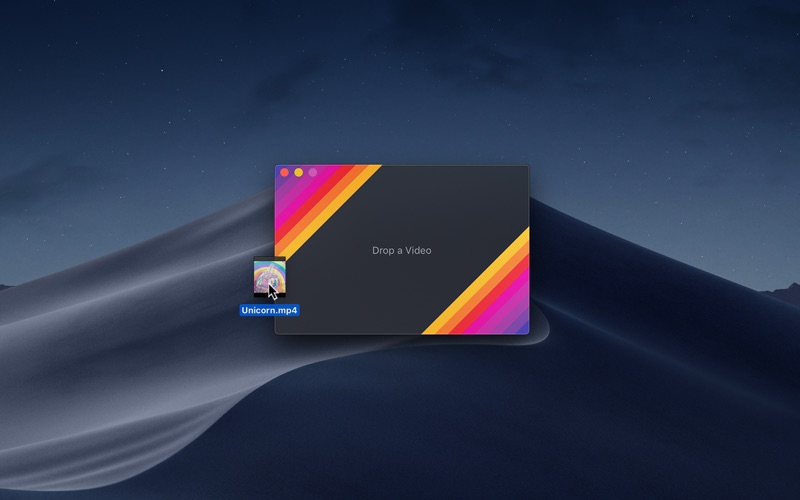
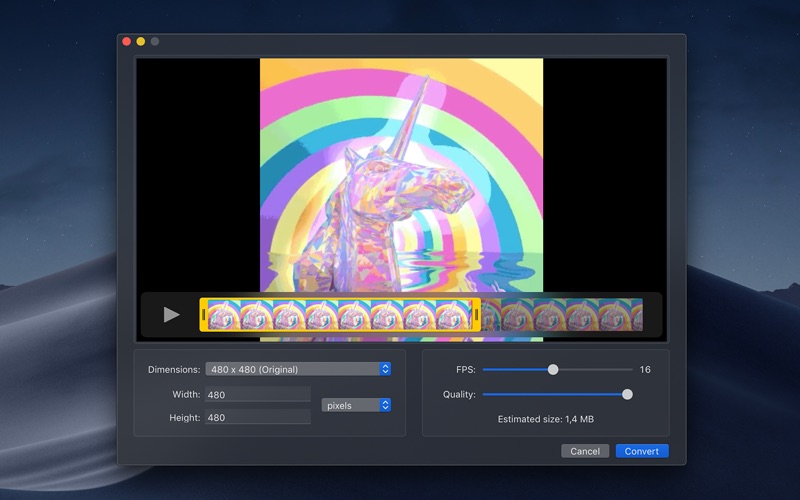
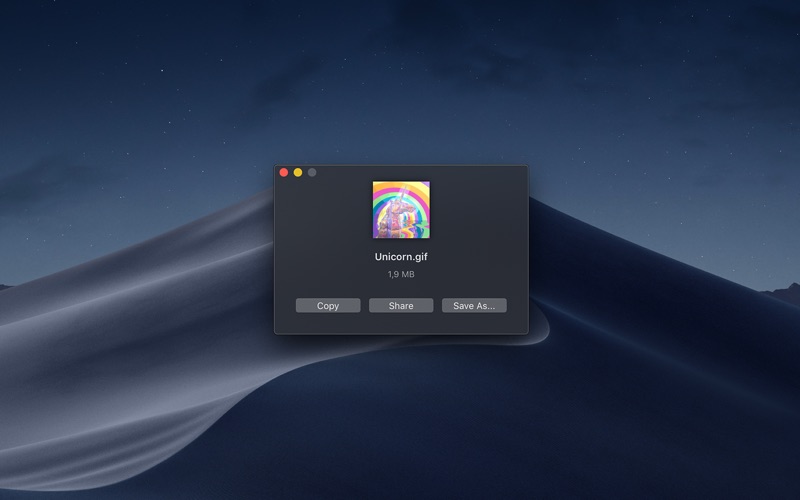
Convert videos to high-quality GIFs. Gifski converts videos to animated GIFs that use thousands of colors per frame. This is made possible by some fancy features for efficient cross-frame palettes and temporal dithering. Keep in mind that Gifski is a converter, not a GIF creator. It will never support features like adding text and elements to a GIF. That's better done in a proper video editing app. ■ Features - Video trimming and cropping - Precise control of dimensions - Control over GIF looping and bouncing (yo-yo) playback - Adjust the speed - Loop delay - GIF preview before converting - Copy, share, or drag the GIF - Share extension - System service - Optionally produce smaller lower quality GIFs - Automatically save GIFs to Downloads - Generate up to 50 FPS GIFs (for showing off design work on Dribbble) - Export modified video without converting to GIF - Shortcuts support ■ To convert, either: - Drag and drop your video onto the window or the Dock icon. - Click the “Open” button in the window or in the “File” menu and then choose a video. - Right-click a video in Finder and select this app in the “Open With” menu. Gifski supports all the video formats that macOS supports (.mp4 or .mov with H264, HEVC, ProRes, etc). The QuickTime Animation format is not supported. Use ProRes 4444 XQ instead. It's more efficient, more widely supported, and like QuickTime Animation, it also supports alpha channel. ■ Share extension Gifski includes a share extension that lets you share videos to Gifski. Just select Gifski from the Share menu of any macOS app. You can share a macOS screen recording with Gifski by clicking on the thumbnail that pops up once you are done recording and selecting “Share” from there. ■ System service Gifski includes a system service that lets you quickly convert a video to GIF from the “Services” menu in any app that provides a compatible video file. ■ Bounce (yo-yo) GIF playback Gifski includes the option to create GIFs that bounce back and forth between forward and backward playback. This option doubles the number of frames in the GIF so the file size will double as well. ■ Tips ‣ Quickly copy or save the GIF After converting, press Command+C to copy the GIF or Command+S to save it. ‣ Change GIF dimensions with the keyboard In the width/height input fields in the editor view, press the arrow up/down keys to change the value by 1. Hold the Option key meanwhile to change it by 10. ■ FAQ ‣ The generated GIFs are huge! The GIF image format is very space inefficient. It works best with short video clips. Try reducing the dimensions, FPS, or quality. ‣ Why are 60 FPS and higher not supported? Browsers throttle frame rates above 50 FPS, playing them at 10 FPS. ■ Support Click the “Send Feedback” button in the “Help” menu in the app.
Installs
Apple does not publish download counts. Estimates are in testing.
We publish iOS estimates only after they pass a back-test against real numbers. Chart history below is measured.
Estimated store revenue Estimated Beta
App Store, worldwide, monthly rate from the last 13 chart days to 20 Nov 2026
Below the top 100 grossing apps in the markets we calibrate. In the United States that usually means under about $6.4M a month. App Store purchases and subscriptions only, before Apple's 15 to 30% fee. Ads and web payments are not included.
Ratings
No rating breakdown published for this app.
Recent reviews
Latest public reviews from the store
No reviews in our sample for this app yet.
Top chart positions
Latest App Store chart ranks by country, last 10 days
Not in any tracked top chart in the last 10 days.
Gifski history
Release, install milestones, listing and store changes
- First released on the store 23 Feb 2018
Update frequency
How often Gifski ships a new version, month by month
1 updates in the last 12 months. More often than most similar apps: they shipped a median of 0 updates in the same year.
Recent versions
Current version 3.0.1
- Version 3.0.16 May 2026
- The app now requires macOS 26. You can get the last macOS 15 compatible version from the app's website. - Added the ability to crop the video. - Added a GIF preview feature. - Added the ability to export the modified video (cropped and/or trimmed). - Added a loop delay setting. - Added an "Automatically save GIFs to Downloads" setting.
Listing keywords
Words and phrases Gifski repeats most in its store listing
Top phrases: gifski includes (3), share extension (3), system service (3), quality gifs (2), quicktime animation (2).
Highlighted words also appear in the title. Counts cover the title, short description and description.
Compliance
What the listing and the app package show
- Store status
- Live
- Upkeep
- Updated 6 May 2026
- Age rating
- 4+
Apps like Gifski
 Video CollageaZeR DiLLs★ 4.08
 Vee for VideoMedious★ 2.98
 Beauty Camera -Selfie, StickerBhuvan Gupta★ 4.5
 FinalCamXShenzhen Xiaozhen Technology Co.,Ltd.★ 4.44
 Magic Studio - AI Photo EditorMagicStudio.com★ 4.62
 Foto Impresiones: 1 Hr PhotoSoftwareX★ 4.98
 SnapGeo - AI Location FinderRECEP ASLAN★ 4.24
 Family Photo Maker - AIRick-y Media★ 4.12
 BeautifAI: AI Try OnJAI UYGULAMA VE YAPAY ZEKA TEKNOLOJILERI ANONIM SIRKETI★ 4.36
Gifski: questions and answers
Who makes Gifski?
Gifski is published by Sindre Sorhus.
When was Gifski last updated?
The latest version (3.0.1) was released on 6 May 2026.
Is Gifski free?
Yes. Gifski is free to download.
Is Gifski still available?
Yes. Gifski is live on App Store as of 10 May 2026.
Track Gifski and its competitors
Watch any app for new versions, rating drops, chart moves and removals. Free plan, no card.