
- Installs
- —
- Apple does not publish download counts
- Rating
- 2.43
- Ratings
- 77
- 77 reviews
- Version
- 1.6.0
- Updated 28 Apr 2020
- Released
- 11 May 2014
- Tracked since 10 May 2026
- Size
- 14 MB
- Needs 11.3
Screenshots
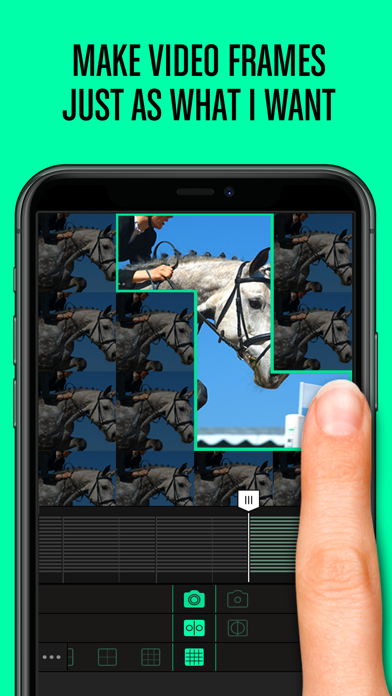
About Gridplay
The description on the store listing
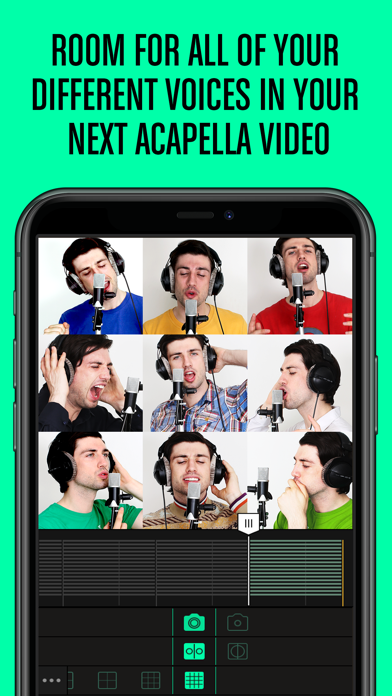
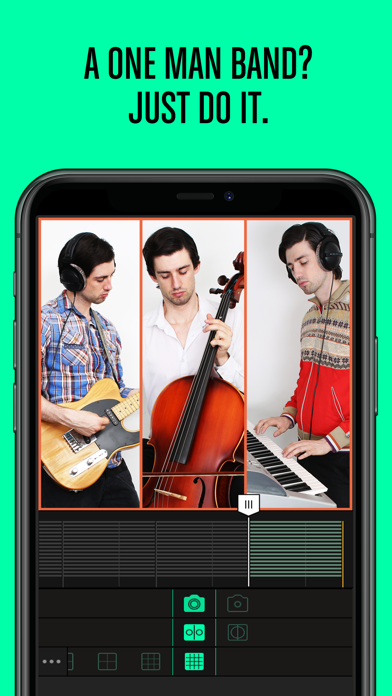
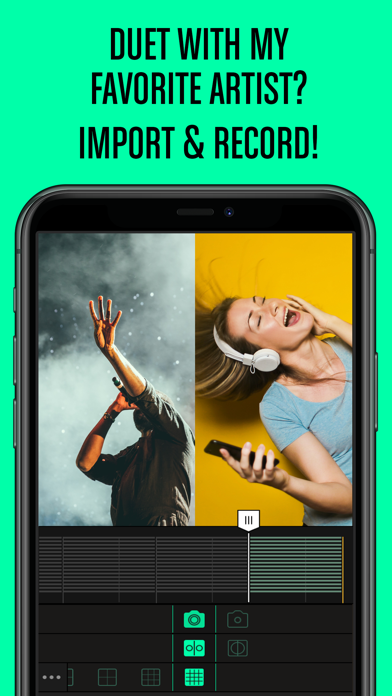
Make quality quick-cut style music videos straight from your phone with Gridplay.
Giving even the most experienced filmmakers a new experience,
the innovative grid screen allows users to combine and divide cells at will in order to create dynamic videos.
Add a song, trim clips, and adjust and scale each cell for extra flair.
Turn your inspirational moments into the movie of your life with Gridplay.
Features:
1. Takes up to 16 4x4 videoclips (These can be recorded or uploaded.)
2. Swipe to combine or divide the cells
3. Create and edit a timeline with multiple frames
4. Optimized for low-resolution (640p) on Instagram
5. Records up to 15 seconds. (5 minutes with extension)
6. …
Read the full description
Make quality quick-cut style music videos straight from your phone with Gridplay. Giving even the most experienced filmmakers a new experience, the innovative grid screen allows users to combine and divide cells at will in order to create dynamic videos. Add a song, trim clips, and adjust and scale each cell for extra flair. Turn your inspirational moments into the movie of your life with Gridplay. Features: 1. Takes up to 16 4x4 videoclips (These can be recorded or uploaded.) 2. Swipe to combine or divide the cells 3. Create and edit a timeline with multiple frames 4. Optimized for low-resolution (640p) on Instagram 5. Records up to 15 seconds. (5 minutes with extension) 6. Self-timer 7. Each clip has an independent sound control 8. Ability to save video to camera roll 9. Frame thickness and color settings 10. Automatically saves rough draft 11. Rotate, adjust, scale, and mirror each clip 12. Share to Vine Instructions: 1. Pick a cell and choose the camera mode. (Full screen vs. split screen, and back camera vs. front camera) 2. Swipe to combine cells, and swipe again to divide. 3. Press the "Film" button. 4. Set the timer up to 15 seconds. (If you have unlocked the extension, you can set the timer up to 5 minutes.) 5. When you finish with one frame, it will go to the next automatically. You need to set the timer for each frame. 6. If you don't like what you have recorded, tap to delete. If you don't want to fill up the other cells? No problem, just go to the next step. 7. Adjust the volume and position of each clip. 8. Trim the clips and add background music. 9. Save and share on Vine, Instagram, Facebook, Youtube, Tumblr, and email.
Installs since 29 Aug 2026
Apple does not publish download counts. Estimates are in testing.
Estimated store revenue Estimated Beta
App Store, worldwide, monthly rate from the last 15 chart days to 22 Nov 2026
Below the top 100 grossing apps in the markets we calibrate. In the United States that usually means under about $6.4M a month. App Store purchases and subscriptions only, before Apple's 15 to 30% fee. Ads and web payments are not included.
Ratings
77 ratings, 77 reviews
No rating breakdown published for this app.
Recent reviews
Latest public reviews from the store
No reviews in our sample for this app yet.
Top chart positions
Latest App Store chart ranks by country, last 10 days
- Countries ranked
- 8 of 50
- Best rank
- #49
- Top 10 placements
- 0
- of 8 chart placements
- Average rank
- #80.1
Best countries on App Store
- 🇳🇬 Nigeria · Top paid, Music#49
- 🇮🇩 Indonesia · Top paid, Music#53
- 🇷🇺 Russia · Top paid, Music#72
- 🇰🇷 South Korea · Top paid, Music#87
- 🇪🇬 Egypt · Top paid, Music#87
- 🇹🇭 Thailand · Top paid, Music#95
| Country | Chart | Category | Rank | Best (10 days) | Date |
|---|---|---|---|---|---|
| 🇳🇬 Nigeria | Top paid | Music | #49 | #48 | 22 Nov 2026 |
| 🇮🇩 Indonesia | Top paid | Music | #53 | #50 | 22 Nov 2026 |
| 🇷🇺 Russia | Top paid | Music | #72 | #68 | 22 Nov 2026 |
| 🇰🇷 South Korea | Top paid | Music | #87 | #83 | 22 Nov 2026 |
| 🇪🇬 Egypt | Top paid | Music | #87 | #86 | 22 Nov 2026 |
| 🇹🇭 Thailand | Top paid | Music | #95 | #95 | 22 Nov 2026 |
| 🇵🇭 Philippines | Top paid | Music | #99 | #99 | 18 Nov 2026 |
| 🇦🇪 United Arab Emirates | Top paid | Music | #99 | #99 | 20 Nov 2026 |
Gridplay history
Release, install milestones, listing and store changes
- First released on the store 11 May 2014
Recent versions
Current version 1.6.0
- Version 1.6.028 Apr 2020
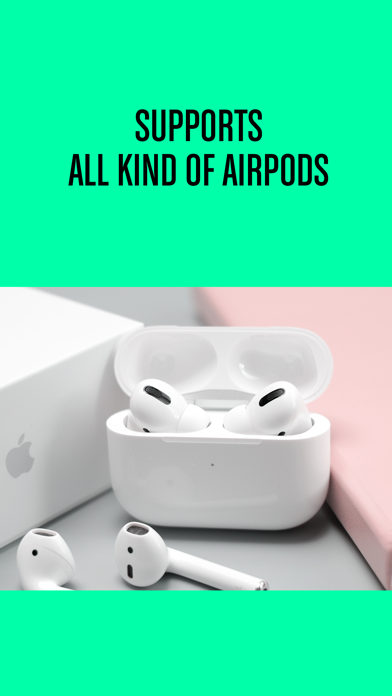
Supports Airpods connectivity Supports to import sounds from files Supports 6.5 inch and 5.5 inch display Bug fixes and stabilization
Listing keywords
Words and phrases Gridplay repeats most in its store listing
Top phrases: set the timer (3), swipe to combine (2).
Highlighted words also appear in the title. Counts cover the title, short description and description.
Compliance
What the listing and the app package show
- Store status
- Live
- Upkeep
- No update since 28 Apr 2020
- Age rating
- 4+
Apps like Gridplay
 Al Quran Muhammad Ayyub Mp3Ahmad Nakore★ 4.49
 Piano - 2 Keyboard Tiles PlaySatomi Uchida★ 4.59
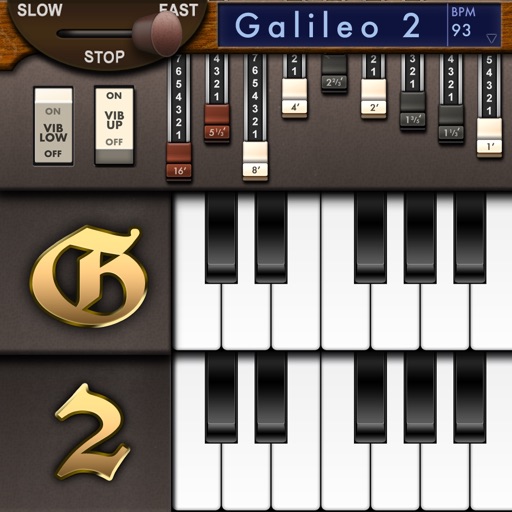 Galileo Organ 2Yonac Inc.★ 4.42
 Mic SpeakerSeong Eon Kim★ 4.2
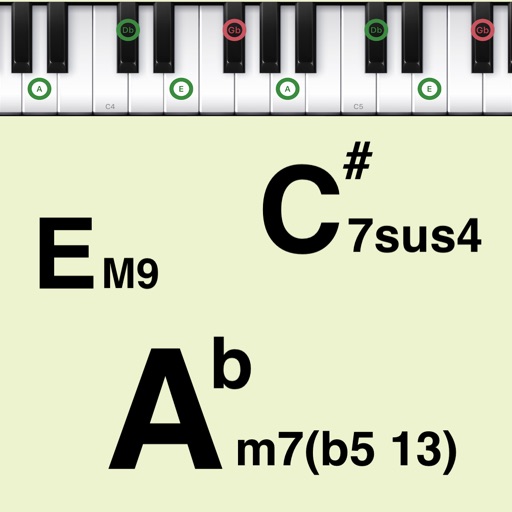 Chords PadLoop-Sessions.LLC.★ 4.86
 My harman/kardon HeadphonesHarman International Industries★ 4.14
 Pocket Music - Music PlayerOntaz Mobility Limited★ 4.05
 Waqay: Peruvian Radio StationsProperty Atomic Strong SAC★ 4.6
 Janmangal Namavali & StotramSwaminarayan Gurukul★ 4.74
Gridplay: questions and answers
Who makes Gridplay?
Gridplay is published by Peta Vision.
When was Gridplay last updated?
The latest version (1.6.0) was released on 28 Apr 2020.
Is Gridplay free?
No. Gridplay is a paid app priced at $1.99.
Is Gridplay still available?
Yes. Gridplay is live on App Store as of 21 Nov 2026.
Track Gridplay and its competitors
Watch any app for new versions, rating drops, chart moves and removals. Free plan, no card.