
- Installs
- —
- Apple does not publish download counts
- Rating
- 4.78
- Ratings
- 623
- 623 reviews
- Version
- 2.0.1
- Updated 5 Nov 2026
- Released
- 6 Jan 2022
- Tracked since 11 May 2026
- Size
- 35 MB
- Needs 15.0
Screenshots
About Image Converter·
The description on the store listing
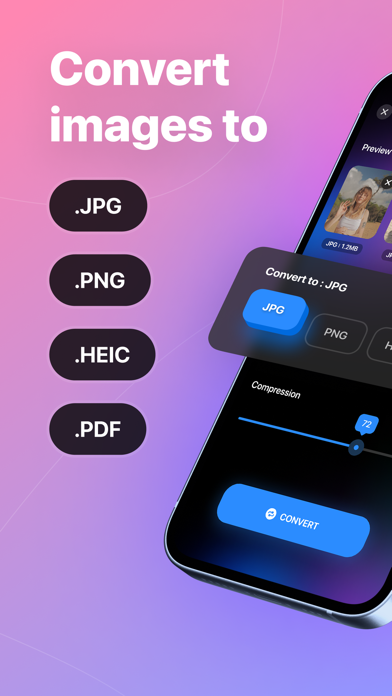
Easily convert your photos to JPG PNG HEIC PDF format in an instant!
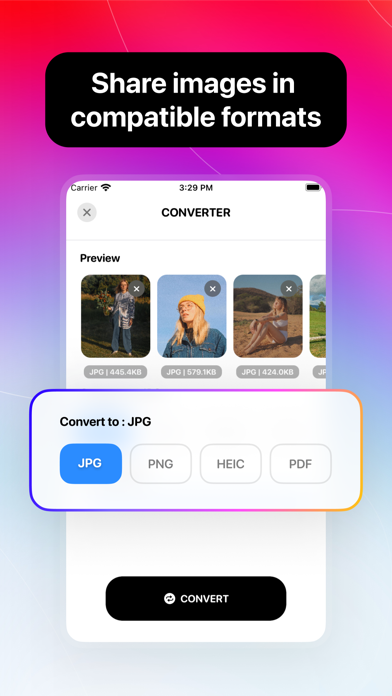
This app is designed to help you transform any of your pictures into different image formats. Supported output formats include JPG, PNG, HEIC, and PDF
FEATURES
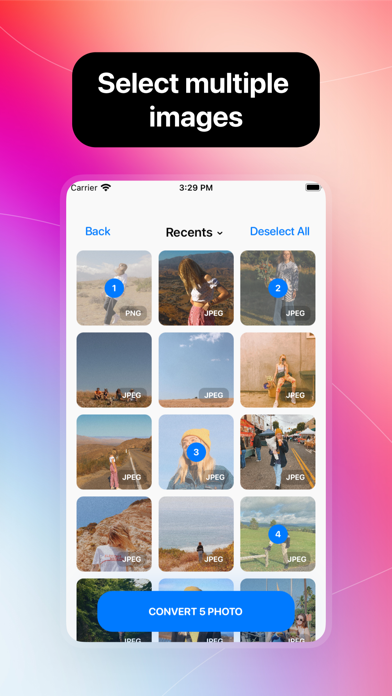
- Select multiple images at once
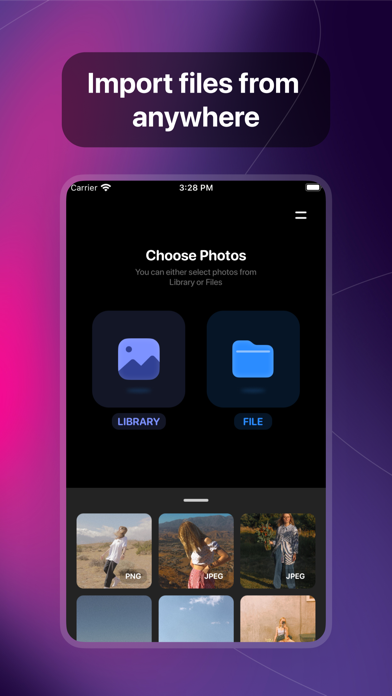
- Add photo from different sources
- Convert images between different formats like .jpg .png .heic .pdf
- Converting without losing its quality and resolution
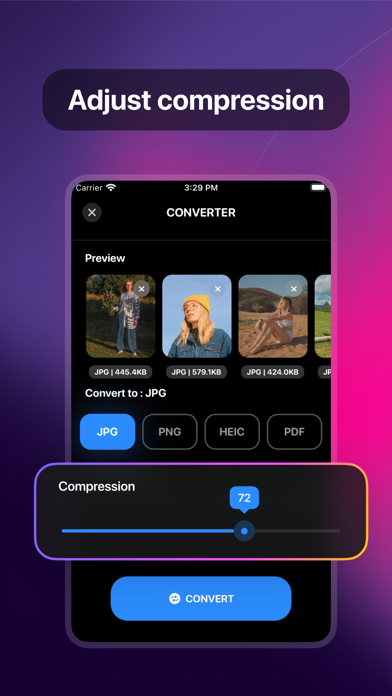
- Adjust the compression quality freely
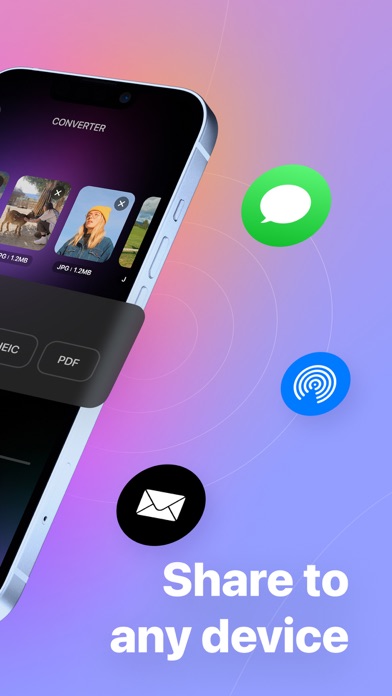
- Save and share converted files to any device and in compatible format
EASY TO USE
1. Select your input files
2. Select the conversion format and compression quality
3. Wait for your photo to be converted in seconds
4. Save and share …
Read the full description
Easily convert your photos to JPG PNG HEIC PDF format in an instant! This app is designed to help you transform any of your pictures into different image formats. Supported output formats include JPG, PNG, HEIC, and PDF FEATURES - Select multiple images at once - Add photo from different sources - Convert images between different formats like .jpg .png .heic .pdf - Converting without losing its quality and resolution - Adjust the compression quality freely - Save and share converted files to any device and in compatible format EASY TO USE 1. Select your input files 2. Select the conversion format and compression quality 3. Wait for your photo to be converted in seconds 4. Save and share to your desired destination Terms of Services: https://tapuniverse.com/terms Privacy Policy: https://tapuniverse.com/policy
Installs since 29 Aug 2026
Apple does not publish download counts. Estimates are in testing.
Estimated store revenue Estimated Beta
App Store, worldwide, monthly rate from the last 13 chart days to 20 Nov 2026
Below the top 100 grossing apps in the markets we calibrate. In the United States that usually means under about $6.4M a month. App Store purchases and subscriptions only, before Apple's 15 to 30% fee. Ads and web payments are not included.
Ratings
623 ratings, 623 reviews
No rating breakdown published for this app.
Recent reviews
Latest public reviews from the store
- 11 Aug 2022
It can be an essential app!
Generally, I hardly ever write comments, but for this one, I'm writing right after downloading and using it for just a couple of minutes! It's a helpful app with a clean and lovely UI. Furthermore, the colour space option is also excellent and straightforward. But there is some room for improvement. The first and foremost is the resolution reduction issue. It reduces the resolution of the images without even asking. Personally, I prefer my photos to be in their original resolution and quality (even though it may result in a larger size because of the nature of the output format). It would be nice to have a setting for this. The second issue I've experienced in this short-term app usage is the “Saving Behaviour” setting. It won't get saved permanently, and it gets reset to the default value on every launch. It would be nice to consider these refinements. Thanks.
- 8 Jun 2022
Works great
The update does retain all EXIF information in all the photo file types. Great job by the developer! My earlier review: Works good. I’d gladly give it 5 stars if it retained all EXIF information in the converted photo file.
- 9 Apr 2022
P3 to RGB please
The app performs superbly on my iPhone(7-11) and iPads (mini2 & iPad9). Extremely smooth compression from iPhone PNG photos to JPG then air drop or email to iMacs running SnowLeopard and Yosemite. Unfortunately the photo’s retail the P3 Display/color profile (check “get info” of image) which will crash Preview in SnowLeopard if you try to edit there. Would love to be able to alter that to sRGB or Adobe RGB1998 as an option on the conversion. Currently I have to manually assign the profile for each file one at a time and re-save on SnowLeopard. I do this to about 50 images a day. P3 was forced on iPhone users a few IOS’s back with no opt out. Yosemite will not “Save As” after assigning RGB profile, it requires “Export” and then often will not retain the profile change. I use a lot of graphic and video apps that are not available on newer Macs, so maintain several older ones for this reason. Plus it would not be practical to update everything on all the computers at this time in my life. I may be one of a few that would find this useful, but would surely appreciate the time savings this would bring to my work flow. HEIC also has similar issues with older OS machines
- 11 Mar 2022
SO Quick an Easy to CONVERT - GET IT
So simple so fast so easy - so you should get it if you ever need to convert your photo/s to a different format. So it even will do a batch. So it even has options for save or delete the original/s. SO WHAT ARE YOU WAITING FOR, GET IT NOW.
What reviewers bring up
Topics mentioned in the latest 8 reviews, by how many reviews mention them
Liked in good reviews (5 reviews)
- photo 4
- format 3
- file 3
- compression 2
- conversion 2
- different 2
- original 2
- similar 2
Raised in bad reviews (3 reviews)
- select photos 2
- opened 2
- screen 2
- tried 2
- files 2
Top chart positions
Latest App Store chart ranks by country, last 10 days
Not in any tracked top chart in the last 10 days.
Image Converter· history
Release, install milestones, listing and store changes
- First released on the store 6 Jan 2022
Update frequency
How often Image Converter· ships a new version, month by month
2 updates in the last 12 months. About as often as similar apps, which shipped a median of 2 updates in the same year.
Recent versions
Current version 2.0.1
- Version 2.05 Nov 2026
- Image-to-SVG vector tracing - Support for WEBP, AVIF, JXL, and TIFF formats - Advanced control over conversion settings - Modernized Liquid Glass UI
- Version 1.2.137 Apr 2026
Improvements & bug fixes
Listing keywords
Words and phrases Image Converter· repeats most in its store listing
Top phrases: jpg png heic (3), jpg png (3), png heic (3), png heic pdf (2), save and share (2).
Highlighted words also appear in the title. Counts cover the title, short description and description.
Compliance
What the listing and the app package show
- Store status
- Live
- Upkeep
- Updated 5 Nov 2026
- Age rating
- 4+
Apps like Image Converter·
 Themerella: Wallpaper & WidgetAI App★ 4.67
 Wavesome.AI Video GeneratorWave Design Studio★ 4.13
 Mockup - UI/UX DesignApprime Studio sarl★ 4.44
 Interior AI - Room DesigniHux★ 4.14
 Fashion Design Sketch ToolsMykola Goncharov★ 4.26
 Stitch PhotosLe Giang Nam★ 4.55
 niji・journey - AI Anime ArtMidjourney★ 4.4
 GeometricaTattooLoyal Inc.★ 4.4
 Compress: Video CompressorLe Giang Nam★ 4.73
Image Converter·: questions and answers
Who makes Image Converter·?
Image Converter· is published by TAPUNIVERSE LLC.
When was Image Converter· last updated?
The latest version (2.0.1) was released on 5 Nov 2026.
Is Image Converter· free?
Yes. Image Converter· is free to download.
Is Image Converter· still available?
Yes. Image Converter· is live on App Store as of 14 Nov 2026.
Track Image Converter· and its competitors
Watch any app for new versions, rating drops, chart moves and removals. Free plan, no card.