
- Installs
- —
- Apple does not publish download counts
- Rating
- —
- Ratings
- —
- Version
- 2.14
- Updated 12 Jan 2026
- Released
- 12 Jul 2021
- Tracked since 10 May 2026
- Size
- 21 MB
- Needs 11.5
Screenshots


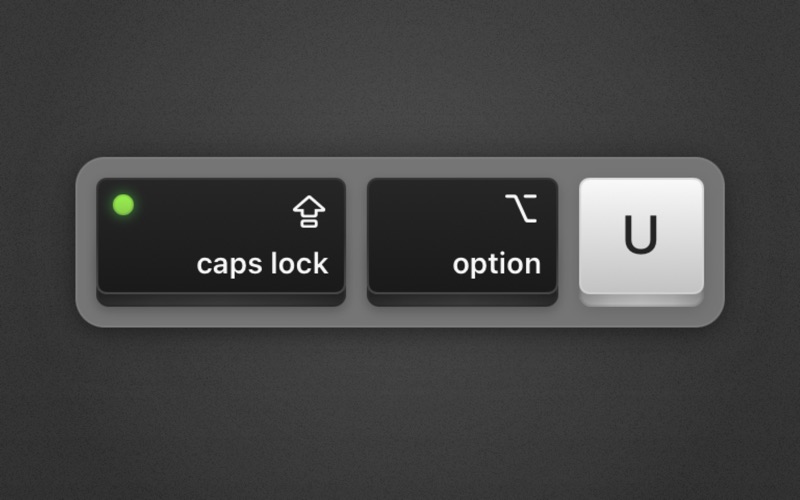
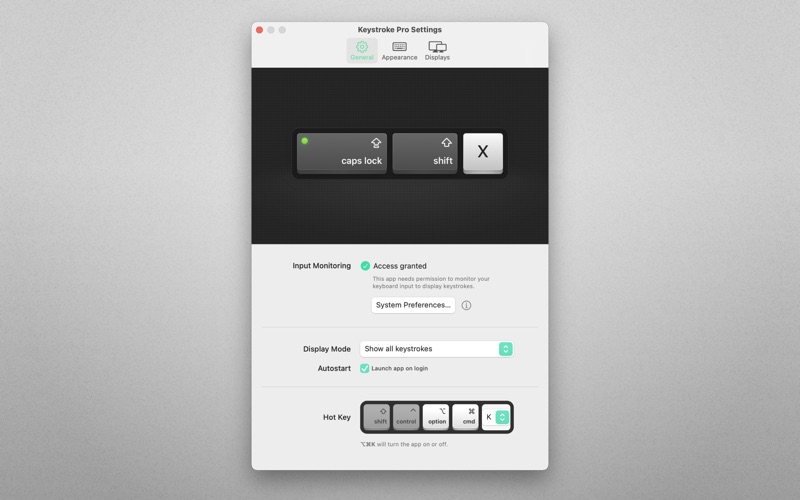
About Keystroke Pro
The description on the store listing
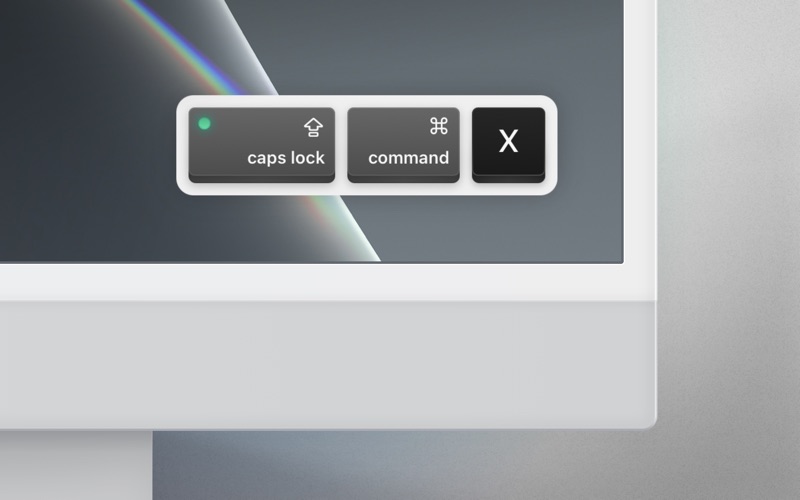
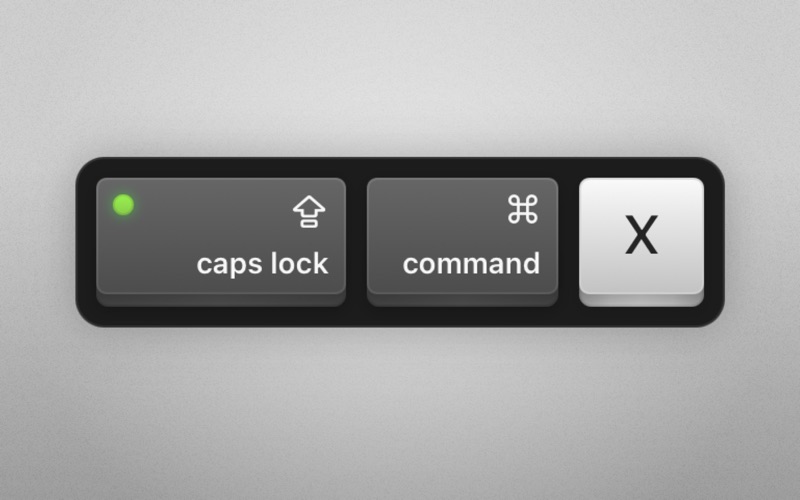
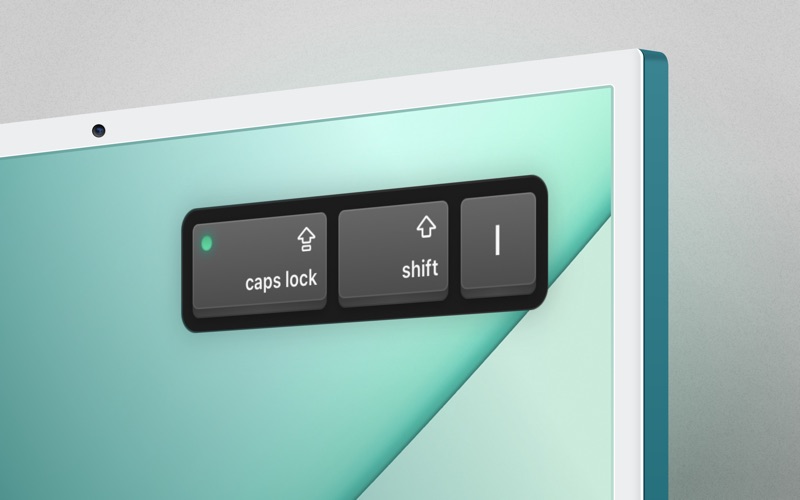
Show your audience which keys you press! Keystroke Pro displays every key as you press it, and shows keycap visualizations in a stunningly elegant way on your screen in an instant. Displaying keystrokes while lecturing, sharing, and recording your screen helps your audience to follow along with ease. Keyboard shortcuts are also essential for app demos, presentations, and how-to videos. Let your audience see which keys you’re pressing, so you can focus on your actual topic.
“Elevate your presentations” — App Store Editorial Team
Lifting spectators up by moving teachers forward. Keystroke Pro looks gorgeous, offers extensive customizability, and is exceptionally well made.
Features
• …
Read the full description
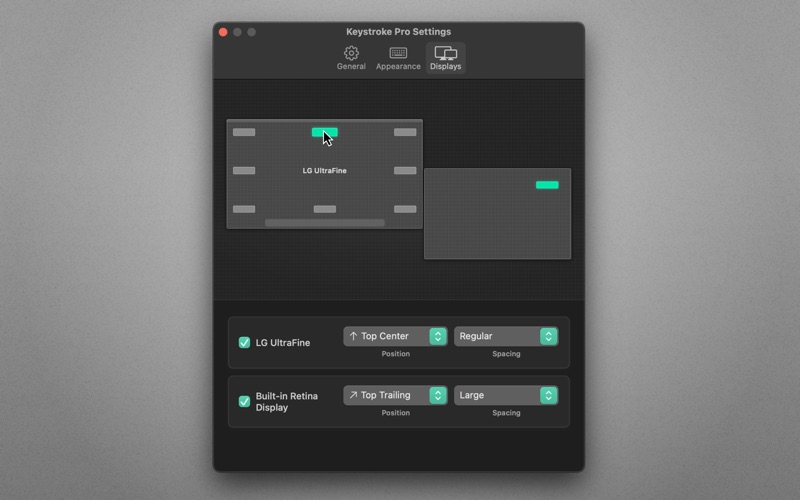
Show your audience which keys you press! Keystroke Pro displays every key as you press it, and shows keycap visualizations in a stunningly elegant way on your screen in an instant. Displaying keystrokes while lecturing, sharing, and recording your screen helps your audience to follow along with ease. Keyboard shortcuts are also essential for app demos, presentations, and how-to videos. Let your audience see which keys you’re pressing, so you can focus on your actual topic. “Elevate your presentations” — App Store Editorial Team Lifting spectators up by moving teachers forward. Keystroke Pro looks gorgeous, offers extensive customizability, and is exceptionally well made. Features • Customize key shapes, colors, and keycap sizes • Stunningly elegant keypress animations • Customizable display duration • Display modes, like modifier keys only detection • Smart positions. Predefined positions on the screen, where the app will display your keystrokes. • Multi-monitor support • Lightweight menu bar app • Autostart. Launch the app automatically on login. • Customizable keyboard shortcut • Apple Shortcuts.app support • Quick-toggle: Option-click on the app icon to enable/disable Use cases • If you want to make a professional impression. Use your Mac to demonstrate or teach apps, workflows, or anything else. People will see your keystrokes and the actions you perform more easily. • Work remotely and need to share your screen with a colleague without them asking what you’re doing all the time. Your keystrokes will be clearly visible. • When capturing or sharing your screen as part of a presentation. • When creating video tutorials, during lectures, streaming games, or participating in video calls/meetings. Privacy • All of your key press input remains offline, on your computer, where it belongs. • Keystroke Pro will not detect nor display your keyboard input when typing within a secure password text field. Compatibility Works great with screen sharing apps like FaceTime, Zoom, Google Meet, Microsoft Teams, Skype, etc. (You have to share your entire screen, not just a single application window!) ⁂ Support If you need help or want to make a feature suggestion, I’d love hearing from you → [email protected] Feedback If you like Keystroke Pro, please take a moment to rate it on the App Store. It’s a great way to support solo developers like yours truly. About App ahead GmbH is a German software studio operated by a single individual, Martin Lexow (that’s me!). My company was originally founded in 2015 under the name IXEAU in Berlin. Today, I’m based in the historic old town of Aachen, Germany. Terms of Use: https://appahead.studio/terms Privacy Policy: https://appahead.studio/privacy
Installs
Apple does not publish download counts. Estimates are in testing.
We publish iOS estimates only after they pass a back-test against real numbers. Chart history below is measured.
Estimated store revenue Estimated Beta
App Store, worldwide, monthly rate from the last 13 chart days to 20 Nov 2026
Below the top 100 grossing apps in the markets we calibrate. In the United States that usually means under about $6.4M a month. App Store purchases and subscriptions only, before Apple's 15 to 30% fee. Ads and web payments are not included.
Ratings
No rating breakdown published for this app.
Recent reviews
Latest public reviews from the store
No reviews in our sample for this app yet.
Top chart positions
Latest App Store chart ranks by country, last 10 days
Not in any tracked top chart in the last 10 days.
Keystroke Pro history
Release, install milestones, listing and store changes
- First released on the store 12 Jul 2021
Update frequency
How often Keystroke Pro ships a new version, month by month
1 updates in the last 12 months. More often than most similar apps: they shipped a median of 0 updates in the same year.
Recent versions
Current version 2.14
- Version 2.1412 Jan 2026
A small New Year update focused on stability and long-term reliability. No new features—just careful refinements under the hood.
Listing keywords
Words and phrases Keystroke Pro repeats most in its store listing
Top phrases: keystroke pro (5), stunningly elegant (2).
Highlighted words also appear in the title. Counts cover the title, short description and description.
Compliance
What the listing and the app package show
- Store status
- Live
- Upkeep
- Updated 12 Jan 2026
- Age rating
- 4+
Apps like Keystroke Pro
 Super VPN: Fast Private ProxyGeek Incorporated★ 4.4
 Hubtel RetailerHubtel Limited★ 4.32
 Monthly Calendar 2022 - CalistOmoboto LLC★ 4.38
 Firstly: To-Do List & PlannerfocusCove LLC★ 4.7
 CBUS 311City of Columbus, Ohio★ 1.8
 Themes for Powerpoint - DesiGNGraphic Node★ 4.22
 iSiloDC & Co.★ 3.82
 Flashlight Pro [Multipurpose LED light]KAVAPOINT★ 3.88
 WiPryOscium LLC★ 2.68
Keystroke Pro: questions and answers
Who makes Keystroke Pro?
Keystroke Pro is published by App ahead GmbH.
When was Keystroke Pro last updated?
The latest version (2.14) was released on 12 Jan 2026.
Is Keystroke Pro free?
No. Keystroke Pro is a paid app priced at $24.99.
Is Keystroke Pro still available?
Yes. Keystroke Pro is live on App Store as of 10 May 2026.
Track Keystroke Pro and its competitors
Watch any app for new versions, rating drops, chart moves and removals. Free plan, no card.