- Installs
- —
- Apple does not publish download counts
- Rating
- 4.0
- Ratings
- 1
- 1 reviews
- Version
- 1.33
- Updated 3 Aug 2023
- Released
- 7 Jan 2017
- Tracked since 10 May 2026
- Size
- 12 MB
- Needs 9.0
Screenshots
About Mesha+
The description on the store listing
Mesha: your essential GPA companion.
Mesha is designed to help you learn any language using the Growing Participator Approach (GPA).
This version of Mesha comes with the capacity to add an unlimited number of items. A free version which initially allows 100 items to be added is available here: http://free.mesha.tk
Watch a tutorial explaining how to use Mesha here: https://youtu.be/rsG2ZWuKRZ4
You can also see tutorials on the philosophy behind GPA here (http://www.mesha.tk/tutorials/GPA) and how to use Mesha for the recommended six-phase program (http://www.mesha.tk/tutorials/six-phases).
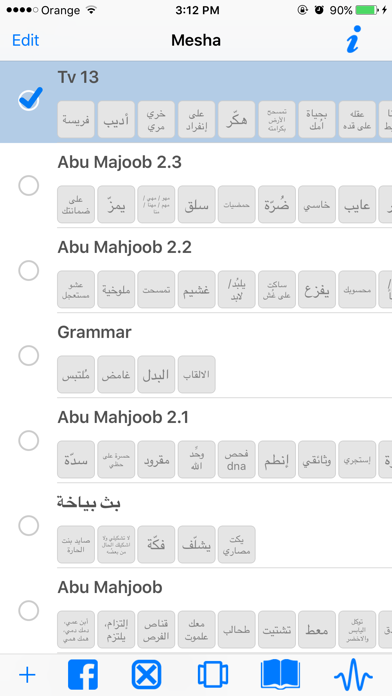
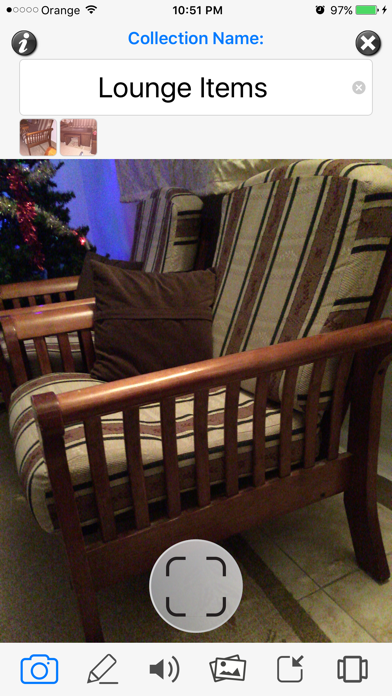
** Creating Collections **
Mesha makes it as easy and as fast as possible for you to record your …
Read the full description
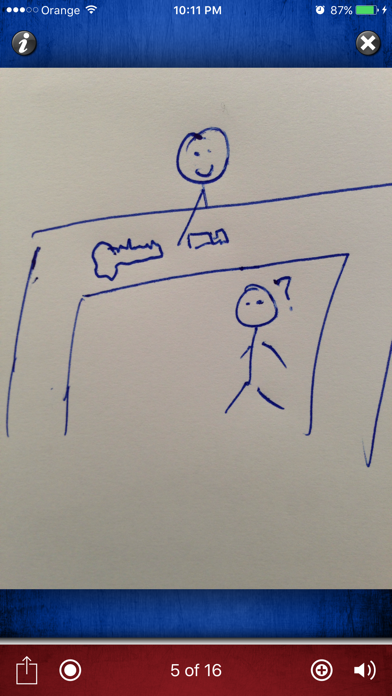
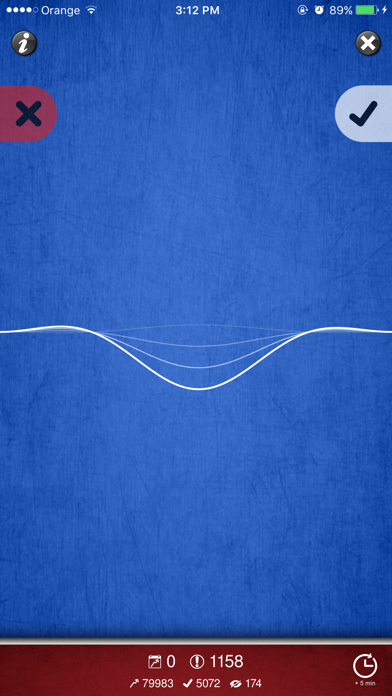
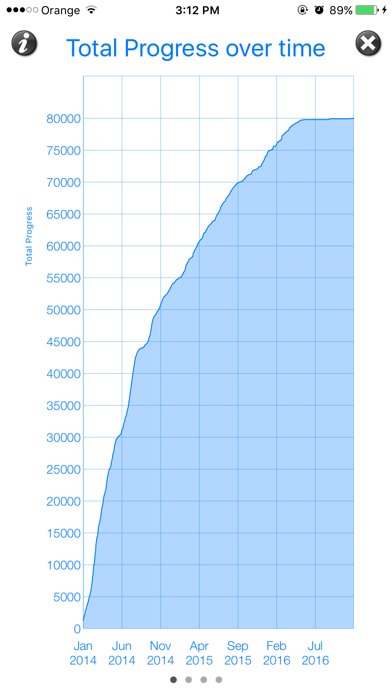
Mesha: your essential GPA companion. Mesha is designed to help you learn any language using the Growing Participator Approach (GPA). This version of Mesha comes with the capacity to add an unlimited number of items. A free version which initially allows 100 items to be added is available here: http://free.mesha.tk Watch a tutorial explaining how to use Mesha here: https://youtu.be/rsG2ZWuKRZ4 You can also see tutorials on the philosophy behind GPA here (http://www.mesha.tk/tutorials/GPA) and how to use Mesha for the recommended six-phase program (http://www.mesha.tk/tutorials/six-phases). ** Creating Collections ** Mesha makes it as easy and as fast as possible for you to record your sessions with your nurturer/teacher. In your GPA session, simply make a 'Collection' by tapping on on the '+' button in the home screen. Then add items to your collection, such as photos of objects, sketches, text or audio. ** Recording Audio ** To record the audio for these items, open this collection in Slideshow Mode by tapping on an item or by pressing the slideshow mode button. A key feature of Mesha is that it has two recording buttons. The Short Recording Button and the Long Recording Button. Use the Short Recording Button for single words and phrases. And use the Long Recording Button for full sentences, such as for stories, explanations and examples. For basic vocab items, tap the Short Recording button on the left hand side. Your nurturer can say this word or phrase aloud two or three times, And then you slide to the next item and the next recording will start automatically. For items with just plain text, you will want to do a long recording for each item where your nurturer explains gives explanations and examples. If the items are telling a story such as when you are using Lexicarry or wordless picture books and your nurturer is explaining the items in complete sentences, then you should choose the Long Recording button instead, on the right hand side. You can tap the Embed button as you are listening to create new items at that point in the story if you are uncertain of what a particular word is. Then you can review these embedded items with your nurturer in Slideshow Mode. These embedded words are added to the same collection as the story audio and are also viewable in the waveform in the slide for that audio. ** Vocab Review Mode ** To review individual vocab items, tap the 'Vocab Review' button at the bottom right of the home screen. This allows you to test yourself on items at set intervals which increase the more times that record that you know it correctly. First you will hear the word and see the image of it or hear the explanation. From then on, you will only hear the audio of the item. If you know it, swipe right and this word will be placed in a higher 'Spaced Repetition Box'. If you don't know it, or just want to check the meaning, you can swipe left and the explanation audio will be played or the picture will be shown. If you did know it correctly, tap on the 'Box' icon to mark that it was correct, otherwise the item will go back to 'Box' number 1 and you will review it more frequently to get you better acquainted with the item. Tap on the statistics at the bottom to see a graph of your progress. ** Story Review Mode ** This mode allows you to spend time listening to your stories in your target language. 'Stories' are items in Mesha which have a 'Long' Audio recording without a 'Short' Audio Recording. After you've finished listening, swipe right or tap the 'tick'. You can manually schedule the next time you'll listen to this story. It will save your position in the story if you close this window before it is finished. First you listen to stories that you have not listened to before and then it will display stories that you next need to review. Stories are displayed in the order they were recorded. For more help, email us at [email protected] or visit https://facebook.com/MeshaApp
Installs
Apple does not publish download counts. Estimates are in testing.
We publish iOS estimates only after they pass a back-test against real numbers. Chart history below is measured.
Estimated store revenue Estimated Beta
App Store, worldwide, monthly rate from the last 14 chart days to 21 Nov 2026
Below the top 100 grossing apps in the markets we calibrate. In the United States that usually means under about $6.4M a month. App Store purchases and subscriptions only, before Apple's 15 to 30% fee. Ads and web payments are not included.
Ratings
1 ratings, 1 reviews
No rating breakdown published for this app.
Recent reviews
Latest public reviews from the store
No reviews in our sample for this app yet.
Top chart positions
Latest App Store chart ranks by country, last 10 days
Not in any tracked top chart in the last 10 days.
Mesha+ history
Release, install milestones, listing and store changes
- First released on the store 7 Jan 2017
Recent versions
Current version 1.33
- Version 1.333 Aug 2023
Fixes issue with deleting collections. Now you can swipe to delete.
Listing keywords
Words and phrases Mesha+ repeats most in its store listing
Top phrases: recording button (6), long recording (4), long recording button (3), short recording button (3), audio recording (3).
Highlighted words also appear in the title. Counts cover the title, short description and description.
Compliance
What the listing and the app package show
- Store status
- Live
- Upkeep
- No update since 3 Aug 2023
- Age rating
- 4+
Apps like Mesha+
 Populations and Resources SimAmplify Education, Inc.★ 2.38
 Rune WriterPaul Burlov★ 4.34
 Being Moroccan ( Darija )Yasir TIRAK★ 4.56
 方格单词²上海译动智能科技有限公司★ 4.68
 Handwriting Tracing PracticeVladimir Zavada★ 4.02
 Oklahoma Learners Permit TestNilu Rathod★ 4.72
 SU CampusCharles Robinson★ 4.76
 NC CDL Permit Test PracticeNilu Rathod★ 4.82
 Mjølnir NorwegianMjølnir Learning Apps★ 4.92
Mesha+: questions and answers
Who makes Mesha+?
Mesha+ is published by ROBERT B TURNBULL.
When was Mesha+ last updated?
The latest version (1.33) was released on 3 Aug 2023.
Is Mesha+ free?
No. Mesha+ is a paid app priced at $18.99.
Is Mesha+ still available?
Yes. Mesha+ is live on App Store as of 1 Jul 2026.
Track Mesha+ and its competitors
Watch any app for new versions, rating drops, chart moves and removals. Free plan, no card.