
- Installs
- —
- Apple does not publish download counts
- Rating
- —
- Ratings
- —
- Version
- 13.2.3
- Updated 4 Nov 2021
- Released
- 20 Jul 2020
- Tracked since 10 May 2026
- Size
- 134 MB
- Needs 10.13.0
Also on Google Play: MindManager
Screenshots

About MindManager
The description on the store listing
Get your FIRST 30 DAYS FREE when you sign-up for a MindManager subscription. Enjoy the full-featured product and cancel at any time before the trial period is over—at no cost to you.
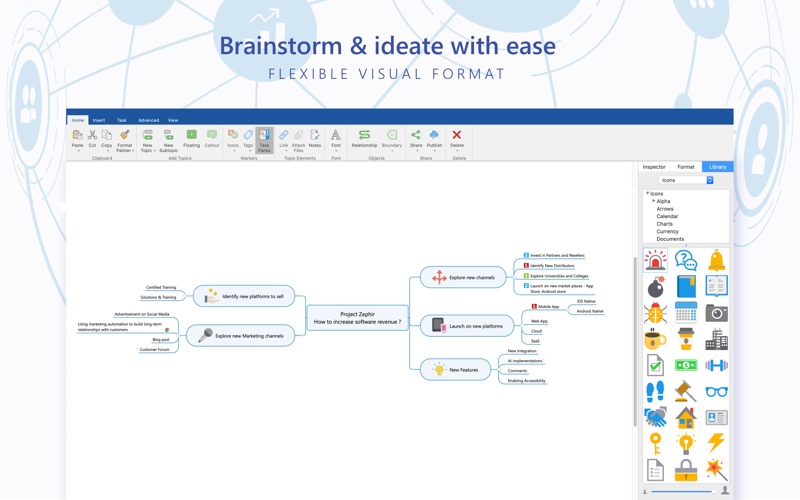
Capture, organize, manage, and share your business-critical information more easily, elegantly, and efficiently with MindManager mind mapping and visual work management software.
Transform scattered ideas and data into dynamic visual maps, diagrams, flowcharts, matrices, and more. MindManager makes it easy for you to think more clearly, make better decisions, and do great work faster.
Get started now with a free, full-featured 30-day trial.
CAPTURE information easily & intuitively
- Start a diagram …
Read the full description
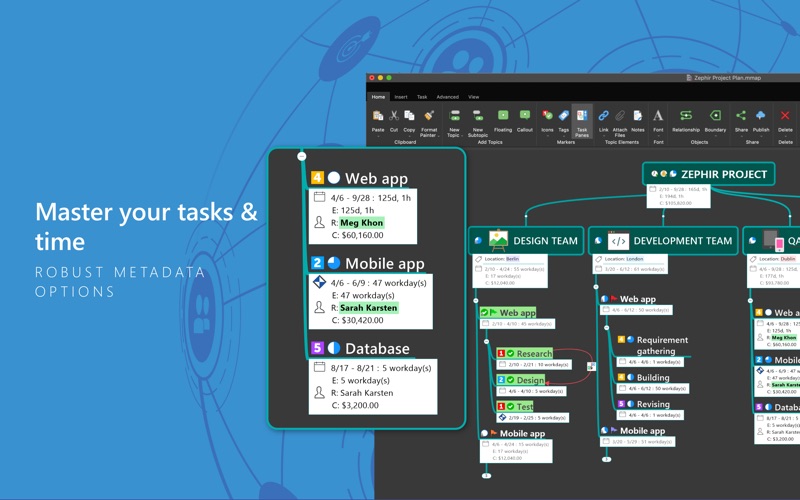
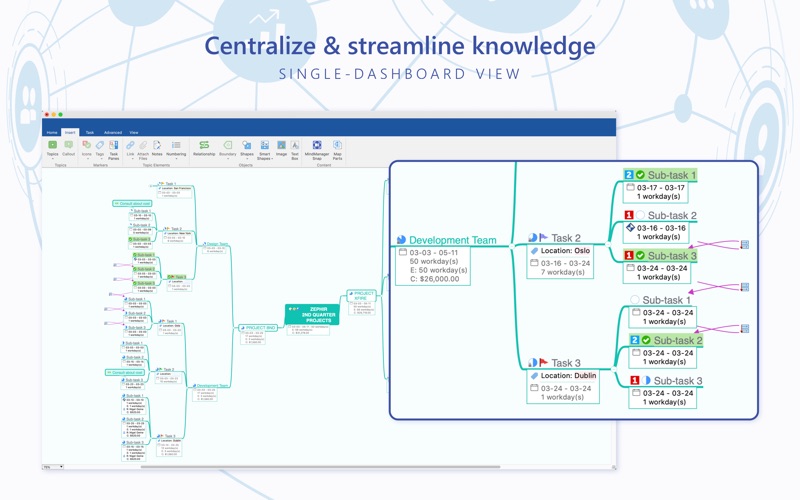
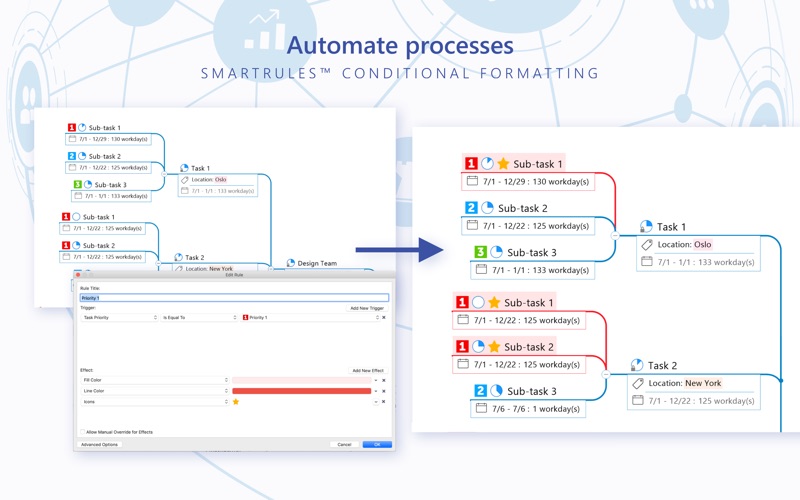
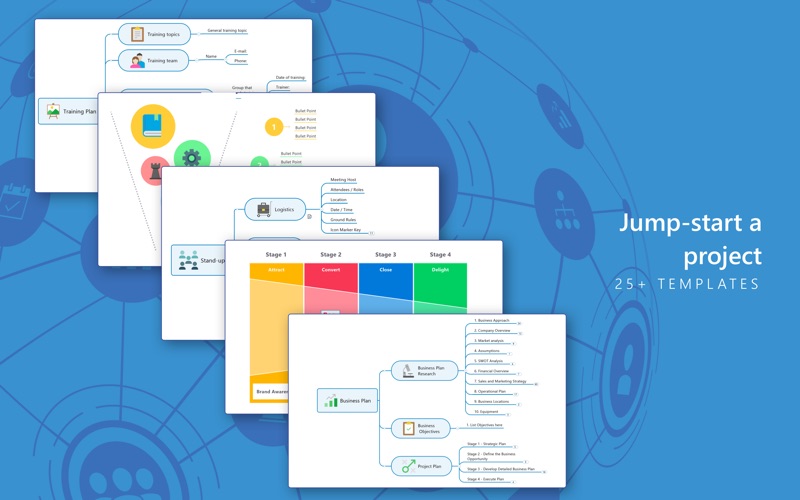
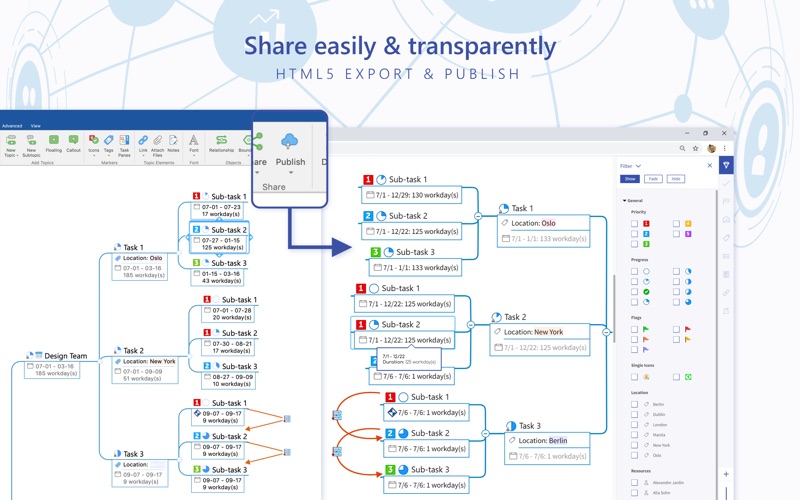
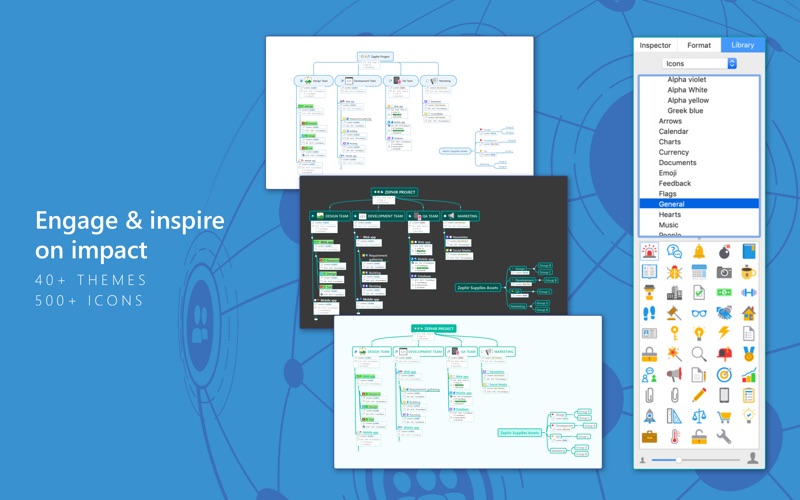
Get your FIRST 30 DAYS FREE when you sign-up for a MindManager subscription. Enjoy the full-featured product and cancel at any time before the trial period is over—at no cost to you. Capture, organize, manage, and share your business-critical information more easily, elegantly, and efficiently with MindManager mind mapping and visual work management software. Transform scattered ideas and data into dynamic visual maps, diagrams, flowcharts, matrices, and more. MindManager makes it easy for you to think more clearly, make better decisions, and do great work faster. Get started now with a free, full-featured 30-day trial. CAPTURE information easily & intuitively - Start a diagram from a blank slate or from one of 25+ pre-built templates - Add topics as quickly as you think of them - Evolve a brainstorm into an executable strategy, process, or plan in the same application - Use MindManager Snap to send content and ideas directly to MindManager wherever you are and at whatever time of day ORGANIZE information quickly & logically - Easily add, remove, and reprioritize topics - Enrich tasks with resource information, deadlines, notes, and other metadata - Get an at-a-glance view of where to focus your time and effort - Add detailed information to topics, such as notes, properties, links, and attachments MANAGE information clearly & efficiently - Collect relevant files, links, images, and more—in one central place - Visually connect topics to highlight relationships and dependencies - Maintain a big-picture understanding without losing sight of critical details - Choose from a wide range of icons, markers, and shapes; and customize images and backgrounds - Apply SmartRulesTM conditional formatting and use Smart Shapes, such as swim lanes, funnels, or tables, in a flowchart or map SHARE information simply & transparently - Publish your maps online and share the link for others to access them on their web browsers - Export your maps to various other formats, such as HTML 5, PDFs and images, and share them with team members and clients MAC SUPPORTED FEATURES: MOBILE INTEGRATION | Take your maps anywhere your Mac can’t go! With MindManager Go for iPhone & iPad, you can capture notes, links, and images at any time with MindManager Snap. iCLOUD | Work from anywhere without interruption. Integration with iCloud lets you store and access your maps on any device. SIDECAR | Extend or mirror your desktop onto an iPad or iPad Pro, making it a versatile tool to share your screen across the desk. TOUCH BAR | Put shortcuts at your fingertips with MacBook Pro Touch Bar support. Add tags and priority & progress markers to your topics. Format text, zoom the map, and more. DARK MODE | When you switch your OS to Dark Mode, MindManager will adopt a dark interface for a consistent appearance across your Mac. ADDITIONAL FEATURES: MULTIPLE MAP TYPES | Mind maps, concept maps, flowcharts, matrices, Kanban board, Venn & onion diagrams, org charts, timelines, and more TOPIC ELEMENTS | Notes, relationships, links, attachments, callouts, images, icons, tags, thumbnails, boundaries, numbering, sorting, configurable and reusable map parts, topic properties, and SmartRules DESIGN TOOLS | Built-in themes & templates, shapes & Smart Shapes, text boxes, background images, match topic widths, and topic shapes PROJECT & TASK MANAGEMENT | Add task information, roll up tasks, add resources, efforts, milestones, dependencies, project costing, view critical tasks, remove slack, and calendar & reminders VIEWS: Document view, tag View, Kanban view, and Gantt chart view NAVIGATION, VIEWING & EDITING | Quick add button, filter data, focus on a branch, keyboard shortcuts, drag & drop topics and topic elements, collapse/expand/select map levels, zoom & pan, print preview & printing, and map roll-ups SHARING & PUBLISHING | Publish your maps online and share with anyone for viewing on a web browser
Installs
Apple does not publish download counts. Estimates are in testing.
We publish iOS estimates only after they pass a back-test against real numbers. Chart history below is measured.
Estimated store revenue Estimated Beta
App Store, worldwide, monthly rate from the last 14 chart days to 21 Nov 2026
Below the top 100 grossing apps in the markets we calibrate. In the United States that usually means under about $6.4M a month. App Store purchases and subscriptions only, before Apple's 15 to 30% fee. Ads and web payments are not included.
Ratings
No rating breakdown published for this app.
Recent reviews
Latest public reviews from the store
No reviews in our sample for this app yet.
Top chart positions
Latest App Store chart ranks by country, last 10 days
Not in any tracked top chart in the last 10 days.
MindManager history
Release, install milestones, listing and store changes
- First released on the store 20 Jul 2020
Recent versions
Current version 13.2.3
- Version 13.2.34 Nov 2021
- Stability improvements and bug fixes - Updates for macOS Monterey support
Listing keywords
Words and phrases MindManager repeats most in its store listing
Top phrases: online and share (2), publish your maps (2), dark mode (2), flowcharts matrices (2), full featured (2).
Highlighted words also appear in the title. Counts cover the title, short description and description.
Compliance
What the listing and the app package show
- Store status
- Live
- Upkeep
- No update since 4 Nov 2021
- Age rating
- 4+
Apps like MindManager
 GoTime RepairAudatex North America Inc.★ 3.94
 Super VPN: Fast Private ProxyGeek Incorporated★ 4.4
 Hubtel RetailerHubtel Limited★ 4.32
 Monthly Calendar 2022 - CalistOmoboto LLC★ 4.38
 CBUS 311City of Columbus, Ohio★ 1.8
 Themes for Powerpoint - DesiGNGraphic Node★ 4.22
 iSiloDC & Co.★ 3.82
 Flashlight Pro [Multipurpose LED light]KAVAPOINT★ 3.88
 WiPryOscium LLC★ 2.68
MindManager: questions and answers
Who makes MindManager?
MindManager is published by Corel Corporation.
When was MindManager last updated?
The latest version (13.2.3) was released on 4 Nov 2021.
Is MindManager free?
Yes. MindManager is free to download.
Is MindManager still available?
Yes. MindManager is live on App Store as of 10 May 2026.
Track MindManager and its competitors
Watch any app for new versions, rating drops, chart moves and removals. Free plan, no card.