
- Installs
- —
- Apple does not publish download counts
- Rating
- 3.6
- Ratings
- 5
- 5 reviews
- Version
- 1.6
- Updated 5 Mar 2019
- Released
- 21 Dec 2011
- Tracked since 10 May 2026
- Size
- 78 MB
- Needs 8.0
Screenshots
About Morster
The description on the store listing
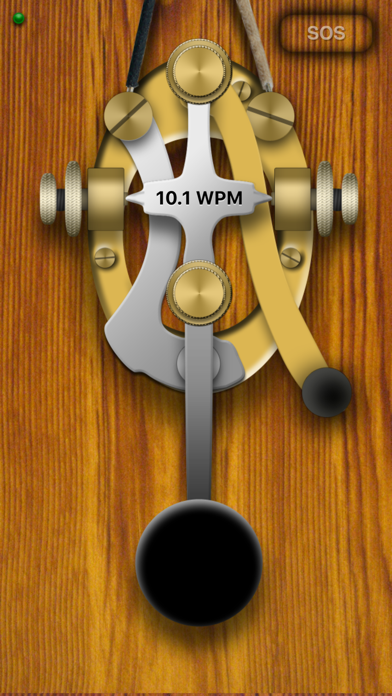
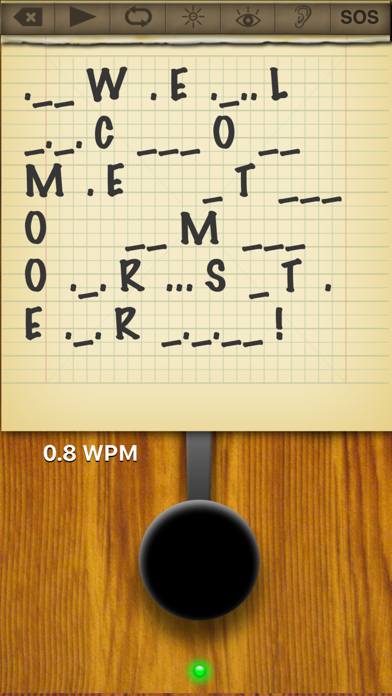
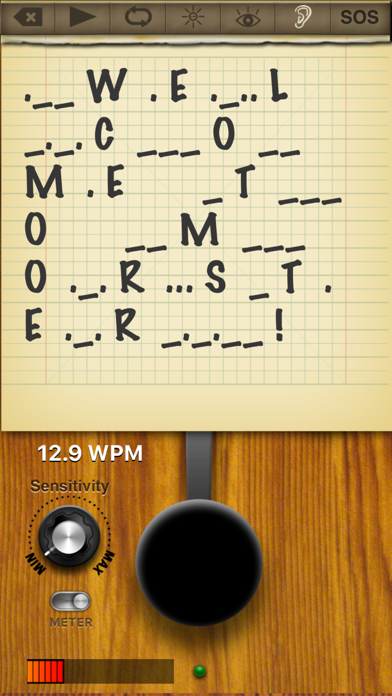
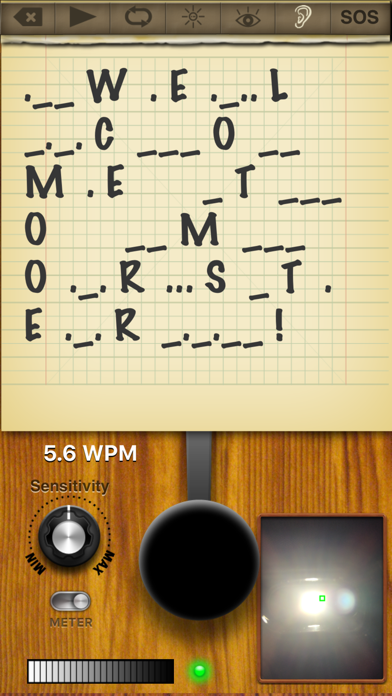
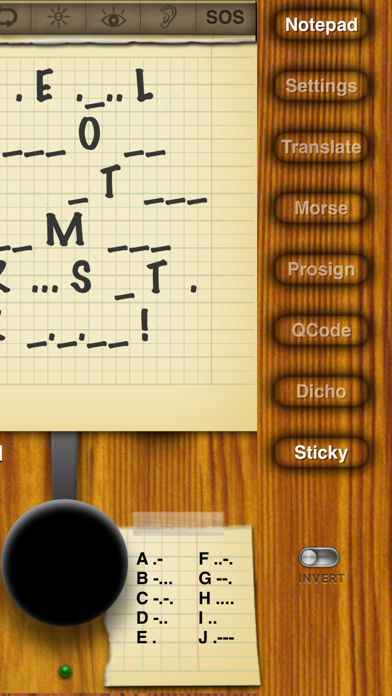
Morster is the ultimate morse code tool for iOS devices. Morster can interpret morse code that is created using the key, light from the camera or sounds from the microphone. Playback morse code with configurable sound or lighting effects. Morster is rich with features for learning morse code.
Feature List:
Graphical Interactive Morse Key
Includes short circuit lever
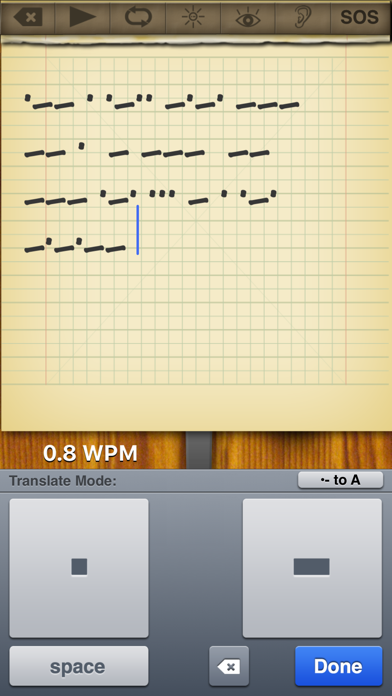
Translate Mode - Translate text to and from morse code
Morse Code reference, several forms of morse code reference
Prosign Ready - Recognize or reference prosign codes
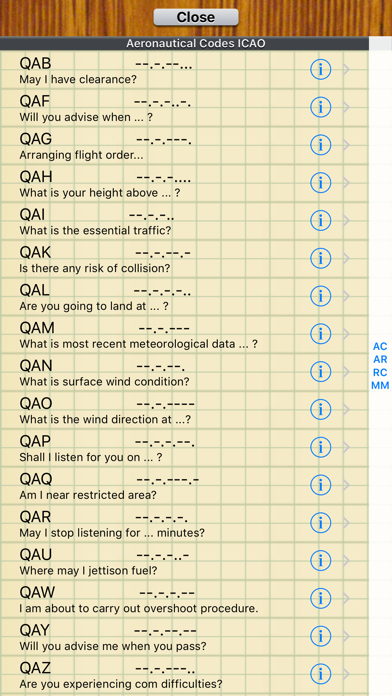
QCode Ready - Recognize or reference QCodes
Dichotomic View - Morse code relationship chart, great for learning
Sticky Note - Display a list of morse code …
Read the full description
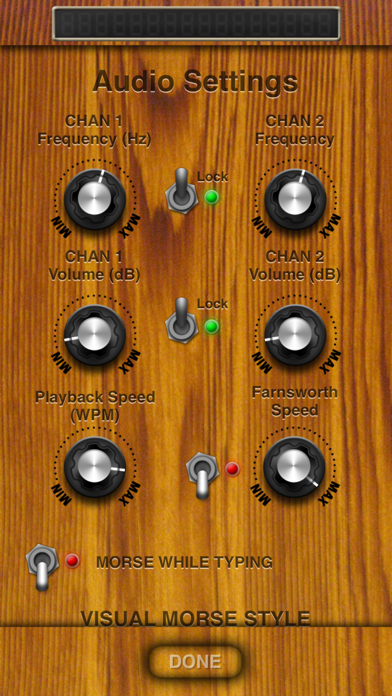
Morster is the ultimate morse code tool for iOS devices. Morster can interpret morse code that is created using the key, light from the camera or sounds from the microphone. Playback morse code with configurable sound or lighting effects. Morster is rich with features for learning morse code. Feature List: Graphical Interactive Morse Key Includes short circuit lever Translate Mode - Translate text to and from morse code Morse Code reference, several forms of morse code reference Prosign Ready - Recognize or reference prosign codes QCode Ready - Recognize or reference QCodes Dichotomic View - Morse code relationship chart, great for learning Sticky Note - Display a list of morse code sequences for reference Playback morse code once or in a loop Visual Morse Decoder - Use the camera(s) to analyze morse code signals Audio Morse Decoder - Use the microphone to analyze morse code signals Visual Morse Communication Using screen effect or camera flash Notepad to display morse code Invert morse key function Game Center Ready - Morse with friends! Wifi / Blue Tooth - Morse with friends over Blue Tooth or local wifi network Configurable audio tone In depth help file included Visual Morse Decoder Morster can use the live camera feed to decipher morse code that is being signaled with light. The light source could be coming from a light, mirror or another version of Morster. Use the view finder to focus on the light source, adjust the sensitivity and the morse code will be translated and displayed in the notepad. This feature is only available on devices that have a camera and running iOS 4 or later. Speed tests using an iPhone 4 to signal an iPad 2, both running iOS 5, demonstrate decoding speeds upwards of 30 WPM. Audio Morse Decoder Morster can use the live audio feed to decipher morse code that is being generated using sound. The amplitude of the sound is used to trigger the morse key. When the sound is below the threshold, the key is released. The sound can be any sound, but must have a distinct beginning and end. Currently, Morster does not decipher morse code taps, where there is only the beginning of the signal and not the end. Speed tests using iPhone 4 to signal iPad 2, both running iOS 5, demonstrate decoding speeds upwards of 13 WPM. For faster decoding of morse code, we suggest professional hardware. This feature is processor intensive and performance will vary between devices. Morse Decoding Morster will analyze the speed that morse code is keyed and automatically adjust to interpret the code. This allows for slight variances in speed that will still be properly analyzed. Visual Morse Feature Devices that have a camera flash can use it to signal with morse code. When enabled pressing the morse key will also turn on the flash. When morse code is played back, the camera flash will be used in conjunction with the tone. A Visual Morse screen can be configured to use the screen to signal with morse code. The visual feature can use an image of a light bulb or a color. The shape can be circular or rectangular. Shutters can be used, with a modifiable shutter count and speed. This feature is only activated for morse playback. On supported devices, it is possible to use either feature or both at the same time. Translate Mode It is possible to enter text into the notepad and then convert it to morse code. It is also possible to use the morse code keyboard and enter morse code that can be translated to characters. Morse Code / Prosign / QCode / Dichotomomic View A list of morse code characters is provided in list form or as a sticky near the morse key. A list of Prosigns and QCodes are included. These are sequences of letters that have special meaning in different morse code applications. For example SOS = ...---... = Distress Message. A dichotomic view of morse code shows the relationship between characters of the alphabet.
Installs
Apple does not publish download counts. Estimates are in testing.
We publish iOS estimates only after they pass a back-test against real numbers. Chart history below is measured.
Estimated store revenue Estimated Beta
App Store, worldwide, monthly rate from the last 13 chart days to 20 Nov 2026
Below the top 100 grossing apps in the markets we calibrate. In the United States that usually means under about $6.4M a month. App Store purchases and subscriptions only, before Apple's 15 to 30% fee. Ads and web payments are not included.
Ratings
5 ratings, 5 reviews
No rating breakdown published for this app.
Recent reviews
Latest public reviews from the store
No reviews in our sample for this app yet.
Top chart positions
Latest App Store chart ranks by country, last 10 days
Not in any tracked top chart in the last 10 days.
Morster history
Release, install milestones, listing and store changes
- First released on the store 21 Dec 2011
Update frequency
How often Morster ships a new version, month by month
0 updates in the last 12 months. Less often than most similar apps: they shipped a median of 1 updates in the same year.
Recent versions
Current version 1.6
- Version 1.65 Mar 2019
Updated for iPhone X and iPad Pro. Various bug fixes and optimizations.
Listing keywords
Words and phrases Morster repeats most in its store listing
Top phrases: morse code (29), morse key (5), visual morse (5), morse decoder (4), decipher morse code (3).
Highlighted words also appear in the title. Counts cover the title, short description and description.
Compliance
What the listing and the app package show
- Store status
- Live
- Upkeep
- No update since 5 Mar 2019
- Age rating
- 4+
Apps like Morster
 Library of AviationNazmi Yavuz★ 4.82
 MyNOVECNorthern Virginia Electric Cooperative★ 2.28
 打工人小组件光翔 卓★ 4.96
 TruckbaysTruckbays LLC★ 4.3
 Tornado PRO PlayerMohammed Altam★ 4.44
 VDX - Video ManagerARISEPEAK LP★ 1.74
 TV CastingZeasn Info Technology Co., Ltd.★ 1.86
 Mil-Dot BallisticsTom Holsten★ 3.82
 MySontiqSontiq, Inc.★ 2.4
Morster: questions and answers
Who makes Morster?
Morster is published by Sunshine Valley Systems.
When was Morster last updated?
The latest version (1.6) was released on 5 Mar 2019.
Is Morster free?
No. Morster is a paid app priced at $3.99.
Is Morster still available?
Yes. Morster is live on App Store as of 1 Jul 2026.
Track Morster and its competitors
Watch any app for new versions, rating drops, chart moves and removals. Free plan, no card.