
- Installs
- —
- Apple does not publish download counts
- Rating
- 3.58
- Ratings
- 24
- 24 reviews
- Version
- 1.7.9
- Updated 20 Apr 2022
- Released
- 17 Dec 2009
- Tracked since 10 May 2026
- Size
- 28 MB
- Needs 9.0
Screenshots
About PassDiary Password Manager
The description on the store listing
Passdiary is a password manager and password wallet that let you securely store all your accounts important information in a vault. Passdiary does not access any of your precious information and none of your data will be stored in cloud or any other server.
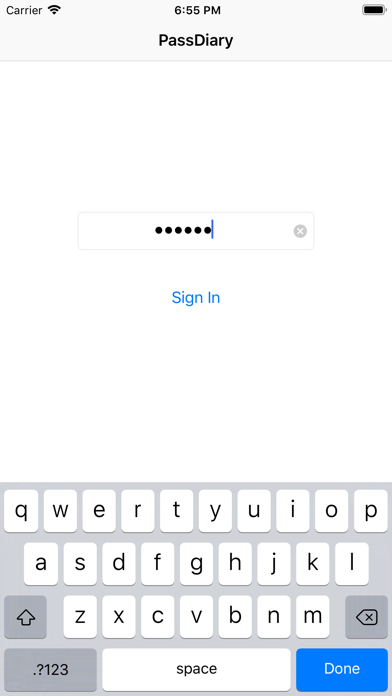
To access all your stored accounts passwords you just required to remember one password of Passdiary. Passdiary can be used to store the information of your email accounts, shopping accounts, social accounts, credit/debit cards, device logins and a lot.
Using Passdiary first time?
Passdiary is available just for $1 with lifetime access for iOS platforms and can be accessed on mobiles, tablets and iPad.
Passdiary Features:-
-Passdiary …
Read the full description
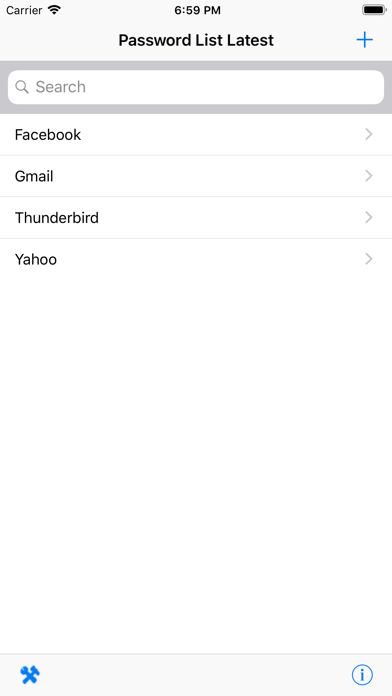
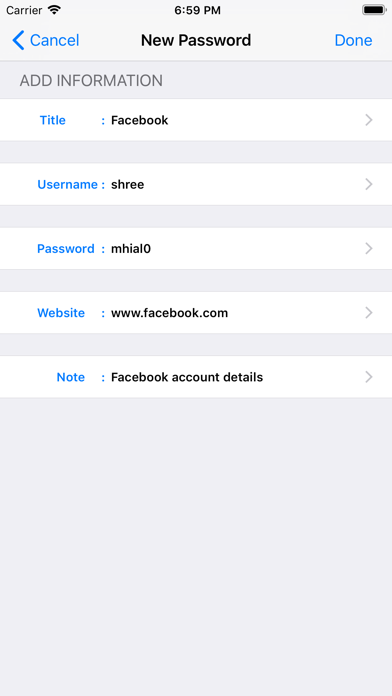
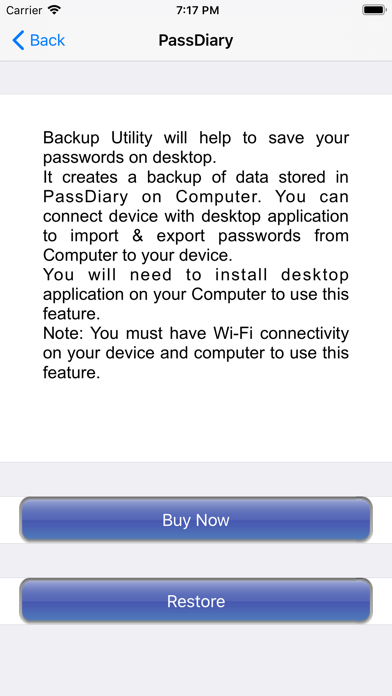
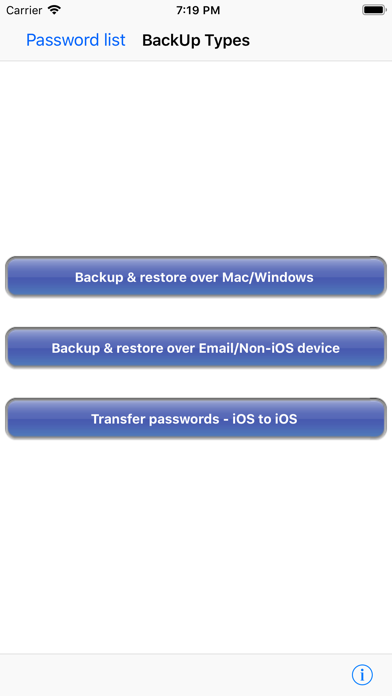
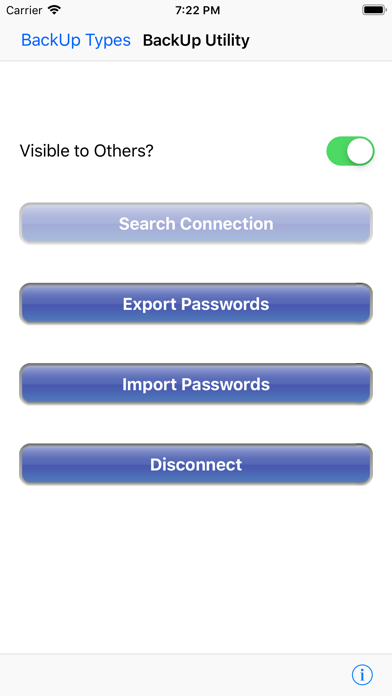
Passdiary is a password manager and password wallet that let you securely store all your accounts important information in a vault. Passdiary does not access any of your precious information and none of your data will be stored in cloud or any other server. To access all your stored accounts passwords you just required to remember one password of Passdiary. Passdiary can be used to store the information of your email accounts, shopping accounts, social accounts, credit/debit cards, device logins and a lot. Using Passdiary first time? Passdiary is available just for $1 with lifetime access for iOS platforms and can be accessed on mobiles, tablets and iPad. Passdiary Features:- -Passdiary App is very simple and easy to use -Smart search to Password listing page -Password details can be saved with website URL, title, username & password with description -Random password generation using alphabets, numbers, special characters -Working offline (Does not require internet connectivity) -Passwords are safely stored on the device -Application is very highly secured against vulnerabilities -Strong Encryption (256-bit Advanced Encryption Standard -Backup utility to back up your passwords on a PC/Mac which is having Java installed. -Every query related on how to use the app is provided on website. Password diary – Makes easy to keep a record of all your account password with descriptions Password vault for storage – Let you store and easily search all your passwords at a single place Secure password vault – Passdiary does not connect with internet and does not synchronize with any of your accounts. What is Backup utility? Backup Utility is developed for Passdiary users, so as to save and restore passwords whenever required. The backup utility is a Desktop software for Windows/Mac devices which transfers your passwords from your Tablet/iPhone/iPod device to your computer and vice-versa with some easy steps. How Backup utility works? In the back up process a file (.epk) is exported to Windows/Mac device from your mobile uses 256 Bit encryption security. Your backup file on PC cannot be opened by any other program. Desktop utility will never connect to Internet and all your passwords are safe with 256 Bit encryption security used to encrypt backup file. Desktop utility also works with Mountain Lion OS. The use of this facility is recommended in situations where you are resetting your device to factory settings or formatting your desktop with iTunes or re-installing the iTunes. It also works for circumstances in which your Computer iTunes is infected with Trojan, or you want to switch to another device. iTunes also provides backup features but it may not necessarily support backups in situations mentioned above Backup Utility is available as an In App purchase just for $0.99 or price equivalent to your country’s currency. Please check http://passdiary.com to see the snapshots that will give you an idea as to how you can do this and get going.
Installs
Apple does not publish download counts. Estimates are in testing.
We publish iOS estimates only after they pass a back-test against real numbers. Chart history below is measured.
Estimated store revenue Estimated Beta
App Store, worldwide, monthly rate from the last 14 chart days to 21 Nov 2026
Below the top 100 grossing apps in the markets we calibrate. In the United States that usually means under about $6.4M a month. App Store purchases and subscriptions only, before Apple's 15 to 30% fee. Ads and web payments are not included.
Ratings
24 ratings, 24 reviews
No rating breakdown published for this app.
Recent reviews
Latest public reviews from the store
No reviews in our sample for this app yet.
Top chart positions
Latest App Store chart ranks by country, last 10 days
- Countries ranked
- 3 of 50
- Best rank
- #63
- Top 10 placements
- 0
- of 3 chart placements
- Average rank
- #79
Best countries on App Store
- 🇬🇧 United Kingdom · Top paid, Productivity#63
- 🇳🇿 New Zealand · Top paid, Productivity#75
- 🇦🇺 Australia · Top paid, Productivity#99
PassDiary Password Manager history
Release, install milestones, listing and store changes
- First released on the store 17 Dec 2009
Recent versions
Current version 1.7.9
- Version 1.7.920 Apr 2022
- Minor Bug Fixes
Listing keywords
Words and phrases PassDiary Password Manager repeats most in its store listing
Top phrases: backup utility (6), bit encryption security (2), backup file (2), bit encryption (2), desktop utility (2).
Highlighted words also appear in the title. Counts cover the title, short description and description.
Compliance
What the listing and the app package show
- Store status
- Live
- Upkeep
- No update since 20 Apr 2022
- Age rating
- 17+
Apps like PassDiary Password Manager
 GoTime RepairAudatex North America Inc.★ 3.94
 Super VPN: Fast Private ProxyGeek Incorporated★ 4.4
 Hubtel RetailerHubtel Limited★ 4.32
 Monthly Calendar 2022 - CalistOmoboto LLC★ 4.38
 CBUS 311City of Columbus, Ohio★ 1.8
 Themes for Powerpoint - DesiGNGraphic Node★ 4.22
 iSiloDC & Co.★ 3.82
 Flashlight Pro [Multipurpose LED light]KAVAPOINT★ 3.88
 WiPryOscium LLC★ 2.68
PassDiary Password Manager: questions and answers
Who makes PassDiary Password Manager?
PassDiary Password Manager is published by Epicomm Technologies Ltd.
When was PassDiary Password Manager last updated?
The latest version (1.7.9) was released on 20 Apr 2022.
Is PassDiary Password Manager free?
No. PassDiary Password Manager is a paid app priced at $0.99.
Is PassDiary Password Manager still available?
Yes. PassDiary Password Manager is live on App Store as of 1 Jul 2026.
Track PassDiary Password Manager and its competitors
Watch any app for new versions, rating drops, chart moves and removals. Free plan, no card.