
- Installs
- —
- Apple does not publish download counts
- Rating
- 4.28
- Ratings
- 805
- 805 reviews
- Version
- 16.20
- Updated 21 Dec 2025
- Released
- 11 Jan 2011
- Tracked since 11 May 2026
- Size
- 13 MB
- Needs 15.0
Screenshots
About Password Manager iPassSafe
The description on the store listing
iPassSafe – Advanced Privacy and Security in Password Management
> WHY IPASSSAFE IS THE SECURE CHOICE?
○ ADVANCED ENCRYPTION:
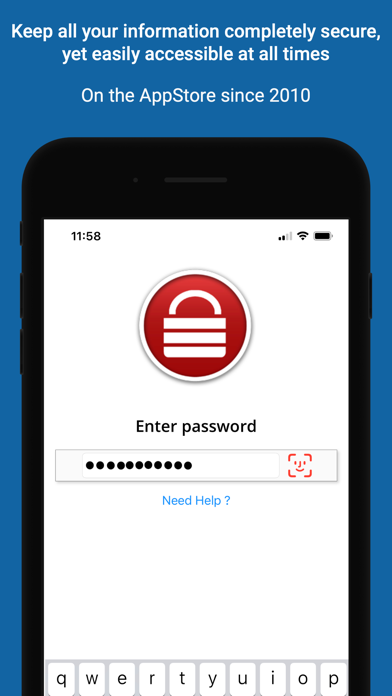
iPassSafe uses AES-256 encryption combined with PBKDF2 key strengthening to secure your data. This industry-standard encryption ensures your information is protected from unauthorized access, even if a backup is compromised, offering robust defense against any threats.
○ EXCLUSIVE USE OF APPLE’S OFFICIAL FRAMEWORKS:
Unlike many competitors that integrate third-party libraries for analytics, push notifications, and other services, iPassSafe relies solely on Apple’s official frameworks. By avoiding external code, iPassSafe minimizes potential security risks and …
Read the full description
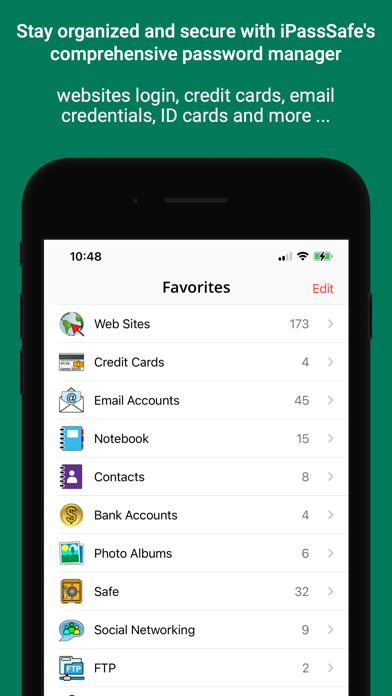
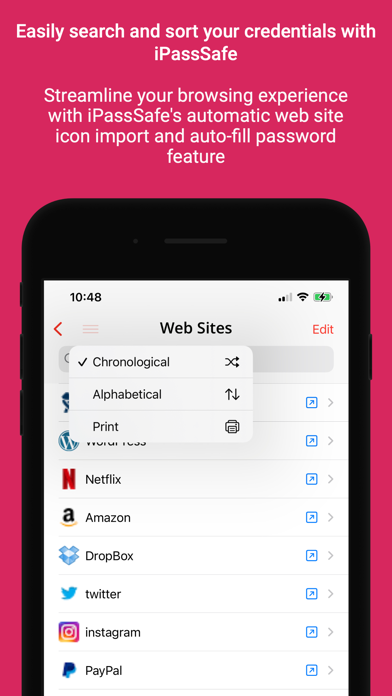
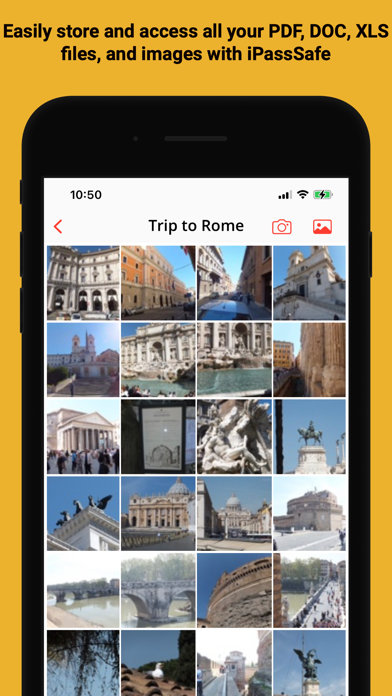
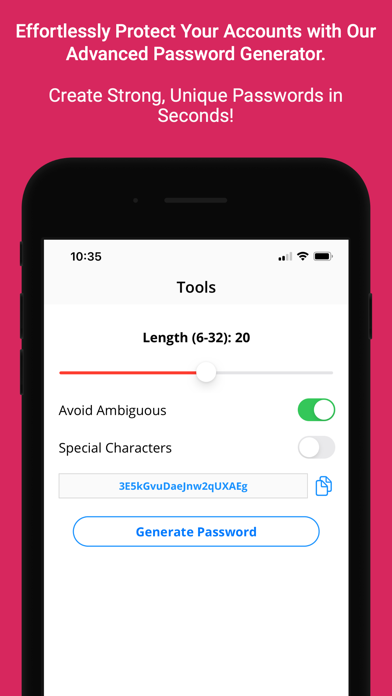
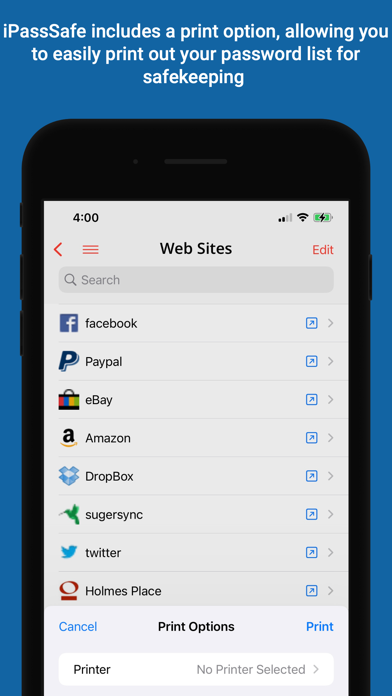
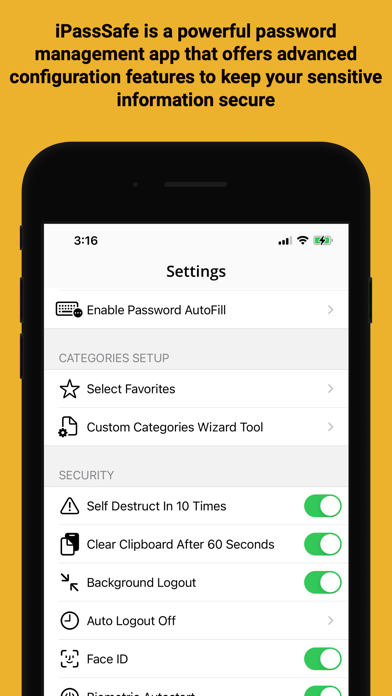
iPassSafe – Advanced Privacy and Security in Password Management > WHY IPASSSAFE IS THE SECURE CHOICE? ○ ADVANCED ENCRYPTION: iPassSafe uses AES-256 encryption combined with PBKDF2 key strengthening to secure your data. This industry-standard encryption ensures your information is protected from unauthorized access, even if a backup is compromised, offering robust defense against any threats. ○ EXCLUSIVE USE OF APPLE’S OFFICIAL FRAMEWORKS: Unlike many competitors that integrate third-party libraries for analytics, push notifications, and other services, iPassSafe relies solely on Apple’s official frameworks. By avoiding external code, iPassSafe minimizes potential security risks and ensures that your data is handled within a highly secure and trusted environment. ○ PRIVACY POLICY: Our privacy policy is straightforward—iPassSafe does NOT collect or track ANY user data. iPassSafe stands out by NOT collecting or tracking ANY user data. Unlike most other apps, your information stays completely private and secure, with NO third-party involvement. ○ LOCAL DATA STORAGE WITH SECURE CLOUD SYNC OPTION: Unlike some popular password managers that have been compromised due to reliance on centralized private clouds, which have faced security breaches, iPassSafe avoids these risks. Your data is stored directly on your device and in your iCloud (optional), benefiting from Apple’s secure infrastructure. This approach makes such breaches impossible and ensures robust privacy and control while offering seamless sync and password autofill across iPhone, iPad, Mac, and Safari. ◆ Available on both iOS and macOS! I PassSafe offers the same high level of security and convenience across all your Apple devices, with a macOS version available on the Mac App Store. > ALL YOUR DATA • 24 x Custom categories you can design as you want • 19 x Built-in categories including: ○ Logins (Web, Email, FTP...) ○ Credit Cards ○ Photos (from Gallery/Camera) ○ Bank accounts details ○ Safe/PIN numbers ○ Text notes ○ Documents (PDF, Word, Excel, PPT ...) ○ Contacts with Build-it call/send email option ○ ID cards ○ Passports ○ Driving License ○ Software License > ADVANCED FEATURES ○ Safari extension support ○ AutoFill extension support ○ Built-in search tool ○ Face/Touch ID support ○ Private Reminders ○ Air Print > NOTES: 1. Remember Your Password ! without it , you will not be able to see your data. 2. Backup is not done automatically, the user is responsible for such a backup (IDB file) using features (iCloud, Dropbox, email, FTP ...) exists in iPassSafe to avoid loss of data when device is lost, damaged or any other reason, furthermore iPassSafe is NOT providing any direct cloud service, password retrieval, or backup service for security reason (all data stored on your device only!), user need to decide where to do the backup (iCloud, user's private Dropbox account, user's diskonkey using FTP, or user's email ...), the user is also responsible for this backup safety. 3. Sync is not merging data, you have to keep all updated data on one device and use sync option upload file, then load and activate with a password on all your other devices 4. Incase you used in-app purchase to upgrade app (unlimited records + backup support), and you want to use it on your other iOS devices please goto "settings" on your new device iPassSafe free app and select "restore purchase" on new device to restore it without any additional cost. "One of the most useful apps I purchased" iPassSafe is a yearly subscription that costs $5.99 (unlimited password, backup and restore and password autofill) for individuals or family. payment will be charged to itunes account at confirmation of purchase and auto-renews at the same price unless disabled in itunes account settings at least 24 hours before the end of the current period. your subscription can be managed in your itunes account settings. Terms of use: https://www.msnet-solutions.com/terms.html
Installs since 29 Aug 2026
Apple does not publish download counts. Estimates are in testing.
Estimated store revenue Estimated Beta
App Store, worldwide, monthly rate from the last 12 chart days to 19 Nov 2026
Below the top 100 grossing apps in the markets we calibrate. In the United States that usually means under about $6.4M a month. App Store purchases and subscriptions only, before Apple's 15 to 30% fee. Ads and web payments are not included.
Ratings
805 ratings, 805 reviews
- 5 ★72%
- 4 ★12%
- 3 ★2.0%
- 2 ★1.4%
- 1 ★13%
Recent reviews
Latest public reviews from the store
- 4 Nov 2022
WHAT HAPPENED ???
I have been using this app for quite a few years (after my last password keeper stopped being supported). I loved this app. So simple to use. But WHAT HAPPENED? After the last update to fix issues last week it no longer works properly. At all!! PLEASE FIX the APP. I really don’t want to have to find another and start all over again inputting my passwords.
- 11 Sep 2022
No Support
Since updating my iPad to 15.6, this app doesn’t work. When I open a website, it won’t stay open so you can see your user name and password. It opens quickly and “jumps” back so you can’t open it to retrieve your password. It also won’t stay in alphabetical order. Trying to get support is impossible. I’ve sent three emails and received nothing in return. I’ve looked through everything on the app and have searched Google to no avail. I can’t get my passwords for any of my apps. This is maddening and not being able to contact the app developer to get help is beyond my comprehension. If you buy an app, you should be able to get support when it’s needed. Do NOT buy this app. There is no support.
- 24 Jan 2018
Great App!!
I have several passwords and access codes to keep up with. The ones that I do not use quite as often I sometimes forget or get confused. An added difficulty is security software that mandates a new password periodically. I love ipassSafe. It is so convenient having access to passwords, access codes and other sensitive information at your finger tips when needed. Thanks!
- 11 May 2017
Why iPassSafely
iPassSafely because I use different passwords for any site I visit often. And I can't begin to remember them all. iPassSafe does a great job of keeping track of those many passwords for me. And they are easily retrieved from my iPassSafe. My only problems have always been solved when I read the directions or instructions. But then I'm a guy. A more forgetful old guy, happily getting more so with the passing years. 70 of them this summer, if lucky. I highly recommend this security app. I use it many times daily.
What reviewers bring up
Topics mentioned in the latest 8 reviews, by how many reviews mention them
Liked in good reviews (4 reviews)
- password 3
- ipasssafe 2
- security 2
- quite 2
- often 2
Raised in bad reviews (4 reviews)
- information 3
- support 3
- several 3
- open 3
- data 3
- response 2
- tried 2
- other 2
Top chart positions
Latest App Store chart ranks by country, last 10 days
Not in any tracked top chart in the last 10 days.
Password Manager iPassSafe history
Release, install milestones, listing and store changes
- First released on the store 11 Jan 2011
Update frequency
How often Password Manager iPassSafe ships a new version, month by month
1 updates in the last 12 months. Less often than most similar apps: they shipped a median of 2 updates in the same year.
Recent versions
Current version 16.20
- Version 16.2021 Dec 2025
○ Bug fixes and performance improvements. If you love using iPassSafe, please take a moment to rate us :-)
Listing keywords
Words and phrases Password Manager iPassSafe repeats most in its store listing
Top phrases: itunes account (3), apple’s official frameworks (2), itunes account settings (2), account settings (2), apple’s official (2).
Highlighted words also appear in the title. Counts cover the title, short description and description.
Compliance
What the listing and the app package show
- Store status
- Live
- Upkeep
- Updated 21 Dec 2025
- Age rating
- 4+
Apps like Password Manager iPassSafe
 SecurityLab VPN: SpeedPro Security Lab, TOO★ 4.52
 PDF Voice Reader - Docs AloudStorch★ 4.1
 Text to Speech •Spore AI, Inc.★ 4.69
 Amare BuilderAmare Global★ 4.91
 Instant Voice TranslatorAlmus j.d.o.o.★ 4.5
 AR Ruler: Digital Tape MeasureGrymala sp. z o.o.★ 4.65
 Realm Shepherd - for PastorsACS Technologies Group, Inc.★ 4.49
 ALPACA - delete photos efficiently, organize camera roll and save memoryyuki tanabe★ 4.83
 Wi-Fi SweetSpotsAXON Networks★ 4.07
Password Manager iPassSafe: questions and answers
Who makes Password Manager iPassSafe?
Password Manager iPassSafe is published by Netanel Software.
When was Password Manager iPassSafe last updated?
The latest version (16.20) was released on 21 Dec 2025.
Is Password Manager iPassSafe free?
Yes. Password Manager iPassSafe is free to download.
Is Password Manager iPassSafe still available?
Yes. Password Manager iPassSafe is live on App Store as of 14 Nov 2026.
Track Password Manager iPassSafe and its competitors
Watch any app for new versions, rating drops, chart moves and removals. Free plan, no card.