
- Installs
- —
- Apple does not publish download counts
- Rating
- 3.87
- Ratings
- 15
- 15 reviews
- Version
- 1.6.6
- Updated 19 Sep 2021
- Released
- 23 Mar 2020
- Tracked since 10 May 2026
- Size
- 138 MB
- Needs 10.0
Screenshots
About PDF Scanner ●
The description on the store listing
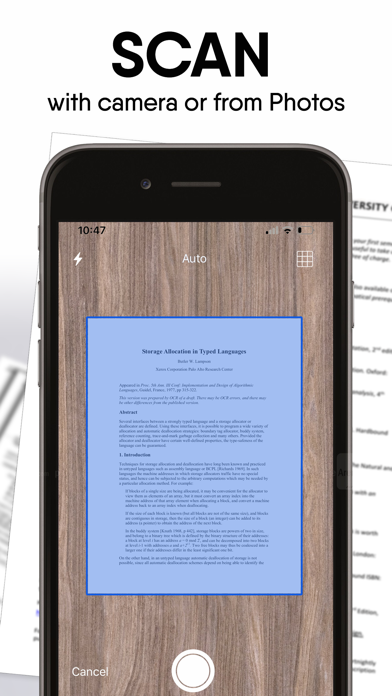
Scan, convert, sign, share, print and manage documents in just a few taps!
PDF Scanner is a professional scanner app that turns your iPhone/iPad into a powerful scanner machine. Scan and manage receipts, documents, photos, IDs, notes, passports, posters, newspapers, books, certificates and any other documents in PDF or JPEG format more simple than ever.
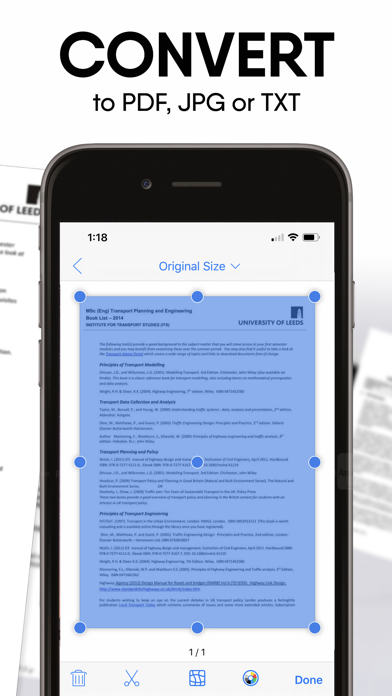
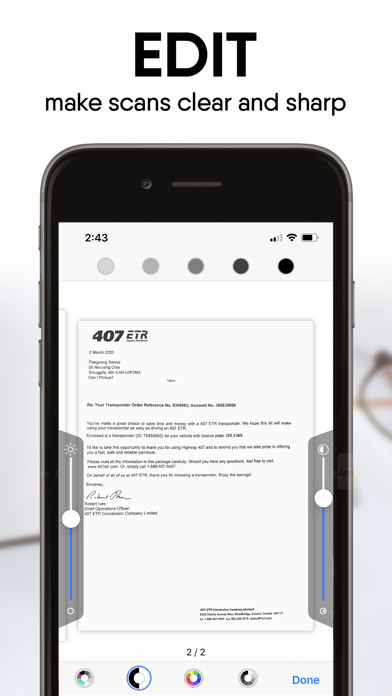
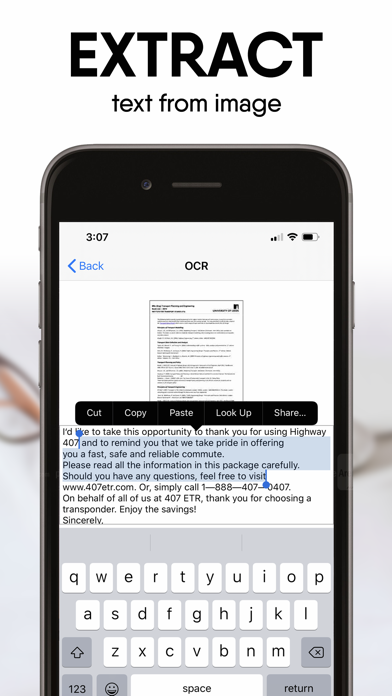
Our scanner app supports image processing and allows you to transform, rotate, sharpen your images, for best document quality, combined with OCR engine. Easily turn an image to text with the OCR function. Extract text from a scanned document and then edit it as you wish.
Scan and print any written, printed or graphic material, …
Read the full description
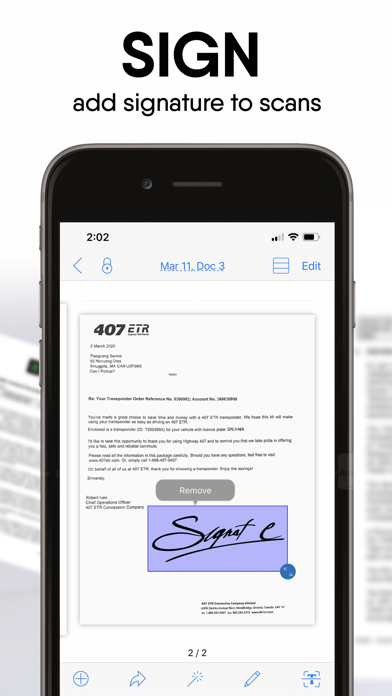
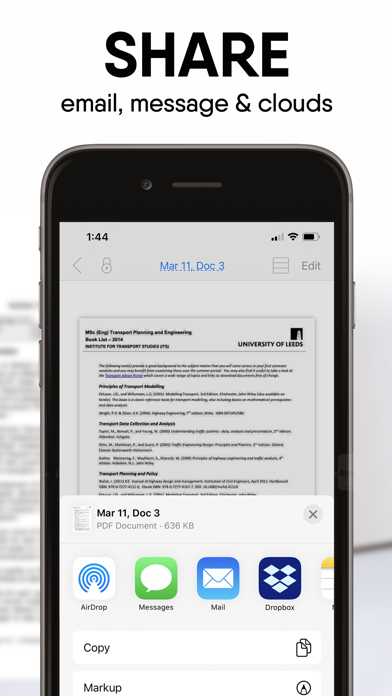
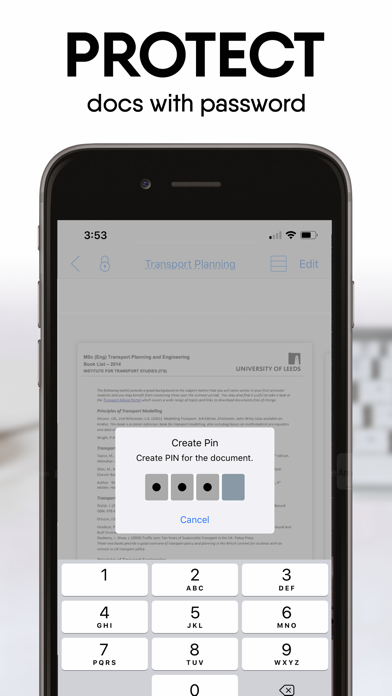
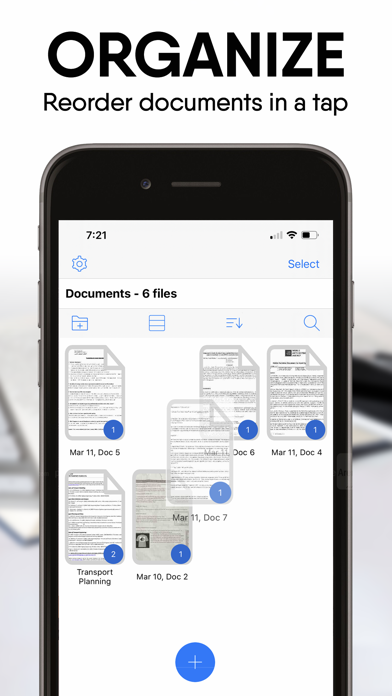
Scan, convert, sign, share, print and manage documents in just a few taps! PDF Scanner is a professional scanner app that turns your iPhone/iPad into a powerful scanner machine. Scan and manage receipts, documents, photos, IDs, notes, passports, posters, newspapers, books, certificates and any other documents in PDF or JPEG format more simple than ever. Our scanner app supports image processing and allows you to transform, rotate, sharpen your images, for best document quality, combined with OCR engine. Easily turn an image to text with the OCR function. Extract text from a scanned document and then edit it as you wish. Scan and print any written, printed or graphic material, including: - Business documents, agreements, contracts, letters - Invoices, receipts, order sheets - Business cards - Photos and other image documents - Paper notes, bills and sketches - Book pages and articles Advanced PDF Scanner Features: - Scan with camera or from Photo Album - Scan documents to high-resolution PDF or JPEG - Convert photos to PDF - E-sign and stamp any scanned documents - OCR - recognize text and convert image to text - Mobile Scanner that fits in your pocket - Save scans in color, grayscale or black and white - Intelligent shutter and border detection for your scanned documents - Smart cropping and auto enhancing technology including color correction, noise removing, automatic perspective correction that makes the texts and graphics look clear and sharp - Multipage scanning - scan as many pages as you want - Edit saved documents by moving pages, replacing pages with new ones, or even merging two documents into one; - Password Protection - Set password to folders and scans OCR Engine: - Convert your scans to text - Extract text from a scanned document Share Documents: - Share your scans via email and messager - Print scanned documents with any Wi-Fi printer via AirPrint - Share and upload scanned documents to cloud services like Dropbox, Evernote or Google Drive - Export scans to other apps like Files, Books - Save scans to Photos Premium Scanner Subscriptions: - Choose from different subscription options. Subscriptions are billed weekly, monthly, quarterly or annually at the rate selected depending on the subscription plan - Subscription payment will be charged to iTunes Account at confirmation of purchase. - Subscription automatically renews unless auto-renew is turned off at least 24-hours before the end of the current period. - Account will be charged for renewal within 24-hours prior to the end of the current period. - Subscriptions may be managed by you and auto-renewal may be turned off by going to the user's iTunes Account Settings. - Unused portion of a free-trial period will be forfeited when a user decides to subscribe. - For more information please visit the link https://support.apple.com/en-ca/HT202039. Privacy Policy: http://www.alivemob.com/privacy.html Terms of Use: http://www.alivemob.com/terms.html For any questions or inquiries please use our customer support form at http://www.alivemob.com/contactus.html
Installs
Apple does not publish download counts. Estimates are in testing.
We publish iOS estimates only after they pass a back-test against real numbers. Chart history below is measured.
Estimated store revenue Estimated Beta
App Store, worldwide, monthly rate from the last 13 chart days to 20 Nov 2026
Below the top 100 grossing apps in the markets we calibrate. In the United States that usually means under about $6.4M a month. App Store purchases and subscriptions only, before Apple's 15 to 30% fee. Ads and web payments are not included.
Ratings
15 ratings, 15 reviews
No rating breakdown published for this app.
Recent reviews
Latest public reviews from the store
No reviews in our sample for this app yet.
Top chart positions
Latest App Store chart ranks by country, last 10 days
- Countries ranked
- 3 of 50
- Best rank
- #82
- Top 10 placements
- 0
- of 3 chart placements
- Average rank
- #87.3
Best countries on App Store
- 🇩🇰 Denmark · Top grossing, Business#82
- 🇰🇷 South Korea · Top grossing, Business#89
- 🇸🇬 Singapore · Top grossing, Business#91
| Country | Chart | Category | Rank | Best (10 days) | Date |
|---|---|---|---|---|---|
| 🇩🇰 Denmark | Top grossing | Business | #82 | #78 | 19 Nov 2026 |
| 🇰🇷 South Korea | Top grossing | Business | #89 | #89 | 18 Nov 2026 |
| 🇸🇬 Singapore | Top grossing | Business | #91 | #90 | 19 Nov 2026 |
PDF Scanner ● history
Release, install milestones, listing and store changes
- First released on the store 23 Mar 2020
Update frequency
How often PDF Scanner ● ships a new version, month by month
0 updates in the last 12 months. Less often than most similar apps: they shipped a median of 1 updates in the same year.
Recent versions
Current version 1.6.6
- Version 1.6.619 Sep 2021
Thank you for downloading PDF Scanner! Here's what's new: - Bug fixes and improvements. To improve our App for you, we regularly bring updates to the App Store with improvements for both speed and reliability.
Listing keywords
Words and phrases PDF Scanner ● repeats most in its store listing
Top phrases: scanned documents (4), pdf scanner (3), image to text (2), pdf or jpeg (2), text from scanned (2).
Highlighted words also appear in the title. Counts cover the title, short description and description.
Compliance
What the listing and the app package show
- Store status
- Live
- Upkeep
- No update since 19 Sep 2021
- Registered in
- Canada
- Age rating
- 4+
Apps like PDF Scanner ●
 Robin - Mobile AppRobin Powered, Inc★ 3.32
 Bright AisleMedia Solutions Corp★ 2.52
 Rhingie: phone call 2nd numberDating onlain, ooo★ 3.96
 PayClockLathem Time Corporation★ 2.08
 云电话-网络电话虚拟隐私小号国辉 李★ 4.74
 QuicklynQuicklyn★ 4.86
 Diligent BoardsDiligent Corporation★ 3.32
 DATABASICSDATABASICS★ 3.8
 vMEyeSuperGuangzhou Kedi Intelligence Technology Co., Ltd.★ 3.14
PDF Scanner ●: questions and answers
Who makes PDF Scanner ●?
PDF Scanner ● is published by Alive Software Inc., a developer based in CA.
When was PDF Scanner ● last updated?
The latest version (1.6.6) was released on 19 Sep 2021.
Is PDF Scanner ● free?
Yes. PDF Scanner ● is free to download.
Is PDF Scanner ● still available?
Yes. PDF Scanner ● is live on App Store as of 1 Jul 2026.
Track PDF Scanner ● and its competitors
Watch any app for new versions, rating drops, chart moves and removals. Free plan, no card.