
- Installs
- —
- Apple does not publish download counts
- Rating
- 4.62
- Ratings
- 9.1K
- 9.1K reviews
- Version
- 2026.14
- Updated 6 Nov 2026
- Released
- 24 Oct 2016
- Tracked since 10 May 2026
- Size
- 108 MB
- Needs 16.0
Screenshots

About PDF Viewer by Nutrient
The description on the store listing
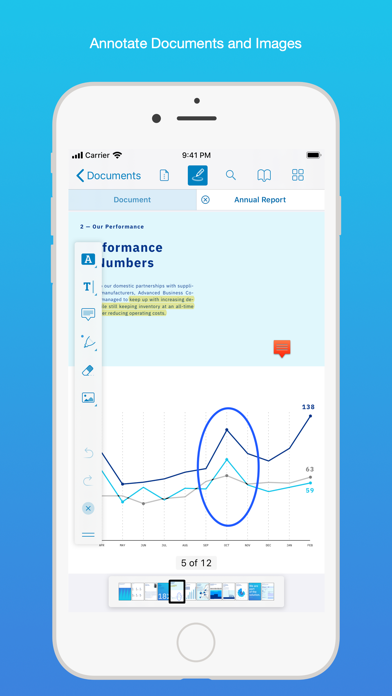
PDF Viewer is a fast and beautiful app, allowing you to view, search, and annotate PDF documents with ease on your iPhone and iPad.
Access your files from iCloud, Dropbox, Box, OneDrive, Google Drive or any other cloud solution via Apple's familiar Document Browser interface.
+++ Listed as “Productivity lifesaver” on the App Store +++
"A streamlined interface packed with powerful features - it’s like having a desktop-quality PDF toolkit wherever we go" – App Store Editor Notes
“I'm impressed by how the folks at PSPDFKit have been able to fine-tune the document browser to the app's needs.” – MacStories.net
"If you want a PDF viewer that is designed for reading PDF books, this is it." – …
Read the full description
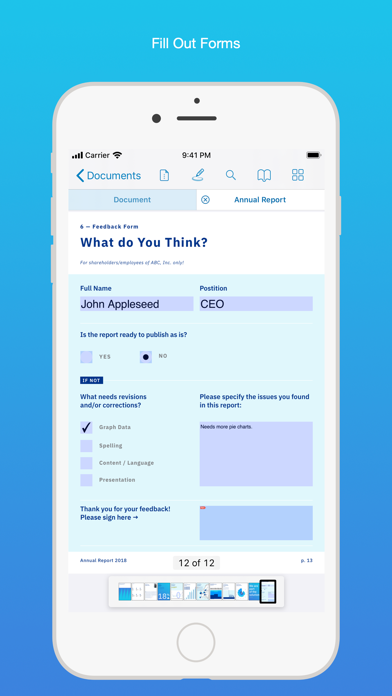
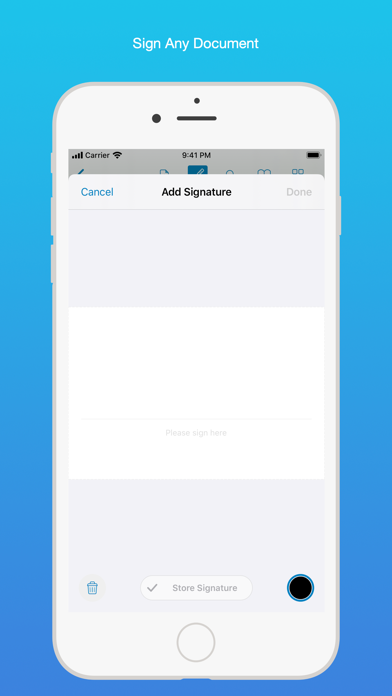
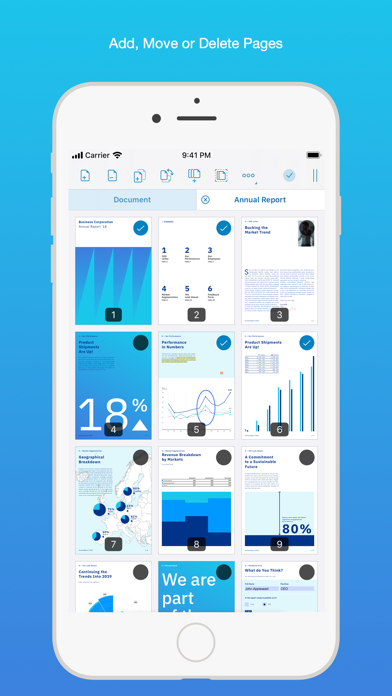
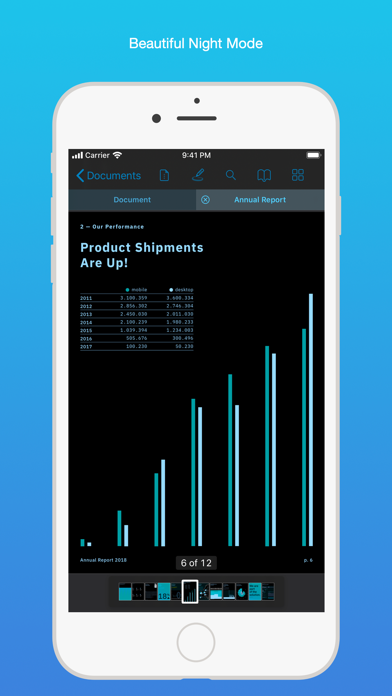
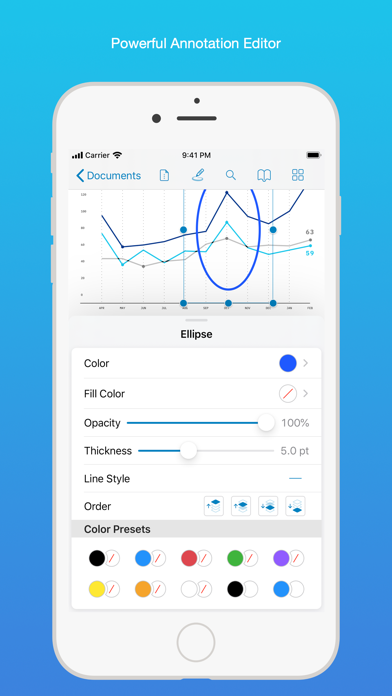
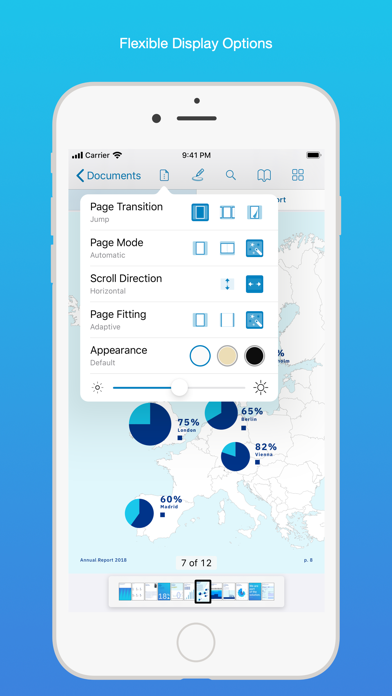
PDF Viewer is a fast and beautiful app, allowing you to view, search, and annotate PDF documents with ease on your iPhone and iPad. Access your files from iCloud, Dropbox, Box, OneDrive, Google Drive or any other cloud solution via Apple's familiar Document Browser interface. +++ Listed as “Productivity lifesaver” on the App Store +++ "A streamlined interface packed with powerful features - it’s like having a desktop-quality PDF toolkit wherever we go" – App Store Editor Notes “I'm impressed by how the folks at PSPDFKit have been able to fine-tune the document browser to the app's needs.” – MacStories.net "If you want a PDF viewer that is designed for reading PDF books, this is it." – App Review VIEW DOCUMENTS ON THE GO • Easily import a PDF from your favorite cloud service provider, email, or directly off a website. • Supports Open In Place, Drag & Drop and features the familiar Apple Document Browser interface from the Files app. • Search for the exact text you are looking for within the document. • Double tap on the screen to Smart Zoom directly to the text you want to read. • Annotate images (JPEG, PNG) non-destructive, just like PDF documents. (PRO) ANNOTATE WITH EASE • While reviewing a document, use your finger or Apple Pencil to highlight and markup text. • Leave comments by adding a note, text, or drawing directly on the PDF. • Add images or audio. • Reply to notes. (PRO) SIGN DOCUMENTS ANYWHERE • Add your signature to any document using your finger or Apple Pencil. • Move and resize your signature as needed. • Flatten a document to ensure the signature doesn’t change. CREATE AND EDIT PDFs • Create new documents from existing documents by moving, rotating, deleting, or adding new pages. • Combine multiple documents into a single one. (PRO) • Add bookmarks to easily return to certain pages in large documents. FILL OUT FORMS • Quickly fill out PDF Forms by adding text to the fields. • Flatten and secure the form once you’re done to ensure the document doesn’t change. • Add a signature to any Form. STORE, ORGANIZE AND SHARE • Store documents, create folders and organize your documents. • Share documents by printing, emailing or saving your edits back any cloud service. PASSWORD PROTECT DOCUMENTS • Read document metadata, title and keywords. • Protect documents with user and owner passwords and limit permissions. (PRO) AND SO MUCH MORE • Conveniently switch to night mode when viewing your documents at night. • Present on external screens without the distraction of toolbars. (PRO) • Have the text from a PDF read out loud to you with text-to-speech. • PDF Viewer remembers where you were down to the page/position where you left off - even across devices. PRICING PDF Viewer comes with a large feature set, completely free. Some advanced features require the purchase of PDF Viewer Pro, available as a subscription. We offer 3-monthly and yearly subscription plans. There’s also a fully functional 7-day trial, so you can test PDF Viewer Pro (including document merging and password editing) before you commit. All plans unlock the app on iPhone and iPad. TRUSTED BY COMPANIES YOU KNOW PDF Viewer is built on top of and powered by PSPDFKit, the same PDF engine trusted around the world by companies like Dropbox, Box, IBM, Atlassian, SAP, and Lufthansa. BE PART OF THE PDF VIEWER COMMUNITY pdfviewer.io twitter.com/pdfviewerapp LEGAL Duration and price of each subscription are displayed in PDF Viewers’ storefront, updated at the time of purchase. Payment will be charged to iTunes account at confirmation of purchase. Subscriptions automatically renew unless auto-renew is turned off no later than 24 hours before the end of the current period. Subscriptions and auto-renewal can be managed/turned off in the iTunes account settings. Any unused portion of a free trial period is forfeited as soon as a subscription is purchased. Terms of Use: https://pdfviewer.io/terms Privacy Policy: https://pdfviewer.io/privacy
Installs, last 30 days
Apple does not publish download counts. Estimates are in testing.
Estimated store revenue Estimated Beta
App Store, worldwide, monthly rate from the last 12 chart days to 19 Nov 2026
Below the top 100 grossing apps in the markets we calibrate. In the United States that usually means under about $6.4M a month. App Store purchases and subscriptions only, before Apple's 15 to 30% fee. Ads and web payments are not included.
Ratings
9,121 ratings, 9,121 reviews
No rating breakdown published for this app.
Recent reviews
Latest public reviews from the store
No reviews in our sample for this app yet.
Top chart positions
Latest App Store chart ranks by country, last 10 days
Not in any tracked top chart in the last 10 days.
PDF Viewer by Nutrient history
Release, install milestones, listing and store changes
- First released on the store 24 Oct 2016
Update frequency
How often PDF Viewer by Nutrient ships a new version, month by month
7 updates in the last 12 months. More often than most similar apps: they shipped a median of 2 updates in the same year.
Recent versions
Current version 2026.14
- Version 2026.146 Nov 2026
This update keeps tools easier to reach and improves editing, search, and page display. Here’s the full list of changes: • On iOS 27, toolbar buttons stay visible when there is room for them instead of moving into the More menu. • Text editing keeps your selection when you open font or color controls. [Pro] • Repeated searches no longer cause memory use to keep growing. • PDFs with complex transparency effects or very large JPEG images display more reliably. • Fixes crashes that could occur while viewing or editing certain PDFs. We’d love to hear your feedback! If you have ideas or feature requests for future versions of the app, feel free to let us know. You can contact us using the in-app Support button on the settings screen. If you enjoy the app, please write us a review and help spread the word! Thanks!
- Version 2026.1012 Aug 2026
This update makes documents look better than ever with more accurate colors and rendering, speeds up text editing, and fixes issues with annotations, forms, and cloud documents. Here’s the full list of changes: • Improved color accuracy, especially for print-oriented documents that previously appeared washed out. • Fixed rendering issues that could cause missing lines, missing page content, or dashed lines appearing solid in certain documents. • Editing document text now starts faster. • Fixed Korean text not combining correctly when editing document text. • Fixed a crash that could occur when moving the cursor while typing with certain international keyboards. • Fixed a crash that could occur when a document is reloaded or replaced while you’re drawing. • Fixed annotations sometimes disappearing or hiding other annotations while selected. • Fixed the page jumping or zooming unexpectedly when writing with Apple Pencil and Scribble. • Fixed some form fields not accepting typed text. • Fixed calculated form fields sometimes showing outdated values. • Fixed the Clear Field button staying disabled after switching between form fields. • Fixed documents stored in the cloud, such as on OneDrive, constantly reloading and flickering. • Fixed callout annotation text appearing too small or cut off. • Improved VoiceOver support when drawing your signature. • Reduced memory usage after editing pages in a document. We’d love to hear your feedback! If you have ideas or feature requests for future versions of the app, feel free to let us know. You can contact us using the in-app Support button on the settings screen. If you enjoy the app, please write us a review and help spread the word! Thanks!
- Version 2026.915 Jul 2026
This update improves reliability, performance, search behavior, forms, and rendering — especially for large or complex PDFs. Here’s the full list of changes: • Improved responsiveness when creating or updating annotations in complex documents, such as building plans. • Improved searching in very large documents: searches are less likely to run out of memory, and the app now lets you know when results may be incomplete. • Added support for editing rotated text form fields while keeping their displayed orientation correct. • Fixed a crash that could happen when returning to the app while a popover, such as the annotation inspector or outline, was open. • Fixed pages shifting unexpectedly when showing or hiding the interface in some situations. • Fixed the Clear Field button staying disabled for some choice form fields. • Fixed unreliable two-finger scrolling while a text markup tool was active. • Fixed some PDFs with CMYK colors and transparency rendering with washed-out colors. • Fixed unchecked radio buttons sometimes appearing as squares or disappearing after saving. We’d love to hear your feedback! If you have ideas or feature requests for future versions of the app, feel free to let us know. You can contact us using the in-app Support button on the settings screen. If you enjoy the app, please write us a review and help spread the word! Thanks!
- Version 2026.87 Jul 2026
PDF Viewer 2026.8 improves stability and responsiveness when working with large or complex documents, and fixes several issues around forms, search, annotations, and rendering. Here’s the full list of changes: • Improved responsiveness when creating or updating annotations in complex documents, such as building plans. • Improved stability when searching very large documents. If a search needs to stop early because the device is running low on memory, PDF Viewer now keeps the partial results and makes this clearer. • Fixed some CMYK PDFs with blended transparency rendering washed out. • Fixed document pages shifting when showing or hiding the user interface in some environments. • Fixed two-finger scrolling being unreliable while a text markup annotation tool is active. • Fixed the Clear Field button not being available for certain choice fields in PDF forms. • Added support for editing rotated PDF text form fields in 90-degree increments. We’d love to hear your feedback! If you have ideas or feature requests for future versions of the app, feel free to let us know. You can contact us using the in-app Support button on the settings screen. If you enjoy the app, please write us a review and help spread the word! Thanks!
Listing keywords
Words and phrases PDF Viewer by Nutrient repeats most in its store listing
Top phrases: pdf viewer (9), document browser (3), document browser interface (2), finger or apple (2), iphone and ipad (2).
Highlighted words also appear in the title. Counts cover the title, short description and description.
Compliance
What the listing and the app package show
- Store status
- Live
- Upkeep
- Updated 6 Nov 2026
- Age rating
- 4+
Apps like PDF Viewer by Nutrient
 Contact Cleanup舜 陈★ 4.62
 Degoo: Online Cloud StorageDegoo Backup AB★ 4.49
 Countdowns - Event CountdownShayes Apps LLC★ 4.69
 Urban VPNUrban Cyber Security INC★ 4.61
 Voice Language Translator ProDREAMTEAM APPS sp. z o.o.★ 4.52
 Mail App for GmailBloop LTD★ 4.56
 Ooma OfficeOoma Inc.★ 4.87
 Off The Record: Ticket LawyerOff the Record, Inc.★ 4.62
 Clean Now:Clean Up StorageAPPADIX COMPANY LIMITED★ 4.41
PDF Viewer by Nutrient: questions and answers
Who makes PDF Viewer by Nutrient?
PDF Viewer by Nutrient is published by PSPDFKit GmbH.
When was PDF Viewer by Nutrient last updated?
The latest version (2026.14) was released on 6 Nov 2026.
Is PDF Viewer by Nutrient free?
Yes. PDF Viewer by Nutrient is free to download.
Is PDF Viewer by Nutrient still available?
Yes. PDF Viewer by Nutrient is live on App Store as of 19 Nov 2026.
Track PDF Viewer by Nutrient and its competitors
Watch any app for new versions, rating drops, chart moves and removals. Free plan, no card.