
- Installs
- —
- Apple does not publish download counts
- Rating
- 4.46
- Ratings
- 9.3K
- 9.3K reviews
- Version
- 11.1.0
- Updated 18 Mar 2026
- Released
- 23 Apr 2013
- Tracked since 10 May 2026
- Size
- 178 MB
- Needs 15.0
Screenshots
About pdfFiller: edit PDF documents
The description on the store listing
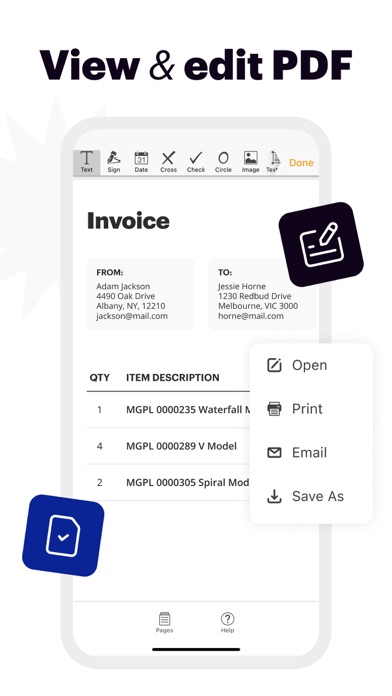
pdfFiller is a powerful mobile app that transforms your iOS device into a fully equipped office. With an extensive set of features, you can edit, eSign, and manage an unlimited number of PDF documents from anywhere. Try pdfFiller to see how it can revolutionize the way you work.
“pdfFiller does more than just bring a few new editing tricks to PDFs. Actually, this PDF app can add extra depth to the way we interact with these popular files.” — CultOfMac.com
“The app is easy to use, lets you organize files into folders, and connects to Dropbox, Google Drive, Box, and OneDrive.” — MakeUseOf.com
EDIT PDF DOCUMENTS
• Easily edit any PDF contract, invoice, or tax form on your mobile device
• …
Read the full description
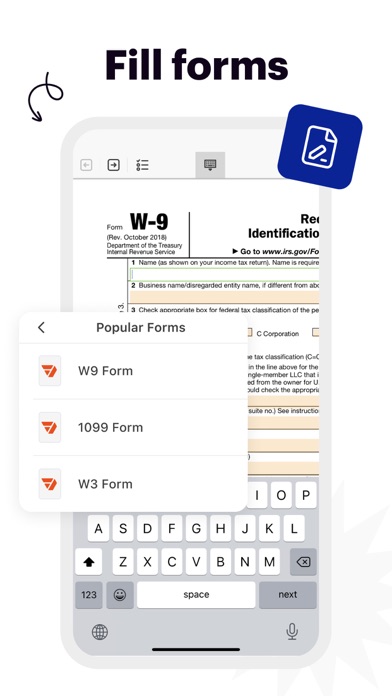
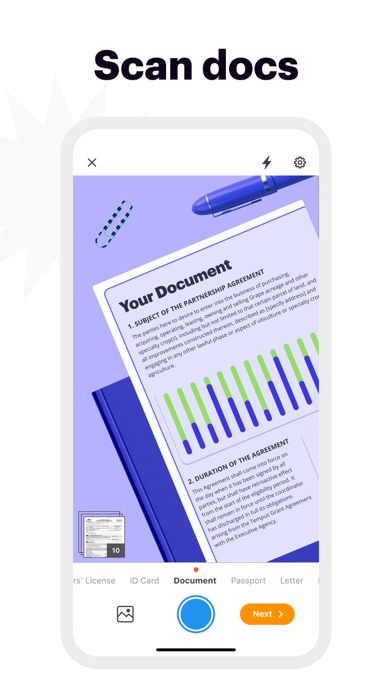
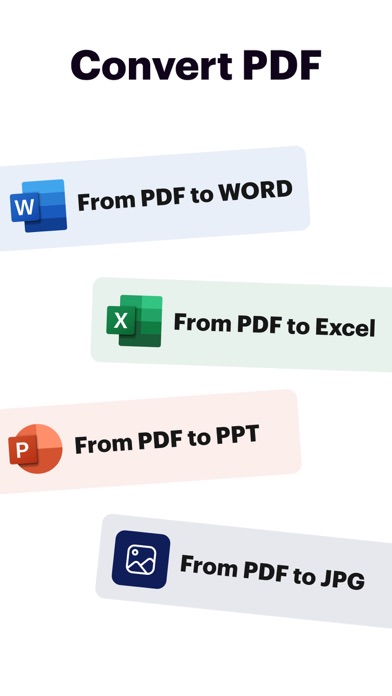
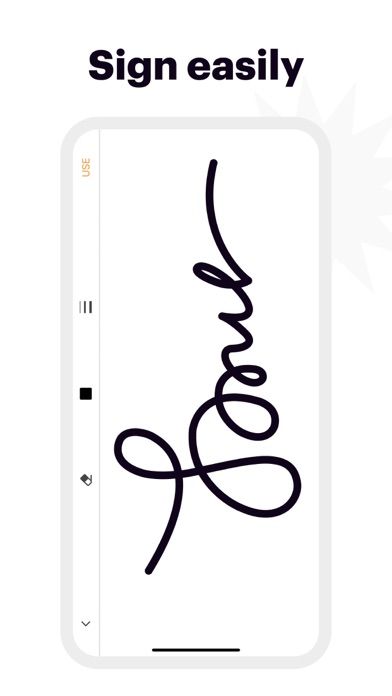
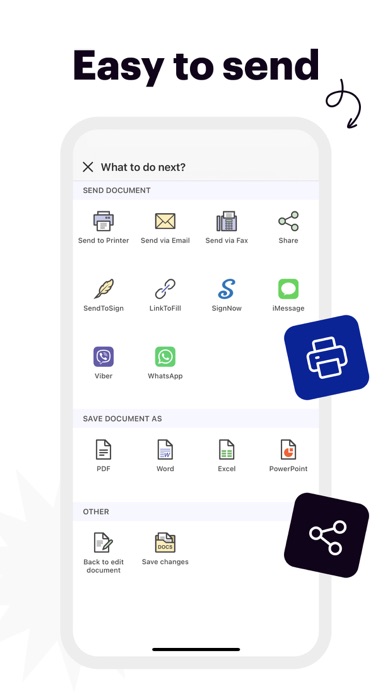
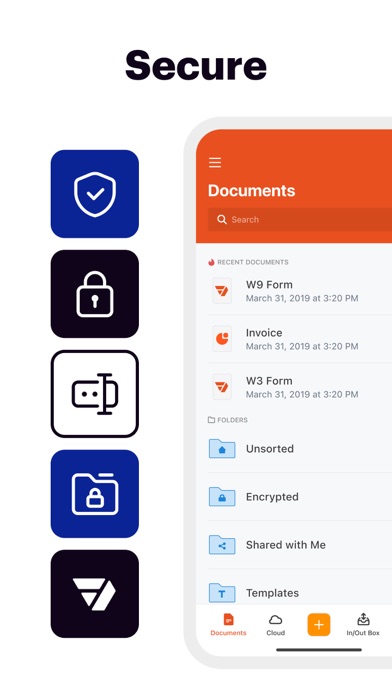
pdfFiller is a powerful mobile app that transforms your iOS device into a fully equipped office. With an extensive set of features, you can edit, eSign, and manage an unlimited number of PDF documents from anywhere. Try pdfFiller to see how it can revolutionize the way you work. “pdfFiller does more than just bring a few new editing tricks to PDFs. Actually, this PDF app can add extra depth to the way we interact with these popular files.” — CultOfMac.com “The app is easy to use, lets you organize files into folders, and connects to Dropbox, Google Drive, Box, and OneDrive.” — MakeUseOf.com EDIT PDF DOCUMENTS • Easily edit any PDF contract, invoice, or tax form on your mobile device • Highlight content, erase, or blackout sensitive information in the documents • Use various annotation tools to add text, images, dates, check marks, and more ESIGN AND FILL OUT FILLABLE FORMS • Quickly eSign contracts, agreements, and deals with just a few taps • Send an unlimited number of documents for signing • Create your signature or initials by drawing them on your device’s screen SHARE AND EXPORT • Invite others to collaborate by sharing documents by email, link, or text message • Set permissions for the recipients allowing them to view, edit, or sign the document • Print, fax, and save documents as Word, Excel, and PowerPoint files STORE AN UNLIMITED NUMBER OF DOCUMENTS • Protect your documents with the same level of security and encryption used in the banking industry • Keep your documents up-to-date on all your devices and access them from a smartphone, laptop, or tablet • Start working on a document on one device and pick it up on another one using your pdfFiller account FIND FILLABLE TEMPLATES • Search among millions of ready-to-fill templates in our PDF Library • Add templates to your account and use them as many times as you need • Create professional-looking documents using high-quality business and legal templates OFFLINE MODE • Turn on offline mode to work on documents without interruptions • View, edit, and eSign documents even without an internet connection • Sync the changes you made when you’re back online 7-DAY FREE TRIAL • Try out all paid features free for 7 days • Select a plan that best suits your needs • Cancel anytime without any obligations Subscription will be charged to your credit card through your App Store account. Your subscription will automatically renew unless canceled at least 24 hours before the end of the current period. Manage your subscription in the Account Settings on the App Store after purchase. Terms of use: https://www.pdffiller.com/en/terms_of_services.htm Privacy policy: https://www.pdffiller.com/mobile/privacy_policy.html We appreciate your feedback, so please email us at [email protected]
Installs, last 30 days
Apple does not publish download counts. Estimates are in testing.
Estimated store revenue Estimated Beta
App Store, worldwide, monthly rate from the last 12 chart days to 19 Nov 2026
Below the top 100 grossing apps in the markets we calibrate. In the United States that usually means under about $6.4M a month. App Store purchases and subscriptions only, before Apple's 15 to 30% fee. Ads and web payments are not included.
Ratings
9,307 ratings, 9,307 reviews
- 5 ★79%
- 4 ★6.0%
- 3 ★2.6%
- 2 ★1.7%
- 1 ★11%
Recent reviews
Latest public reviews from the store
- 5 Apr 2023
Should be more intuitive
So many apps out there are great examples of intuitive app design but in the ‘PDF’ space I find many lacking in this respect. For example the most common of tasks is to ‘fill’ in a form but I can not find a simple app that does this well in a smooth way. The app developer may be satisfied but the app developer is not your ‘user’ or ‘customer’. Another point; while filling in a form may be the most common user task on PDF files, it may not be the most frequently used task. So for this type of ‘one-off’ task the app for a form fill must be simple and easy. I see many apps don’t recognize the form fields which is not good. The placing of the text on the form should not depend on the size of the user’s thumb. The default size of the text should be set automatically to match the standard of the form. These points are just the basic points. Other points could include using the user’s default data such as name and phone; home and email addresses… but simplicity is a must have.
- 7 Dec 2020
Great customer service/support
This isn’t fully related to the app itself, more so for the actual website and company. In most cases for me, when I try to do “chat” support to ask a question via message chat, I never get a response or it’s automated and can not answer me. This was not the case with pdf filler, I am beyond satisfied with how quickly and responsive they are in their chat support. I had a stressful situation arise with my exam, I used pdf filler for, sending a blank to my professor rather than the filled out answers. I contacted them just to see if there was any way to view my time stamps in order to show my professor what had happened. I was hesitant using the chat support at first because of previous websites but who I spoke with responded within seconds and was able to help in any way they could. This made my situation 100 times less stressful and I am now interested in using pdf filler in the future. Highly recommend (:
- 24 Mar 2018
This app did work great, not sure what happened
This app was great when I downloaded it 6 months ago, I started a new program in school and just needed as easy to use for taking notes in class on the I-pad I bought for school. Like I said at first (the first 5 months or so) it worked great exactly what I needed. Then a few weeks ago some of the notes I would take on lectures started getting erased where I put them and getting moved to the first slide of the presentation. This was not a big deal and I thought it was just a small glitch until this week. I had a presentation with 100 slides and took notes on most slides. Then I open the app today and all the notes are covering the first slide not a single note was left anywhere else in the entire presentation and I have no way to make sense of any of the notes or know what they meant. I might fail my exam now because of this. Very disappointed in app that did work very very well when I downloaded it! Not sure what kind of “updates” were made but it really ruined my studying.
What reviewers bring up
Topics mentioned in the latest 8 reviews, by how many reviews mention them
Liked in good reviews (2 reviews)
- happened 2
- first 2
- exam 2
Raised in bad reviews (5 reviews)
- subscription 3
- downloaded 3
- account 3
- support 3
- email 3
- issue 3
- few documents 2
- information 2
Top chart positions
Latest App Store chart ranks by country, last 10 days
- Countries ranked
- 39 of 50
- Best rank
- #19
- Top 10 placements
- 0
- of 39 chart placements
- Average rank
- #73.6
Best countries on App Store
- 🇦🇺 Australia · Top grossing, Business#19
- 🇲🇽 Mexico · Top grossing, Business#28
- 🇸🇦 Saudi Arabia · Top grossing, Business#30
- 🇫🇷 France · Top grossing, Business#46
- 🇮🇪 Ireland · Top grossing, Business#46
- 🇲🇾 Malaysia · Top grossing, Business#51
| Country | Chart | Category | Rank | Best (10 days) | Date |
|---|---|---|---|---|---|
| 🇦🇺 Australia | Top grossing | Business | #19 | #19 | 19 Nov 2026 |
| 🇲🇽 Mexico | Top grossing | Business | #28 | #28 | 19 Nov 2026 |
| 🇸🇦 Saudi Arabia | Top grossing | Business | #30 | #20 | 19 Nov 2026 |
| 🇫🇷 France | Top grossing | Business | #46 | #46 | 19 Nov 2026 |
| 🇮🇪 Ireland | Top grossing | Business | #46 | #46 | 19 Nov 2026 |
| 🇲🇾 Malaysia | Top grossing | Business | #51 | #25 | 19 Nov 2026 |
| 🇺🇸 United States | Top grossing | Business | #58 | #46 | 19 Nov 2026 |
| 🇧🇪 Belgium | Top grossing | Business | #58 | #58 | 15 Nov 2026 |
| 🇸🇪 Sweden | Top grossing | Business | #59 | #59 | 15 Nov 2026 |
| 🇳🇬 Nigeria | Top grossing | Business | #60 | #53 | 19 Nov 2026 |
pdfFiller: edit PDF documents history
Release, install milestones, listing and store changes
- First released on the store 23 Apr 2013
Update frequency
How often pdfFiller: edit PDF documents ships a new version, month by month
1 updates in the last 12 months. Less often than most similar apps: they shipped a median of 9 updates in the same year.
Recent versions
Current version 11.1.0
- Version 6.36.118 Mar 2026
• Bug fixes and performance improvements.
Listing keywords
Words and phrases pdfFiller: edit PDF documents repeats most in its store listing
Top phrases: pdf documents (3), unlimited number (3), edit pdf documents (2), number of documents (2), edit pdf (2).
Highlighted words also appear in the title. Counts cover the title, short description and description.
Compliance
What the listing and the app package show
- Store status
- Live
- Upkeep
- Updated 18 Mar 2026
- Age rating
- 4+
Apps like pdfFiller: edit PDF documents
 MySpot CarrierSpot Freight★ 4.68
 HS Team AppHotSchedules★ 4.35
 HID Mobile AccessHID Global★ 4.73
 Alabama PowerAlabama Power Company★ 4.71
 Homes for Sale – Edina RealtyEdina Realty★ 4.67
 WebexCisco★ 4.58
 Sortly: Inventory SimplifiedSortly Inc.★ 4.73
 Setmore Appointment SchedulingSetmore★ 4.68
 Toggl Track: Hours & Time LogToggl OÜ★ 4.77
pdfFiller: edit PDF documents: questions and answers
Who makes pdfFiller: edit PDF documents?
pdfFiller: edit PDF documents is published by airSlate, Inc..
When was pdfFiller: edit PDF documents last updated?
The latest version (11.1.0) was released on 18 Mar 2026.
Is pdfFiller: edit PDF documents free?
Yes. pdfFiller: edit PDF documents is free to download.
Is pdfFiller: edit PDF documents still available?
Yes. pdfFiller: edit PDF documents is live on App Store as of 19 Nov 2026.
Track pdfFiller: edit PDF documents and its competitors
Watch any app for new versions, rating drops, chart moves and removals. Free plan, no card.