
- Installs
- —
- Apple does not publish download counts
- Rating
- 4.83
- Ratings
- 6.1K
- 6.1K reviews
- Version
- 3.0.0
- Updated 18 Oct 2026
- Released
- 30 Aug 2013
- Tracked since 11 May 2026
- Size
- 71 MB
- Needs 15.0
Screenshots
About Photo Collage Layout Maker
The description on the store listing
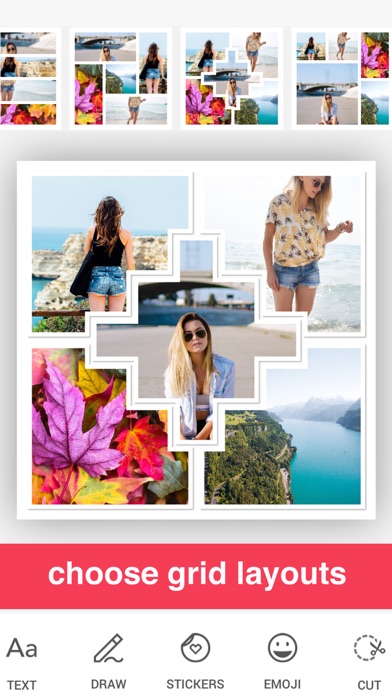
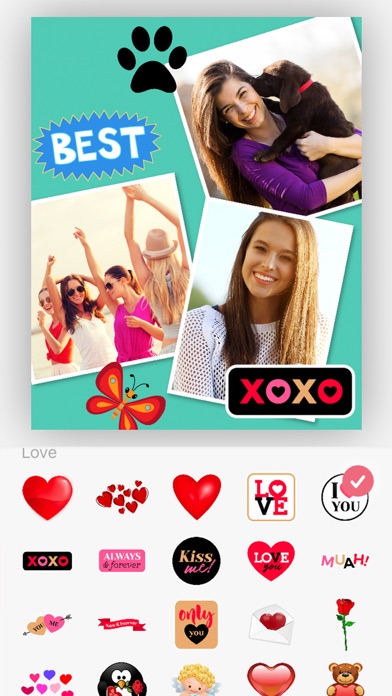
Discover the ultimate collage app with over 1000 free layouts! Edit and combine up to 20 photos with adorable backgrounds, stickers and drawing tools.
Capture precious moments and share them on Facebook, Instagram and more. Perfect for creating flyers or online marketing with advanced photo editing, filters, borders and fonts.
iTunes Reviews (US)
****
Easy to use. Lots of great items to choose from when putting together special memories!
This makes it so easy for me to get my photo books together. Love it!
Colorful and Easy to Use
This app is easy to use and provides a lot of choices in shapes, colors, patterns and backgrounds. I used it to collage photos for pages in books I make. Try …
Read the full description
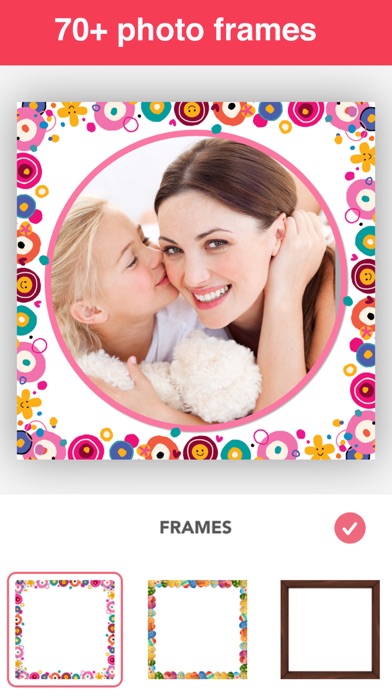
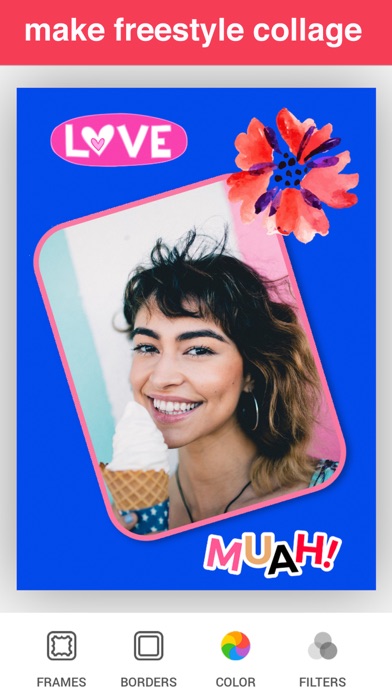
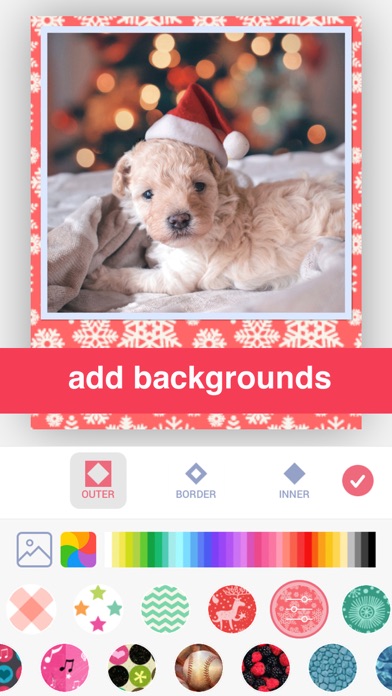
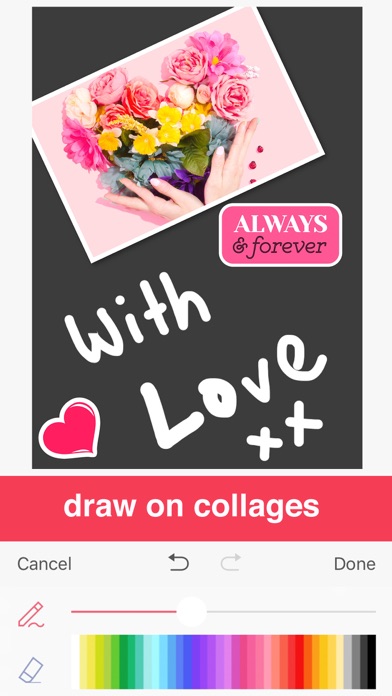
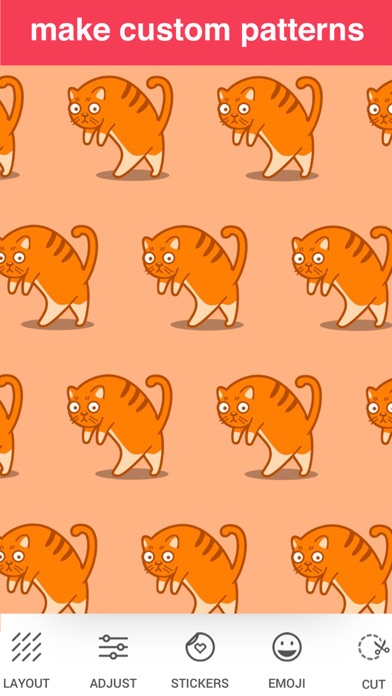
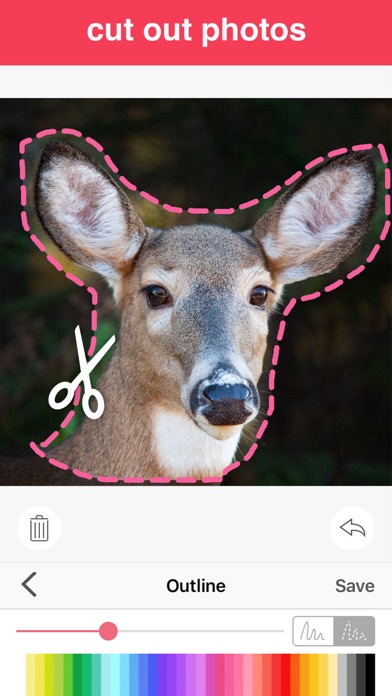
Discover the ultimate collage app with over 1000 free layouts! Edit and combine up to 20 photos with adorable backgrounds, stickers and drawing tools. Capture precious moments and share them on Facebook, Instagram and more. Perfect for creating flyers or online marketing with advanced photo editing, filters, borders and fonts. iTunes Reviews (US) **** Easy to use. Lots of great items to choose from when putting together special memories! This makes it so easy for me to get my photo books together. Love it! Colorful and Easy to Use This app is easy to use and provides a lot of choices in shapes, colors, patterns and backgrounds. I used it to collage photos for pages in books I make. Try it! **** FEATURES - Over 1000 free layout combinations - Scrapbook-style collage templates - 150+ beautiful pattern and color borders, including shadow - Pattern adjustments: scale, lighten/darken, blur, hue - Themed stickers: birthday, Christmas, Easter, etc. - Create custom stickers by cutting out photos - Draw on collages - 30+ photo filters - Various canvas sizes for social media - Powerful Text Editor with numerous fonts - Advanced Background Pattern Maker - Comprehensive Photo Editor with adjustments PREMIUM Subscribe to PREMIUM for unlimited access to premium content including: All Stickers, 50+ Pro Patterns, Pro Fonts, Custom Photo Backgrounds, No Ads and more. - Annual subscription with a 3-day free trial - Unlimited features during the subscription period - Payment will be charged to your iTunes Account at confirmation of purchase - The subscription renews automatically unless auto-renewal is turned off for at least 24-hours before the end of the current period - The account will be charged for renewal within 24-hours prior to the end of the current period at the cost of the chosen package - Subscriptions may be managed by the user and auto-renewal may be turned off by going to the user's Account Settings after purchase - Any unused portion of a free trial period, if offered, will be forfeited when the user purchases a subscription Terms of use: http://cushwayapps.com/app-privacy/scrapbook/terms.html Privacy policy: http://cushwayapps.com/app-privacy/scrapbook/privacy.html Contact us: [email protected]. Your feedback and suggestions are important to us!
Installs, last 30 days
Apple does not publish download counts. Estimates are in testing.
Estimated store revenue Estimated Beta
App Store, worldwide, monthly rate from the last 13 chart days to 20 Nov 2026
Below the top 100 grossing apps in the markets we calibrate. In the United States that usually means under about $6.4M a month. App Store purchases and subscriptions only, before Apple's 15 to 30% fee. Ads and web payments are not included.
Ratings
6,141 ratings, 6,141 reviews
No rating breakdown published for this app.
Recent reviews
Latest public reviews from the store
- 28 Feb 2025
This collage app is amazing!
Hey, thank you for reading this. This is one of the best collage apps out there on the market. I especially love the scrapbook option because, I just became an Auntie and I love being able to put me and my friends, and my nephew! If you want an app to be able to make personalized wallpapers, or something along those lines, This app is for you!❤️ If you want to listen to me, DOWNLOAD IT NOW!’❤️❤️
- 5 Sep 2024
Best and Easiest Scrapbooking App I have found!
I really love this app! It is so useful and easy to use. I love the fonts and features - they are very versatile and you can have your pages done so quickly. I am hoping that they will add a text or picture alignment tool that easily lets you know if your text is centered on a photo or within a page (not a big deal but I love that option) and that they will add more digital paper options but there are plenty to choose from right now. You will love using this app!
- 9 Nov 2023
The best!
I. Work with a lot of images put together as a collage. This app is hands down the best on the market. It couldn’t be better. Well, I suppose some subtle improvements could be made. I have no idea what that would be. Maybe simply keep up with the changes to the operating systems.
- 21 Oct 2023
Adding/updates
I love this app. I love it’s simplicity. I love it’s options. I love that I can put a scrapbook page together quickly. I just wish u could add updates to it like wedding backgrounds/borders.(ex: we just had our 50th Anniversary/golden). It would also be great to be able to change colors of background - giving me choices to pick from. etc., updates - additional picks- birthdays, picnics, family gatherings & choices to add to scrapbook pages. Hope to hear from y’all!!🥰
What reviewers bring up
Topics mentioned in the latest 8 reviews, by how many reviews mention them
Liked in good reviews (7 reviews)
- collage 4
- options 3
- put 3
- add 3
- scrapbook 2
- together 2
- quickly 2
- borders 2
Raised in bad reviews (1 reviews)
No topic comes up twice.
Top chart positions
Latest App Store chart ranks by country, last 10 days
Not in any tracked top chart in the last 10 days.
Photo Collage Layout Maker history
Release, install milestones, listing and store changes
- First released on the store 30 Aug 2013
Update frequency
How often Photo Collage Layout Maker ships a new version, month by month
2 updates in the last 12 months. More often than most similar apps: they shipped a median of 1 updates in the same year.
Recent versions
Current version 3.0.0
- Version 3.0.018 Oct 2026
New: Templates! Pick a design for any occasion, add your photos, and make it yours with text, stickers and drawings. Plus a fresh new home screen, new templates to discover every day, and bug fixes and polish. We'd love to hear what you think. Leave a review, and if you have feedback or suggestions, email us at [email protected].
- Version 2.35.022 Feb 2026
• Some quality of life improvements and minor bug fixes If you have any issues or suggestions let me know at [email protected]
Listing keywords
Words and phrases Photo Collage Layout Maker repeats most in its store listing
Top phrases: auto renewal (2), current period (2), turned off (2).
Highlighted words also appear in the title. Counts cover the title, short description and description.
Compliance
What the listing and the app package show
- Store status
- Live
- Upkeep
- Updated 18 Oct 2026
- Age rating
- 4+
Apps like Photo Collage Layout Maker
 Cartoon yourself & caricatureLinerock Investments LTD★ 4.19
 Collage Maker - AI PolaroidAdeeb Haddad★ 4.56
 LG TV Screen Mirroring CastAirBeamTV BV★ 4.24
 Roku Remote Control・Cast to TVAirBeamTV BV★ 3.98
 (Not Boring) CameraNot Boring Software LLC★ 4.55
 Christmas Photo Frames ゜Informe Laboratories, Inc.★ 4.72
 Avatan – Photo EditorAvatan Studio, LLC★ 4.7
 Kamon - Vintage Film CameraRO IT Consulting LLC★ 4.71
 Catch Santa ARDualverse, Inc.★ 4.57
Photo Collage Layout Maker: questions and answers
Who makes Photo Collage Layout Maker?
Photo Collage Layout Maker is published by Alan Cushway.
When was Photo Collage Layout Maker last updated?
The latest version (3.0.0) was released on 18 Oct 2026.
Is Photo Collage Layout Maker free?
Yes. Photo Collage Layout Maker is free to download.
Is Photo Collage Layout Maker still available?
Yes. Photo Collage Layout Maker is live on App Store as of 20 Nov 2026.
Track Photo Collage Layout Maker and its competitors
Watch any app for new versions, rating drops, chart moves and removals. Free plan, no card.