
- Installs
- —
- Apple does not publish download counts
- Rating
- 4.78
- Ratings
- 68
- 68 reviews
- Version
- 1.0.1
- Updated 13 Aug 2025
- Released
- 31 Mar 2023
- Tracked since 26 May 2026
- Size
- 61 MB
- Needs 13.0
Screenshots

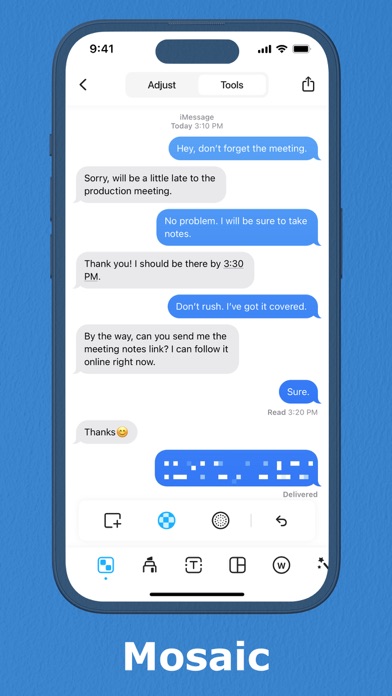
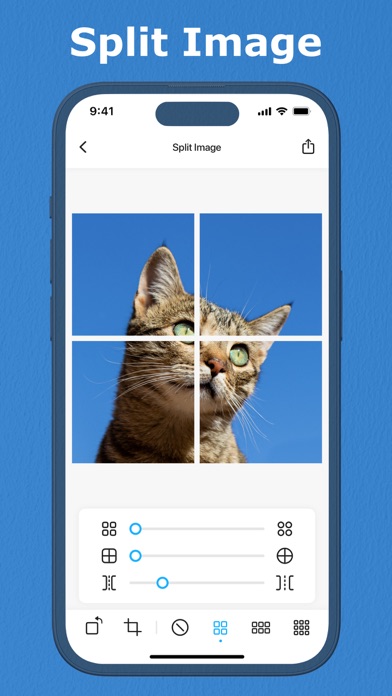
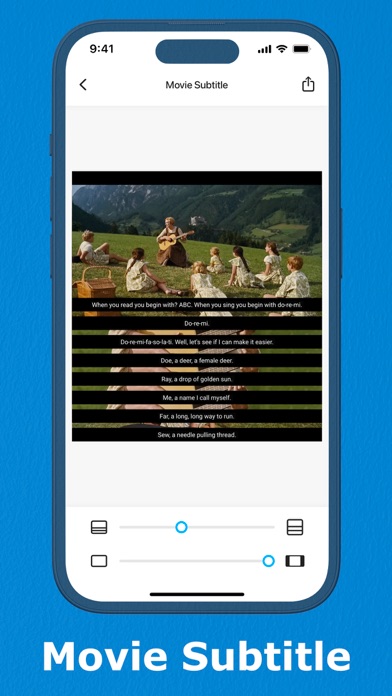
About Picroll - Tiny Screen Stitcher
The description on the store listing
Introducing Picroll - the ultimate app for effortless long screenshot stitching and editing!
Are you tired of struggling to piece together multiple screenshots to get the perfect long screenshot? Look no further than Picroll! Our advanced auto-stitcher feature enables you to seamlessly stitch together multiple screenshots with ease. With our tailor-made layouts, picture splitter, mosaic tool, phone frame overlay, and intelligent screen clearing feature, you'll have everything you need to create stunning long screenshots in seconds.
Here are some of the key features that make Picroll stand out:
- Auto-Stitcher
Our advanced auto-stitcher feature automatically detects and stitches together …
Read the full description
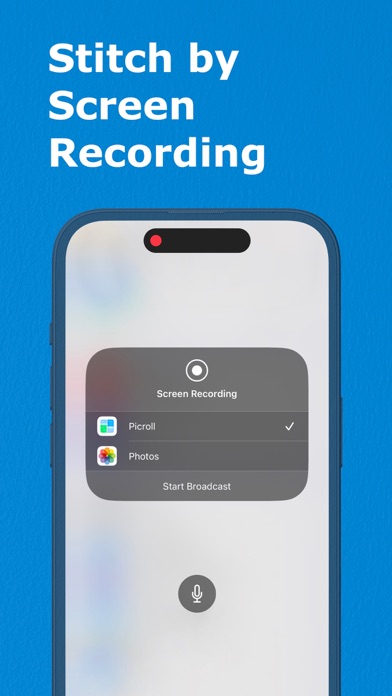
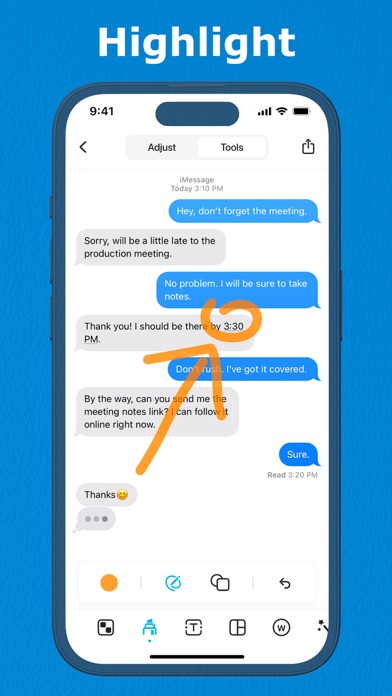
Introducing Picroll - the ultimate app for effortless long screenshot stitching and editing! Are you tired of struggling to piece together multiple screenshots to get the perfect long screenshot? Look no further than Picroll! Our advanced auto-stitcher feature enables you to seamlessly stitch together multiple screenshots with ease. With our tailor-made layouts, picture splitter, mosaic tool, phone frame overlay, and intelligent screen clearing feature, you'll have everything you need to create stunning long screenshots in seconds. Here are some of the key features that make Picroll stand out: - Auto-Stitcher Our advanced auto-stitcher feature automatically detects and stitches together multiple screenshots for a seamless long screenshot experience. You won't need to worry about manually piecing together your screenshots - Picroll does it all for you! - Tailor-Made Layouts We understand that every screenshot is unique, which is why we offer tailor-made layouts to ensure your long screenshots look perfect every time. With multiple layout options to choose from, you'll be able to create long screenshots that meet your exact specifications. - Picture Splitter With our picture splitter, you can easily divide a single image into multiple pictures. This feature is perfect for sharing screenshots on social media or with your friends. - Mosaic Tool Protect your privacy and blur out sensitive information with our mosaic tool. You can easily add a mosaic effect to any part of your screenshot to hide personal information or create an artistic effect. - Phone Frame Overlay Add a touch of style to your screenshots with our phone frame overlay. Our app comes with a range of phone frames to choose from, giving your screenshots a realistic look. - Intelligent Screen Clearing Our intelligent screen clearing feature automatically removes status bars and scrollbars from your screenshots. This ensures your long screenshots look professional and clean. - Screenshot Editor With our editing tools, you can add text, watermarks, and even draw on your screenshots using markers or brushes. Our app makes it easy to edit your screenshots to meet your needs. - Scrollable Screenshots With our scrollable screenshots feature, you can capture entire web pages or social media feeds with ease. Picroll can take long screenshots of scrollable pages such as Instagram and Snapchat, allowing you to capture every detail. Picroll is the ultimate tool for anyone who needs to capture and edit long screenshots. Whether you're a creator, social media influencer, or just someone who loves taking screenshots, our app has everything you need to create stunning long screenshots in seconds. Download Picroll today and elevate your long screenshot game! --- Privacy Policy: http://bit.ly/3zdyfLu Terms of Use: http://bit.ly/40nMol2
Installs since 29 Aug 2026
Apple does not publish download counts. Estimates are in testing.
Estimated store revenue Estimated Beta
App Store, worldwide, monthly rate from the last 12 chart days to 19 Nov 2026
Below the top 100 grossing apps in the markets we calibrate. In the United States that usually means under about $6.4M a month. App Store purchases and subscriptions only, before Apple's 15 to 30% fee. Ads and web payments are not included.
Ratings
68 ratings, 68 reviews
No rating breakdown published for this app.
Recent reviews
Latest public reviews from the store
No reviews in our sample for this app yet.
Top chart positions
Latest App Store chart ranks by country, last 10 days
- Countries ranked
- 1 of 50
- Best rank
- #56
- Top 10 placements
- 0
- of 1 chart placements
- Average rank
- #56
Best countries on App Store
- 🇭🇰 Hong Kong SAR China · Top paid, Utilities#56
| Country | Chart | Category | Rank | Best (10 days) | Date |
|---|---|---|---|---|---|
| 🇭🇰 Hong Kong SAR China | Top paid | Utilities | #56 | #32 | 14 Nov 2026 |
Picroll - Tiny Screen Stitcher history
Release, install milestones, listing and store changes
- First released on the store 31 Mar 2023
Recent versions
Current version 1.0.1
- Version 1.0.113 Aug 2025
In recent updates: - Introducing our new collage feature, allowing you to seamlessly combine multiple photos into a stunning grid-based layout. - Enjoy seamless watermarking with ease! Our app now remembers your previous settings, saving you time on adjusting content, size, or transparency for each use. - Introducing a new export feature that allows you to effortlessly remove the original photo after processing. - Explore our improved Adjust module with descriptive text, ensuring quick access to your desired tools and functions. We greatly appreciate your input and kindly invite you to share any thoughts, suggestions, or queries you may have regarding our app. Please feel free to contact us at [email protected], and our dedicated team will be delighted to assist you.
Listing keywords
Words and phrases Picroll - Tiny Screen Stitcher repeats most in its store listing
Top phrases: long screenshots (7), long screenshot (4), intelligent screen clearing (3), phone frame overlay (3), tailor made layouts (3).
Highlighted words also appear in the title. Counts cover the title, short description and description.
Compliance
What the listing and the app package show
- Store status
- Live
- Upkeep
- Updated 13 Aug 2025
- Age rating
- 4+
Apps like Picroll - Tiny Screen Stitcher
 iKon.MNiKon.MN★ 4.56
 Amharic ReaderAntenehSeifu★ 3.85
 Light Lux MeterAexol Studio★ 4.02
 Energy CURBCurb, Inc.★ 2.18
 Decibel Meter - Sound AnalyzerRychard Matskevich★ 3.51
 VPN - Super Smart Proxy VPNXienhag Technology★ 4.09
 Calibre SyncDUONG THUY PHAM★ 3.95
 Finder - Find My Lost DeviceAlex Bavdey★ 3.69
 Ching ChingGavin McGinney★ 4.71
Picroll - Tiny Screen Stitcher: questions and answers
Who makes Picroll - Tiny Screen Stitcher?
Picroll - Tiny Screen Stitcher is published by TinyWork Apps.
When was Picroll - Tiny Screen Stitcher last updated?
The latest version (1.0.1) was released on 13 Aug 2025.
Is Picroll - Tiny Screen Stitcher free?
No. Picroll - Tiny Screen Stitcher is a paid app priced at $4.99.
Is Picroll - Tiny Screen Stitcher still available?
Yes. Picroll - Tiny Screen Stitcher is live on App Store as of 14 Nov 2026.
Track Picroll - Tiny Screen Stitcher and its competitors
Watch any app for new versions, rating drops, chart moves and removals. Free plan, no card.