
- Installs
- —
- Apple does not publish download counts
- Rating
- 4.81
- Ratings
- 10.7K
- 10.7K reviews
- Version
- 3.0.7
- Updated 21 Oct 2026
- Released
- 20 Jul 2014
- Tracked since 10 May 2026
- Size
- 14 MB
- Needs 15.5
Also on Google Play: Pixel Art Maker (7.2K ratings)
Screenshots
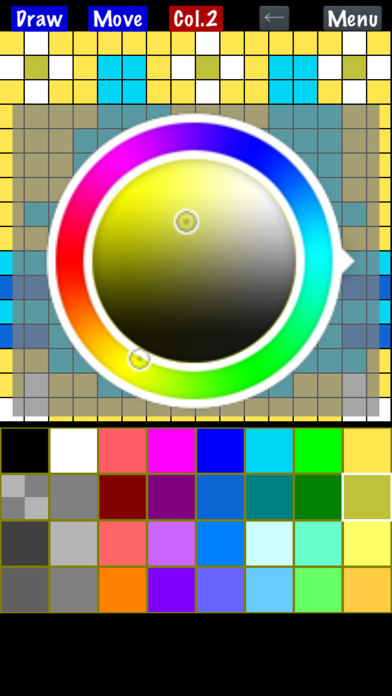
About Pixel Art Maker
The description on the store listing
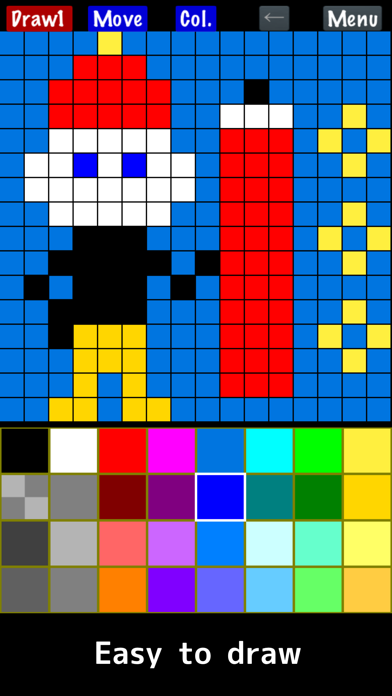
"Pixel Art Maker" is a drawing tool for pixel art like a retro game.
◇ Easy to use
You can start drawing pixel art immediately after launching the app.
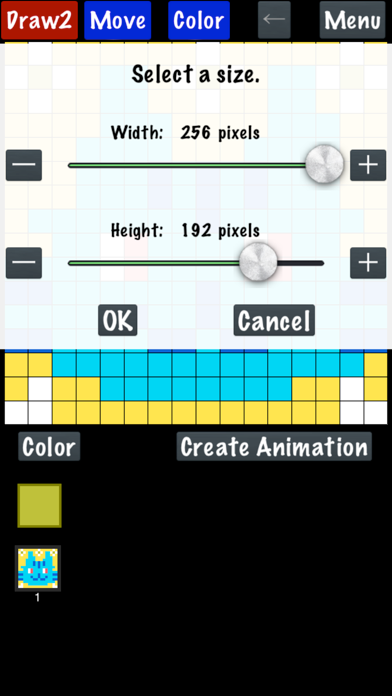
The canvas can also be resized while drawing.
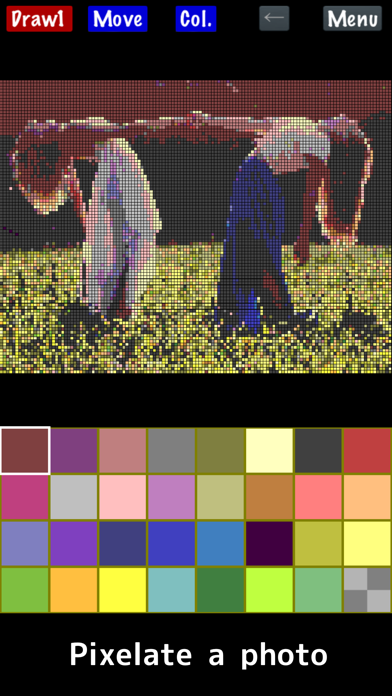
◇ Import a photo
Convert photos into pixel art.
◇ Create animated pixel art
Draw one pixel art image, duplicate it, and create animations.
Features:
- Draw pixel art on canvases from 1×1 up to 256×256 pixels.
- Change the color palette (up to 256 colors).
The basic palette includes 32 colors.
The free version supports up to 65 colors.
*One color is always reserved for transparency.
- Watch an ad to temporarily unlock:
• 256-color palette
• Canvas size up to 1024×1024
- …
Read the full description
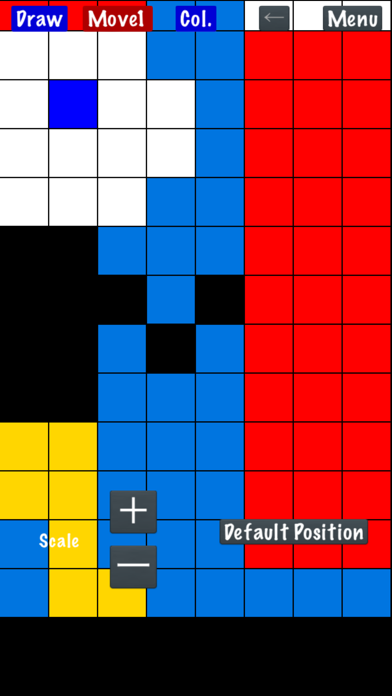
"Pixel Art Maker" is a drawing tool for pixel art like a retro game. ◇ Easy to use You can start drawing pixel art immediately after launching the app. The canvas can also be resized while drawing. ◇ Import a photo Convert photos into pixel art. ◇ Create animated pixel art Draw one pixel art image, duplicate it, and create animations. Features: - Draw pixel art on canvases from 1×1 up to 256×256 pixels. - Change the color palette (up to 256 colors). The basic palette includes 32 colors. The free version supports up to 65 colors. *One color is always reserved for transparency. - Watch an ad to temporarily unlock: • 256-color palette • Canvas size up to 1024×1024 - Premium Removes ads and permanently unlocks the full 256-color palette and canvas sizes up to 1024×1024. - Zoom in and out with two-finger pinch. - Save, load, and delete your drawings. - Import photos and animated GIFs. APNG animation is not supported; only the first frame is imported. - Export with transparency. - Scale your artwork on export from 1× to 64×, depending on canvas size, up to 4096×4096. - Save to Photos. - Share with other apps. - Create and export animated GIFs. *GIFs may not animate in Photos. - Finger Mode Draw directly with your finger. - Cursor Mode Move a cursor and place pixels with the "PIXEL" button. (Menu → Settings → Change Drawing Mode) * On Apple Silicon Macs (iPad version), animated image import may be limited, and photos may be imported at reduced resolution.
Installs, last 30 days
Apple does not publish download counts. Estimates are in testing.
Estimated store revenue Estimated Beta
App Store, worldwide, monthly rate from the last 12 chart days to 19 Nov 2026
Below the top 100 grossing apps in the markets we calibrate. In the United States that usually means under about $6.4M a month. App Store purchases and subscriptions only, before Apple's 15 to 30% fee. Ads and web payments are not included.
Ratings
10,739 ratings, 10,739 reviews
No rating breakdown published for this app.
Recent reviews
Latest public reviews from the store
- 15 Sep 2025
preferred color import system
the photo import system may be effective at times for capturing detail, however the quality of faint color changes and specific area colors are often fainted into a tinted gray, or a similar to red color. a system where a small area of pixels is changed to the average color, or a better system of which I cannot name, and not a mix, could improve this issue, preventing an unwanted tinted gray in a large area of an imported photo
- 6 Jun 2025
Only one problem
Being an artist, it is very difficult to work with a small selection of colors and even though you can change them it is still annoying to make art without many colors to work with Overall very good app, it is very useful for melon playground but the only issue is the amount of colors you can use in one art
- 10 Feb 2025
NEEDS REDO
amazing, ez to use, super simple and no ads (banners don’t count haha). Legit the only thing it needs is a redo next to the undo arrow button, there’s even already space for it. But other than that perfectly simple and super easy to use, you can upload pics and instantly pixelize and draw over them, you can paint bucket stuff, and I think there’s even an animation thing but I didn’t mess with it haha
- 12 Oct 2024
Excellent Free App
I love how simple it is. I don’t need my color palette saved, I don’t need any pictures saved. The colors are easy to toggle. You can export directly to apps like godaddy studio (formerly Over) keeping the transparent background. If I had one note that is it. Exporting by saving the pic should keep the transparent instead of making that are white. But like I said there’s ways around it and I love that. Larger canvases (smaller pixels) would be nice but considering the app is asking for so little and the ads are so minimal there’s nothing not to like.
What reviewers bring up
Topics mentioned in the latest 8 reviews, by how many reviews mention them
Liked in good reviews (8 reviews)
- color 5
- grid 3
- each 3
- paint bucket 2
- perfectly 2
- animation 2
- specific 2
- manually 2
Raised in bad reviews (0 reviews)
No topic comes up twice.
Top chart positions
Latest App Store chart ranks by country, last 10 days
Not in any tracked top chart in the last 10 days.
Pixel Art Maker history
Release, install milestones, listing and store changes
- First released on the store 20 Jul 2014
Update frequency
How often Pixel Art Maker ships a new version, month by month
6 updates in the last 12 months. More often than most similar apps: they shipped a median of 4 updates in the same year.
Recent versions
Current version 3.0.7
- Version 3.0.721 Oct 2026
• A check mark now appears on the selected color on the Load screen. • Fixed some messages being misplaced after rotating the screen on iPad. • Improved privacy protections related to advertising. In some regions, ads are now adjusted based on the age range from your Apple Account. Apple may ask you to share your age range. • Improved stability and fixed minor issues.
- Version 3.0.324 Aug 2026
• More control over the number of colors used when importing photos With Custom, you can set the final palette size from 2 to 256 colors. See how many colors are available for the photo and adjust the colors left free for drawing later. • Improved the UI and app behavior, including project organization and clearer messages.
- Version 3.0.215 Aug 2026
• Photo import now lets you choose a downscaling method: Pixel, Art, or Photo. Pixel is now the default, helping colors stay vibrant. (This partially restores the processing method used in earlier v2 releases.) • We made minor adjustments and improvements to the UI and processing.
- Version 3.0.05 Jul 2026
• Better photo import — built-in retro-style palettes, adjustable dithering (fine-dot color blending), and indexed PNG files keep their original palette • Save your color palettes — keep palettes you've made and reuse them in other artworks or when importing photos • Import from other apps — tap Share on an image in Photos or other apps and choose PixelArt to turn it into pixel art • Transparency on/off — choose for each palette color whether it's transparent; fully opaque artworks are now possible • Bug fixes and small improvements
Listing keywords
Words and phrases Pixel Art Maker repeats most in its store listing
Top phrases: pixel art (8), color palette (3), pixel art maker (2), animated gifs (2), art maker (2).
Highlighted words also appear in the title. Counts cover the title, short description and description.
Compliance
What the listing and the app package show
- Store status
- Live
- Upkeep
- Updated 21 Oct 2026
- Age rating
- 4+
Apps like Pixel Art Maker
 Emoji & Sticker Design LabApus Media jsc★ 4.63
 SheytoonSheytoon Inc.★ 4.63
 Sell books with World of BooksZiffit.com★ 4.78
 LED Light Controller UniversalCodenhagen.IO ApS★ 4.56
 The Pack by ZoetisZoetis Inc★ 4.88
 Harmony: Cycle Syncing, PeriodRocapine★ 4.74
 StreetEasy NYC RentalsStreetEasy, Inc.★ 4.84
 NorthStar ConnectNorthstar Alarm Services, LLC★ 4.26
 MyVTech Baby PlusVTech Inc★ 4.86
Pixel Art Maker: questions and answers
Who makes Pixel Art Maker?
Pixel Art Maker is published by Nekomimimi.
When was Pixel Art Maker last updated?
The latest version (3.0.7) was released on 21 Oct 2026.
Is Pixel Art Maker free?
Yes. Pixel Art Maker is free to download.
Is Pixel Art Maker still available?
Yes. Pixel Art Maker is live on App Store as of 19 Nov 2026.
Track Pixel Art Maker and its competitors
Watch any app for new versions, rating drops, chart moves and removals. Free plan, no card.