
- Installs
- —
- Apple does not publish download counts
- Rating
- 3.0
- Ratings
- 2
- 2 reviews
- Version
- 4.0.3
- Updated 17 Feb 2025
- Released
- 8 Jun 2010
- Tracked since 10 May 2026
- Size
- 8 MB
- Needs 13.0
Also on Google Play: pomera Link
Screenshots
About pomera Link
The description on the store listing
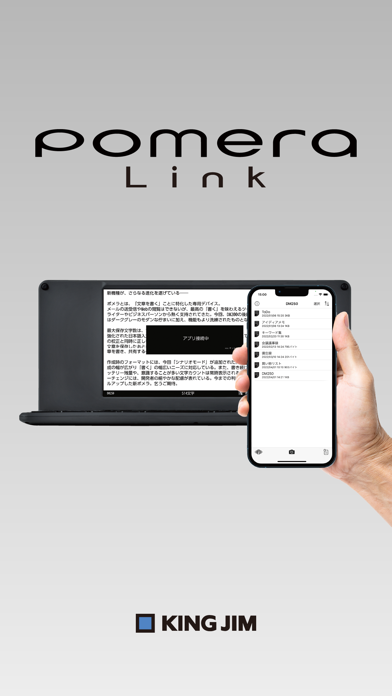
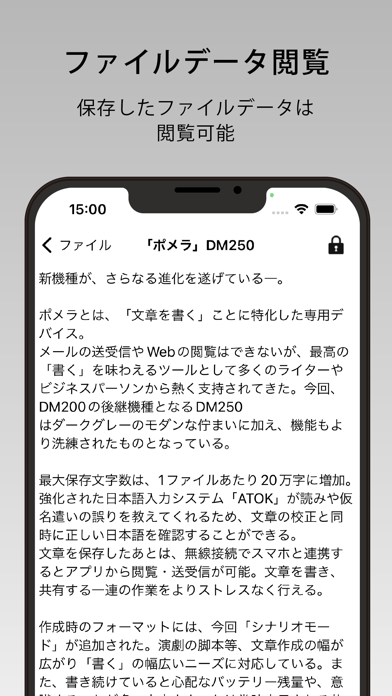
This is King Jim's official application for Pomera.
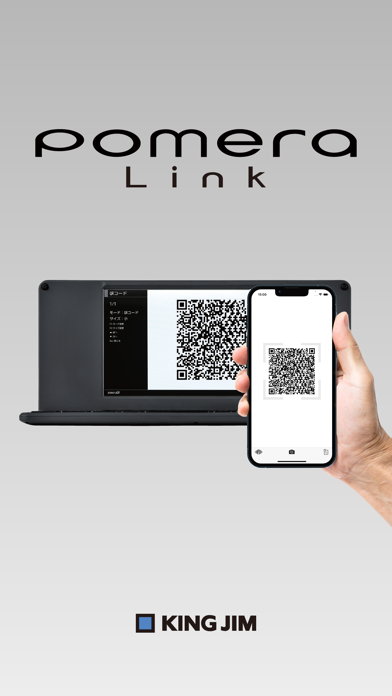
Text data created with Pomera can be saved in the app using "QR Code" or "Wi-Fi Connection".
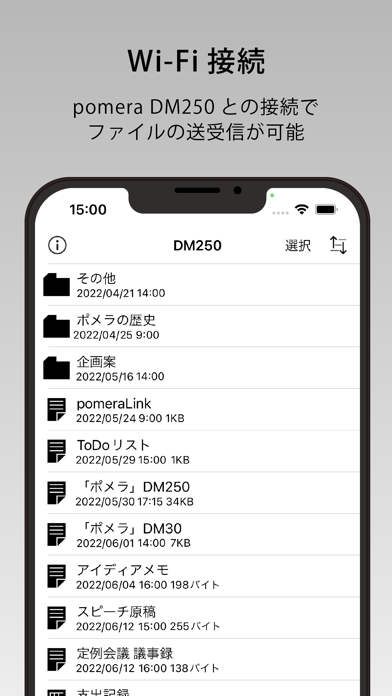
In addition to the Pomera QR Code Reader and other functions of the previous version, the new "Wi-Fi Connection" function of DM250 has been newly added and can be read into the application and used in emails and memos as well as QR Codes.
======================================
■If the camera does not start up when taking a picture of a QR code, the app may not have permission for the camera function.
From the "Settings" application on the iPhone, turn on the "pomeraLink" setting in the "Privacy" - "Camera" screen.
■When using "Wi-Fi Connection" …
Read the full description
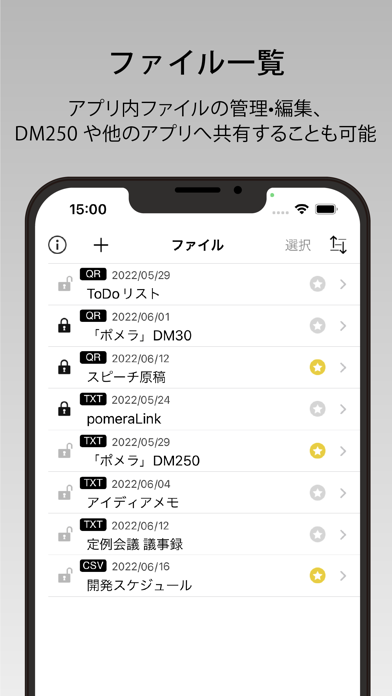
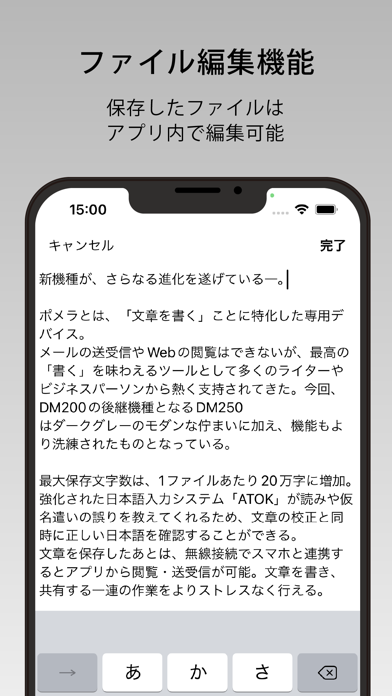
This is King Jim's official application for Pomera. Text data created with Pomera can be saved in the app using "QR Code" or "Wi-Fi Connection". In addition to the Pomera QR Code Reader and other functions of the previous version, the new "Wi-Fi Connection" function of DM250 has been newly added and can be read into the application and used in emails and memos as well as QR Codes. ====================================== ■If the camera does not start up when taking a picture of a QR code, the app may not have permission for the camera function. From the "Settings" application on the iPhone, turn on the "pomeraLink" setting in the "Privacy" - "Camera" screen. ■When using "Wi-Fi Connection" or "FlashAir™ Transfer", open Wi-Fi Settings from the "Settings" application on your iPhone and connect to the Wi-Fi network of your Pomera or FlashAir. This application is compatible with iPhone (6s or later) iOS13 or later. It is not compatible with iPad. Even after installation, the app may not work or may not recognize the QR code. ====================================== List of Functions Reading QR Codes Simply hold the camera over a QR code displayed on "Pomera" to automatically recognize it and save it in the "History". Reading a linked QR Code Up to 999 consecutive QR Codes created with "Pomera" can be read. When a QR Code is successfully scanned, a vibration will alert you, and the number of the linked QR Code will be displayed, so you can display the next linked QR Code with "Pomera". *DM250 can split up to 999 QR Codes, allowing you to convert a larger number of characters. 3. Sending and receiving files via Wi-Fi connection You can send and receive text data between this application and Pomella through a Wi-Fi connection. The supported model for Wi-Fi connection is DM250. FlashAir transfer Text data saved in FlashAir can be read, attached to e-mails, and uploaded to the cloud. Files other than .txt and .csv format cannot be read. FlashAir transfer is supported by DM100 and DM30 models. 5. Editing Data saved in "History" can be checked and edited later. In addition, the text can be pasted into the body of an e-mail or notepad, converted to PDF, or read out loud from the text. The maximum number of items in the history is 200, and when the limit is reached, the oldest unprotected data will be deleted each time new data is added. The protection limit is 100 items. QR Code is a registered trademark of DENSO WAVE INCORPORATED. Translated with www.DeepL.com/Translator (free version)
Installs
Apple does not publish download counts. Estimates are in testing.
We publish iOS estimates only after they pass a back-test against real numbers. Chart history below is measured.
Estimated store revenue Estimated Beta
App Store, worldwide, monthly rate from the last 14 chart days to 21 Nov 2026
Below the top 100 grossing apps in the markets we calibrate. In the United States that usually means under about $6.4M a month. App Store purchases and subscriptions only, before Apple's 15 to 30% fee. Ads and web payments are not included.
Ratings
2 ratings, 2 reviews
No rating breakdown published for this app.
Recent reviews
Latest public reviews from the store
No reviews in our sample for this app yet.
Top chart positions
Latest App Store chart ranks by country, last 10 days
Not in any tracked top chart in the last 10 days.
pomera Link history
Release, install milestones, listing and store changes
- First released on the store 8 Jun 2010
Update frequency
How often pomera Link ships a new version, month by month
0 updates in the last 12 months. Less often than most similar apps: they shipped a median of 1 updates in the same year.
Recent versions
Current version 4.0.3
- Version 4.0.317 Feb 2025
Small visual tweaks.
Listing keywords
Words and phrases pomera Link repeats most in its store listing
Top phrases: qr code (10), wi fi (8), wi fi connection (6), fi connection (6), qr codes (4).
Highlighted words also appear in the title. Counts cover the title, short description and description.
Compliance
What the listing and the app package show
- Store status
- Live
- Upkeep
- Updated 17 Feb 2025
- Age rating
- 4+
Apps like pomera Link
 Library of AviationNazmi Yavuz★ 4.82
 MyNOVECNorthern Virginia Electric Cooperative★ 2.28
 打工人小组件光翔 卓★ 4.96
 TruckbaysTruckbays LLC★ 4.3
 Tornado PRO PlayerMohammed Altam★ 4.44
 VDX - Video ManagerARISEPEAK LP★ 1.74
 TV CastingZeasn Info Technology Co., Ltd.★ 1.86
 MySontiqSontiq, Inc.★ 2.4
 Laboratory TimerShazino★ 4.66
pomera Link: questions and answers
Who makes pomera Link?
pomera Link is published by KING JIM CO.,LTD..
When was pomera Link last updated?
The latest version (4.0.3) was released on 17 Feb 2025.
Is pomera Link free?
Yes. pomera Link is free to download.
Is pomera Link still available?
Yes. pomera Link is live on App Store as of 1 Jul 2026.
Track pomera Link and its competitors
Watch any app for new versions, rating drops, chart moves and removals. Free plan, no card.