
- Installs
- —
- Apple does not publish download counts
- Rating
- 5.0
- Ratings
- 5
- 5 reviews
- Version
- 8.5.10005
- Updated 5 Jun 2026
- Released
- 14 Sep 2010
- Tracked since 10 May 2026
- Size
- 203 MB
- Needs 16.0
Screenshots
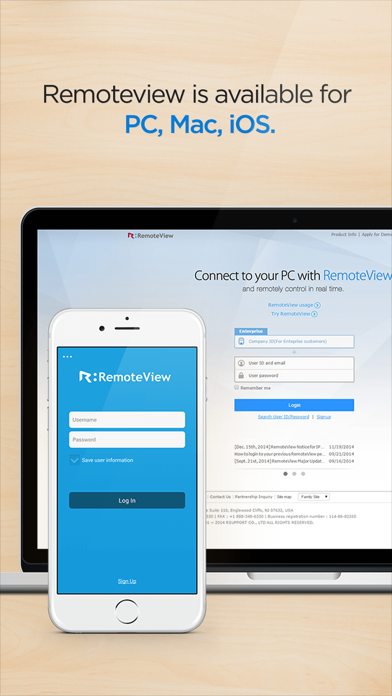
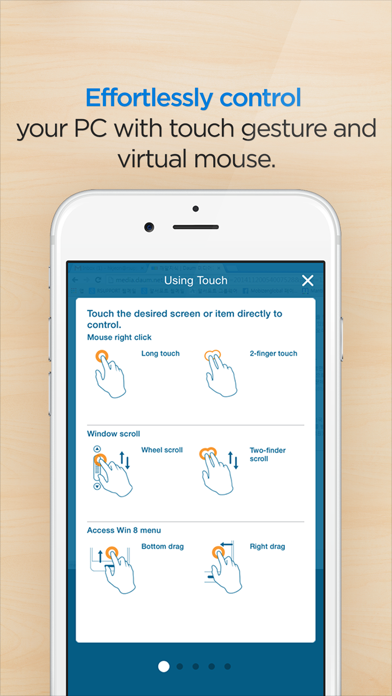
About RemoteView.
The description on the store listing
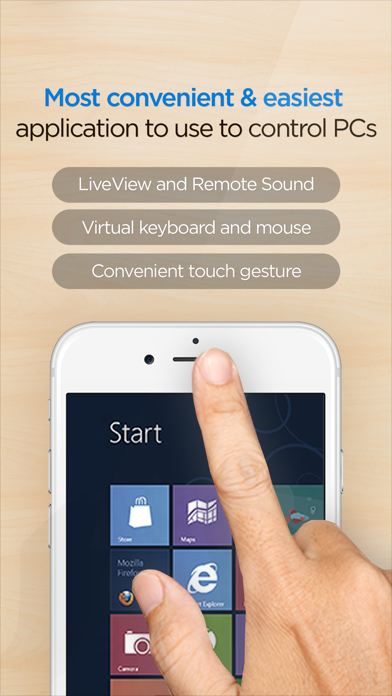
RemoteView is a service from RSupport that lets you remotely control computers located either at home, at the office, or anywhere else as long as there is live Internet connection. All you have to do is this: (1) Install an agent on a computer you want to access remotely; (2) Install a RemoteView App on your iPhone or iPad. Voila! You’re ready to start! You can use all the resource-heavy applications that usually require a full-on computer, from the convenience of a smartphone or a tablet by using RemoteView. That’s it!
[Special Features]
- Faster remote control speed and connection stability delivered by the patented VRVD technology.
- Works under multiple network environments: Dynamic …
Read the full description
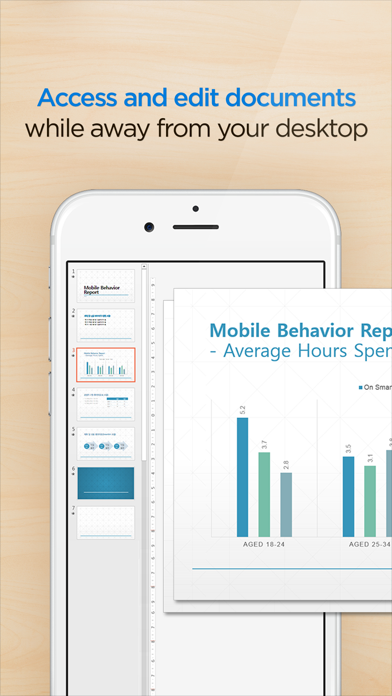
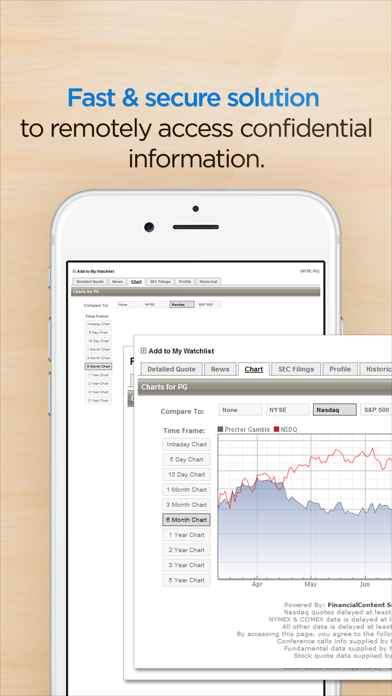
RemoteView is a service from RSupport that lets you remotely control computers located either at home, at the office, or anywhere else as long as there is live Internet connection. All you have to do is this: (1) Install an agent on a computer you want to access remotely; (2) Install a RemoteView App on your iPhone or iPad. Voila! You’re ready to start! You can use all the resource-heavy applications that usually require a full-on computer, from the convenience of a smartphone or a tablet by using RemoteView. That’s it! [Special Features] - Faster remote control speed and connection stability delivered by the patented VRVD technology. - Works under multiple network environments: Dynamic IP; DHCP, Private IP, Private and corporate firewalls. - Ease of Use: Assume control over a remote mouse and keyboard from mobile devices; Multi Touch, Scroll and Zoom are all supported. - Language Input: Any language input method available on the remote computer will be supported. - Common UX: You can use RemoteView from an iOS device (iPhone/iPad) as well as PC seamlessly. - Virtual Environments Supported: Hyper-V; VMware; Virtual PC; Citrix Xen -- All supported. - Other Notable Features: Multi Monitor Support; Screen Lock Out; Remote Power On/Off via Intel vPro Chipset. - You can manage power of a turned off PC which has Wake On LAN based technology. [Rview Application Areas] - When you want to recreate an office IT work environment. - When you want to work at your office PC from home. - When you want to access your files located at home from your office - When you want to save files onto your PC from different places as you are on the move. - When you have to have immediate access into your servers located inside a secure and hard to access places like the IDC. - When you have a “One-to-Many” asset management needs. [How To] - Agent Installation Process 1. Go to RemoteView website on the PC you want to remote control. 2. In the RemoteView website, enter your ID and password to log in. 3. On the “Remote PC Manage My” screen click “Add PC” or “Install” button. 4. Installation will begin after setting Remote PC access ID and password. - Remote Control a Computer from a smart device 1. Download RemoteView app on the App Store and launch it. 2. Enter RemoteView web ID and password to log 3. Select remote PC you want to remote control. 4. Enter Remote PC access ID and password to log in. 5. Remote control your remote PC
Installs
Apple does not publish download counts. Estimates are in testing.
We publish iOS estimates only after they pass a back-test against real numbers. Chart history below is measured.
Estimated store revenue Estimated Beta
App Store, worldwide, monthly rate from the last 12 chart days to 19 Nov 2026
Below the top 100 grossing apps in the markets we calibrate. In the United States that usually means under about $6.4M a month. App Store purchases and subscriptions only, before Apple's 15 to 30% fee. Ads and web payments are not included.
Ratings
5 ratings, 5 reviews
No rating breakdown published for this app.
Recent reviews
Latest public reviews from the store
No reviews in our sample for this app yet.
Top chart positions
Latest App Store chart ranks by country, last 10 days
Not in any tracked top chart in the last 10 days.
RemoteView. history
Release, install milestones, listing and store changes
- First released on the store 14 Sep 2010
Update frequency
How often RemoteView. ships a new version, month by month
2 updates in the last 12 months. More often than most similar apps: they shipped a median of 1 updates in the same year.
Recent versions
Current version 8.5.10005
- Version 8.5.100055 Jun 2026
- Other bugs and fixes
- Version 8.5.0000815 Apr 2026
- Expanded SSO Integration (Microsoft) - Added a new highest quality option (60 FPS) in Viewer settings
Listing keywords
Words and phrases RemoteView. repeats most in its store listing
Top phrases: remote control (5), remote pc (5), id and password (4), password to log (3), pc access id (2).
Highlighted words also appear in the title. Counts cover the title, short description and description.
Compliance
What the listing and the app package show
- Store status
- Live
- Upkeep
- Updated 5 Jun 2026
- Age rating
- 4+
Apps like RemoteView.
 Library of AviationNazmi Yavuz★ 4.82
 MyNOVECNorthern Virginia Electric Cooperative★ 2.28
 打工人小组件光翔 卓★ 4.96
 TruckbaysTruckbays LLC★ 4.3
 Tornado PRO PlayerMohammed Altam★ 4.44
 VDX - Video ManagerARISEPEAK LP★ 1.74
 TV CastingZeasn Info Technology Co., Ltd.★ 1.86
 Mil-Dot BallisticsTom Holsten★ 3.82
 MySontiqSontiq, Inc.★ 2.4
RemoteView.: questions and answers
Who makes RemoteView.?
RemoteView. is published by Rsupport.
When was RemoteView. last updated?
The latest version (8.5.10005) was released on 5 Jun 2026.
Is RemoteView. free?
Yes. RemoteView. is free to download.
Is RemoteView. still available?
Yes. RemoteView. is live on App Store as of 1 Jul 2026.
Track RemoteView. and its competitors
Watch any app for new versions, rating drops, chart moves and removals. Free plan, no card.