
- Installs
- —
- Apple does not publish download counts
- Rating
- 2.38
- Ratings
- 108
- 108 reviews
- Version
- 2.8.22
- Updated 5 Aug 2025
- Released
- 19 Sep 2011
- Tracked since 10 May 2026
- Size
- 211 MB
- Needs 15.0
Also on Google Play: ScanSnap Connect Application. (552 ratings), ScanSnap Connect Application (148 ratings)
Screenshots


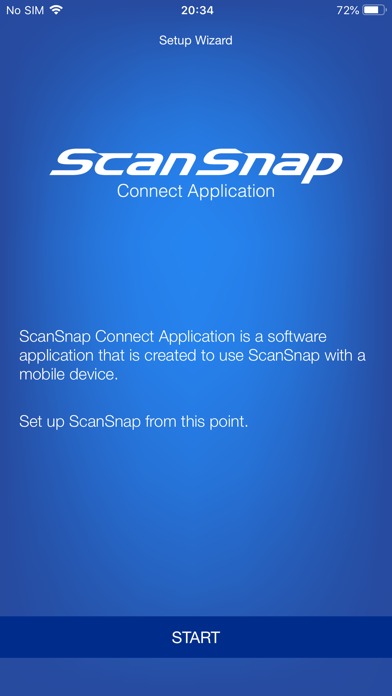
About ScanSnap Connect Application
The description on the store listing
[New App]
New mobile scanning app ScanSnap Home is now available. Try out the improved operability and usability of ScanSnap Home!
*ScanSnap Home can be used with iX1600/iX1500/iX1300/iX100.
[About ScanSnap Connect Application]
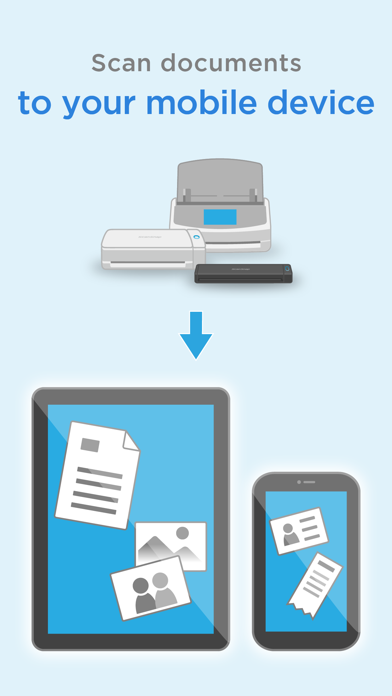
This application easily allows your iPad, iPhone or iPod touch to handle images scanned with the personal document scanner “ScanSnap”.
[What you need]
To use ScanSnap Connect Application, you need to have Wi-Fi connection (via direct connection or your router) and the following devices.
・Wi-Fi-supported ScanSnap
Computer may be required for initial setup.
・iPad / iPhone / iPod touch series
[Main features of ScanSnap Connect Application]
-Receive and view PDF/JPEG …
Read the full description
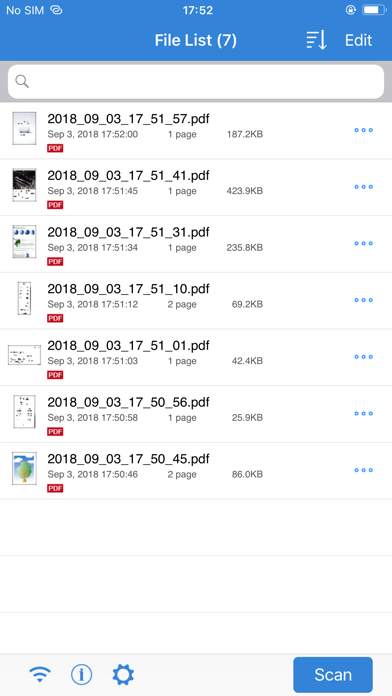
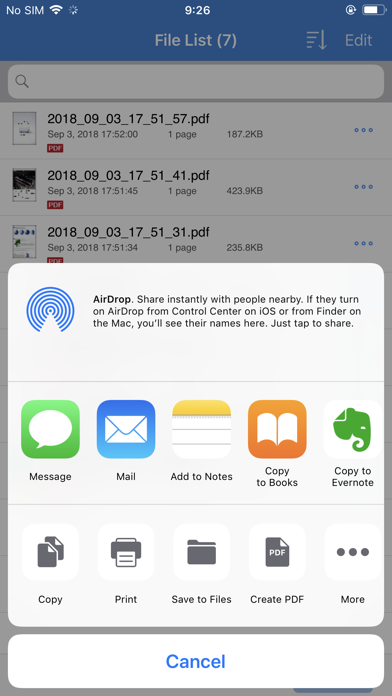
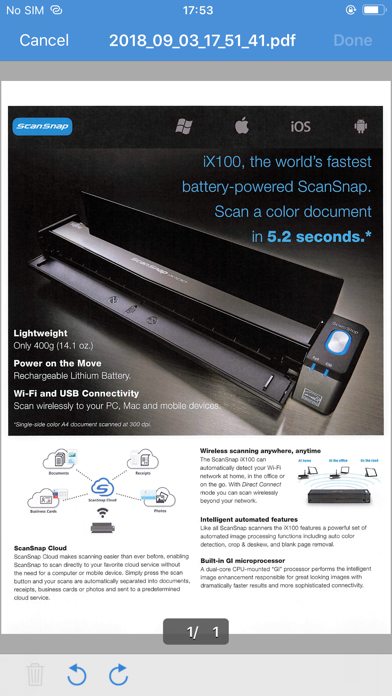
[New App] New mobile scanning app ScanSnap Home is now available. Try out the improved operability and usability of ScanSnap Home! *ScanSnap Home can be used with iX1600/iX1500/iX1300/iX100. [About ScanSnap Connect Application] This application easily allows your iPad, iPhone or iPod touch to handle images scanned with the personal document scanner “ScanSnap”. [What you need] To use ScanSnap Connect Application, you need to have Wi-Fi connection (via direct connection or your router) and the following devices. ・Wi-Fi-supported ScanSnap Computer may be required for initial setup. ・iPad / iPhone / iPod touch series [Main features of ScanSnap Connect Application] -Receive and view PDF/JPEG images scanned with ScanSnap in a seamless manner. -Receive ready-to-use files already corrected with various features (automatic paper size detection/auto color detection/blank page removal/deskew). -View images offline. -Use images in "Mail", "Print", "Photos" or an application that supports PDF/JPEG on your iPad, iPhone or iPod touch. [How to use ScanSnap Connect Application] -For details how to set up / use this application, select the [i] icon at lower left corner of the screen after you start up the application, then refer to [Help]. -For details about using ScanSnap, refer to the Basic Operation Guide, Advanced Operation Guide or Help bundled with ScanSnap.
Installs since 29 Aug 2026
Apple does not publish download counts. Estimates are in testing.
Estimated store revenue Estimated Beta
App Store, worldwide, monthly rate from the last 13 chart days to 20 Nov 2026
Below the top 100 grossing apps in the markets we calibrate. In the United States that usually means under about $6.4M a month. App Store purchases and subscriptions only, before Apple's 15 to 30% fee. Ads and web payments are not included.
Ratings
108 ratings, 108 reviews
No rating breakdown published for this app.
Recent reviews
Latest public reviews from the store
- 22 Jan 2024
Works As Expected
I approached the Scansnap iOS app with considerable skepticism. Experience has taught me that software designed for peripherals like scanners and printers is often subpar, a trend that seems to have persisted since the 90s. Moreover, mobile apps designed to control hardware are typically as pleasant as a dumpster fire, often leading to sheer frustration. With these expectations, I braced myself for an hour of tedious troubleshooting. However, to my surprise and delight, the app proved to be a rare exception. Drawing on my IT expertise, I started by power cycling my ix1600 and installed the app. In just a few minutes, I was connected to my wife’s scanner without a hitch. I managed to scan multiple 15-page documents, attaching them to an email directly from the app, and sent them using the native Mail app. The entire process was astonishingly efficient, taking no more than five minutes. Kudos to the team for making an application for a peripheral that works! I very rarely leave reviews on anything but, I was impressed enough to do so. Please keep up the quality control. Notes: Scanner: IX1600 - previously setup via macOS Did not try to edit any settings while scanning the doc
- 20 Jan 2023
ScanSnap app a huge help for people with disabilities but one bug
A good app that mostly reduces the need for using the ScanSnap home software on a desktop. I rely on this app to help me organize my mail, bills and medical documents due to my disability, which saved me so much energy and a life saver to open the app and press scan. But my only request is to fix the bug in the app where I cannot scan longer documents and it says it’s jammed but it isn’t. The ScanSnap home software says to hold the scan button down on the machine for 3 seconds for documents longer than a certain length and it works on my laptop with the ScanSnap home software, but it does not work with the app. I believe it had no problem scanning longer documents before. Not sure what happened. Please fix this issue. Thank you
What reviewers bring up
Topics mentioned in the latest 8 reviews, by how many reviews mention them
Liked in good reviews (2 reviews)
- software 2
- scan 2
- mail 2
Raised in bad reviews (6 reviews)
- scansnap 4
- scanner 3
- connect 3
- cloud 3
- home 3
- wifi 3
- file 3
- once 3
Top chart positions
Latest App Store chart ranks by country, last 10 days
Not in any tracked top chart in the last 10 days.
ScanSnap Connect Application history
Release, install milestones, listing and store changes
- First released on the store 19 Sep 2011
Update frequency
How often ScanSnap Connect Application ships a new version, month by month
0 updates in the last 12 months. Less often than most similar apps: they shipped a median of 2 updates in the same year.
Recent versions
Current version 2.8.22
- Version 2.8.225 Aug 2025
Minor bugs have been fixed.
Listing keywords
Words and phrases ScanSnap Connect Application repeats most in its store listing
Top phrases: scansnap connect application (5), connect application (5), scansnap connect (5), ipad iphone (3), ipod touch (3).
Highlighted words also appear in the title. Counts cover the title, short description and description.
Compliance
What the listing and the app package show
- Store status
- Live
- Upkeep
- Updated 5 Aug 2025
- Age rating
- 4+
Apps like ScanSnap Connect Application
 Remes: Deleted MessagesEkrem Boyabat★ 4.22
 Hidden Cameras Finder, ScannerISAAC MARTINEAU GERMAIN★ 4.48
 Reptile Rocket: pet trackerMikhail Agapov★ 4.29
 الو ليبياAlmadar Aljadid★ 3.82
 NetScan - IP ScannerSenol Cagir★ 4.32
 Digital Analog Clock Widget江 邱★ 3.76
 Fast Cast - Screen Mirror意 田★ 2.99
 OTR DiagnosticsOTR Performance★ 4.0
 World Clock - Time TravelerDavid Richmond★ 4.4
ScanSnap Connect Application: questions and answers
Who makes ScanSnap Connect Application?
ScanSnap Connect Application is published by PFU LIMITED.
When was ScanSnap Connect Application last updated?
The latest version (2.8.22) was released on 5 Aug 2025.
Is ScanSnap Connect Application free?
Yes. ScanSnap Connect Application is free to download.
Is ScanSnap Connect Application still available?
Yes. ScanSnap Connect Application is live on App Store as of 14 Nov 2026.
Track ScanSnap Connect Application and its competitors
Watch any app for new versions, rating drops, chart moves and removals. Free plan, no card.