
- Installs
- —
- Apple does not publish download counts
- Rating
- 3.94
- Ratings
- 16
- 16 reviews
- Version
- 1.1.8
- Updated 2 Jun 2026
- Released
- 23 Aug 2023
- Tracked since 11 May 2026
- Size
- 17 MB
- Needs 17.6
Also on App Store: Stage Timer (11 ratings), Stage Timer
Screenshots


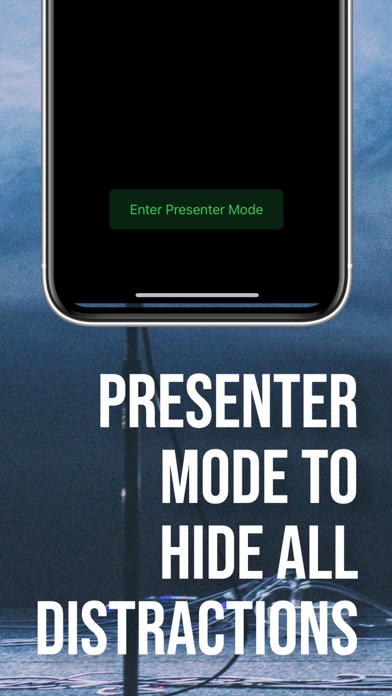
About Stage Timer
The description on the store listing
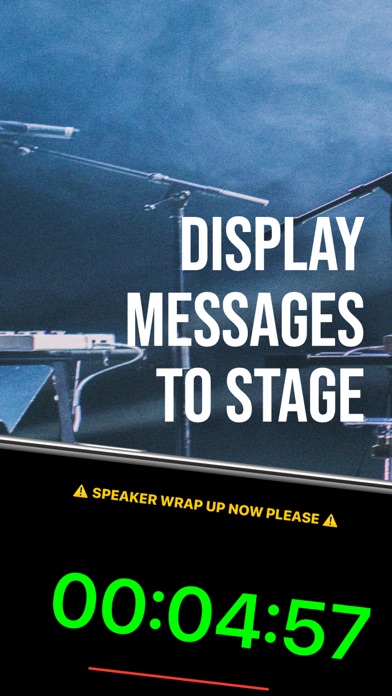
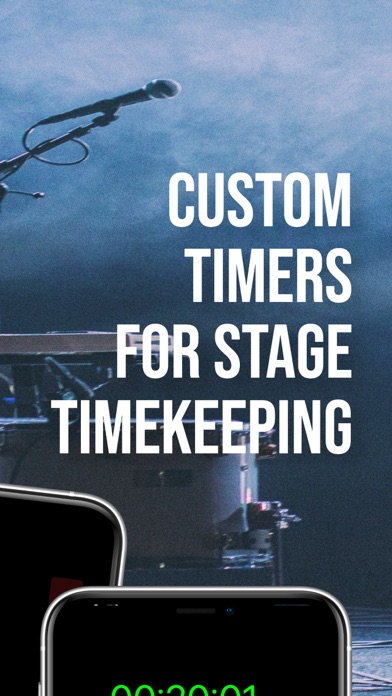
StageTimer is a powerful, versatile, and intuitive timer app designed for professionals, educators, event hosts, and performers who need precision timing for live events, presentations, conferences, and stage performances. With its sleek interface, robust functionality, and seamless multi-device connectivity, StageTimer helps you stay on track, manage your time efficiently, and ensure your events run smoothly.
Whether you’re a teacher timing classroom activities, a presenter coordinating your speech, or an event organizer managing multiple timers across devices, StageTimer provides you with an elegant, customizable timing solution. Enjoy a large, easy-to-read timer display accompanied by …
Read the full description
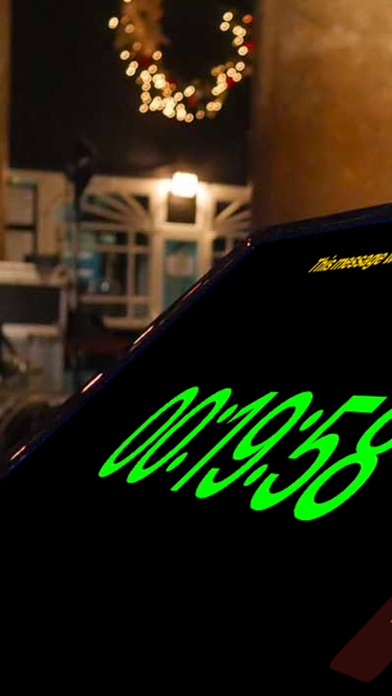
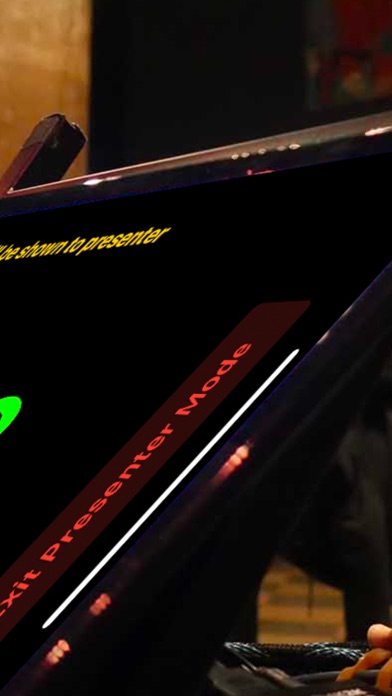
StageTimer is a powerful, versatile, and intuitive timer app designed for professionals, educators, event hosts, and performers who need precision timing for live events, presentations, conferences, and stage performances. With its sleek interface, robust functionality, and seamless multi-device connectivity, StageTimer helps you stay on track, manage your time efficiently, and ensure your events run smoothly. Whether you’re a teacher timing classroom activities, a presenter coordinating your speech, or an event organizer managing multiple timers across devices, StageTimer provides you with an elegant, customizable timing solution. Enjoy a large, easy-to-read timer display accompanied by interactive controls that let you start, pause, reset, and update your timer with just a few taps. Plus, thanks to its innovative multi-device connectivity, you can share timer sessions across several devices—keeping your entire team or audience perfectly synchronized no matter where they are. But StageTimer isn’t just about keeping time—it’s about enhancing your entire event experience. Use the fullscreen mode for a distraction-free view that’s ideal for large presentations, or set custom messages to display important cues or instructions directly on the timer screen. Every aspect of the app has been designed with both aesthetics and functionality in mind, ensuring that your timing experience is not only accurate but also visually appealing. StageTimer offers a rich settings menu that empowers you to tailor the app to your exact needs. Set your default duration, enable auto‑start for immediate timing, toggle between dark and light modes, or keep your screen on during critical moments. And for those who demand even more, our premium upgrade unlocks advanced features like multi‑device sharing, remote controls, custom themes, and audio alerts. With a one‑time payment, you can upgrade to premium—no recurring subscriptions, just professional-grade tools that are yours forever. Every detail of StageTimer is crafted to ensure a seamless and intuitive user experience. The user-friendly interface, paired with clear controls and flexible options, makes it simple to focus on your performance rather than fiddling with settings. Whether you’re preparing for a live stage performance, running a workshop, or simply managing everyday tasks, StageTimer is the perfect companion to keep you punctual and in control. Join thousands of satisfied users who have elevated their timing game. With StageTimer, you’re not just managing time—you’re mastering it. Key Features: • Precision Timer Display with a dynamic progress bar • Intuitive Start, Pause, and Reset Controls • Customizable Timer Duration (up to 1 hour for free users, 24 hours for premium) • Multi-Device Connectivity for Synchronized Timer Sessions • Fullscreen Mode for Distraction-Free Presentations • Custom Messaging for On-Screen Instructions • Advanced Settings including Dark Mode, Auto‑Start, and “Keep Screen On” • Premium Upgrade with a One‑Time Payment (No Subscription) • Remote Controls, Custom Themes, and Audio Alerts (Premium) • Sleek, User-Friendly Interface Designed for Professionals Download StageTimer today and experience the ultimate tool for managing your time. Whether you’re leading a classroom, staging a live performance, or orchestrating a large event, StageTimer ensures you’re always in control—and always on time. Your payment will be charged to your Apple ID account. In-app purchases are processed by Apple and are subject to their standard terms and conditions. By downloading StageTimer, you agree to Apple's End User License Agreement (available at https://www.apple.com/legal/internet-services/itunes/dev/stdeula/) as well as our Privacy Policy, which is available at https://mattcowlin.com/policies/privacy.html. Please review these terms carefully before making any purchase.
Installs
Apple does not publish download counts. Estimates are in testing.
We publish iOS estimates only after they pass a back-test against real numbers. Chart history below is measured.
Estimated store revenue Estimated Beta
App Store, worldwide, monthly rate from the last 12 chart days to 19 Nov 2026
Below the top 100 grossing apps in the markets we calibrate. In the United States that usually means under about $6.4M a month. App Store purchases and subscriptions only, before Apple's 15 to 30% fee. Ads and web payments are not included.
Ratings
16 ratings, 16 reviews
No rating breakdown published for this app.
Recent reviews
Latest public reviews from the store
No reviews in our sample for this app yet.
Top chart positions
Latest App Store chart ranks by country, last 10 days
Not in any tracked top chart in the last 10 days.
Stage Timer history
Release, install milestones, listing and store changes
- First released on the store 23 Aug 2023
Update frequency
How often Stage Timer ships a new version, month by month
2 updates in the last 12 months. More often than most similar apps: they shipped a median of 0 updates in the same year.
Recent versions
Current version 1.1.8
- Version 1.1.82 Jun 2026
Fixes bug meaning some users could not save a timer
- Version 1.1.710 Feb 2026
New Interactive Onboarding Experience - Personalized setup flow for your event type - Customize timer display size and fonts - Get started faster with guided setup Redesigned Premium Upgrade - Beautiful black and yellow interface - Clearer feature comparison - One-time purchase, lifetime access Enhanced Dark Mode - Optimized for stage environments - Perfect theater blacks for professional use - Confirmation dialog prevents accidental changes Fixed Quick Actions - Events button now works correctly - Automation shortcut fixed - Share feature now accessible PERFORMANCE - Faster app startup - Smoother animations - Better memory management
Listing keywords
Words and phrases Stage Timer repeats most in its store listing
Top phrases: multi device (4), multi device connectivity (3), device connectivity (3), whether you’re (3), controls custom themes (2).
Highlighted words also appear in the title. Counts cover the title, short description and description.
Compliance
What the listing and the app package show
- Store status
- Live
- Upkeep
- Updated 2 Jun 2026
- Age rating
- 4+
Apps like Stage Timer
 Super VPN: Fast Private ProxyGeek Incorporated★ 4.4
 Hubtel RetailerHubtel Limited★ 4.32
 Monthly Calendar 2022 - CalistOmoboto LLC★ 4.38
 Firstly: To-Do List & PlannerfocusCove LLC★ 4.7
 CBUS 311City of Columbus, Ohio★ 1.8
 Themes for Powerpoint - DesiGNGraphic Node★ 4.22
 iSiloDC & Co.★ 3.82
 Flashlight Pro [Multipurpose LED light]KAVAPOINT★ 3.88
 WiPryOscium LLC★ 2.68
Stage Timer: questions and answers
Who makes Stage Timer?
Stage Timer is published by MSDC TECHNOLOGIES LTD.
When was Stage Timer last updated?
The latest version (1.1.8) was released on 2 Jun 2026.
Is Stage Timer free?
Yes. Stage Timer is free to download.
Is Stage Timer still available?
Yes. Stage Timer is live on App Store as of 1 Jul 2026.
Track Stage Timer and its competitors
Watch any app for new versions, rating drops, chart moves and removals. Free plan, no card.