
- Installs
- —
- Apple does not publish download counts
- Rating
- 4.0
- Ratings
- 12
- 12 reviews
- Version
- 3.21
- Updated 21 Jan 2026
- Released
- 8 May 2018
- Tracked since 10 May 2026
- Size
- 249 MB
- Needs 13.0
Screenshots
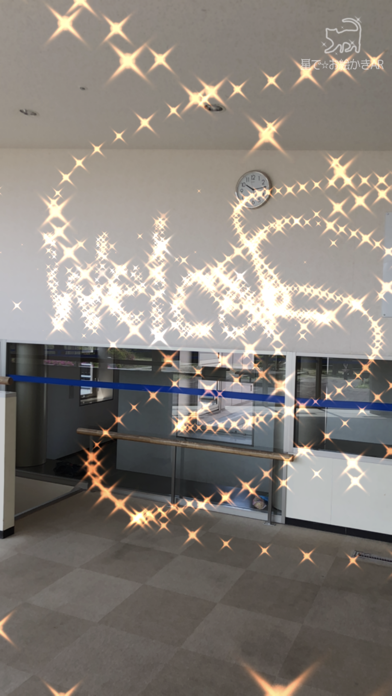
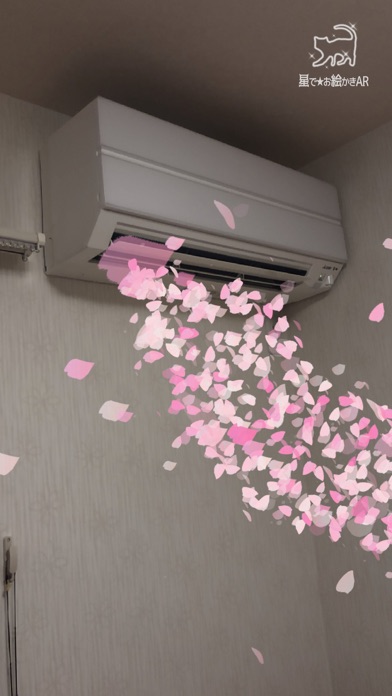
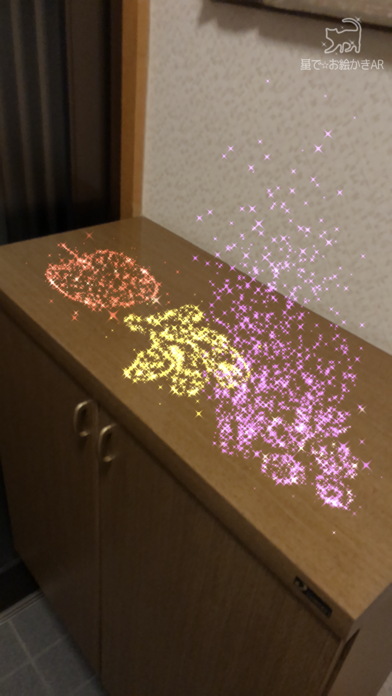
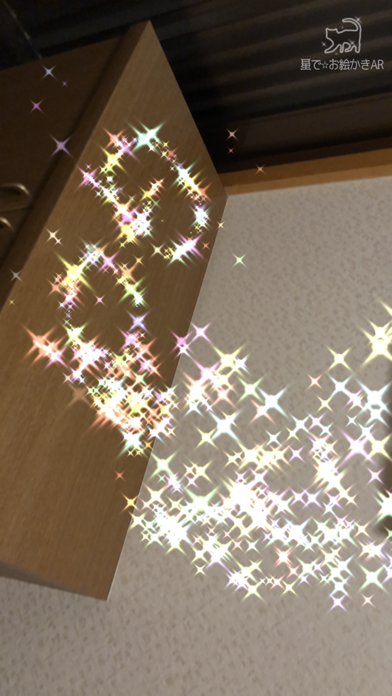
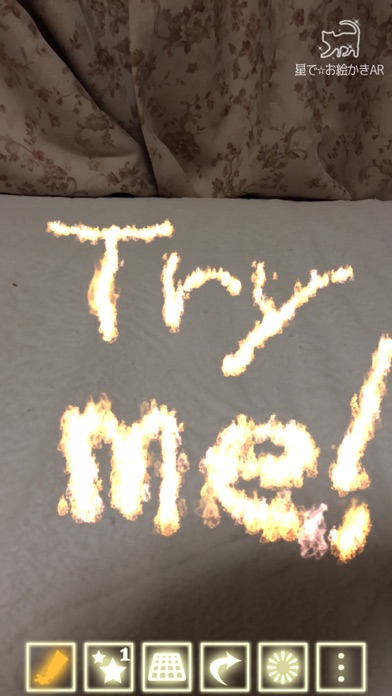
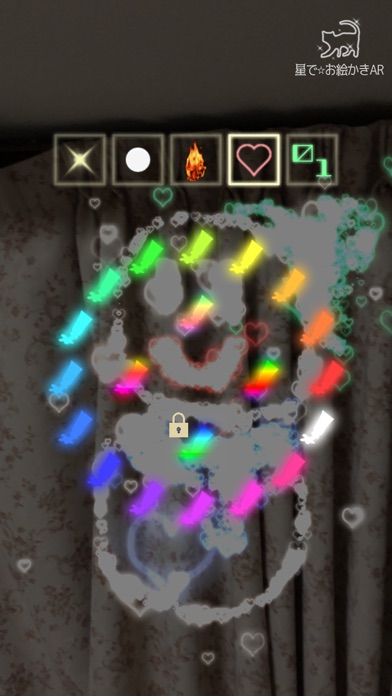
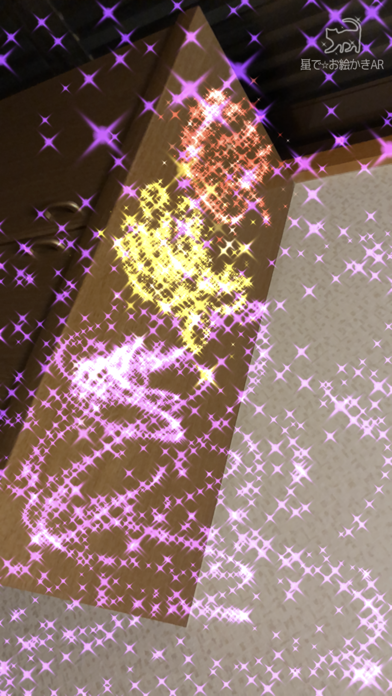
About Star Doodle AR
The description on the store listing
Draw magical, sparkling doodles in midair or on walls!
Your drawings will appear and disappear with 12 kinds of animations.
Use 16 different pens—stars, flames, hearts, gems, cherry blossoms, clovers, electricity, bubbles, smoke, “blood text,” and more—to create fantastical artworks.
Save your creations as videos or photos and share them with friends.
How to Use:
1. Draw on the Screen:
Touch the screen to start drawing. Use the buttons below to customize your artwork.
- Paint Icon: Change the color.
- Star Icon: Adjust the size of the stars.
- Box Icon / Plane Icon: Switch between drawing in the air or on surfaces.
- Undo Icon: Undo the last action.
- Erase Icon: Clear all …
Read the full description
Draw magical, sparkling doodles in midair or on walls! Your drawings will appear and disappear with 12 kinds of animations. Use 16 different pens—stars, flames, hearts, gems, cherry blossoms, clovers, electricity, bubbles, smoke, “blood text,” and more—to create fantastical artworks. Save your creations as videos or photos and share them with friends. How to Use: 1. Draw on the Screen: Touch the screen to start drawing. Use the buttons below to customize your artwork. - Paint Icon: Change the color. - Star Icon: Adjust the size of the stars. - Box Icon / Plane Icon: Switch between drawing in the air or on surfaces. - Undo Icon: Undo the last action. - Erase Icon: Clear all drawings. - Dot Icon: Switch to "Viewing Mode". 2. Animate and Record Your Drawings: After you finish drawing, animate it or record a video! Switch to viewing mode with the dot icon on the right. - Play Icon: Animate your drawing. You can also record the animation. - Sun Icon: Adjust the brightness. - Video Icon: Record a video. Tap again to stop recording. - Photo Icon: Take a photo. - Tools Icon: Access settings or purchase additional features. - Dot Icon: Switch back to "Drawing Mode". Unlock Extra Features: Yellow Lock Buttons: Unlock by watching ads. Blue Lock Buttons: Available for purchase. Paid Options: Access additional features by purchasing options through the cart icon in the tools menu. Paid features include: 1. Unlock all locked features. 2. Remove all ads. 3. Enable the option to hide the logo at the top right of the screen. About the use of created images/videos: Images and videos created with this app may be freely used for both personal and commercial purposes, including creative works, social media posting, video streaming, printed materials, and more. - If your content includes materials that may infringe third-party rights (e.g., other people or copyrighted characters appearing in the background), please obtain permission from the rights holder before use. - If possible, I would greatly appreciate it if you could mention or introduce that this app was used in your work, stream, description, etc. Download now and let your creativity sparkle!
Installs
Apple does not publish download counts. Estimates are in testing.
We publish iOS estimates only after they pass a back-test against real numbers. Chart history below is measured.
Estimated store revenue Estimated Beta
App Store, worldwide, monthly rate from the last 13 chart days to 20 Nov 2026
Below the top 100 grossing apps in the markets we calibrate. In the United States that usually means under about $6.4M a month. App Store purchases and subscriptions only, before Apple's 15 to 30% fee. Ads and web payments are not included.
Ratings
12 ratings, 12 reviews
No rating breakdown published for this app.
Recent reviews
Latest public reviews from the store
- 9 Nov 2025
Very good
The amount I value I am on And give what to be very
- 29 Feb 2024
Idk
Idk
- 16 Jun 2023
Very good
This app is very interesting and original. A good way to beautify videos. Really appreciated to see it updated in 2023. Congrats
Top chart positions
Latest App Store chart ranks by country, last 10 days
Not in any tracked top chart in the last 10 days.
Star Doodle AR history
Release, install milestones, listing and store changes
- First released on the store 8 May 2018
Update frequency
How often Star Doodle AR ships a new version, month by month
1 updates in the last 12 months. More often than most similar apps: they shipped a median of 0 updates in the same year.
Recent versions
Current version 3.21
- Version 3.2121 Jan 2026
- Added 1 new animation (Milky Way) - Added 4 new pens (Bubbles, Smoke, Electricity, Clover) - Improved the guidance display for plane detection - Adjusted the sparkle effects
Listing keywords
Words and phrases Star Doodle AR repeats most in its store listing
Top phrases: dot icon (3), icon switch (3), dot icon switch (2), switch to viewing (2), additional features (2).
Highlighted words also appear in the title. Counts cover the title, short description and description.
Compliance
What the listing and the app package show
- Store status
- Live
- Upkeep
- Updated 21 Jan 2026
- Age rating
- 4+
Apps like Star Doodle AR
 AI Cut - Photo Generate & EditBeijing Changhai Internet Technology Co., Ltd.★ 4.1
 Birthday Invitations Makerwilliam leandro aristizabal giraldo★ 4.7
 AI VistaSCIENJOY META TECHNOLOGY LLC★ 2.9
 Logotipo - AI Logo GeneratorMobile Ocean★ 4.02
 Anime AI Maker: DreamtuneLYKOV STUDIO LTD★ 4.34
 DIY Wallpaper Maker DIYScreenEvgenii Fomin★ 4.68
 Vintage Camera - Film FiltersPlane Cubes★ 4.42
 Color Widgets - WallpapersFlying Pigeons LLC★ 4.34
 Artimind - AI Video GeneratorAPERO TECHNOLOGIES GROUP PTE.LTD★ 1.41
Star Doodle AR: questions and answers
Who makes Star Doodle AR?
Star Doodle AR is published by Tadanori Okada.
When was Star Doodle AR last updated?
The latest version (3.21) was released on 21 Jan 2026.
Is Star Doodle AR free?
Yes. Star Doodle AR is free to download.
Is Star Doodle AR still available?
Yes. Star Doodle AR is live on App Store as of 1 Jul 2026.
Track Star Doodle AR and its competitors
Watch any app for new versions, rating drops, chart moves and removals. Free plan, no card.