
- Installs
- —
- Apple does not publish download counts
- Rating
- 4.48
- Ratings
- 33
- 33 reviews
- Version
- 5.1.68
- Updated 20 Mar 2018
- Released
- 21 Jun 2016
- Tracked since 10 May 2026
- Size
- 133 MB
- Needs 9.0
Screenshots
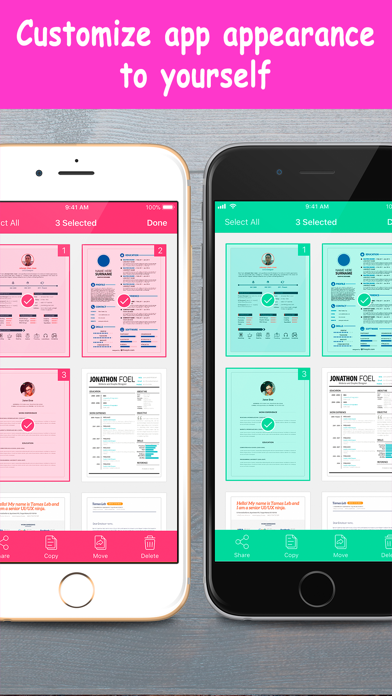
About TotalScan: Document Scanner
The description on the store listing
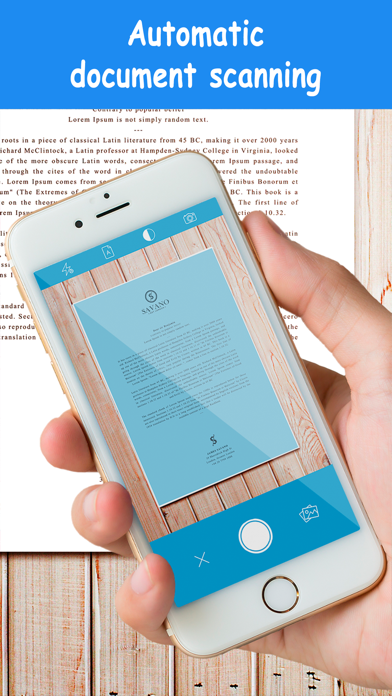
TotalScan is currently the fastest and most powerful tool for scanning documents and QR-codes.
You can create and manage a virtual copy of credit cards, books, checks, recipes, timetables and any paper documents by using TotalScan.
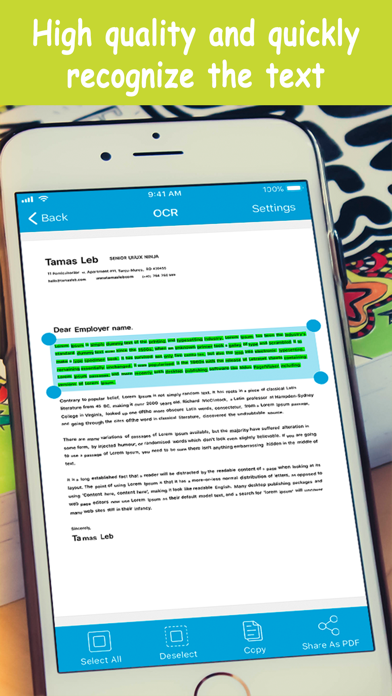
The application supports optical character recognition (OCR) technology and allows you to extract the text from the image.
TotalScan can process the captured from the camera images and already existing photos in the gallery, cloud and network services.
Application allows you to adjust and apply the filters for images with the built-in editor.
Experiment with your documents and edit them, you can always revert to the original image.
You can upload your finished …
Read the full description
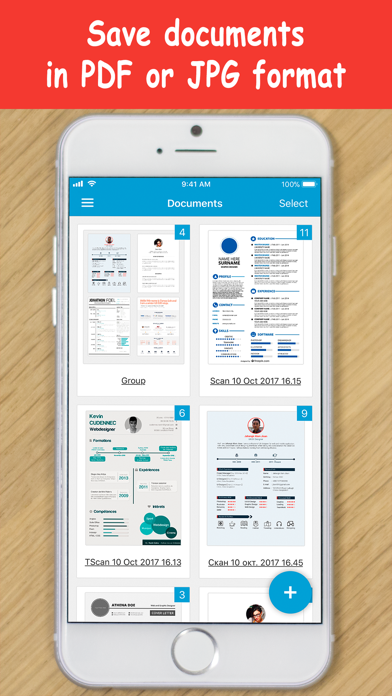
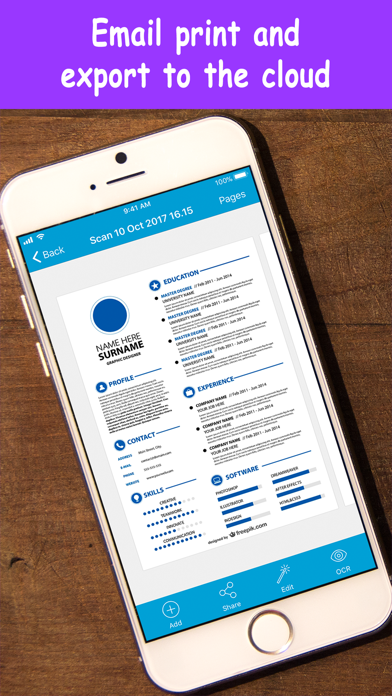
TotalScan is currently the fastest and most powerful tool for scanning documents and QR-codes. You can create and manage a virtual copy of credit cards, books, checks, recipes, timetables and any paper documents by using TotalScan. The application supports optical character recognition (OCR) technology and allows you to extract the text from the image. TotalScan can process the captured from the camera images and already existing photos in the gallery, cloud and network services. Application allows you to adjust and apply the filters for images with the built-in editor. Experiment with your documents and edit them, you can always revert to the original image. You can upload your finished pictures to gallery, cloud and network services, send by mail in JPEG and PDF formats. Scanning takes place on your device without an internet connection, so your documents do not run the risk of being intercepted. The unique scanning and processing algorithms improve the quality of scans, remove the noises and the shadows, correct the angle of the projection, so you get the highest quality and the clear result. This scanner is created based on many years of working with the documents of many people to save your time in the day to day activities as much as possible. The application takes into account the memory capacity and the count of processor cores for maximum performance and comfortable operation. The key features is: + Recognition and decoding of QR-codes and barcodes + Automatic and the manual scanning mode + Creating and saving the documents in colored, grayscale, black and white formats + Selection of the document's page format (A3, A4, A5, Letter, Legal, Business Card, Automatic) + Flash settings + Ability to turn on a grid + Sorting of documents by the name and the date + Easy search of your documents + Ability to create the groups and move the documents from one group to another + Creating the multi-page PDF documents + Moving, copying and renaming of scans OCR special features: + Advanced algorithms of the character definition + Supports the large set of recognition languages + Fast and correct text recognition + Recognition of text with multiple languages + Retains tables, fonts and layout of original The additional benefits include: + Integration with the popular cloud services (Google Drive, Dropbox, Box, OneDrive, Yandex.Disk) + Integration with the popular network services (SMB, FTP, SFTP, WebDAV) + Unique and advanced scanning algorithm + High performance and stability of the application + Intuitive interface + Password protection of the application + User friendly navigation High speed and quality of image processing without tedious manual corrections will make TotalScan your ideal companion for business and education. Already thousands of people have joined us! And you could try this tool of scanning unsurpassed in speed of work and capabilities! We are continuously working to improve the app. If you have any comments, suggestions and questions, write on our email [email protected].
Installs
Apple does not publish download counts. Estimates are in testing.
We publish iOS estimates only after they pass a back-test against real numbers. Chart history below is measured.
Estimated store revenue Estimated Beta
App Store, worldwide, monthly rate from the last 13 chart days to 20 Nov 2026
Below the top 100 grossing apps in the markets we calibrate. In the United States that usually means under about $6.4M a month. App Store purchases and subscriptions only, before Apple's 15 to 30% fee. Ads and web payments are not included.
Ratings
33 ratings, 33 reviews
No rating breakdown published for this app.
Recent reviews
Latest public reviews from the store
No reviews in our sample for this app yet.
Top chart positions
Latest App Store chart ranks by country, last 10 days
Not in any tracked top chart in the last 10 days.
TotalScan: Document Scanner history
Release, install milestones, listing and store changes
- First released on the store 21 Jun 2016
Update frequency
How often TotalScan: Document Scanner ships a new version, month by month
0 updates in the last 12 months. Less often than most similar apps: they shipped a median of 1 updates in the same year.
Recent versions
Current version 5.1.68
- Version 5.1.6820 Mar 2018
This update from Apple will improve the functionality of this app. No new features are included. Thank you for your valued feedback! Here’s what awaits you in the new version: - UI improvements - Performance improvements - Minor bug fixes We would appreciate if you take a moment to review our app on the App Store!
Listing keywords
Words and phrases TotalScan: Document Scanner repeats most in its store listing
Top phrases: network services (3), cloud and network (2), gallery cloud (2), qr codes (2).
Highlighted words also appear in the title. Counts cover the title, short description and description.
Compliance
What the listing and the app package show
- Store status
- Live
- Upkeep
- No update since 20 Mar 2018
- Age rating
- 4+
Apps like TotalScan: Document Scanner
 Robin - Mobile AppRobin Powered, Inc★ 3.32
 Bright AisleMedia Solutions Corp★ 2.52
 Rhingie: phone call 2nd numberDating onlain, ooo★ 3.96
 PayClockLathem Time Corporation★ 2.08
 云电话-网络电话虚拟隐私小号国辉 李★ 4.74
 QuicklynQuicklyn★ 4.86
 Diligent BoardsDiligent Corporation★ 3.32
 DATABASICSDATABASICS★ 3.8
 vMEyeSuperGuangzhou Kedi Intelligence Technology Co., Ltd.★ 3.14
TotalScan: Document Scanner: questions and answers
Who makes TotalScan: Document Scanner?
TotalScan: Document Scanner is published by LTD DevelSoftware.
When was TotalScan: Document Scanner last updated?
The latest version (5.1.68) was released on 20 Mar 2018.
Is TotalScan: Document Scanner free?
Yes. TotalScan: Document Scanner is free to download.
Is TotalScan: Document Scanner still available?
Yes. TotalScan: Document Scanner is live on App Store as of 1 Jul 2026.
Track TotalScan: Document Scanner and its competitors
Watch any app for new versions, rating drops, chart moves and removals. Free plan, no card.