
- Installs
- —
- Apple does not publish download counts
- Rating
- 4.77
- Ratings
- 22
- 22 reviews
- Version
- 5.6
- Updated 16 Feb 2022
- Released
- 2 May 2019
- Tracked since 11 May 2026
- Size
- 73 MB
- Needs 9.1
Screenshots

About Video Compressor - HD
The description on the store listing
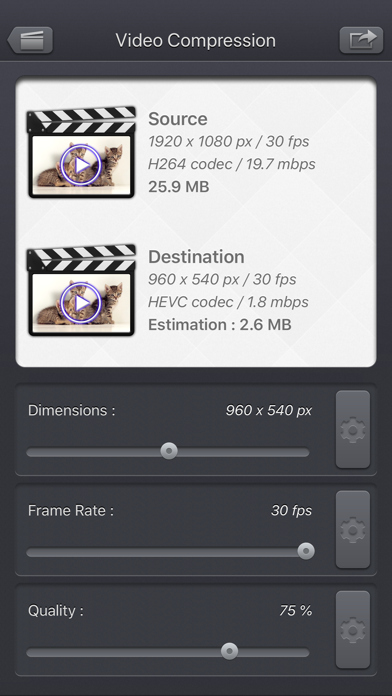
Use Video Compressor - HD, to compress your videos and reduce their file size.
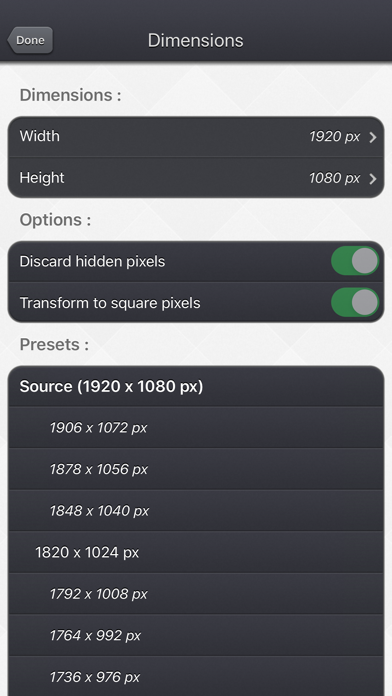
Precisely control the dimensions, frame rate and quality to achieve the perfect result.
The key points of the application:
• Reduce the size to a minimum before sending the video online or sharing it by email.
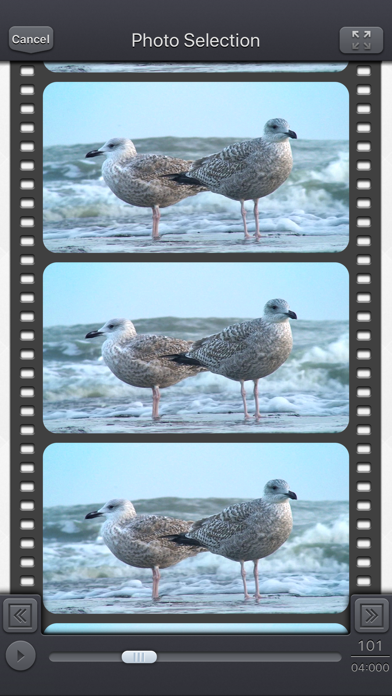
• Real-time estimation of the file size of the destination video, with the ability to preview the result.
• Simply use the sliders, or access more options if necessary.
• Delete hidden pixels if your video contains them ( "Clean Aperture" information).
• Impose a square pixel format to get a smaller video.
• If your device supports it, choose to re-encode your video in HEVC format taking half as much space …
Read the full description
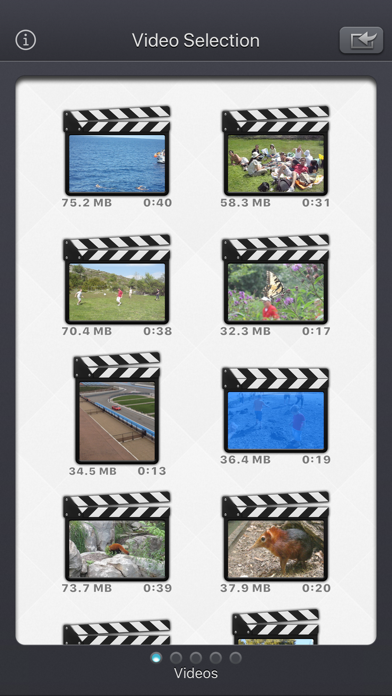
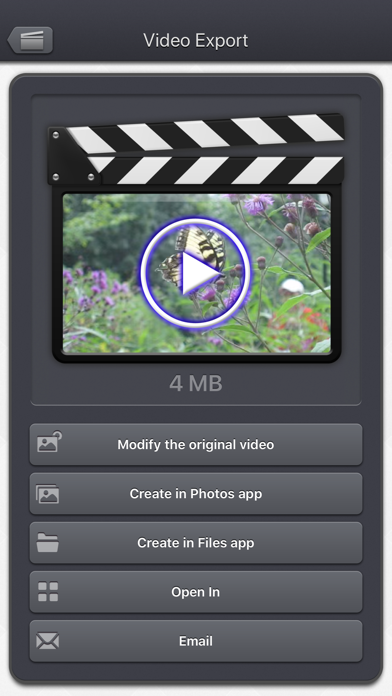
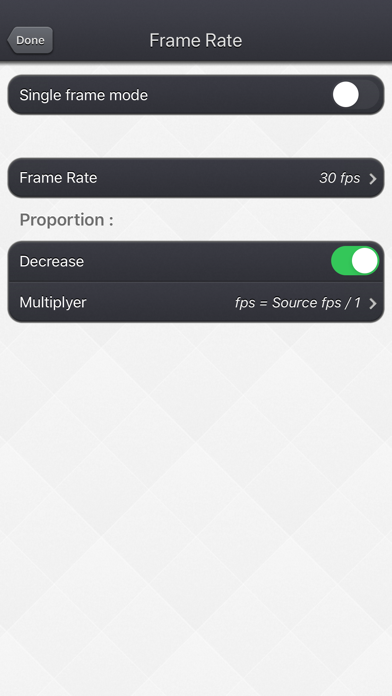
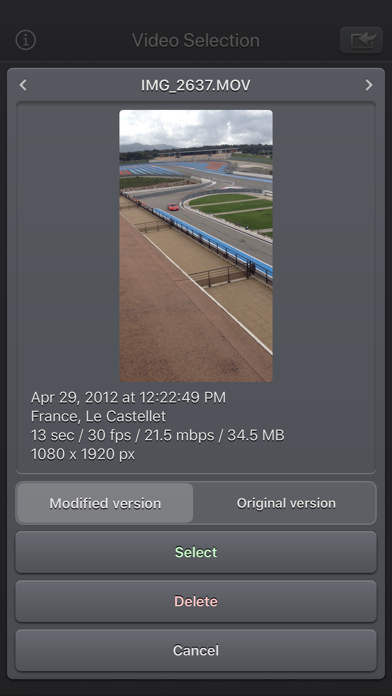
Use Video Compressor - HD, to compress your videos and reduce their file size. Precisely control the dimensions, frame rate and quality to achieve the perfect result. The key points of the application: • Reduce the size to a minimum before sending the video online or sharing it by email. • Real-time estimation of the file size of the destination video, with the ability to preview the result. • Simply use the sliders, or access more options if necessary. • Delete hidden pixels if your video contains them ( "Clean Aperture" information). • Impose a square pixel format to get a smaller video. • If your device supports it, choose to re-encode your video in HEVC format taking half as much space as H264 format. • Choose a specific bitrate if necessary. • Reduce the dimensions, but also increase them if necessary. • Reduce the frame rate, but also increase it if necessary. • Exclusive functionality of a single frame mode to display only one frame in the video. The Input video can be imported from your device in several ways. The modified version (if there is one) or the original version of the video are both available. The camera can be used directly to record a video if needed. You can also connect your device to your computer in order to drag and drop specific videos (Files feature). The output video can be exported in several ways. Create a new video in the Photo app or in the Files app. Directly modify the input video by adding an edited version. Share the video to another application. This application can run, on your iPhone and your iPad, as a standalone application, a Photo Extension, or as an Action Extension (from the compatible applications like the Photo app). Portrait and Landscape orientations are supported in all screens. Dark mode of iOS13 is supported. You will find the original and intuitive user interface, common to all our videos applications. These applications have been featured many times by Apple and various websites.
Installs
Apple does not publish download counts. Estimates are in testing.
We publish iOS estimates only after they pass a back-test against real numbers. Chart history below is measured.
Estimated store revenue Estimated Beta
App Store, worldwide, monthly rate from the last 12 chart days to 19 Nov 2026
Below the top 100 grossing apps in the markets we calibrate. In the United States that usually means under about $6.4M a month. App Store purchases and subscriptions only, before Apple's 15 to 30% fee. Ads and web payments are not included.
Ratings
22 ratings, 22 reviews
No rating breakdown published for this app.
Recent reviews
Latest public reviews from the store
No reviews in our sample for this app yet.
Top chart positions
Latest App Store chart ranks by country, last 10 days
Not in any tracked top chart in the last 10 days.
Video Compressor - HD history
Release, install milestones, listing and store changes
- First released on the store 2 May 2019
Recent versions
Current version 5.6
- Version 5.616 Feb 2022
Fix for a potential crash when a keyboard is connected to the device.
Listing keywords
Words and phrases Video Compressor - HD repeats most in its store listing
Top phrases: video compressor hd (2), compressor hd (2), file size (2), frame rate (2), input video (2).
Highlighted words also appear in the title. Counts cover the title, short description and description.
Compliance
What the listing and the app package show
- Store status
- Live
- Upkeep
- No update since 16 Feb 2022
- Registered in
- United States
- Age rating
- 4+
Apps like Video Compressor - HD
 Video CollageaZeR DiLLs★ 4.08
 Vee for VideoMedious★ 2.98
 Beauty Camera -Selfie, StickerBhuvan Gupta★ 4.5
 FinalCamXShenzhen Xiaozhen Technology Co.,Ltd.★ 4.44
 Magic Studio - AI Photo EditorMagicStudio.com★ 4.62
 Foto Impresiones: 1 Hr PhotoSoftwareX★ 4.98
 SnapGeo - AI Location FinderRECEP ASLAN★ 4.24
 Family Photo Maker - AIRick-y Media★ 4.12
 BeautifAI: AI Try OnJAI UYGULAMA VE YAPAY ZEKA TEKNOLOJILERI ANONIM SIRKETI★ 4.36
Video Compressor - HD: questions and answers
Who makes Video Compressor - HD?
Video Compressor - HD is published by Francis Bonnin, a developer based in US.
When was Video Compressor - HD last updated?
The latest version (5.6) was released on 16 Feb 2022.
Is Video Compressor - HD free?
No. Video Compressor - HD is a paid app priced at $1.99.
Is Video Compressor - HD still available?
Yes. Video Compressor - HD is live on App Store as of 1 Jul 2026.
Track Video Compressor - HD and its competitors
Watch any app for new versions, rating drops, chart moves and removals. Free plan, no card.