
- Installs
- —
- Apple does not publish download counts
- Rating
- 4.79
- Ratings
- 364
- 364 reviews
- Version
- 2.19.3
- Updated 27 Oct 2026
- Released
- 6 Oct 2018
- Tracked since 10 May 2026
- Size
- 25 MB
- Needs 17.0
Screenshots
About WorkingHours • Time Tracking
The description on the store listing
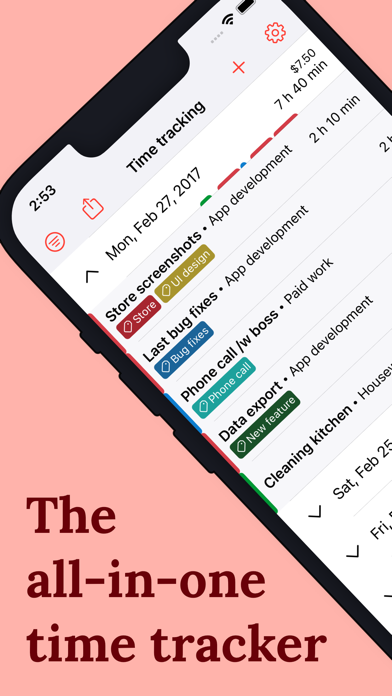
Easily track your work hours - organize, analyze and export them. Perfect for freelancer, hourly workers, employees or anyone else who wants to keep track of his or her working time. Completely without ads or subscription.
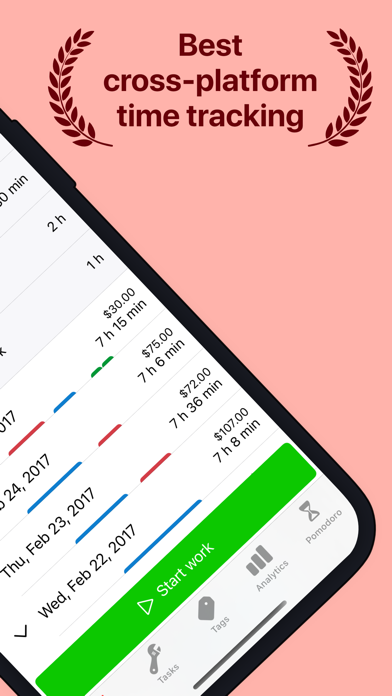
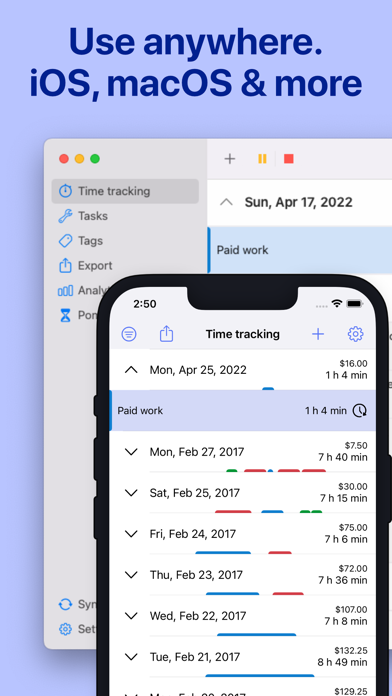
• Cross-platform time tracker app, works for all your devices incl. Cloud sync*
• Use your own Cloud storage for the sync (OneDrive, Google Drive, Dropbox, iCloud, WebDAV)
• Start/pause/stop your working time without opening the app - via widget, notification & geofence*
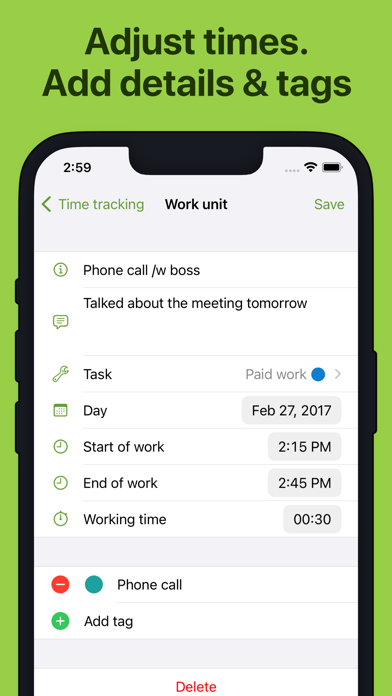
• Edit your work units afterwards to correct mistakes & add details
• Assign tasks or tags to work units
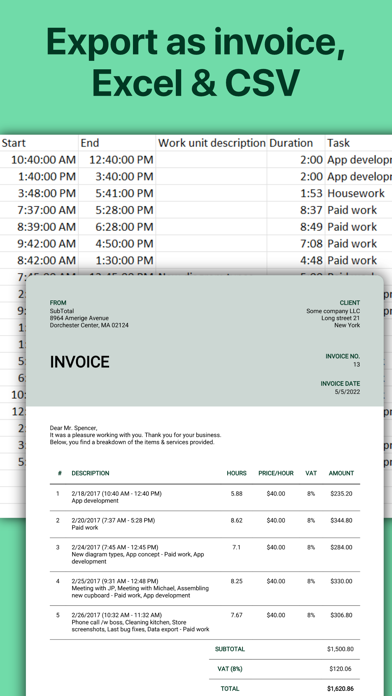
• Data export as Excel sheet, CSV file or PDF invoice*
• Auto-start/stop when arriving/leaving the …
Read the full description
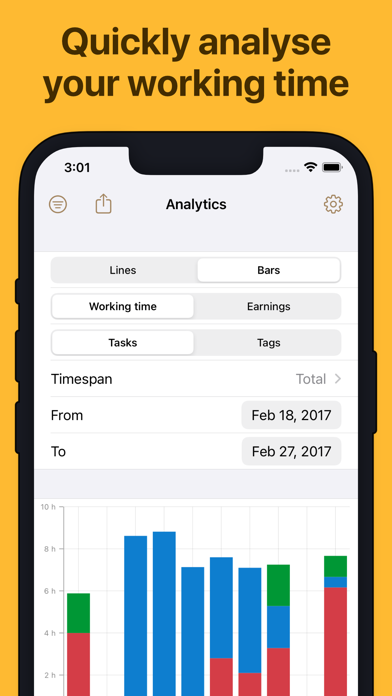
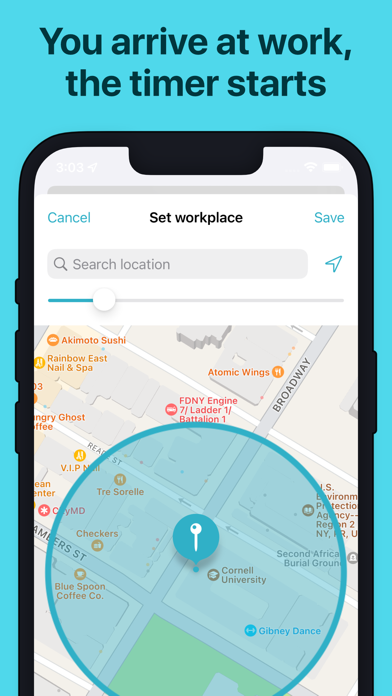
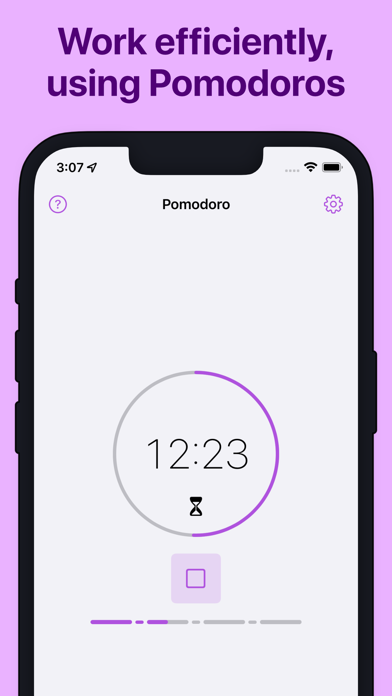
Easily track your work hours - organize, analyze and export them. Perfect for freelancer, hourly workers, employees or anyone else who wants to keep track of his or her working time. Completely without ads or subscription. • Cross-platform time tracker app, works for all your devices incl. Cloud sync* • Use your own Cloud storage for the sync (OneDrive, Google Drive, Dropbox, iCloud, WebDAV) • Start/pause/stop your working time without opening the app - via widget, notification & geofence* • Edit your work units afterwards to correct mistakes & add details • Assign tasks or tags to work units • Data export as Excel sheet, CSV file or PDF invoice* • Auto-start/stop when arriving/leaving the work place using GPS geofencing • Special tags allow adjustments of the worked time and earnings • Filter work units by tag and task • Analyze working time and earnings via graphs • Calendar integration: see your appointments in-app and quickly transform them into tracked work time • Be productive with the Pomodoro technique - WorkingHours reminds you when you finish a work session WorkingHours - the easiest and fastest time tracking / timesheet app for iOS, macOS & more! * Pro version feature - Free 7 day trial period of the Pro version included. Pro version is a one-time-purchase, no subscription. Purchase will be bound to App Store account. App licenses for other platforms need to be purchased separately. More details in the FAQ
Installs since 29 Aug 2026
Apple does not publish download counts. Estimates are in testing.
Estimated store revenue Estimated Beta
App Store, worldwide, monthly rate from the last 12 chart days to 19 Nov 2026
Below the top 100 grossing apps in the markets we calibrate. In the United States that usually means under about $6.4M a month. App Store purchases and subscriptions only, before Apple's 15 to 30% fee. Ads and web payments are not included.
Ratings
364 ratings, 364 reviews
No rating breakdown published for this app.
Recent reviews
Latest public reviews from the store
No reviews in our sample for this app yet.
Top chart positions
Latest App Store chart ranks by country, last 10 days
Not in any tracked top chart in the last 10 days.
WorkingHours • Time Tracking history
Release, install milestones, listing and store changes
- First released on the store 6 Oct 2018
Update frequency
How often WorkingHours • Time Tracking ships a new version, month by month
3 updates in the last 12 months. More often than most similar apps: they shipped a median of 2 updates in the same year.
Recent versions
Current version 2.19.3
- Version 2.19.327 Oct 2026
• Workplace detection now supports up to 5 locations, each with its own task • Improved database, analytics and export performance • Improved Cloud Sync reliability
- Version 2.16.322 Jun 2026
• New Pro feature: Start, pause and stop your timer from Apple Watch, with quick task selection. • New Pro feature: Use Shortcuts automations with WorkingHours (iOS 26+). • Several small bugfixes and improvements.
- Version 2.16.2421 Apr 2026
• Added Live Activities for active timers on iPhone, including Dynamic Island support and quick timer controls. If you don’t want Live Activities, you can turn them off in the iPhone’s notification settings. • Several small bugfixes and improvements
Listing keywords
Words and phrases WorkingHours • Time Tracking repeats most in its store listing
Top phrases: pro version (3), work units (3).
Highlighted words also appear in the title. Counts cover the title, short description and description.
Compliance
What the listing and the app package show
- Store status
- Live
- Upkeep
- Updated 27 Oct 2026
- Age rating
- 4+
Apps like WorkingHours • Time Tracking
 Prosec: Check Wifi & Phone AppPrime Software★ 4.63
 Push Up Time - Block AppsMai Huy Mao★ 4.91
 Flatastic: Households ManagerFlatastic GmbH★ 4.74
 Cuckoo Timer俊航 何★ 4.73
 Site Audit for Snag Punch ListVeena Makhija★ 4.5
 Random Wheels - Make decision峥荣 刘★ 4.5
 PDF to Word Converter - DocxAsad Ahsan★ 4.52
 JobWalk Construction TrackingHoloBuilder Inc.★ 4.73
 Calalarm CalendarDevart B.V.★ 4.45
WorkingHours • Time Tracking: questions and answers
Who makes WorkingHours • Time Tracking?
WorkingHours • Time Tracking is published by Timo Partl.
When was WorkingHours • Time Tracking last updated?
The latest version (2.19.3) was released on 27 Oct 2026.
Is WorkingHours • Time Tracking free?
Yes. WorkingHours • Time Tracking is free to download.
Is WorkingHours • Time Tracking still available?
Yes. WorkingHours • Time Tracking is live on App Store as of 14 Nov 2026.
Track WorkingHours • Time Tracking and its competitors
Watch any app for new versions, rating drops, chart moves and removals. Free plan, no card.