
AI Photo Editor
Collage Maker makes it easy to create photos, quickly collage photos
- Installs
- 242K
- Measured
- Rating
- 4.23
- Ratings
- 1.3K
- 40 reviews
- Version
- Varies with device
- Updated 26 Jul 2024
- Released
- 8 Jun 2023
- Tracked since 12 May 2026
- Size
- —
Screenshots

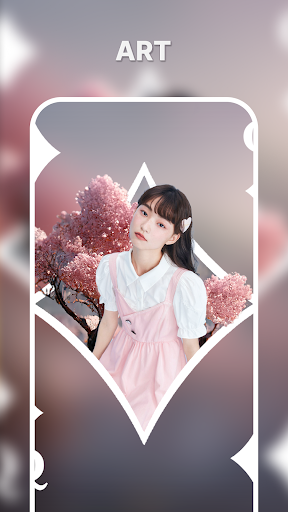
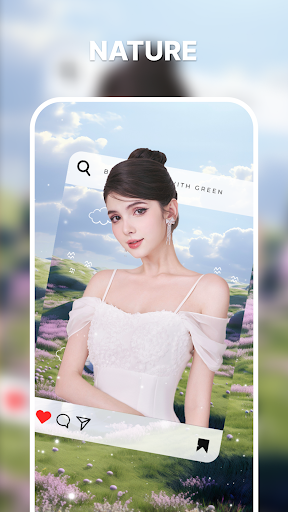
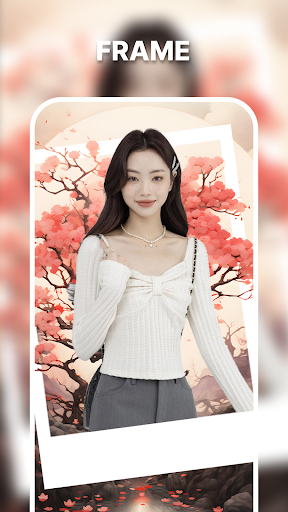
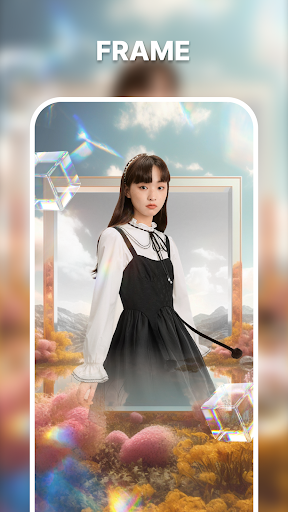

About AI Photo Editor
The description on the store listing
*** With many Cockroach Stickers, layout templates, backgrounds, photo frames you will easily create amazing photo
*** More than 500+ templates and a variety of themes (Love, Neon, Birthday...) for you to choose from
Welcome to Collage Style - Collage Maker, the ultimate app for unleashing your creativity and turning your ordinary photos into extraordinary visual masterpieces. With a powerful set of features, including collage templates, canvas customization, and collage classic, this app is your go-to tool for creating stunning collages that reflect your unique style and personality.
Collage Templates: Discover a vast collection of professionally designed collage templates that …
Read the full description
*** With many Cockroach Stickers, layout templates, backgrounds, photo frames you will easily create amazing photo *** More than 500+ templates and a variety of themes (Love, Neon, Birthday...) for you to choose from Welcome to Collage Style - Collage Maker, the ultimate app for unleashing your creativity and turning your ordinary photos into extraordinary visual masterpieces. With a powerful set of features, including collage templates, canvas customization, and collage classic, this app is your go-to tool for creating stunning collages that reflect your unique style and personality. Collage Templates: Discover a vast collection of professionally designed collage templates that make collage creation a breeze. With a wide variety of themes and layouts to choose from, you can easily find the perfect template to showcase your photos. Simply select your favorite template, import your photos, and watch as your images effortlessly come together in a captivating collage. Canvas: Take your collage creation to the next level with the customizable canvas feature. This feature gives you complete control over the layout of your collage. Resize, rotate, and arrange your photos exactly as you envision them. Let your imagination run wild as you experiment with different layouts and create collages that are truly unique. The canvas feature empowers you to design collages that perfectly represent your artistic vision. Collage Classic: Immerse yourself in the timeless art of collage-making with the Collage Classic feature. Seamlessly merge multiple photos and arrange them in a way that tells a story or conveys a specific mood. Adjust the size and position of each photo with precision, and enhance the overall composition with artistic filters. Collage Classic allows you to express yourself through the art of combining images, creating collages that are both visually stunning and emotionally captivating. Collage Style - Collage Maker is designed to be user-friendly, making it accessible to both beginners and professionals. The intuitive interface guides you through the collage-making process, ensuring a seamless and enjoyable experience. Customize your collages with text, stickers, and borders to add a personal touch and make them truly stand out. Sharing your collages has never been easier. With just a few taps, you can directly share your creations on your favorite social media platforms or send them to friends and family. Let your collages become a visual story that captivates and inspires others. Download Collage Style - Collage Maker now and embark on an exciting journey of creative expression. Transform your photos into breathtaking collages that showcase your unique style and creativity. With Collage Style, you have the tools to create visual masterpieces that will leave a lasting impression. Unleash your inner artist and discover the endless possibilities of collage-making.
Installs, last 30 days Measured
Exact Google Play install counts, collected daily
Ratings
1,255 ratings, 40 reviews
- 5 ★67%
- 4 ★14%
- 3 ★4.3%
- 2 ★3.2%
- 1 ★11%
Recent reviews
Latest public reviews from the store
No reviews in our sample for this app yet.
Top chart positions
Latest Google Play chart ranks by country, last 10 days
Not in any tracked top chart in the last 10 days.
AI Photo Editor history
Release, install milestones, listing and store changes
- Reached 100,000+ installs 6 Feb 2024
- Reached 50,000+ installs 11 Jan 2024
- Reached 10,000+ installs 29 Jul 2023
- Reached 5,000+ installs 15 Jul 2023
- Reached 1,000+ installs 1 Jul 2023
- Reached 100+ installs 22 Jun 2023
- First released on the store 8 Jun 2023
Recent versions
Current version Varies with device
- Version 4226 Jul 2024
- Version 3622 Jul 2024
- Version 3410 Jul 2024
- Version 31.24 Apr 2024
Listing keywords
Words and phrases AI Photo Editor repeats most in its store listing
Top phrases: collage classic (4), collage maker (4), collage style (4), collage style collage (3), style collage maker (3).
Highlighted words also appear in the title. Counts cover the title, short description and description.
Business model and tech
From the store listing and declared permissions
- Business model
- Free to downloadIn-app purchasesShows ads
- Subscriptions and payments
- Google Play billing
- Sensitive access
- CameraMicrophonePhone and callsPhotos, videos and filesAdvertising ID
23 permissions
0 special access, 7 sensitive, 16 standard
- Record audioSensitive
- Take photos and videosSensitive
- Change or delete shared storageSensitive
- Read photosREAD_MEDIA_IMAGESSensitive
- Read shared storageSensitive
- Show notificationsPOST_NOTIFICATIONSSensitive
- Read phone status and identitySensitive
- Ad attribution (Privacy Sandbox)ACCESS_ADSERVICES_ATTRIBUTIONStandard
- Ad topics (Privacy Sandbox)ACCESS_ADSERVICES_TOPICSStandard
- Read how it was installed (install referrer)BIND_GET_INSTALL_REFERRER_SERVICEStandard
- Read the advertising IDAD_IDStandard
- Read the advertising ID (Privacy Sandbox)ACCESS_ADSERVICES_AD_IDStandard
Compliance
What the listing and the app package show
- Store status
- Live
- Upkeep
- No update since 26 Jul 2024
- Registered in
- Germany
- Privacy policy
- Linked on the listing
- Advertising
- Shows ads
- In-app purchases
- None declared
- Age rating
- Everyone
- Sensitive permissions
- 7 sensitive of 23
- Location access
- No
- Camera and microphone
- Both
Apps like AI Photo Editor
AI Headshot GeneratorDmitrii Solovev39.2K installs★ 4.39
- Injury on Face Photo MakerUtility Tools Inc1.1M installs★ 4.0
Morning and Night Wishesprotsakira594K installs★ 4.21
Blur image - Blur backgroundPixasense113K installs★ 4.14
iWatermark+ Logo Photos &VideoPlum Amazing247K installs★ 4.15
HiTi相片立可得HiTi Digital, Inc.281K installs★ 2.3
Halloween photo FramesPalmera Labs63.4K installs★ 4.22
Maps CameraOne Photo App137K installs★ 4.29
Visual Watermark: Photos & PDFJulia N111K installs★ 3.9
AI Photo Editor: questions and answers
How many downloads does AI Photo Editor have?
AI Photo Editor has 241,873 installs on Google Play, measured from the store's own count on 20 Nov 2026.
Who makes AI Photo Editor?
AI Photo Editor is published by sunflower studio, a developer based in DE.
When was AI Photo Editor last updated?
The latest version (Varies with device) was released on 26 Jul 2024.
Is AI Photo Editor free?
Yes. AI Photo Editor is free to download, and it shows ads.
Is AI Photo Editor still available?
Yes. AI Photo Editor is live on Google Play as of 20 Nov 2026.
Track AI Photo Editor and its competitors
Watch any app for new versions, rating drops, chart moves and removals. Free plan, no card.