All Document Reader - Edit PDF
All Document Reader - Open Word, Excel, PPT, and PDFs anytime, anywhere!
- Installs
- 15.17M
- Measured
- Rating
- 4.25
- Ratings
- 67K
- 435 reviews
- Version
- 2.1.0
- Updated 29 Oct 2026
- Released
- 30 Jan 2022
- Tracked since 13 May 2026
- Size
- —
Screenshots
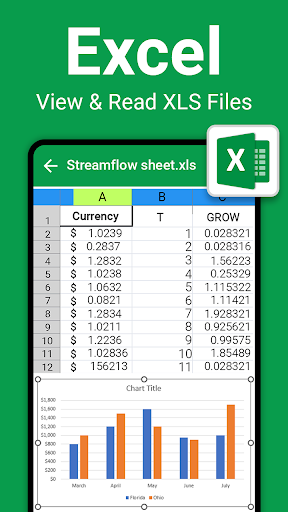
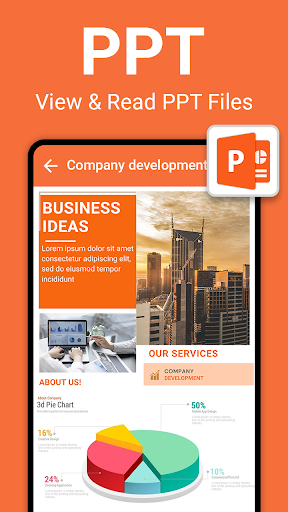


About All Document Reader - Edit PDF
The description on the store listing
😮💨Struggling to flip between lecture slides, research PDFs, and your essay notes on one tiny screen?
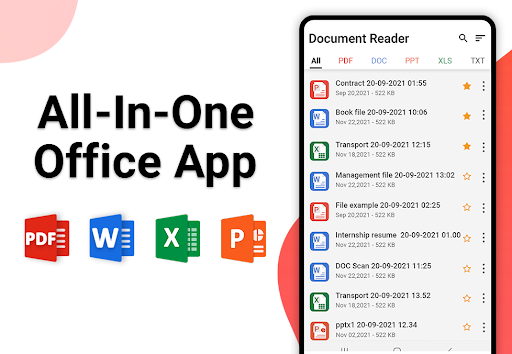
All Document Reader - Edit PDF is the ultimate all-in-one office suite designed to simplify your digital life. Whether you need to read a PDF file, open a Word document, review a complex Excel sheet, or present a PowerPoint on the go, the All Document Reader - Edit PDF app provides a fast, lightweight, and reliable way to manage all your office files in one place.
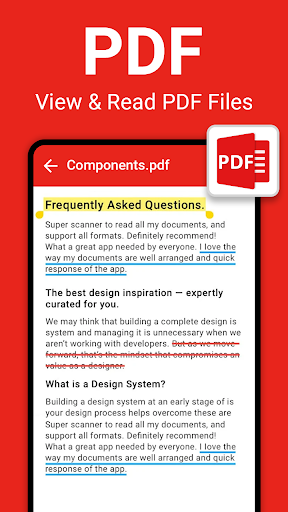
📝 <b>Professional PDF Reader & PDF Viewer</b>
Experience the most reliable PDF reader to open, view, and manage any PDF file with ease. Whether you need a high-speed PDF viewer or a lightweight Adobe Reader alternative. …
Read the full description
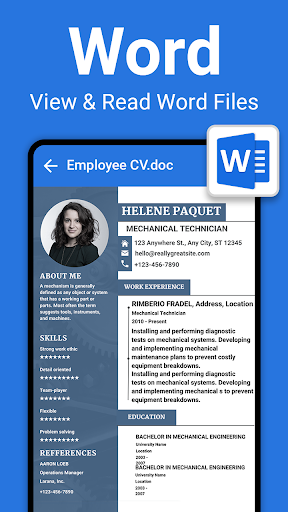
😮💨Struggling to flip between lecture slides, research PDFs, and your essay notes on one tiny screen? All Document Reader - Edit PDF is the ultimate all-in-one office suite designed to simplify your digital life. Whether you need to read a PDF file, open a Word document, review a complex Excel sheet, or present a PowerPoint on the go, the All Document Reader - Edit PDF app provides a fast, lightweight, and reliable way to manage all your office files in one place. 📝 <b>Professional PDF Reader & PDF Viewer</b> Experience the most reliable PDF reader to open, view, and manage any PDF file with ease. Whether you need a high-speed PDF viewer or a lightweight Adobe Reader alternative. 📊<b>Excel Viewer (XLS, XLSX)</b> Manage your data with a high-performance Excel and XLSX reader. View complex spreadsheets and financial files with the same precision as Microsoft Excel, making it the ideal XLS viewer for professional and student use. 📋 <b>Word Document Reader (DOC, DOCX)</b> Read every Word document and DOCX file perfectly with our integrated Word office viewer. This MS Word-compatible reader is a powerful alternative to the heavy Microsoft Word app, allowing you to check reports and notes on the go. 📖<b>PPT Reader - PowerPoint Viewer (PPT, PPTX)</b> Review your PowerPoint slides and PPTX presentations anywhere. This PowerPoint viewer is a fast, lightweight choice for WPS Office users who need to check lecture notes or business PPT decks without lag. 🖨️ <b>Document Scanner - Scan to PDF</b> Turn your phone into a smart office scanner to edit PDF workflows. Scan physical documents into high-quality PDF format with a professional document editor feel, ensuring every scan is crisp and clear. 📜<b>Text File Reader (TXT)</b> A simple and clean document reader for all your plain text files. Open any TXT or DOC file quickly to read notes and scripts with a specialized interface designed for maximum readability 🖼️ <b>Image to PDF Converter</b> Easily convert photos and images into a single PDF file for better organization. This feature is essential for those who need to edit and compile receipts or IDs into a professional document format instantly. 📁<b>File Manager & Document Organizer</b> Keep your office suite organized with a built-in manager for all your docs. Easily categorize every PDF, Word document, and Excel sheet in one place, replacing the need for multiple Microsoft Office apps. 🔁<b>Fast File Sharing</b> Share any PDF file, Excel report, or Word document with just one tap. Send your office files via email or social apps, making collaboration easier than using a standard document editor. 🔒<b>Offline Access & Security</b> Access your files and documents anytime without an internet connection. This secure document reader keeps your private data safe on your device and offers a reliable offline alternative to cloud-based readers. 🔎<b>Smart Search</b> Locate any PDF, DOCX, or XLSX instantly with our advanced search tool. No more digging through folders—find your specific document or file by name in seconds. 🔖<b>Bookmarks for Quick Access</b> Bookmark your most important PDF pages or Word document sections for instant retrieval. This feature is perfect for students and professionals who need to jump back into a long DOC or manual. 🌙<b>Comfortable Night Mode</b> Protect your eyes while reading docs at night with a dedicated dark theme. Whether you are using the PDF viewer or reading a Word document, Night Mode provides a strain-free experience. ✨<b>Edge Detection & Clarity Enhancement</b> Our smart scanner uses auto-edge detection to edit and crop your scans perfectly. It enhances the clarity of your PDF scans, ensuring every document looks as professional as a high-end office scan. ⬇️ Download All Document Reader today and transform your phone into a powerful mobile office!
Installs since 19 Jul 2026 Measured
Exact Google Play install counts, collected daily
Ratings
66,982 ratings, 435 reviews
- 5 ★73%
- 4 ★6.4%
- 3 ★1.8%
- 2 ★5.5%
- 1 ★13%
Recent reviews
Latest public reviews from the store
- 29 Apr 2026
I read a lot of digital books, and the full-screen mode here is excellent. Being able to switch between horizontal and vertical scrolling is a huge plus. It’s very user-friendly and doesn't complicate things. I’m really looking forward to the Dark Mode and E-signature features in the next update!
- 29 Apr 2026
I use this daily for my college notes. The highlight and underline tools are super efficient for marking important phrases. I also love the doodle feature for quick sketches on my PDFs. It makes studying from my phone so much easier. The bookmarking tool is a lifesaver for long research papers!
- 23 Jan 2024
This pdf reader app is best app. This app interface is user friendly. There are app provided pdf editing best featured.
- 10 Jan 2024
Very good apps all documents fine read. Nice
What reviewers bring up
Topics mentioned in the latest 8 reviews, by how many reviews mention them
Liked in good reviews (7 reviews)
- pdf reader 2
- documents 2
Raised in bad reviews (1 reviews)
No topic comes up twice.
Top chart positions
Latest Google Play chart ranks by country, last 10 days
- Countries ranked
- 1
- Best rank
- #188
- Top 10 placements
- 0
- of 1 chart placements
- Average rank
- #188
Best countries on Google Play
- 🇲🇽 Mexico · Top free, Productivity#188
| Country | Chart | Category | Rank | Best (10 days) | Date |
|---|---|---|---|---|---|
| 🇲🇽 Mexico | Top free | Productivity | #188 | #188 | 13 Nov 2026 |
All Document Reader - Edit PDF history
Release, install milestones, listing and store changes
- Reached 10,000,000+ installs 25 Jul 2024
- Reached 5,000,000+ installs 14 Apr 2023
- Reached 1,000,000+ installs 25 Jun 2022
- Reached 500,000+ installs 26 Apr 2022
- Reached 100,000+ installs 1 Feb 2022
- First released on the store 30 Jan 2022
- Reached 50,000+ installs 7 Dec 2021
- Moved from Tools to Productivity 23 Nov 2021
Update frequency
How often All Document Reader - Edit PDF ships a new version, month by month
7 updates in the last 12 months. More often than most similar apps: they shipped a median of 3 updates in the same year.
Recent versions
Current version 2.1.0
- Version 2.1.029 Oct 2026
- Version 2.0.593 May 2026
- Version 2.0.5823 Apr 2026
- Version 2.0.5715 Mar 2026
Listing keywords
Words and phrases All Document Reader - Edit PDF repeats most in its store listing
Top phrases: document reader (8), word document (7), edit pdf (4), pdf file (4), document reader edit (3).
Highlighted words also appear in the title. Counts cover the title, short description and description.
Business model and tech
From the store listing, the SDKs in the app package and its declared permissions
- Business model
- Free to downloadIn-app purchasesShows ads
- Built with
- No cross-platform framework or game engine detected
- Ad networks (5)
- AdMobAppLovinInMobiIronsourceUnity Ads
- Subscriptions and payments
- Google Play billing
- Attribution and measurement
- Open Measurement
- Analytics and crash reports
- Firebase
- Sensitive access
- CameraPhotos, videos and filesAdvertising ID
6 ad, attribution and analytics SDKs detected. SDKs are read from the app package and permissions from the store listing, so code that loads later is not seen.
Technology
29 SDKs found in the app package
Ad network libraries
Development tools
Ad networks
Advertising and install-attribution SDKs found in the app package
- AdMob
- AppLovin
- InMobi
- Ironsource
- Open Measurement
- Unity Ads
24 permissions
1 special access, 6 sensitive, 17 standard
- Manage all filesMANAGE_EXTERNAL_STORAGESpecial access
- Take photos and videosSensitive
- Change or delete shared storageSensitive
- Read photosREAD_MEDIA_IMAGESSensitive
- Read photos and videos the user picksREAD_MEDIA_VISUAL_USER_SELECTEDSensitive
- Read shared storageSensitive
- Show notificationsPOST_NOTIFICATIONSSensitive
- Ad attribution (Privacy Sandbox)ACCESS_ADSERVICES_ATTRIBUTIONStandard
- Ad topics (Privacy Sandbox)ACCESS_ADSERVICES_TOPICSStandard
- Read how it was installed (install referrer)BIND_GET_INSTALL_REFERRER_SERVICEStandard
- Read the advertising IDAD_IDStandard
- Read the advertising ID (Privacy Sandbox)ACCESS_ADSERVICES_AD_IDStandard
Compliance
What the listing and the app package show
- Store status
- Live
- Upkeep
- Updated 29 Oct 2026
- Registered in
- United Arab Emirates
- Privacy policy
- Linked on the listing
- Advertising
- Shows ads
- In-app purchases
- Offered
- Age rating
- Everyone
- Sensitive permissions
- 6 sensitive, 1 special access of 24
- Location access
- No
- Camera and microphone
- Camera
Apps like All Document Reader - Edit PDF
My CenturyLinkCenturyLink, Inc2M installs★ 3.88
OpenDocument Reader - view ODTStefl und Taschauer OG8.1M installs★ 4.32
MesárioJustiça Eleitoral Brasileira3.7M installs★ 3.66
Firefox Nightly for DevelopersMozilla3.4M installs★ 4.32
UninstallerRhythm Software10.4M installs★ 4.04
Wix - Website BuilderWix.com, INC.10M installs★ 3.45
PDF Scanner - Document ScanneriKame Applications - Begamob Apps26.9M installs★ 4.34
Swachhata-MoHUAJANAAGRAHA CENTRE FOR CITIZENSHIP AND DEMOCRACY9.6M installs★ 2.13
Mi Tigo PanamáTigo Panamá2M installs★ 4.47
All Document Reader - Edit PDF: questions and answers
How many downloads does All Document Reader - Edit PDF have?
All Document Reader - Edit PDF has 15,168,048 installs on Google Play, measured from the store's own count on 15 Nov 2026.
Who makes All Document Reader - Edit PDF?
All Document Reader - Edit PDF is published by Tools & Utilities Apps, a developer based in AE.
When was All Document Reader - Edit PDF last updated?
The latest version (2.1.0) was released on 29 Oct 2026.
Is All Document Reader - Edit PDF free?
Yes. All Document Reader - Edit PDF is free to download and offers in-app purchases, and it shows ads.
Is All Document Reader - Edit PDF still available?
Yes. All Document Reader - Edit PDF is live on Google Play as of 15 Nov 2026.
Track All Document Reader - Edit PDF and its competitors
Watch any app for new versions, rating drops, chart moves and removals. Free plan, no card.