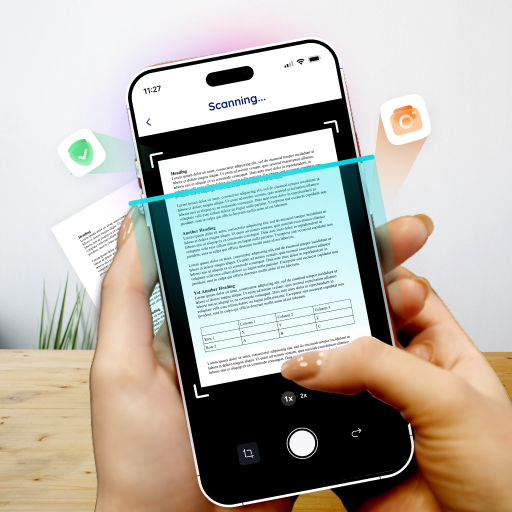
Image to Text - OCR Scanner
Image to text OCR Scanner - Convert images & handwritten notes to text instantly
- Installs
- 182K
- Measured
- Rating
- 3.7
- Ratings
- 639
- 7 reviews
- Version
- 1.6.16
- Updated 26 Oct 2026
- Released
- 7 Nov 2021
- Tracked since 13 May 2026
- Size
- —
Screenshots
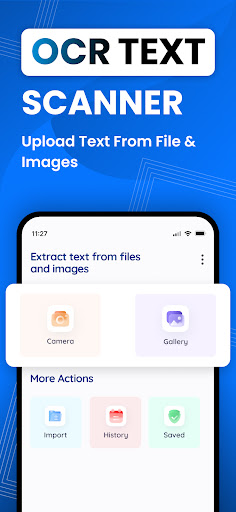
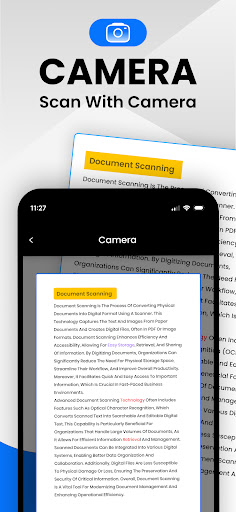
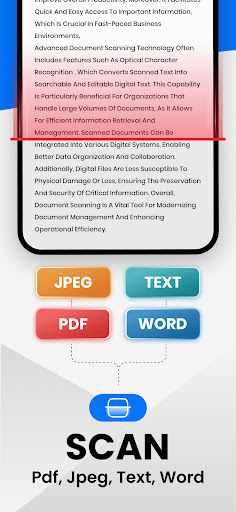
About Image to Text - OCR Scanner
The description on the store listing
Image to Text - OCR Scanner app
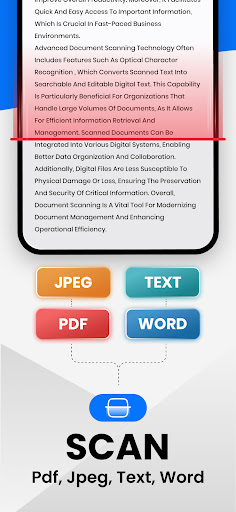
Convert your image to text with our advanced OCR-based text scanner app within no time.
Our image to text is developed to help you easily copy your text from images and convert it into digital form. This picture to text works by using advanced OCR technology that accurately recognizes all the types of text on your image and extracts them quickly.
The Text Scanner - Image to Text tool is a fast and reliable solution for all those who want to convert their images into digital and editable text.
How to Use Our Image to Text - Text Scanner App?
You need some simple steps to scan text from images with the photo to text:
✔ Upload an image from your …
Read the full description
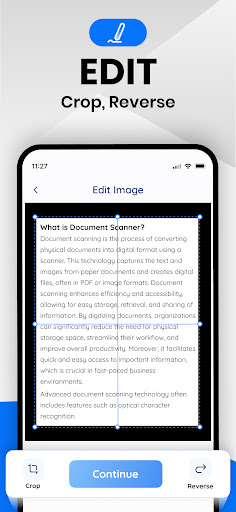
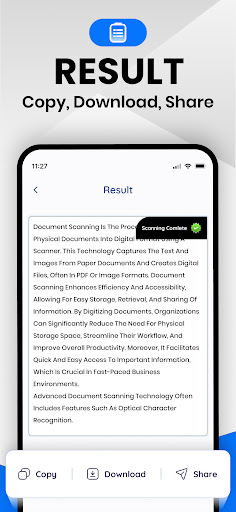
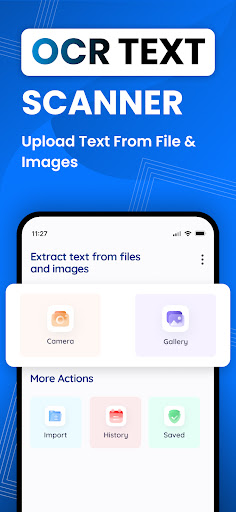
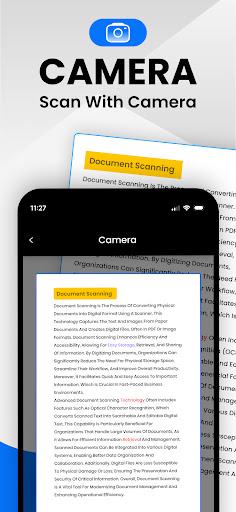
Image to Text - OCR Scanner app Convert your image to text with our advanced OCR-based text scanner app within no time. Our image to text is developed to help you easily copy your text from images and convert it into digital form. This picture to text works by using advanced OCR technology that accurately recognizes all the types of text on your image and extracts them quickly. The Text Scanner - Image to Text tool is a fast and reliable solution for all those who want to convert their images into digital and editable text. How to Use Our Image to Text - Text Scanner App? You need some simple steps to scan text from images with the photo to text: ✔ Upload an image from your “Gallery” into our OCR application. ✔ Or you can click the “Camera” icon to capture the image of your document. ✔ Crop, Rotate, or Scale to adjust your image or set its desired part. ✔ Now, click the “Continue” button to start text extraction. ✔ The image to text scanner will instantly convert your image into editable text. ✔ “Copy”, “Download” or “Share" the extracted text and use it anywhere. <b>Key Features of the Text Scanner Image to Text</b> Here are some key features of this picture to text converter app: <b>⭐Accurate Text Extraction:</b> This OCR application uses the most advanced OCR technology to accurately scan and convert text of images. Also, it doesn’t skip any characters. <b>⭐Easier to Use:</b> The interface of our photo to text converter is simple and easier to use and requires just a few clicks. <b>⭐Extracts Every Text:</b> Our picture to text converting app can extract any type of text including, maths expressions, different writing styles, symbols, etc. <b>⭐Multiple Import Options:</b> Another advanced feature of the image to text scanner is the availability of multiple upload options which are; Camera and Gallery. Furthermore, you can upload text, doc, or pdf file input into the tool. <b>⭐Fast Text Extractor:</b> This text scanner image to text app is very fast in converting a photo to text. It barely consumes a few seconds. <b>⭐Saves History:</b> History saving is one of the unique features offered by the text extractor. Using this feature, you can easily access the previous conversion that you have done on this app. <b>⭐Multiple Export Options:</b> Our app provides multiple options to export your output. You can copy it to the clipboard, download it on your device, or share it anywhere with just a single click. <b>Benefits of Using Our Image to Text - Text Scanner</b> There are several benefits of using this picture to text converting OCR tool: 📢 It is a free-to-use OCR application that does not demand any subscription. 📢 Our image to text converter can save you time and effort. 📢 Using the app, you can efficiently store your physical form documents in digital text. 📢 The photo to text converter is helpful to make your text searchable and editable. 📢 With the OCR application, you can download extracted text in text, docs, or PDF form. The image to text is a reliable and fast-working solution to copy text from images, PDFs, and doc files in a matter of seconds. Now, download this advanced app and have precise conversions of images to text.
Installs since 26 Aug 2026 Measured
Exact Google Play install counts, collected daily
Ratings
639 ratings, 7 reviews
- 5 ★60%
- 4 ★0.0%
- 3 ★9.9%
- 2 ★9.9%
- 1 ★20%
Recent reviews
Latest public reviews from the store
No reviews in our sample for this app yet.
Top chart positions
Latest Google Play chart ranks by country, last 10 days
Not in any tracked top chart in the last 10 days.
Image to Text - OCR Scanner history
Release, install milestones, listing and store changes
- Reached 100,000+ installs 23 Nov 2025
- Reached 50,000+ installs 15 Feb 2025
- Reached 10,000+ installs 20 Jan 2024
- Reached 5,000+ installs 18 Nov 2023
- Reached 1,000+ installs 23 Mar 2023
- Reached 500+ installs 14 Oct 2022
- First released on the store 7 Nov 2021
Update frequency
How often Image to Text - OCR Scanner ships a new version, month by month
7 updates in the last 12 months. More often than most similar apps: they shipped a median of 1 updates in the same year.
Recent versions
Current version 1.6.16
- Version 1.6.1626 Oct 2026
Image To Text Converter - OCR Scanner App ✅ Extract Text from Images Faster ✅ PDF To Word & Text Converter ✅ Enhanced Multi-Language Support ✅ Accurate Handwriting Recognition
- Version 1.6.1525 Aug 2026
Image To Text Scanner - OCR Converter ✅ Faster Text Extraction, Extract Text from Images ✅ PDF To Word Converter ✅ Enhanced Multi-Language Support ✅ Accurate Handwriting Recognition
- Version 1.6.1323 Jun 2026
Image To Text Scanner - OCR Converter ✅ Faster Text Extraction Extract Text from Images ✅ PDF To Word Converter ✅ Enhanced Multi-Language Support ✅ Accurate Handwriting Recognition
- Version 1.6.123 May 2026
Image To Text Scanner - Extract Text from Images - PDF To Word Converter - Convert PDF to Text
Listing keywords
Words and phrases Image to Text - OCR Scanner repeats most in its store listing
Top phrases: image to text (14), text scanner (8), photo to text (4), picture to text (4), ocr application (4).
Highlighted words also appear in the title. Counts cover the title, short description and description.
Business model and tech
From the store listing, the SDKs in the app package and its declared permissions
- Business model
- Free to downloadIn-app purchasesShows ads
- Built with
- Flutter
- Ad networks (0)
- None detected
- Subscriptions and payments
- Google Play billing
- Sensitive access
- CameraPhotos, videos and filesAdvertising ID
0 ad, attribution and analytics SDKs detected. SDKs are read from the app package and permissions from the store listing, so code that loads later is not seen.
Technology
13 SDKs found in the app package
20 permissions
0 special access, 4 sensitive, 16 standard
- Take photos and videosSensitive
- Change or delete shared storageSensitive
- Read shared storageSensitive
- Show notificationsPOST_NOTIFICATIONSSensitive
- Ad attribution (Privacy Sandbox)ACCESS_ADSERVICES_ATTRIBUTIONStandard
- Ad topics (Privacy Sandbox)ACCESS_ADSERVICES_TOPICSStandard
- Read how it was installed (install referrer)BIND_GET_INSTALL_REFERRER_SERVICEStandard
- Read the advertising IDAD_IDStandard
- Read the advertising ID (Privacy Sandbox)ACCESS_ADSERVICES_AD_IDStandard
- Control vibrationStandard
- Keep the phone awakeStandard
- Run a foreground serviceFOREGROUND_SERVICEStandard
Compliance
What the listing and the app package show
- Store status
- Live
- Upkeep
- Updated 26 Oct 2026
- Registered in
- Pakistan
- Privacy policy
- Linked on the listing
- Advertising
- Shows ads
- In-app purchases
- Offered
- Age rating
- Everyone
- Sensitive permissions
- 4 sensitive of 20
- Location access
- No
- Camera and microphone
- Camera
Apps like Image to Text - OCR Scanner
MessagesTrackon Infotech114K installs★ 4.28
Multi Counter(with calculator)TAKAOS222K installs★ 4.1
Taj VPN - قدرتمند و سریعMilestone Tech Apps401K installs★ 4.4
qBitControllerBartu Özen81.1K installs★ 4.68
SuicaPASMO履歴管理kino2718174K installs★ 4.0
Super DimAlessandro Tasca140K installs★ 3.85
Pink Mod Princess Mansion Mapdeugeniogames675K installs★ 3.64
Bluetooth Explorer LiteFruitMobile LLC193K installs★ 4.12
Stopwatch and CountdownGame land484K installs★ 4.44
Image to Text - OCR Scanner: questions and answers
How many downloads does Image to Text - OCR Scanner have?
Image to Text - OCR Scanner has 182,468 installs on Google Play, measured from the store's own count on 18 Nov 2026.
Who makes Image to Text - OCR Scanner?
Image to Text - OCR Scanner is published by Enzipe Apps, a developer based in PK.
When was Image to Text - OCR Scanner last updated?
The latest version (1.6.16) was released on 26 Oct 2026.
Is Image to Text - OCR Scanner free?
Yes. Image to Text - OCR Scanner is free to download and offers in-app purchases, and it shows ads.
Is Image to Text - OCR Scanner still available?
Yes. Image to Text - OCR Scanner is live on Google Play as of 18 Nov 2026.
Track Image to Text - OCR Scanner and its competitors
Watch any app for new versions, rating drops, chart moves and removals. Free plan, no card.