
LinkFileShare: Send via link
Share large files through password-protected links and customizable expiry date
- Installs
- 170K
- Measured
- Rating
- 3.33
- Ratings
- 639
- 28 reviews
- Version
- Varies with device
- Updated 27 Oct 2025
- Released
- 22 Feb 2020
- Tracked since 13 May 2026
- Size
- 38 MB
- Needs 5.0
Screenshots
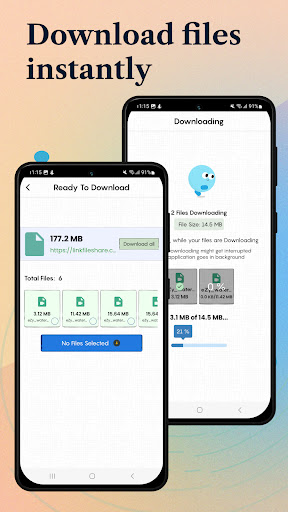
About LinkFileShare: Send via link
The description on the store listing
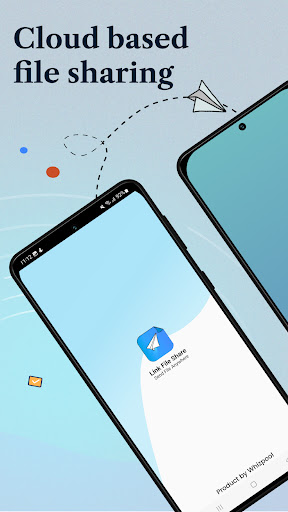
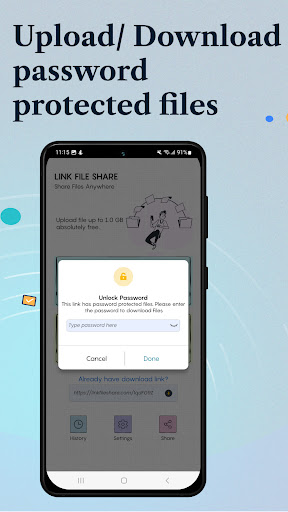
Want to send confidential files but afraid they might get stolen? ‘LinkFileShare’ allow you to share large files that are highly secured by a password protected link which is generated as soon as you upload the file for sharing.
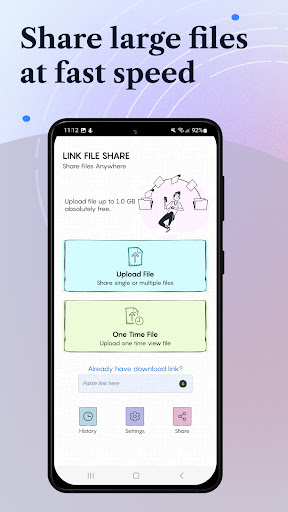
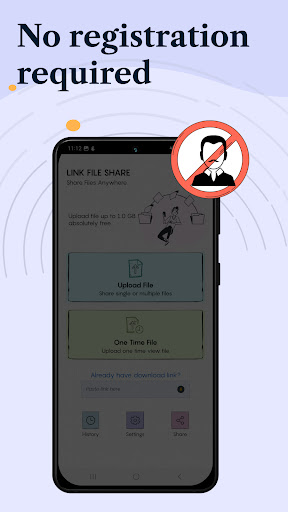
LinkFileShare is a user-friendly application for seamless file sharing, eliminating the need for log-in or registration. Simply upload the file, generate link and share without bandwidth limit restrictions.
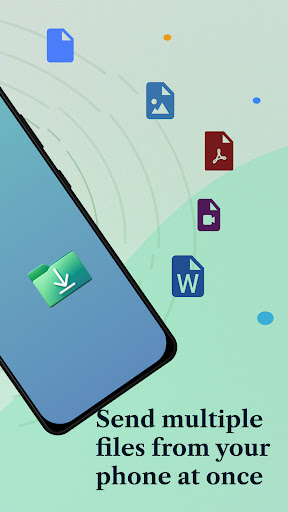
<b>• MULTIPLE FILE SHARING</b>
Transfer single or multiple files of any type between your devices with a single click. You can select multiple documents, photos, videos and send them all at once. This feature is particularly useful when you need to transfer …
Read the full description
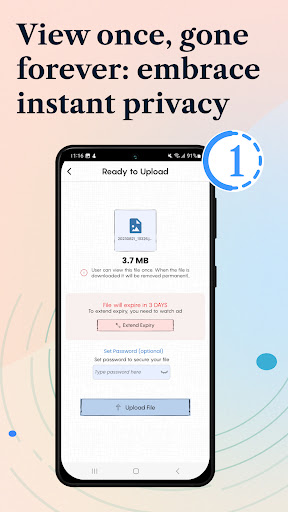
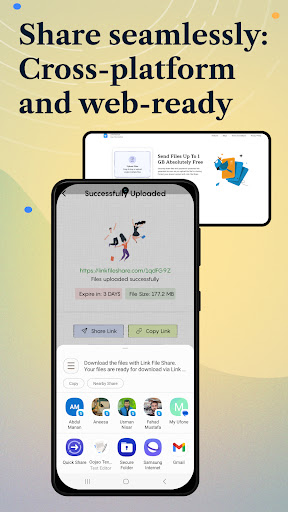
Want to send confidential files but afraid they might get stolen? ‘LinkFileShare’ allow you to share large files that are highly secured by a password protected link which is generated as soon as you upload the file for sharing. LinkFileShare is a user-friendly application for seamless file sharing, eliminating the need for log-in or registration. Simply upload the file, generate link and share without bandwidth limit restrictions. <b>• MULTIPLE FILE SHARING</b> Transfer single or multiple files of any type between your devices with a single click. You can select multiple documents, photos, videos and send them all at once. This feature is particularly useful when you need to transfer several files quickly, as it saves you time and effort compared to sending files one by one. <b>• ONE-TIME ACCESS FOR YOUR FILES</b> Now your confidential file access is in your control! If you're sharing a file that you want to be accessed only once, this feature ensures that the link expires after the first download automatically. It's a powerful tool for scenarios where limited access is crucial for security reasons. <b>• SET YOUR OWN EXPIRY DATE</b> Your files have never been more secure while using mobile apps for sharing. Now you can set expiry date, and can control the duration that the shared files will be accessible to the recipient. Once expired, the link becomes invalid, and the recipient will not be able to access the shared files. LinkFileShare gives the flexibility to extend or modify the expiry date according to your needs. After the expiry date, the data is automatically erased and the link is no longer usable. <b>• NO BANDWIDTH LIMITATION:</b> Worried about large files slowing down the transfer process? One of the major advantages of using LinkFileShare is that it does not have any bandwidth limitations. This means that you can transfer files without any restrictions or extra charges. LinkFileShare allows you to share anything that is stored in your phone’s memory as well as SD card, without any limitation of bandwidth, making it an ideal choice for transferring large files like high-definition videos. <b>•FLEXIBILITY IN SHARING LINKS:</b> Sharing links shouldn't be a one-size-fits-all deal, right? Well, LinkFileShare recognizes that. LinkFileShare gives you variety of options for sharing the password-protecting links. You can simply copy the link if you want a quick share, or you can make things super efficient by sending files to multiple recipients via email. <b>•MAINTAIN HISTORY:</b> Can’t remember which file you shared and with whom? LinkFileShare automatically saves the history of each file you have shared and downloaded, including file name, date, time and other details. This feature also provides security to for your shared files <b>•MULTILINGUAL:</b> By supporting multiple languages, the app ensures that users can use the app in their preferred language, which makes it a regional app. LinkFileShare support multiple languages Swedish, Chinese (Simplified / Traditional), French, German and many others. At LinkFileShare, user feedback is not just welcomed, it's essential. The development team is committed to continuous improvement, actively seeking input and suggestions from users. Have an idea for a cool feature? Your input can shape the future of LinkFileShare. Submit your suggestions to [email protected] , and become a part of the app's evolution.
Installs since 29 Aug 2026 Measured
Exact Google Play install counts, collected daily
Ratings
639 ratings, 28 reviews
- 5 ★50%
- 4 ★5.5%
- 3 ★5.5%
- 2 ★5.5%
- 1 ★33%
Recent reviews
Latest public reviews from the store
No reviews in our sample for this app yet.
Top chart positions
Latest Google Play chart ranks by country, last 10 days
Not in any tracked top chart in the last 10 days.
LinkFileShare: Send via link history
Release, install milestones, listing and store changes
- Reached 100,000+ installs 4 Apr 2022
- Reached 50,000+ installs 30 May 2021
- Reached 10,000+ installs 1 Aug 2020
- Reached 5,000+ installs 20 Jun 2020
- Reached 1,000+ installs 11 Apr 2020
- Reached 500+ installs 23 Mar 2020
- Reached 100+ installs 9 Mar 2020
- Reached 50+ installs 5 Mar 2020
Update frequency
How often LinkFileShare: Send via link ships a new version, month by month
0 updates in the last 12 months. Less often than most similar apps: they shipped a median of 1 updates in the same year.
Recent versions
Current version Varies with device
- Version 2.4.227 Oct 2025
- Version 2.4.128 Aug 2025
- Version 2.4.014 Nov 2024
- Version 2.3.374 Oct 2024
Listing keywords
Words and phrases LinkFileShare: Send via link repeats most in its store listing
Top phrases: expiry date (5), large files (4), shared files (3), once this feature (2), share large files (2).
Highlighted words also appear in the title. Counts cover the title, short description and description.
Business model and tech
From the store listing, the SDKs in the app package and its declared permissions
- Business model
- Free to downloadShows ads
- Built with
- Flutter
- Ad networks (1)
- AdMob
- Analytics and crash reports
- Firebase
- Sensitive access
- LocationPhotos, videos and filesAdvertising ID
2 ad, attribution and analytics SDKs detected. SDKs are read from the app package and permissions from the store listing, so code that loads later is not seen.
Technology
15 SDKs found in the app package
Ad networks
Advertising and install-attribution SDKs found in the app package
- AdMob
26 permissions
2 special access, 7 sensitive, 17 standard
- Change system settingsWRITE_SETTINGSSpecial access
- Set exact alarmsSCHEDULE_EXACT_ALARMSpecial access
- Change or delete shared storageSensitive
- Read music and audioREAD_MEDIA_AUDIOSensitive
- Read photosREAD_MEDIA_IMAGESSensitive
- Read shared storageSensitive
- Read videosREAD_MEDIA_VIDEOSensitive
- Location stored in photosACCESS_MEDIA_LOCATIONSensitive
- Show notificationsPOST_NOTIFICATIONSSensitive
- Ad attribution (Privacy Sandbox)ACCESS_ADSERVICES_ATTRIBUTIONStandard
- Ad topics (Privacy Sandbox)ACCESS_ADSERVICES_TOPICSStandard
- Read the advertising IDAD_IDStandard
Compliance
What the listing and the app package show
- Store status
- Live
- Upkeep
- Updated 27 Oct 2025
- Registered in
- Pakistan
- Privacy policy
- Linked on the listing
- Advertising
- Shows ads
- In-app purchases
- None declared
- Age rating
- Everyone
- Sensitive permissions
- 7 sensitive, 2 special access of 26
- Location access
- No
- Camera and microphone
- Neither
Apps like LinkFileShare: Send via link
X Sexy Video DownloaderVideo Studio Browser Apps145K installs★ 4.58
FileGenie AIChancey405K installs★ 3.86
Dualix: Web ScannerAegis Digital346K installs★ 4.67
Express TelecomunicacionesTeledifusora S.A.192K installs★ 1.13
PDF Viewer LiteIpsita Developer408K installs★ 3.89
HyToolsIMI Hydronic Engineering192K installs★ 1.58
Audio Memos SEImesart S.a.r.l.102K installs★ 3.64
Munily -Gestión de comunidadesTiko Technology Solutions S.A.225K installs★ 2.97
DeftPDF - PDF Editor, AnnotateSictec Infotech Inc.97.5K installs★ 3.94
LinkFileShare: Send via link: questions and answers
How many downloads does LinkFileShare: Send via link have?
LinkFileShare: Send via link has 169,546 installs on Google Play, measured from the store's own count on 14 Nov 2026.
Who makes LinkFileShare: Send via link?
LinkFileShare: Send via link is published by Whizpool, a developer based in PK.
When was LinkFileShare: Send via link last updated?
The latest version (Varies with device) was released on 27 Oct 2025.
Is LinkFileShare: Send via link free?
Yes. LinkFileShare: Send via link is free to download, and it shows ads.
Is LinkFileShare: Send via link still available?
Yes. LinkFileShare: Send via link is live on Google Play as of 14 Nov 2026.
Track LinkFileShare: Send via link and its competitors
Watch any app for new versions, rating drops, chart moves and removals. Free plan, no card.