
Mirror app
This is a mirror app. It is high-definition and offers a variety of functions.
- Installs
- 6.29K
- Measured
- Rating
- —
- Ratings
- —
- Version
- Varies with device
- Updated 24 Aug 2025
- Released
- 8 Aug 2024
- Tracked since 13 May 2026
- Size
- —
Screenshots
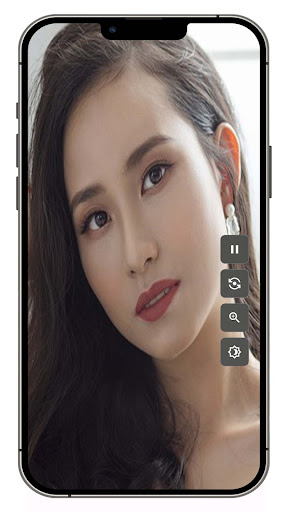

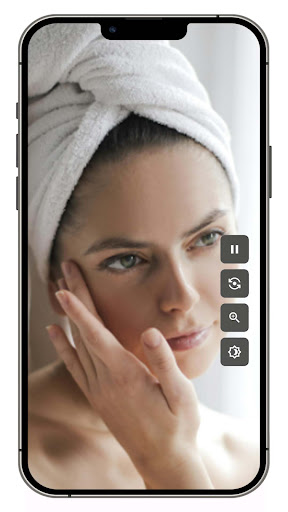
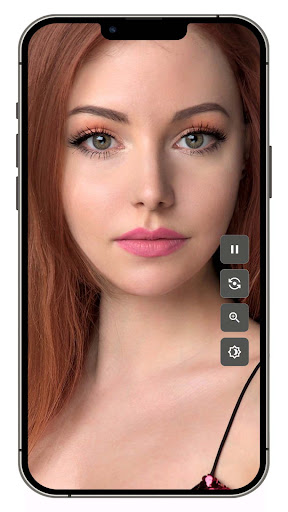
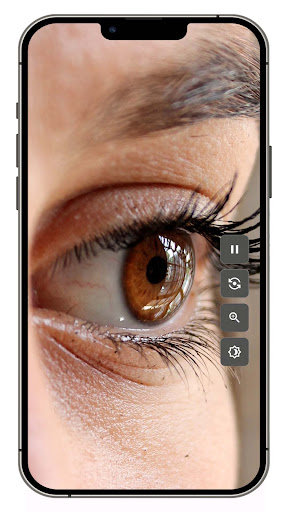
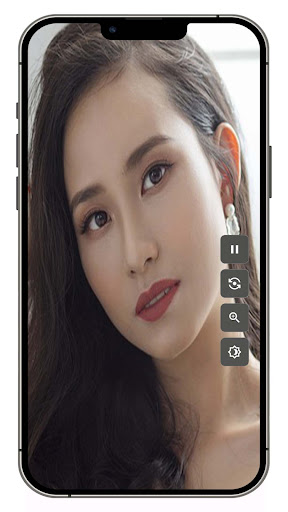

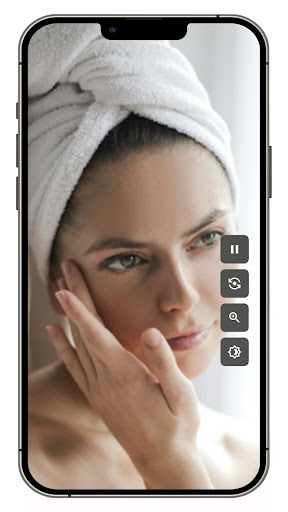
About Mirror app
The description on the store listing
Mirror App: An app that allows you to use your smartphone as a mirror
hello! Today, I would like to introduce you to the Mirror App, an application that can be used like a mirror using your smartphone. This app is an innovative app that not only functions as a mirror to reflect the face, but also maximizes user convenience through various functions.
What is Mirror App?
The mirror app is an application that allows you to use your smartphone's camera as a mirror. This is very useful when you want to quickly check your appearance before going out, touch up your makeup, or simply check your appearance. However, it not only provides a mirror function, but also provides users with an …
Read the full description
Mirror App: An app that allows you to use your smartphone as a mirror hello! Today, I would like to introduce you to the Mirror App, an application that can be used like a mirror using your smartphone. This app is an innovative app that not only functions as a mirror to reflect the face, but also maximizes user convenience through various functions. What is Mirror App? The mirror app is an application that allows you to use your smartphone's camera as a mirror. This is very useful when you want to quickly check your appearance before going out, touch up your makeup, or simply check your appearance. However, it not only provides a mirror function, but also provides users with an optimal experience through various additional functions such as magnification function, brightness control function, screen freeze function, and left/right inversion function. main function 1. High definition mirror function The mirror app uses your smartphone's front camera to reflect your face in high definition. This allows users to see themselves with a clean, clear screen. 2. Zoom function It provides a useful magnification function when you want to check details. You can check makeup details or skin condition precisely using the screen magnification button. 3. Brightness control function Provides a function to adjust the screen brightness according to the surrounding environment. You can see yourself at optimal brightness by increasing the brightness in dark places and lowering it in bright places. 4. Screen freeze function Provides a screen freeze function to capture important moments. This feature allows you to freeze a desired moment and check it in detail without moving. 5. Left and right inversion function Unlike a typical mirror, the screen viewed through the camera is not reversed left and right. However, it provides a left-right inversion function that can be used when you want to see the screen reversed left and right, like a real mirror. This feature allows you to have the same experience as looking in a real mirror. 6. User-friendly interface It provides a simple and intuitive user interface so anyone can use it easily. The main functions are laid out for easy access with one button, so you can use them right away without complicated settings. How to use the mirror app Install the app: Download and install the Mirror app from the App Store. Run the app: After running the app, press the mirror view button. Basic use: You can check yourself with the basic mirror function. Use additional functions: You can use the icons on the right side of the screen to zoom in, adjust brightness, freeze the screen, and flip left and right. Zoom-in function: You can zoom in/out by clicking the zoom-in button and adjusting the slide bar. Brightness adjustment: You can adjust the brightness by clicking the brightness button and adjusting the slide bar. Freeze Screen: Touch the Freeze Screen icon to freeze the current screen. Flip left/right: Touch the flip left/right icon to flip the screen. The Mirror app goes beyond a simple mirror function and provides users with an optimal experience through various additional functions. This is the best application that allows you to use your smartphone as a mirror whenever you want to quickly check your appearance before going out, touch up your makeup, or simply look at yourself. Download the Mirror app right now and experience its various features!
Installs since 17 Nov 2026 Measured
Exact Google Play install counts, collected daily
Daily history starts once this app is in our daily install sample.
Ratings
- 5 ★0.0%
- 4 ★0.0%
- 3 ★0.0%
- 2 ★0.0%
- 1 ★0.0%
Recent reviews
Latest public reviews from the store
No reviews in our sample for this app yet.
Top chart positions
Latest Google Play chart ranks by country, last 10 days
Not in any tracked top chart in the last 10 days.
Mirror app history
Release, install milestones, listing and store changes
- Reached 1,000+ installs 24 Aug 2025
- Reached 500+ installs 9 Nov 2024
- Reached 100+ installs 31 Aug 2024
- Reached 50+ installs 21 Aug 2024
- Reached 10+ installs 15 Aug 2024
- First released on the store 8 Aug 2024
Recent versions
Current version Varies with device
- Version 3.0.014 Aug 2025
- Version 2.0.021 Nov 2024
Listing keywords
Words and phrases Mirror app repeats most in its store listing
Top phrases: mirror function (4), check your appearance (3), screen freeze function (3), additional functions (3), flip left (3).
Highlighted words also appear in the title. Counts cover the title, short description and description.
Business model and tech
From the store listing and declared permissions
- Business model
- Free to downloadShows ads
- Sensitive access
- CameraMicrophonePhotos, videos and filesAdvertising ID
16 permissions
0 special access, 5 sensitive, 11 standard
- Record audioSensitive
- Take photos and videosSensitive
- Change or delete shared storageSensitive
- Read shared storageSensitive
- Show notificationsPOST_NOTIFICATIONSSensitive
- Ad attribution (Privacy Sandbox)ACCESS_ADSERVICES_ATTRIBUTIONStandard
- Ad topics (Privacy Sandbox)ACCESS_ADSERVICES_TOPICSStandard
- Read how it was installed (install referrer)BIND_GET_INSTALL_REFERRER_SERVICEStandard
- Read the advertising IDAD_IDStandard
- Read the advertising ID (Privacy Sandbox)ACCESS_ADSERVICES_AD_IDStandard
- Keep the phone awakeStandard
- Run a foreground serviceFOREGROUND_SERVICEStandard
Compliance
What the listing and the app package show
- Store status
- Live
- Upkeep
- Updated 24 Aug 2025
- Registered in
- South Korea
- Privacy policy
- Linked on the listing
- Advertising
- Shows ads
- In-app purchases
- None declared
- Age rating
- Everyone
- Sensitive permissions
- 5 sensitive of 16
- Location access
- No
- Camera and microphone
- Both
Apps like Mirror app
들어서 화면켜기Won3.5K installs★ 4.0
Height PredictionEcliptic App Ventures45.9K installs★ 2.4
Speicers`Pro VPNEldiablolucifer202021.2K installs★ 4.14
Lightning Tracker with AlertsYaksh Software4.3K installs★ 3.0
Mana Pathi (Unit Converter)Shirish Koirala2.2K installs★ 4.6
Multi-tab Calc - A simple app.Naoyuki Rikiji1.3K installs★ 5.0
Photo Recovery PlusBillApps7.1K installs★ 4.53
Just Silence. Scheduled.Akid Soft1.6K installs★ 5.0
- WoWp AssistantВиталий Робиновский2K installs★ 4.2
Mirror app: questions and answers
How many downloads does Mirror app have?
Mirror app has 6,285 installs on Google Play, measured from the store's own count on 17 Nov 2026.
Who makes Mirror app?
Mirror app is published by jh55, a developer based in KR.
When was Mirror app last updated?
The latest version (Varies with device) was released on 24 Aug 2025.
Is Mirror app free?
Yes. Mirror app is free to download, and it shows ads.
Is Mirror app still available?
Yes. Mirror app is live on Google Play as of 17 Nov 2026.
Track Mirror app and its competitors
Watch any app for new versions, rating drops, chart moves and removals. Free plan, no card.