
PDF Reader - PDF Viewer
Simple PDF reader app for reading, sharing & viewing. Manage all PDF file easily
- Installs
- 41.83M
- Measured
- Rating
- 4.36
- Ratings
- 211K
- 1.6K reviews
- Version
- 5.4.3
- Updated 1 Oct 2026
- Released
- 3 Dec 2020
- Tracked since 13 May 2026
- Size
- 24 MB
- Needs 5.1
Screenshots

About PDF Reader - PDF Viewer
The description on the store listing
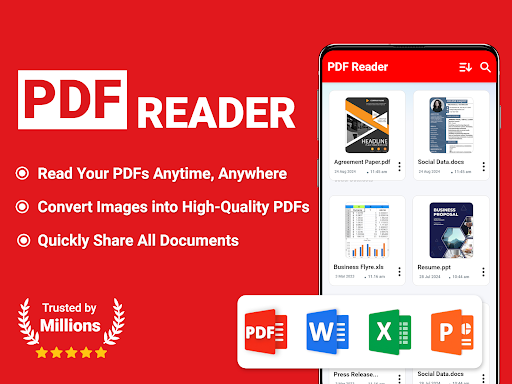
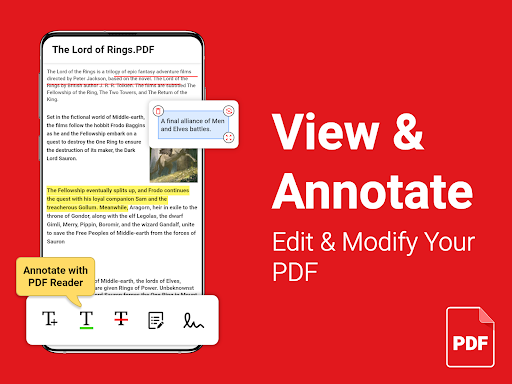
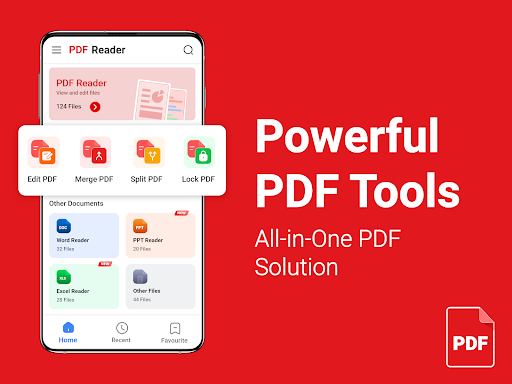
PDF Reader helps you read, manage, and annotate PDF files on Android devices. Whether at work or on the go, open and read PDFs with ease. Convert images to PDFs, add e-signatures, and protect them with passwords. Merge or split documents as needed and share with others. Get the PDF Reader app and simplify your document management.
<b>Key Features:</b>
• Fast PDF reading without any delays.
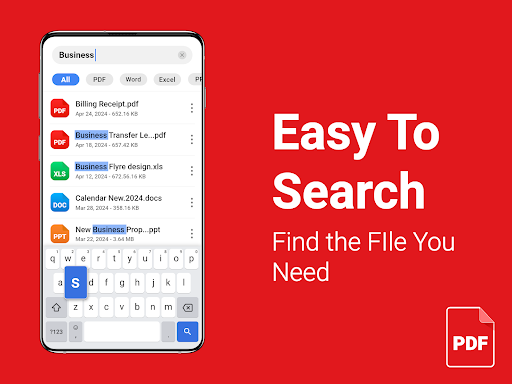
• Open Word, Excel, PPT, and TXT files.
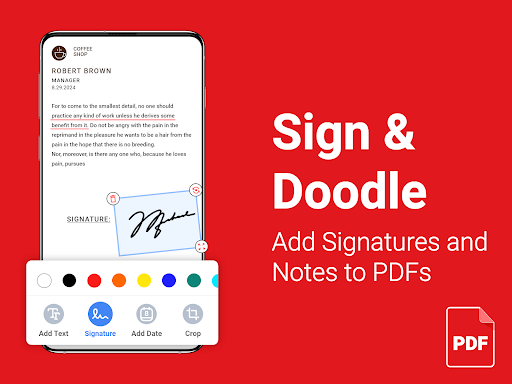
• Add e-signatures to PDF documents.
• Add text and insert dates to your PDFs.
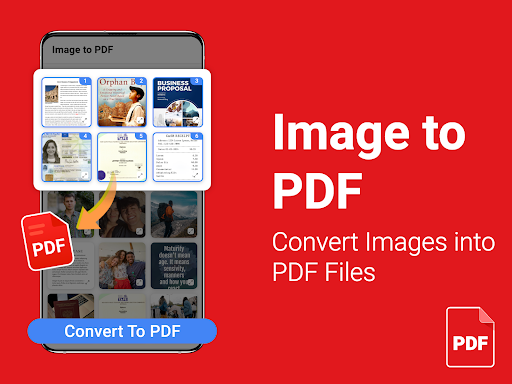
• Image to PDF converter and PDF editor.
• Lock or unlock your PDFs for added security.
• Split or merge PDF files effortlessly.
• Offline document reading at your fingertips. …
Read the full description
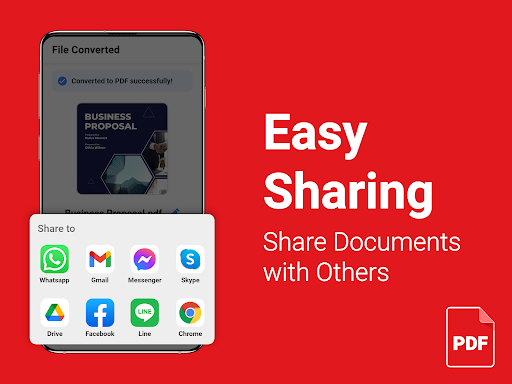
PDF Reader helps you read, manage, and annotate PDF files on Android devices. Whether at work or on the go, open and read PDFs with ease. Convert images to PDFs, add e-signatures, and protect them with passwords. Merge or split documents as needed and share with others. Get the PDF Reader app and simplify your document management. <b>Key Features:</b> • Fast PDF reading without any delays. • Open Word, Excel, PPT, and TXT files. • Add e-signatures to PDF documents. • Add text and insert dates to your PDFs. • Image to PDF converter and PDF editor. • Lock or unlock your PDFs for added security. • Split or merge PDF files effortlessly. • Offline document reading at your fingertips. • Rename, delete, print, and share documents. <b>Effortless PDF Reading:</b> Whether you’re reviewing work documents, reading eBooks, or studying textbooks, our PDF Reader - PDF Viewer for Android delivers a smooth experience. Open any PDF instantly and enjoy reading right at your fingertips. <b>Convert Images to PDF:</b> Keep all your important PDF files organized in one place. With PDF Creator, easily convert images to PDF for saving files in digital format. Never worry about losing track of a file – everything you need is just a tap away! <b>Sign PDF Documents:</b> Need to sign a PDF document? PDF Viewer app allows you to add signatures. Simply create and save your signature for future use. No printing or scanning required – sign contracts, forms, or agreements quickly and securely, right from your device. <b>Annotate PDF Files:</b> Highlight and add notes directly to your PDF files with the PDF Reader app. Whether you're studying, reviewing, or collaborating on a project, our annotation tools help you mark up documents effortlessly. <b>Protect Your Files:</b> Keep your sensitive documents safe with password protection. Whether it’s a contract, invoice, or personal document, your files remain secure and accessible only to you. <b>Read All Document Formats:</b> No more switching between apps to view different file types. PDF Reader and Editor supports PDFs, Word, Excel, PowerPoint, and TXT files, making it the only app you need for all your document reading needs. <b>Easy Sharing:</b> Need to share a document with colleagues or friends? With just a few taps, send PDFs via email or your favorite apps. PDF Viewer can also share files with added annotations, making collaboration easier than ever. PDF Reader for Android is designed to make efficient document handling. Download now to elevate your document management like never before! We welcome your feedback, reach out to us at [email protected] with any ideas or suggestions. ----- Privacy Policy > https://www.zedptorico.info/PrivacyPolicy.html Terms of Use > https://www.zedptorico.info/Service_Terms.html
Installs, last 30 days Measured
Exact Google Play install counts, collected daily
Ratings
211,392 ratings, 1,568 reviews
- 5 ★71%
- 4 ★14%
- 3 ★3.0%
- 2 ★2.0%
- 1 ★9.5%
Recent reviews
Latest public reviews from the store
- 25 Feb 2026
really good pdf
- 4 Jan 2025
this app is amazing because of easy to use and changing all you need
- 4 Jan 2025
good app 😊😊
- 5 Oct 2024
Good app
What reviewers bring up
Topics mentioned in the latest 31 reviews, by how many reviews mention them
Liked in good reviews (21 reviews)
No topic comes up twice.
Raised in bad reviews (9 reviews)
- waste 2
Top chart positions
Latest Google Play chart ranks by country, last 10 days
Not in any tracked top chart in the last 10 days.
PDF Reader - PDF Viewer history
Release, install milestones, listing and store changes
- Reached 10,000,000+ installs 8 Sep 2021
- Reached 5,000,000+ installs 27 May 2021
- Reached 1,000,000+ installs 18 Feb 2021
- First released on the store 3 Dec 2020
Update frequency
How often PDF Reader - PDF Viewer ships a new version, month by month
7 updates in the last 12 months. More often than most similar apps: they shipped a median of 3 updates in the same year.
Recent versions
Current version 5.4.3
- Version 5.4.31 Oct 2026
Elevate your reading experience! Unlocking premium tools is now faster and secure. We boosted performance so heavy documents open instantly and scroll smoothly. If this update makes reading easier, a 5-star review makes our day! Thanks for choosing PDF Reader.
- Version 5.4.211 Aug 2026
Your PDF reading experience just got a massive upgrade! Enjoy your documents in crystal-clear quality with razor-sharp detail. We also optimized the engine so your first launch is lightning-fast and seamless. If this update makes reading easier, a 5-star review means the world to our team! Thank you for reading with us.
- Version 5.4.110 Jun 2026
- Version 5.4.023 Mar 2026
Listing keywords
Words and phrases PDF Reader - PDF Viewer repeats most in its store listing
Top phrases: pdf reader (8), pdf files (5), pdf viewer (4), add signatures (3), convert images (3).
Highlighted words also appear in the title. Counts cover the title, short description and description.
Business model and tech
From the store listing, the SDKs in the app package and its declared permissions
- Business model
- Free to downloadIn-app purchasesShows ads
- Built with
- No cross-platform framework or game engine detected
- Ad networks (5)
- AdMobAppLovinInMobiIronsourceUnity Ads
- Subscriptions and payments
- Google Play billing
- Attribution and measurement
- AdjustOpen Measurement
- Analytics and crash reports
- Firebase
- Sign-in and social
- Sensitive access
- Photos, videos and filesDraws over other appsAdvertising ID
7 ad, attribution and analytics SDKs detected. SDKs are read from the app package and permissions from the store listing, so code that loads later is not seen.
Technology
32 SDKs found in the app package
Ad network libraries
Development tools
Ad networks
Advertising and install-attribution SDKs found in the app package
- AdMob
- Adjust
- AppLovin
- InMobi
- Ironsource
- Open Measurement
- Unity Ads
32 permissions
3 special access, 6 sensitive, 23 standard
- Change system settingsWRITE_SETTINGSSpecial access
- Draw over other appsSpecial access
- Manage all filesMANAGE_EXTERNAL_STORAGESpecial access
- Change or delete shared storageSensitive
- Read photosREAD_MEDIA_IMAGESSensitive
- Read photos and videos the user picksREAD_MEDIA_VISUAL_USER_SELECTEDSensitive
- Read shared storageSensitive
- Show notificationsPOST_NOTIFICATIONSSensitive
- Access USB storage filesystemSensitive
- Ad attribution (Privacy Sandbox)ACCESS_ADSERVICES_ATTRIBUTIONStandard
- Ad topics (Privacy Sandbox)ACCESS_ADSERVICES_TOPICSStandard
- Read how it was installed (install referrer)BIND_GET_INSTALL_REFERRER_SERVICEStandard
Compliance
What the listing and the app package show
- Store status
- Live
- Upkeep
- Updated 1 Oct 2026
- Registered in
- United States
- Privacy policy
- Linked on the listing
- Advertising
- Shows ads
- In-app purchases
- Offered
- Age rating
- Everyone
- Sensitive permissions
- 6 sensitive, 3 special access of 32
- Location access
- No
- Camera and microphone
- Neither
Apps like PDF Reader - PDF Viewer
Mi OrangeOrange Spain11.5M installs★ 4.04
Mi Tigo BoliviaTigo Bolivia6.6M installs★ 3.87
SWAP - No ROOTAllaKore LTDA13.2M installs★ 4.58
WhatisRemoved+Development Colors24.8M installs★ 3.93
drawnames | Secret Santa appdrawnames4.8M installs★ 4.8
Loc360 - Find LocationPapp Yazilim Hizmetleri1.8M installs★ 4.32
DO Multiple Accounts & CloneRiver Stone Tech11.2M installs★ 4.32
Live LocationMOBIHOME21.4M installs★ 4.22
TotalAV Antivirus & SecurityTotal Security Limited13.6M installs★ 4.24
PDF Reader - PDF Viewer: questions and answers
How many downloads does PDF Reader - PDF Viewer have?
PDF Reader - PDF Viewer has 41,827,974 installs on Google Play, measured from the store's own count on 19 Nov 2026.
Who makes PDF Reader - PDF Viewer?
PDF Reader - PDF Viewer is published by Zed Puerto Rico, a developer based in US.
When was PDF Reader - PDF Viewer last updated?
The latest version (5.4.3) was released on 1 Oct 2026.
Is PDF Reader - PDF Viewer free?
Yes. PDF Reader - PDF Viewer is free to download and offers in-app purchases, and it shows ads.
Is PDF Reader - PDF Viewer still available?
Yes. PDF Reader - PDF Viewer is live on Google Play as of 19 Nov 2026.
Track PDF Reader - PDF Viewer and its competitors
Watch any app for new versions, rating drops, chart moves and removals. Free plan, no card.