Rotation Control
Rotation Control App. Controls the rotation of the screen.
- Installs
- 3.03M
- Measured
- Rating
- 3.97
- Ratings
- 15.9K
- 327 reviews
- Version
- 8.1.4
- Updated 7 Nov 2026
- Released
- 26 Oct 2016
- Tracked since 13 May 2026
- Size
- 4 MB
- Needs 4.1
Screenshots
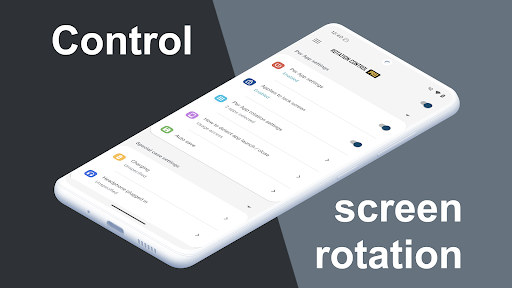
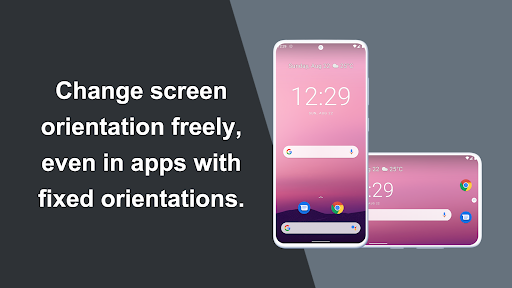
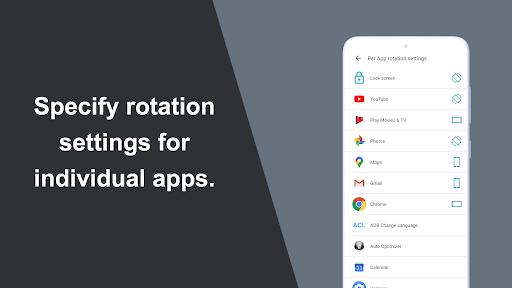
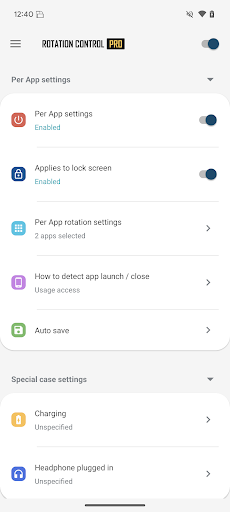
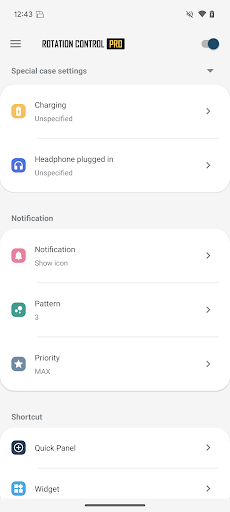
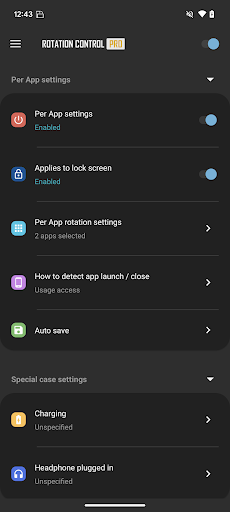
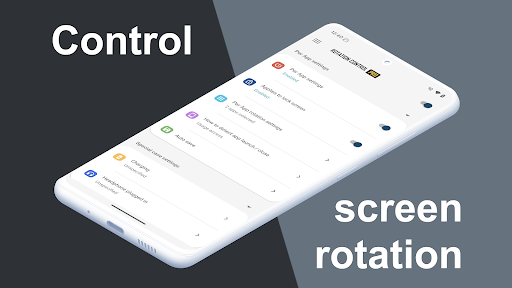
About Rotation Control
The description on the store listing
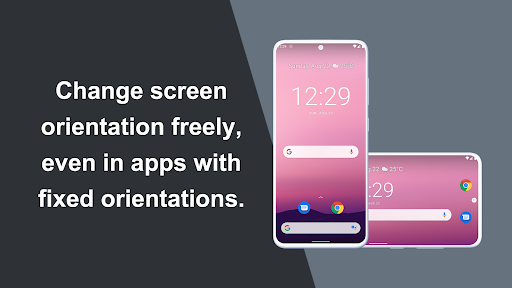
Can force a particular rotation on apps with fixed screen orientation.
A simple design with functions that are easy to understand and use.
=-=-=-=-=-=-=-=-=-=-=-=-=-=-=-=
Recommended for people who:
- Want to use their smartphone home screen in landscape mode
- Want to use landscape mode games or video apps in portrait mode
- Want to always use their tablet in landscape mode
- Want to switch between fixed orientations with one tap via the status bar
=-=-=-=-=-=-=-=-=-=-=-=-=-=-=-=
<b>Features</b>
<b>►Rotation settings</b>
Can configure the rotation of the screen.
<b>►Notification settings</b>
Control the rotation of the screen easily from the notification bar. …
Read the full description
Can force a particular rotation on apps with fixed screen orientation. A simple design with functions that are easy to understand and use. =-=-=-=-=-=-=-=-=-=-=-=-=-=-=-= Recommended for people who: - Want to use their smartphone home screen in landscape mode - Want to use landscape mode games or video apps in portrait mode - Want to always use their tablet in landscape mode - Want to switch between fixed orientations with one tap via the status bar =-=-=-=-=-=-=-=-=-=-=-=-=-=-=-= <b>Features</b> <b>►Rotation settings</b> Can configure the rotation of the screen. <b>►Notification settings</b> Control the rotation of the screen easily from the notification bar. <b>►Per App rotation settings</b> Can configure different rotations for each apps. Rotates to your preset screen orientation upon starting the application. Returns to the original screen orientation on closing the application. <b>►Special case settings</b> Detects when chargers or earphones are connected and rotates to your preset screen orientation. Returns to the original screen orientation when they are removed. <b>Difference from PRO version</b> This is a free version that allows you to check the app's operations and functions. It will expire 2 days after installation. Pro version https://play.google.com/store/apps/details?id=jp.snowlife01.android.rotationcontrolpro&referrer=store <b>Rotation</b> Automatic : the screen rotates based on a sensor. Landscape : the screen is fixed to a horizontal orientation. Landscape (Reverse) : the screen is fixed horizontal upside down. Landscape (Auto) : rotates automatically to a horizontal orientation based on a sensor. Portrait : the screen is fixed to a vertical orientation. Portrait (Reverse) : the screen is fixed vertical upside down. Portrait (Auto) : rotates automatically to a vertical orientation based on a sensor. * Some of the direction of rotation may not correspond depending on device specifications. This is not an issue with the app. <b>【For OPPO users】</b> This app needs to run a service in the background to detect which app has started. <font color="red">OPPO devices require special settings to operate app services in the background due to their unique specifications.</font> (If you do not do this, services running in the background will be forcibly terminated, and the app will not operate properly.) Please drag this app a little down from the recent apps history and lock it. If you do not know how to set, please search for "OPPO task lock". [Use of AccessibilityService API] This app utilizes the AccessibilityService API to provide the following features: - Lock Screen Orientation Control: Used to change the screen orientation on the lock screen, where control is typically restricted for standard applications. - Per-App Orientation Settings: Used to detect the launch and closure of specified applications to automatically apply the designated orientation settings for each app. Privacy and Data Handling: - This app does not collect personal information, record keystrokes, or read any on-screen content through this API. - Any information processed is used exclusively for executing the app's functions within the device and is never transmitted to external servers or third parties. - To use these features, the user must explicitly grant permission through the system settings.
Installs, last 30 days Measured
Exact Google Play install counts, collected daily
Ratings
15,941 ratings, 327 reviews
- 5 ★68%
- 4 ★5.9%
- 3 ★2.9%
- 2 ★0.9%
- 1 ★23%
Recent reviews
Latest public reviews from the store
No reviews in our sample for this app yet.
Top chart positions
Latest Google Play chart ranks by country, last 10 days
- Countries ranked
- 2
- Best rank
- #167
- Top 10 placements
- 0
- of 2 chart placements
- Average rank
- #179
Best countries on Google Play
- 🇰🇷 South Korea · Top free, Personalization#167
- 🇯🇵 Japan · Top free, Personalization#191
Rotation Control history
Release, install milestones, listing and store changes
- Reached 1,000,000+ installs 24 Mar 2020
- First released on the store 26 Oct 2016
Update frequency
How often Rotation Control ships a new version, month by month
16 updates in the last 12 months. More often than most similar apps: they shipped a median of 1 updates in the same year.
Recent versions
Current version 8.1.4
- Version 8.1.37 Nov 2026
Improvements & bug fixes • Fixed an issue on some devices running Android 16 or later where the app could crash right after being updated (the notification buttons are hidden for about 2 minutes after an update)
- Version 7.4.228 Aug 2026
Improvements & bug fixes • Added a menu screen explaining how the overlay works, including why Android may tell you that an app is displaying over other apps • Fixed an issue on Android 11 and earlier where the orientation lock could stay released after a phone call • Fixed other minor bugs
- Version 7.4.125 Aug 2026
Improvements & bug fixes • You can now choose where to save your backup and what to name it • Fixed other minor bugs
- Version 7.4.020 Aug 2026
New features & improvements • Added settings backup and restore (carry your settings over when you change devices) • Fixed other minor bugs
Listing keywords
Words and phrases Rotation Control repeats most in its store listing
Top phrases: screen orientation (7), screen is fixed (4), based on sensor (3), landscape mode (3), mode want (3).
Highlighted words also appear in the title. Counts cover the title, short description and description.
Business model and tech
From the store listing, the SDKs in the app package and its declared permissions
- Business model
- Free to download
- Built with
- No cross-platform framework or game engine detected
- Ad networks (0)
- None detected
- Sensitive access
- Draws over other appsAdvertising ID
0 ad, attribution and analytics SDKs detected. SDKs are read from the app package and permissions from the store listing, so code that loads later is not seen.
Technology
5 SDKs found in the app package
19 permissions
5 special access, 1 sensitive, 13 standard
- Act as an accessibility serviceBIND_ACCESSIBILITY_SERVICESpecial access
- Ask to uninstall appsREQUEST_DELETE_PACKAGESSpecial access
- Change system settingsSpecial access
- Draw over other appsSpecial access
- See which apps are usedPACKAGE_USAGE_STATSSpecial access
- Show notificationsPOST_NOTIFICATIONSSensitive
- Ad attribution (Privacy Sandbox)ACCESS_ADSERVICES_ATTRIBUTIONStandard
- Read how it was installed (install referrer)BIND_GET_INSTALL_REFERRER_SERVICEStandard
- Read the advertising IDAD_IDStandard
- Read the advertising ID (Privacy Sandbox)ACCESS_ADSERVICES_AD_IDStandard
- Foreground service (special use)FOREGROUND_SERVICE_SPECIAL_USEStandard
- Keep the phone awakeStandard
Compliance
What the listing and the app package show
- Store status
- Live
- Upkeep
- Updated 7 Nov 2026
- Registered in
- Japan
- Privacy policy
- Linked on the listing
- Advertising
- No ads declared
- In-app purchases
- None declared
- Age rating
- Everyone
- Sensitive permissions
- 1 sensitive, 5 special access of 19
- Location access
- No
- Camera and microphone
- Neither
Apps like Rotation Control
hyperion launcherprjkt.io2.4M installs★ 3.52
AIO LauncherAIO Mobile Soft1.3M installs★ 4.52
Jai Shree Ram Ringtone श्रीरामRound App's Studio849K installs★ 4.64
Themes for Telegramrafalense10.1M installs★ 3.89
Holiday Sticker Filter Make UpAZ Team Publisher11M installs★ 4.11
Skins for Craftsman, MinecraftRhombics2.3M installs★ 4.74
CRPF SambhavCRPF IT Wing960K installs★ 4.22
Ice Wallpaper + Keyboard: WolfKeyboard Themes for Android Phones3.8M installs★ 4.62
Rosary Audio CatholicMollappsonline363K installs★ 4.95
Rotation Control: questions and answers
How many downloads does Rotation Control have?
Rotation Control has 3,029,205 installs on Google Play, measured from the store's own count on 20 Nov 2026.
Who makes Rotation Control?
Rotation Control is published by CloudEx Inc., a developer based in JP.
When was Rotation Control last updated?
The latest version (8.1.4) was released on 7 Nov 2026.
Is Rotation Control free?
Yes. Rotation Control is free to download.
Is Rotation Control still available?
Yes. Rotation Control is live on Google Play as of 20 Nov 2026.
Track Rotation Control and its competitors
Watch any app for new versions, rating drops, chart moves and removals. Free plan, no card.