
- Installs
- —
- Apple does not publish download counts
- Rating
- —
- Ratings
- —
- Version
- 23.0
- Updated 23 Jun 2022
- Released
- 14 Jul 2020
- Tracked since 10 May 2026
- Size
- 663 MB
- Needs 10.15.0
Screenshots
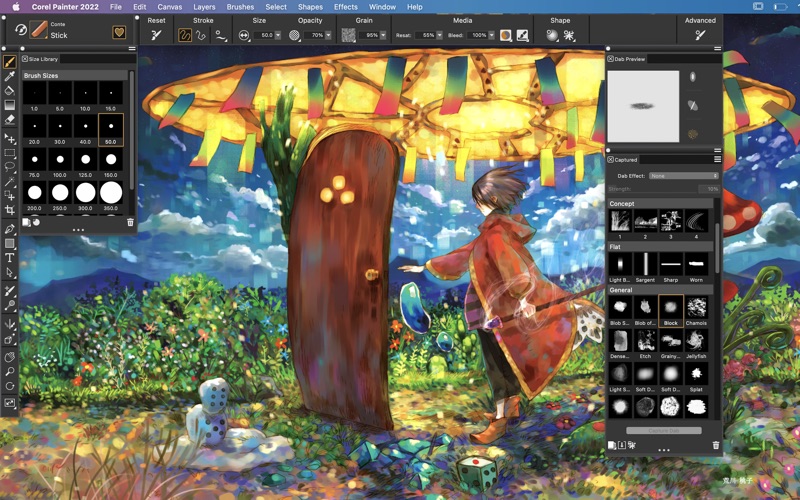
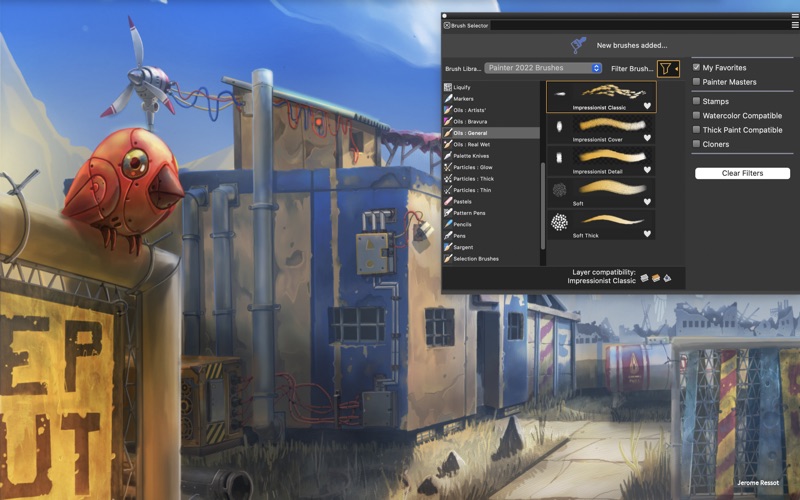
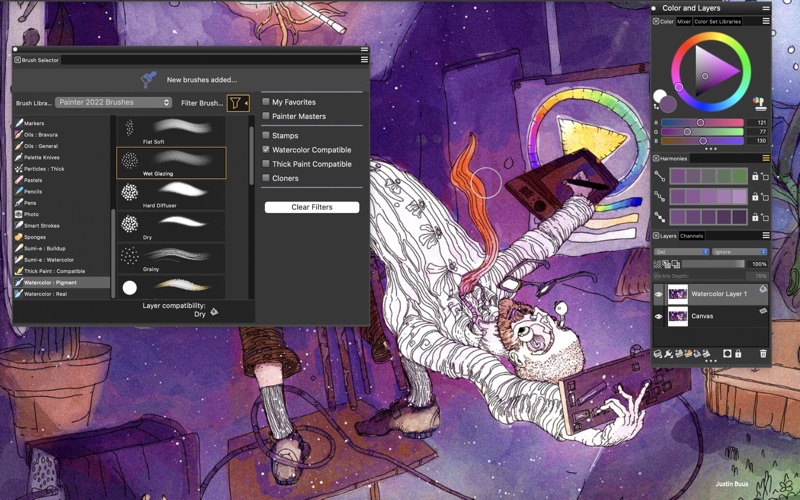
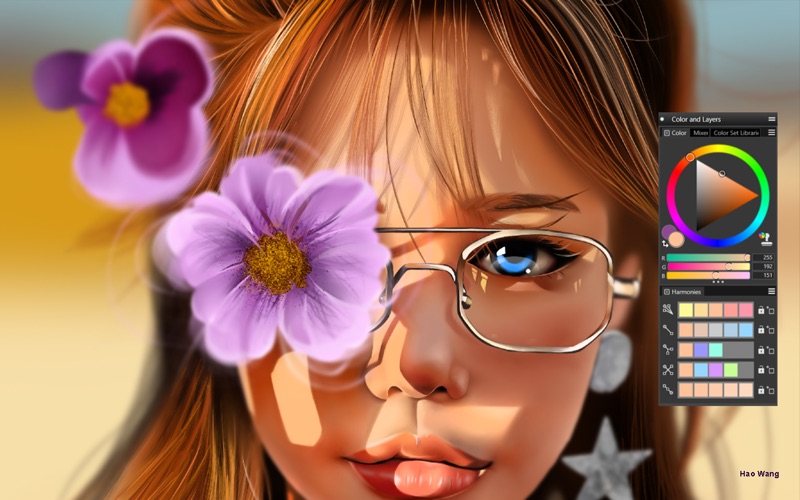
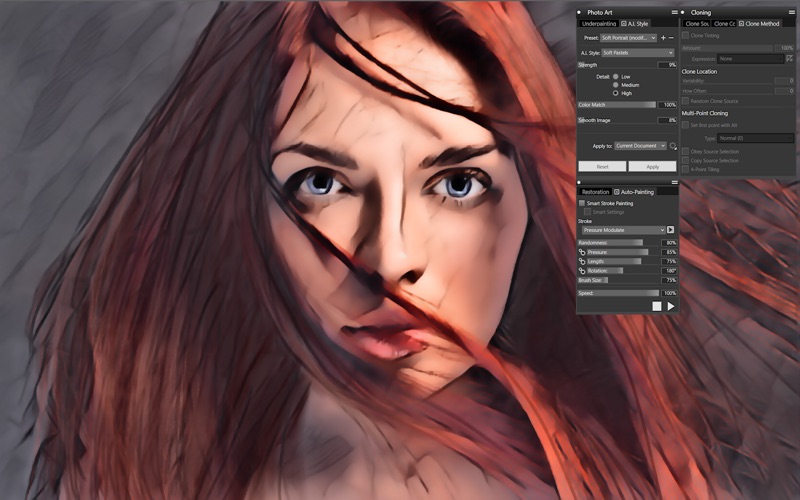
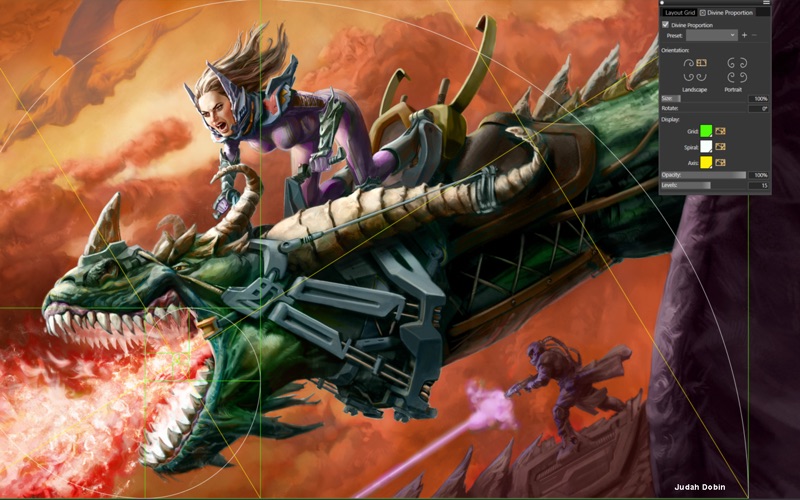
About Corel Painter
The description on the store listing
Sign-up for a subscription and get your FIRST MONTH FREE! Try Painter® - the original, time-tested, digital painting software built by artists, for artists.
Sketch, paint, illustrate and produce unparalleled photo-art with hundreds of realistic artist-created brushes, superior blending, impressive textures, and an array of versatile art tools.
Natural-Media® brushes & exclusive media types
• Hundreds of included brushes to experiment with
• Realistic dry media like chalks, pencils and pastels
• Authentic wet media such as Thick Paint, palette knives, watercolors
• Particles that spring, flow and glow
• Image Hoses, Pattern pens and 2.5D Texture brushes add interesting elements
• …
Read the full description
Sign-up for a subscription and get your FIRST MONTH FREE! Try Painter® - the original, time-tested, digital painting software built by artists, for artists. Sketch, paint, illustrate and produce unparalleled photo-art with hundreds of realistic artist-created brushes, superior blending, impressive textures, and an array of versatile art tools. Natural-Media® brushes & exclusive media types • Hundreds of included brushes to experiment with • Realistic dry media like chalks, pencils and pastels • Authentic wet media such as Thick Paint, palette knives, watercolors • Particles that spring, flow and glow • Image Hoses, Pattern pens and 2.5D Texture brushes add interesting elements • Selection, blending, cloning and F-X brushes • Brush controls at your finger-tips for customization on the fly Performance • Painter’s Brush Accelerator™ applies optimal performance settings based on your CPU and GPU • Now experience brushes up to 4.7X faster when running on the Apple M1 chip! Painter is optimized to run natively on Macs with M1 chip and Intel processors. • Monterey 12 compatible • Most popular brush engines are supported by GPU for faster performance • Manage large brushes and memory-intensive operations at top speed • Tilt and pressure sensitivity with Apple Pencil • Two-finger gesture support on Apple Trackpad for pan / zoom / rotate Intelligent Photo Painting: • Artificial Intelligence Styles to quickly transform images to paintings • Powerful cloning tools • Clone Tinting brushes • SmartStroke™ Auto-painting Customization • Create your own brushes & dabs, import libraries and share with other artists • Adjust how brushes interact with canvas for optimal control • Customize the workspace UI, papers, patterns and textures • Organize media content in Custom Palettes and Palette Drawers Comprehensive Design Tools • Non-destructive layers and composite methods • Symmetry tools include Mirror and Kaleidoscope • Perfect composition with Perspective Guides, Layout Grids and Divine Proportion • Adjust lighting, colors, depth of field or motion blur Color tools • Universal color selection tools • Save Color Harmonies as Color Sets • Mix colors in the artists’ Mixer panel • Sample colors using the Dropper • Paint with clone color and Clone Tinting Compatibility • Save files in PSD and preserve colors and layers when transferring files between Photoshop and Painter. • Save or export to JPEG, PNG, TIFF, GIF, EPS • Support for stylus tilt, rotation, bearing & pressure control while using a drawing tablet Included Content and Learning • Library of included canvas Papers, Flow Maps and Textures that interact with brushes • Helpful tutorials, webinars, videos right in the Welcome Screen • Access Help topics, Hints and Visual Tooltips to learn on the fly
Installs
Apple does not publish download counts. Estimates are in testing.
We publish iOS estimates only after they pass a back-test against real numbers. Chart history below is measured.
Estimated store revenue Estimated Beta
App Store, worldwide, monthly rate from the last 14 chart days to 21 Nov 2026
Below the top 100 grossing apps in the markets we calibrate. In the United States that usually means under about $6.4M a month. App Store purchases and subscriptions only, before Apple's 15 to 30% fee. Ads and web payments are not included.
Ratings
No rating breakdown published for this app.
Recent reviews
Latest public reviews from the store
No reviews in our sample for this app yet.
Top chart positions
Latest App Store chart ranks by country, last 10 days
Not in any tracked top chart in the last 10 days.
Corel Painter history
Release, install milestones, listing and store changes
- First released on the store 14 Jul 2020
Recent versions
Current version 23.0
- Version 23.023 Jun 2022
Create the smoothest strokes with Fluid Paint Gently build up paint, blend, sculpt, glaze, add texture and reflective light easily with Fluid Paint—the innovative new technology that gives you unmatched opacity control and smoothness in your brush strokes. Repaint, edit, and adjust faster with improved selections This update offers a more intuitive selections workflow, by enhancing visibility of selected areas, bringing critical controls forward, and improving most used Selection tools. Select areas based on color with brushes Combine the power of a Magic Wand and the versatility of a Selection Brush to quickly select portions of an image based on color. The new Color Selection gives you complete control as you brush over areas of the same color to create a selection. Then easily change colors, lighting, add textures or effects to the selected area.
Listing keywords
Words and phrases Corel Painter repeats most in its store listing
Top phrases: clone tinting (2), m1 chip (2).
Highlighted words also appear in the title. Counts cover the title, short description and description.
Compliance
What the listing and the app package show
- Store status
- Live
- Upkeep
- No update since 23 Jun 2022
- Age rating
- 4+
Apps like Corel Painter
 AI Cut - Photo Generate & EditBeijing Changhai Internet Technology Co., Ltd.★ 4.1
 Birthday Invitations Makerwilliam leandro aristizabal giraldo★ 4.7
 AI VistaSCIENJOY META TECHNOLOGY LLC★ 2.9
 Logotipo - AI Logo GeneratorMobile Ocean★ 4.02
 Anime AI Maker: DreamtuneLYKOV STUDIO LTD★ 4.34
 DIY Wallpaper Maker DIYScreenEvgenii Fomin★ 4.68
 Vintage Camera - Film FiltersPlane Cubes★ 4.42
 Color Widgets - WallpapersFlying Pigeons LLC★ 4.34
 Artimind - AI Video GeneratorAPERO TECHNOLOGIES GROUP PTE.LTD★ 1.41
Corel Painter: questions and answers
Who makes Corel Painter?
Corel Painter is published by Corel Corporation.
When was Corel Painter last updated?
The latest version (23.0) was released on 23 Jun 2022.
Is Corel Painter free?
Yes. Corel Painter is free to download.
Is Corel Painter still available?
Yes. Corel Painter is live on App Store as of 10 May 2026.
Track Corel Painter and its competitors
Watch any app for new versions, rating drops, chart moves and removals. Free plan, no card.