
- Installs
- —
- Apple does not publish download counts
- Rating
- 4.11
- Ratings
- 72
- 72 reviews
- Version
- 1.16
- Updated 12 Oct 2026
- Released
- 28 Jan 2021
- Tracked since 10 May 2026
- Size
- 134 MB
- Needs 13.0
Screenshots
About iCircuit 3D
The description on the store listing
iCircuit 3D gives you an endless virtual workbench to design, build, and test electronics projects in 3D. It combines the robust real-time, always-on simulation engine of iCircuit with modern 3D rendering and physics on iOS and macOS.
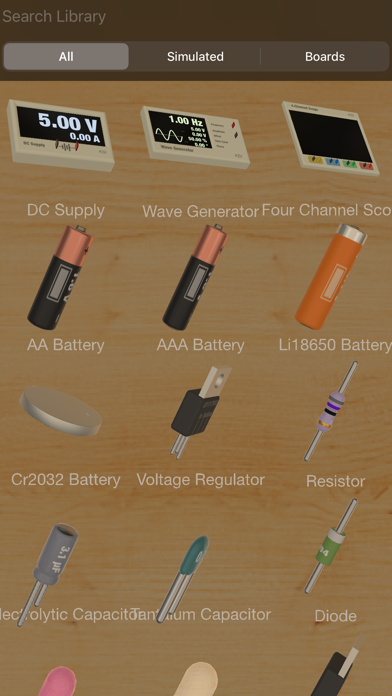
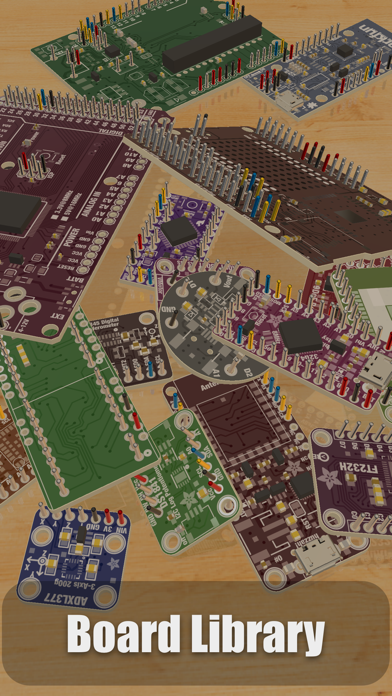
Do not let the availability of physical parts limit your creativity. Choose from an expansive library of 150+ physically and electronically simulated parts and over 1,000 reference boards to plan layouts, wire circuits, test ideas, and iterate fast. It also includes the full standard component library from the original iCircuit, so you can switch between realistic parts and symbolic circuit elements whenever you want.
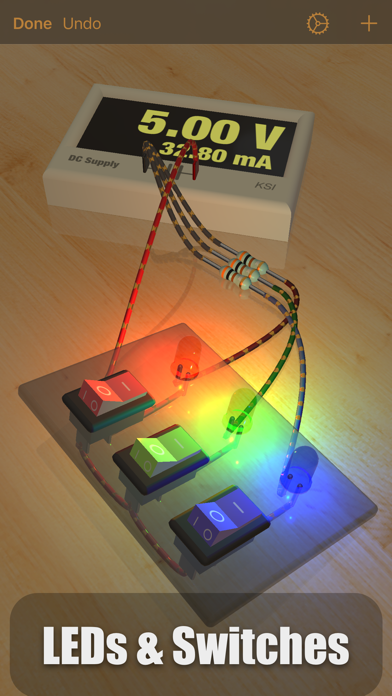
When powered, LEDs light up …
Read the full description
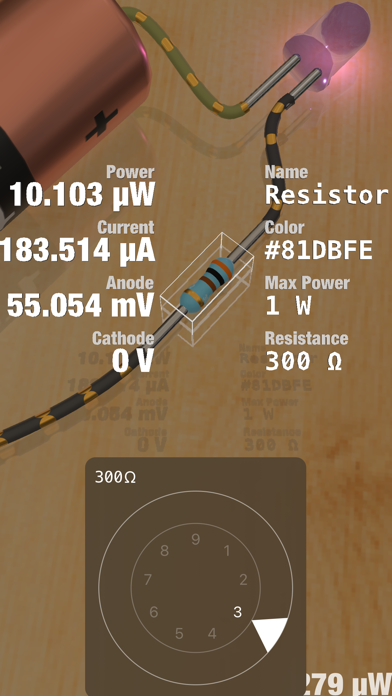
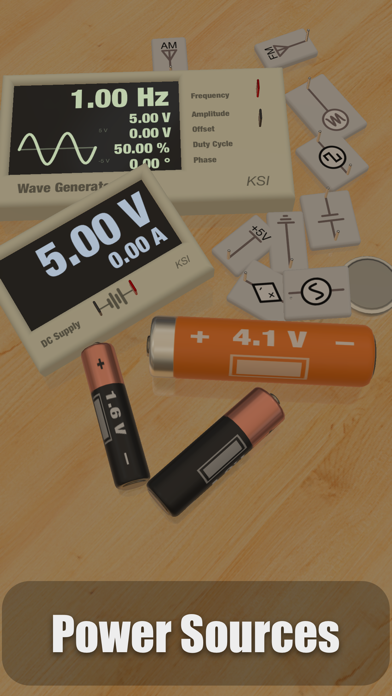
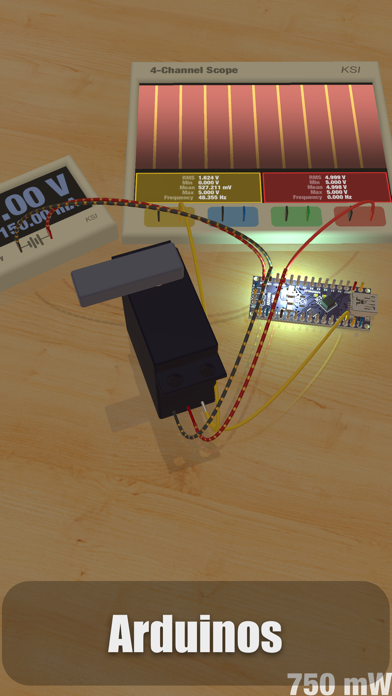
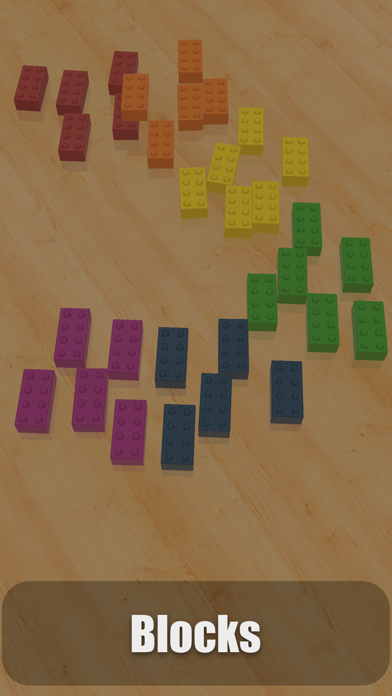
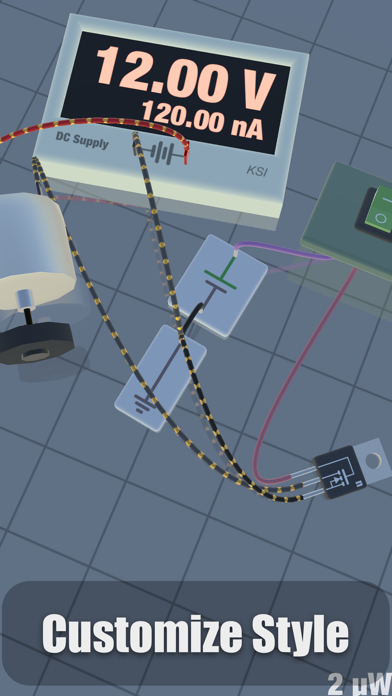
iCircuit 3D gives you an endless virtual workbench to design, build, and test electronics projects in 3D. It combines the robust real-time, always-on simulation engine of iCircuit with modern 3D rendering and physics on iOS and macOS. Do not let the availability of physical parts limit your creativity. Choose from an expansive library of 150+ physically and electronically simulated parts and over 1,000 reference boards to plan layouts, wire circuits, test ideas, and iterate fast. It also includes the full standard component library from the original iCircuit, so you can switch between realistic parts and symbolic circuit elements whenever you want. When powered, LEDs light up realistically, DC motors spin, and speakers make noise. Watch current flow along your simulated wires. See pinouts and color codes directly on components. Tap any part to view live values like voltage and current, then change parameters instantly. If you miswire something or overstress a component, magic smoke will billow from the point of failure so you can quickly diagnose and fix the problem. Add reference photos to the environment, import your own 3D models to mount projects onto, or use Blocks to build enclosures, panels, and simple structures. FEATURES • Tons of resistors, capacitors, and LEDs • Multiple breadboards and wiring elements • Diodes, BJTs, MOSFETs • DC power supplies • Waveform generators (AC, square, sawtooth) • Batteries (AA, AAA, 18650, coin cells, and more) • Switches (SPST, SPDT) • Buzzers and speakers • DC motors and servos • Programmable Arduino elements • The full symbolic iCircuit library (standard components included) • 1,000+ reference circuit boards for layout planning (not fully simulated) • Import board layouts from Eagle (imported layouts are for wiring/layout reference and do not simulate) • Import custom 3D models to attach your projects to, and simulate their behavior on the workbench • Import images for reference or documentation and place them as physical photographs HOW IT WORKS Add parts to the 3D workbench and they land on the table with gravity. Drag parts around, then draw wires between ports to connect them. When a circuit is completed, it starts simulating immediately. Wires stay connected as you move parts, so you can build tidy panels and enclosures, or leave parts scattered like a real bench. iCircuit 3D was designed for fun and exploration, with plenty more to discover as you build. I hope you enjoy this new take on circuit software.
Installs since 29 Aug 2026
Apple does not publish download counts. Estimates are in testing.
Estimated store revenue Estimated Beta
App Store, worldwide, monthly rate from the last 12 chart days to 19 Nov 2026
Below the top 100 grossing apps in the markets we calibrate. In the United States that usually means under about $6.4M a month. App Store purchases and subscriptions only, before Apple's 15 to 30% fee. Ads and web payments are not included.
Ratings
72 ratings, 72 reviews
No rating breakdown published for this app.
Recent reviews
Latest public reviews from the store
No reviews in our sample for this app yet.
Top chart positions
Latest App Store chart ranks by country, last 10 days
Not in any tracked top chart in the last 10 days.
iCircuit 3D history
Release, install milestones, listing and store changes
- First released on the store 28 Jan 2021
Update frequency
How often iCircuit 3D ships a new version, month by month
2 updates in the last 12 months. More often than most similar apps: they shipped a median of 1 updates in the same year.
Recent versions
Current version 1.16
- Version 1.1612 Oct 2026
iCircuit 3D 1.16 brings I2C to your 3D workbench, along with a batch of new parts. I2C SENSORS AND DISPLAYS • SSD1306 OLED display: draw text and graphics from your Arduino sketches with the Adafruit_SSD1306 and Adafruit_GFX libraries • HDC1080 humidity and temperature sensor • MLX90614 IR thermometer • DS1307 and DS3231 real-time clocks • ADS1115 16-bit ADC NEW PARTS • On-Off-On switches • OB2512RN offline PSR power switch • 74138, 74139, 7483, 74107, and 74245 now in the Standard set FIXES • Fixed a crash in net labeling • Simulation accuracy and stability fixes
- Version 1.1528 Feb 2026
This major update brings expanded microcontroller support, and numerous improvements. Thank you for your continued support! Whether you're learning electronics, prototyping professional designs, or just having fun building circuits, we hope v1.15 makes your experience even better.
Listing keywords
Words and phrases iCircuit 3D repeats most in its store listing
Top phrases: icircuit 3d (3), 3d models (2), dc motors (2).
Highlighted words also appear in the title. Counts cover the title, short description and description.
Compliance
What the listing and the app package show
- Store status
- Live
- Upkeep
- Updated 12 Oct 2026
- Age rating
- 4+
Apps like iCircuit 3D
 Lenape Regional HSDLenape Regional High School District★ 2.44
 Aprender a leer 1 con GrinEducaplanet S.L.★ 4.62
 考满分词汇-雅思:雅思听力阅读词汇备考AppBeijing Ying He You Shi Technology Limited Liability Company★ 4.82
 Multiplication Game Math LiteMaria Dolores Garcia Ferre★ 3.6
 Dinosaur World - DinosaursBABYBUS CO.,LTD★ 3.93
 Take Your MoneyNET Sigma★ 4.02
 Oregon CDL Permit PracticeS Mehta★ 4.64
 Plant Identification - PlantADManh Tran★ 4.27
 Learn Turkish Language OnlineAndrii Oliinyk★ 4.62
iCircuit 3D: questions and answers
Who makes iCircuit 3D?
iCircuit 3D is published by Krueger Systems, Inc..
When was iCircuit 3D last updated?
The latest version (1.16) was released on 12 Oct 2026.
Is iCircuit 3D free?
No. iCircuit 3D is a paid app priced at $12.99.
Is iCircuit 3D still available?
Yes. iCircuit 3D is live on App Store as of 14 Nov 2026.
Track iCircuit 3D and its competitors
Watch any app for new versions, rating drops, chart moves and removals. Free plan, no card.