
- Installs
- —
- Apple does not publish download counts
- Rating
- 4.13
- Ratings
- 215
- 215 reviews
- Version
- 12.0
- Updated 6 Nov 2025
- Released
- 6 Jul 2012
- Tracked since 10 May 2026
- Size
- 68 MB
- Needs 15.0
Screenshots
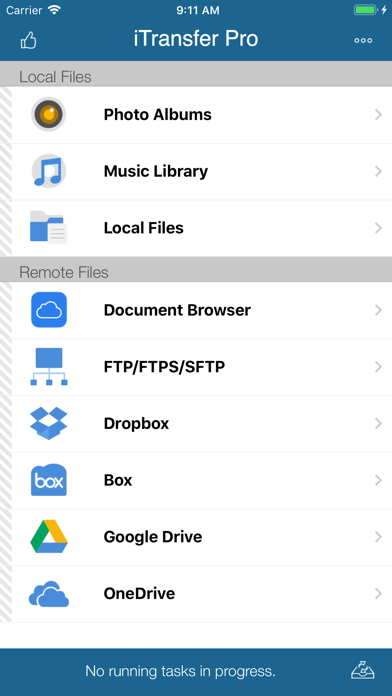


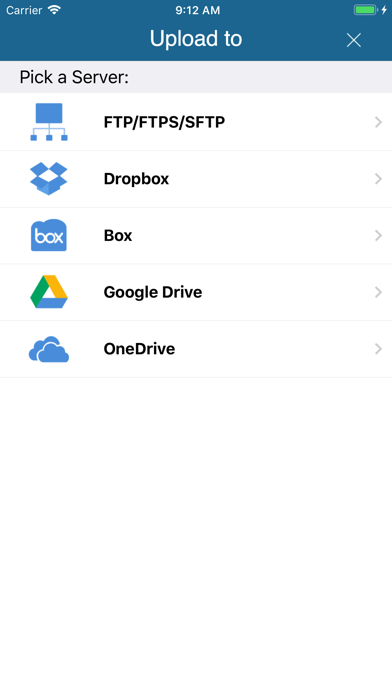
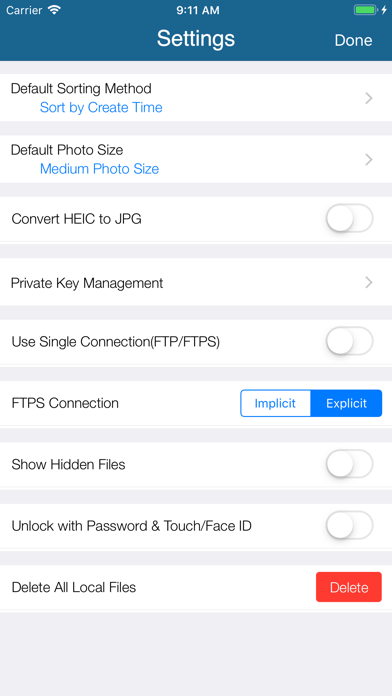
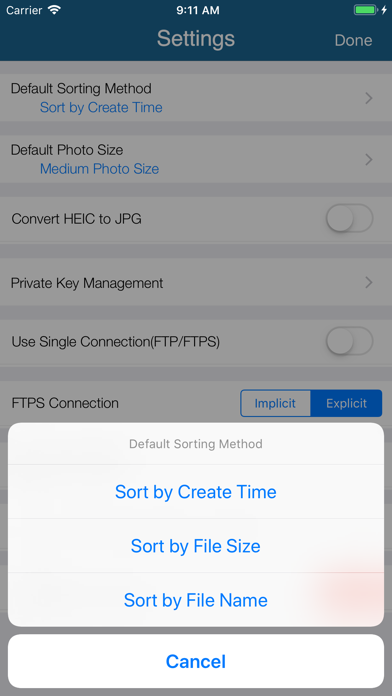

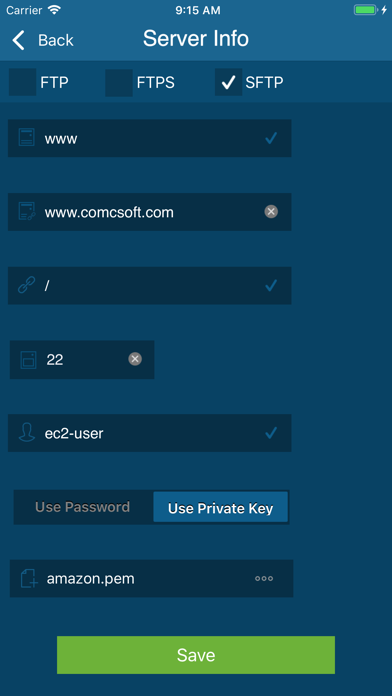
About iTransfer - File Transfer Tool
The description on the store listing
No. 1 App for file upload/download on iPhone/iPad! Most secure file download/upload tool for business and professional users.
Supported features include:
1. Download files from your iCloud Drive. Save local files to iCloud Drive.
2. Upload/download files to/from FTP/SFTP/FTPS servers.
3. Upload/download files to/from DropBox, Box, OneDrive, and GoogleDrive.
4. Support both user name/password and Private Key authentication for SFTP. Support both PPK and PEM keys. Support importing keys from/exporting keys to iCloud Drive under iTransfer/keys folder.
5. Email files.
6. Manage files, including adding a folder, searching, renaming, moving or deleting files.
7. View supported files, …
Read the full description
No. 1 App for file upload/download on iPhone/iPad! Most secure file download/upload tool for business and professional users. Supported features include: 1. Download files from your iCloud Drive. Save local files to iCloud Drive. 2. Upload/download files to/from FTP/SFTP/FTPS servers. 3. Upload/download files to/from DropBox, Box, OneDrive, and GoogleDrive. 4. Support both user name/password and Private Key authentication for SFTP. Support both PPK and PEM keys. Support importing keys from/exporting keys to iCloud Drive under iTransfer/keys folder. 5. Email files. 6. Manage files, including adding a folder, searching, renaming, moving or deleting files. 7. View supported files, including: PDF, DOC, EXCEL, PPT, image files, TXT, etc. 8. Open files using other Apps through “Open in”. 9. Play photo slideshows. 10. Support launching with a password. 11. Print documents. 12. Share photos on Facebook, Twitter and Weibo. With its simple interfaces, iTransfer provides the easiest way to transfer files on iPhone and iPad. If you have any questions, please visit: http://www.comcsoft.com/Portfolio/our_apps/iTransfer/iTransfer_overview.php.
Installs since 29 Aug 2026
Apple does not publish download counts. Estimates are in testing.
Estimated store revenue Estimated Beta
App Store, worldwide, monthly rate from the last 13 chart days to 20 Nov 2026
Below the top 100 grossing apps in the markets we calibrate. In the United States that usually means under about $6.4M a month. App Store purchases and subscriptions only, before Apple's 15 to 30% fee. Ads and web payments are not included.
Ratings
215 ratings, 215 reviews
No rating breakdown published for this app.
Recent reviews
Latest public reviews from the store
- 7 Apr 2021
Amazing
After searching high and low this was the only FTP app I could find that would let me export whatever local file I want off my phone to the target device. Cant believe how many apps only let me make text files or only export photos.
- 21 Jan 2021
This Webmaven
Says I can’t give it 10 stars because Apple won’t let me but that’s ok. I can review it twice! A great layout, does what it says,and connects every time! How can you argue with that!?!
What reviewers bring up
Topics mentioned in the latest 8 reviews, by how many reviews mention them
Liked in good reviews (2 reviews)
- let 2
Raised in bad reviews (6 reviews)
- files 3
- download 2
- another 2
- wasting 2
- server 2
- where 2
- same 2
- find 2
Top chart positions
Latest App Store chart ranks by country, last 10 days
Not in any tracked top chart in the last 10 days.
iTransfer - File Transfer Tool history
Release, install milestones, listing and store changes
- First released on the store 6 Jul 2012
Update frequency
How often iTransfer - File Transfer Tool ships a new version, month by month
0 updates in the last 12 months. Less often than most similar apps: they shipped a median of 1 updates in the same year.
Recent versions
Current version 12.0
- Version 12.06 Nov 2025
1. Updated for iOS/iPadOS 26. 2. Bug fixes and performance improvements.
Listing keywords
Words and phrases iTransfer - File Transfer Tool repeats most in its store listing
Top phrases: download files (3), icloud drive (3), upload download (3), upload download files (2), files including (2).
Highlighted words also appear in the title. Counts cover the title, short description and description.
Compliance
What the listing and the app package show
- Store status
- Live
- Upkeep
- Updated 6 Nov 2025
- Age rating
- 4+
Apps like iTransfer - File Transfer Tool
 Decora Digital Dimmer & TimerLeviton Manufacturing Co. Inc.★ 1.7
 VPN Freedom - Unlimited ProxyMobile Cosmos, LLC★ 4.61
 DS camSynology Inc.★ 3.0
 ScheduledDaytadashi atoji★ 4.66
 MyLotteryDal Rupnik★ 4.21
 Anti Cam: Find Hidden Device章松 张★ 4.56
 Coin Flip - Toss Tiny Decision佳成 姚★ 4.54
 Booster - Clean up StorageArc Global★ 4.38
 NetShadeRayner Software LLC★ 4.55
iTransfer - File Transfer Tool: questions and answers
Who makes iTransfer - File Transfer Tool?
iTransfer - File Transfer Tool is published by ComcSoft Corporation.
When was iTransfer - File Transfer Tool last updated?
The latest version (12.0) was released on 6 Nov 2025.
Is iTransfer - File Transfer Tool free?
Yes. iTransfer - File Transfer Tool is free to download.
Is iTransfer - File Transfer Tool still available?
Yes. iTransfer - File Transfer Tool is live on App Store as of 14 Nov 2026.
Track iTransfer - File Transfer Tool and its competitors
Watch any app for new versions, rating drops, chart moves and removals. Free plan, no card.