
- Installs
- —
- Apple does not publish download counts
- Rating
- —
- Ratings
- —
- Version
- 6.0
- Updated 21 Jan 2026
- Released
- 23 Jul 2013
- Tracked since 10 May 2026
- Size
- 5 MB
- Needs 11.5
Screenshots

About XPSView
The description on the store listing
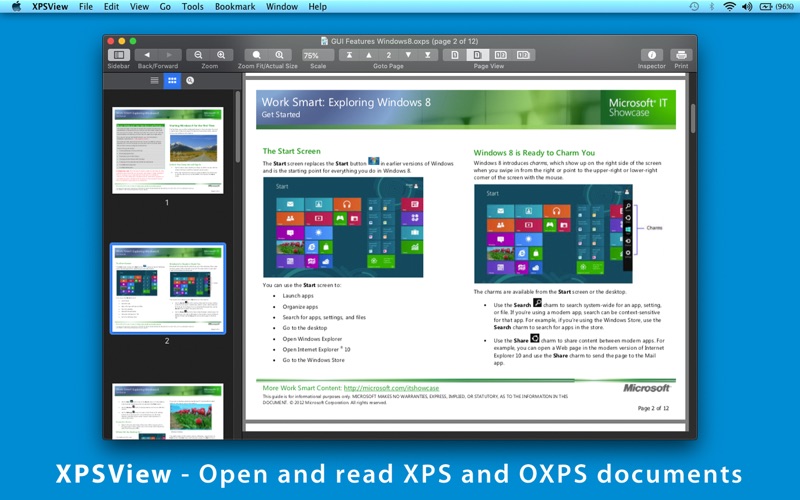
◆ Easy reading page view options. Single page and double page view with optional continuous reading.
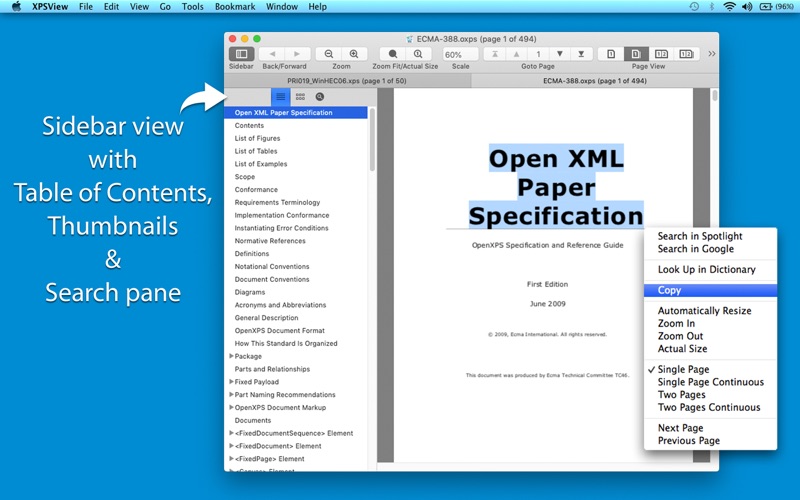
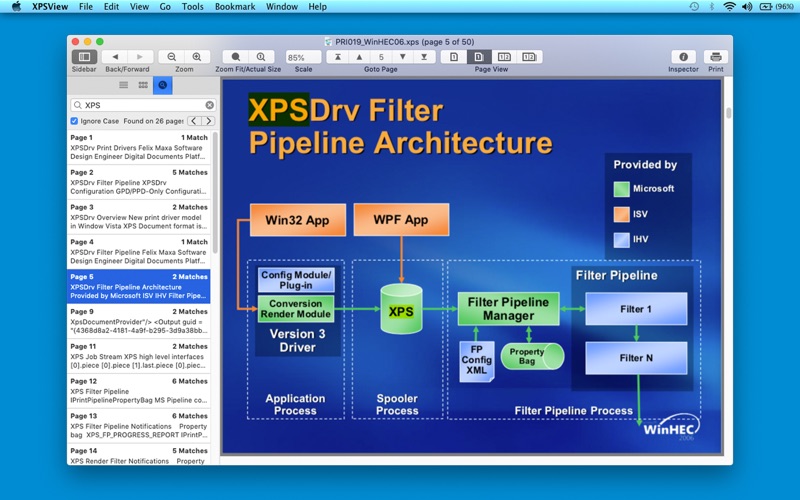
◆ Fully selectable and searchable text contents. Can copy to clipboard.
◆ Bigger and smaller page view using ZoomIn, ZoomOut, Actual Size and Fit to Zoom controls.
◆ Add and manage bookmarks for future reading.
◆ Grouped by files, Group by tags and recent bookmark list for easy and faster access in future.
◆ Maintains reading history. Go to Back and Forward reading page.
◆ Very flexible page navigation controls for easy traverse into open document.
◆ Converts XPS/OXPS files into PDF, JPG, JPEG2000, PNG, TIFF, Multi-Page TIFF, BMP and Plain Text formats.
◆ Extracts raster images …
Read the full description
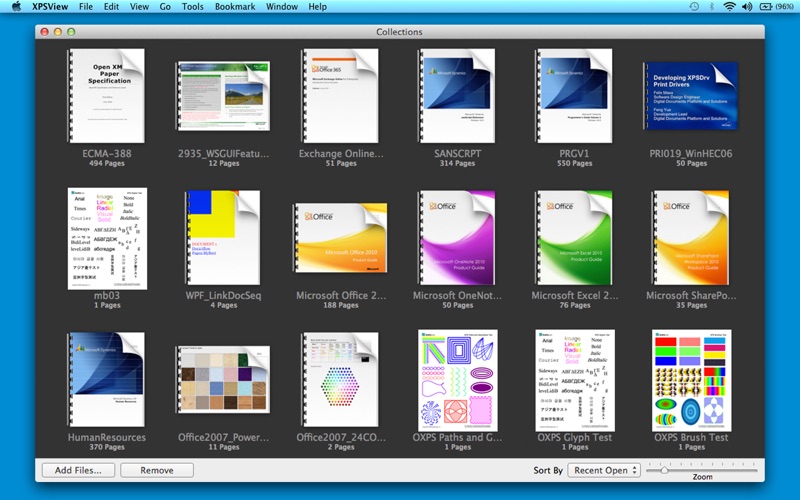
◆ Easy reading page view options. Single page and double page view with optional continuous reading. ◆ Fully selectable and searchable text contents. Can copy to clipboard. ◆ Bigger and smaller page view using ZoomIn, ZoomOut, Actual Size and Fit to Zoom controls. ◆ Add and manage bookmarks for future reading. ◆ Grouped by files, Group by tags and recent bookmark list for easy and faster access in future. ◆ Maintains reading history. Go to Back and Forward reading page. ◆ Very flexible page navigation controls for easy traverse into open document. ◆ Converts XPS/OXPS files into PDF, JPG, JPEG2000, PNG, TIFF, Multi-Page TIFF, BMP and Plain Text formats. ◆ Extracts raster images from XPS/OXPS files as JPG, JPEG2000, PNG, TIFF, BMP. ◆ XPS/OXPS document inspector to show general information. ◆ Print XPS/OXPS document. ◆ Bookshelf Collections to manage set of recently open and added XPS/OXPS files. XPS/OXPS to PDF CONVERSION FEATURES: ◆ Converts XPS to fully vector-PDF documents. Preserves text, vector graphics and raster images as editable PDF contents. ◆ Preserves Bookmarks (Outline). ◆ Preserves XPS internal and external topic hyperlinks into PDF. It automatically maintains XPS topic and page navigation links into PDF compatible annotations. ◆ Supports PDF conversion using JPEG, JPEG2000 and Flate image compression methods. Can set compression quality. ◆ Preserves metadata properties. XPS/OXPS to IMAGE CONVERSION/EXTRACTION FEATURES: ◆ Options to choose from Destination Image Types, JPEG image Quality, Image Resolution and Page Range. ◆ JPEG quality control. Set JPEG quality from lossless to least for JPEG and JPEG2000 image format. It allows you to control output image size and viewing quality. ◆ Option to convert to specified image resolution. Resolution supported for XPS to Image conversion only. Extracted images preserves original resolution of XPS documents. XPS/OXPS to TEXT CONVERSION FEATURES: ◆ Plain text conversion option to choose from UTF8 and UTF16. You can refer User Manual from menu "Help -> XPSView Help" for any assistance Or Contact Support. Privacy Policy: http://rootrisetech.com/xpsview-privacy-policy Terms of Use(EULA): https://www.apple.com/legal/internet-services/itunes/dev/stdeula/
Installs
Apple does not publish download counts. Estimates are in testing.
We publish iOS estimates only after they pass a back-test against real numbers. Chart history below is measured.
Estimated store revenue Estimated Beta
App Store, worldwide, monthly rate from the last 12 chart days to 19 Nov 2026
Below the top 100 grossing apps in the markets we calibrate. In the United States that usually means under about $6.4M a month. App Store purchases and subscriptions only, before Apple's 15 to 30% fee. Ads and web payments are not included.
Ratings
No rating breakdown published for this app.
Recent reviews
Latest public reviews from the store
No reviews in our sample for this app yet.
Top chart positions
Latest App Store chart ranks by country, last 10 days
Not in any tracked top chart in the last 10 days.
XPSView history
Release, install milestones, listing and store changes
- First released on the store 23 Jul 2013
Update frequency
How often XPSView ships a new version, month by month
1 updates in the last 12 months. More often than most similar apps: they shipped a median of 0 updates in the same year.
Recent versions
Current version 6.0
- Version 6.021 Jan 2026
- Bug fixes and UI improvements to streamline with latest iOS. We are thankful to all users for their valuable feedback :)
Listing keywords
Words and phrases XPSView repeats most in its store listing
Top phrases: xps oxps (8), xps oxps files (3), oxps files (3), page view (3), jpeg2000 png tiff (2).
Highlighted words also appear in the title. Counts cover the title, short description and description.
Compliance
What the listing and the app package show
- Store status
- Live
- Upkeep
- Updated 21 Jan 2026
- Age rating
- 4+
Apps like XPSView
 Super VPN: Fast Private ProxyGeek Incorporated★ 4.4
 Hubtel RetailerHubtel Limited★ 4.32
 Monthly Calendar 2022 - CalistOmoboto LLC★ 4.38
 Firstly: To-Do List & PlannerfocusCove LLC★ 4.7
 CBUS 311City of Columbus, Ohio★ 1.8
 Themes for Powerpoint - DesiGNGraphic Node★ 4.22
 iSiloDC & Co.★ 3.82
 Flashlight Pro [Multipurpose LED light]KAVAPOINT★ 3.88
 WiPryOscium LLC★ 2.68
XPSView: questions and answers
Who makes XPSView?
XPSView is published by RootRise Technologies Pvt. Ltd..
When was XPSView last updated?
The latest version (6.0) was released on 21 Jan 2026.
Is XPSView free?
No. XPSView is a paid app.
Is XPSView still available?
Yes. XPSView is live on App Store as of 10 May 2026.
Track XPSView and its competitors
Watch any app for new versions, rating drops, chart moves and removals. Free plan, no card.